Other

Matt Barker
Last updated: 12 Mar 2024
Writing content can be a stressful experience. Until now, AI wasn’t readily available so I didn’t have MagicPost. If I were starting again now, MagicPost would have saved me A LOT of stress and time.
Matt's tutorial consists of 5+1 steps:
1. Get 6 instantly generated content ideas
2. Skip the umming and ahhing over what to write
3. Choose your style of post you want help with
4. Drop in templates to write even faster
5. Spend 20% getting the outline of the post
6. Spend 80% tweaking, editing, and scheduling
1. Create your theme
Open MagicPost and go to 'Ideas'.
Then click 'Add a Theme +'.
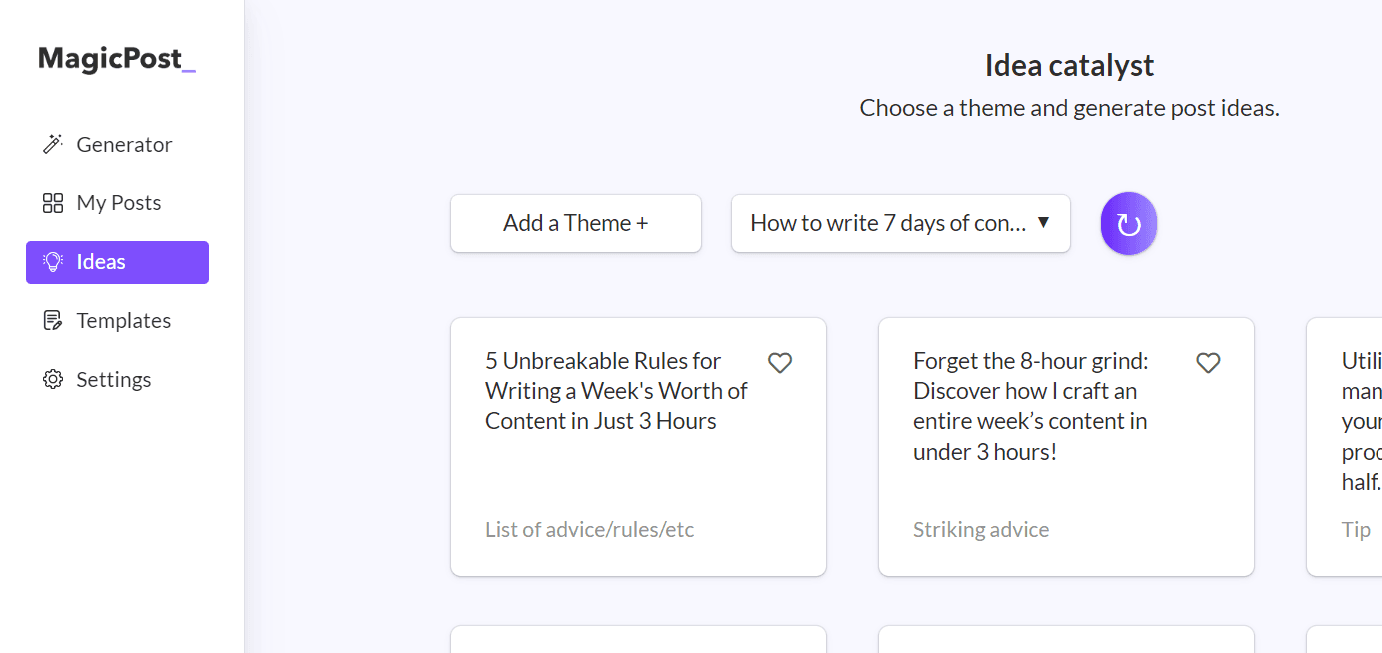
Enter your rough idea (theme).
And hit 'Generate ideas'.
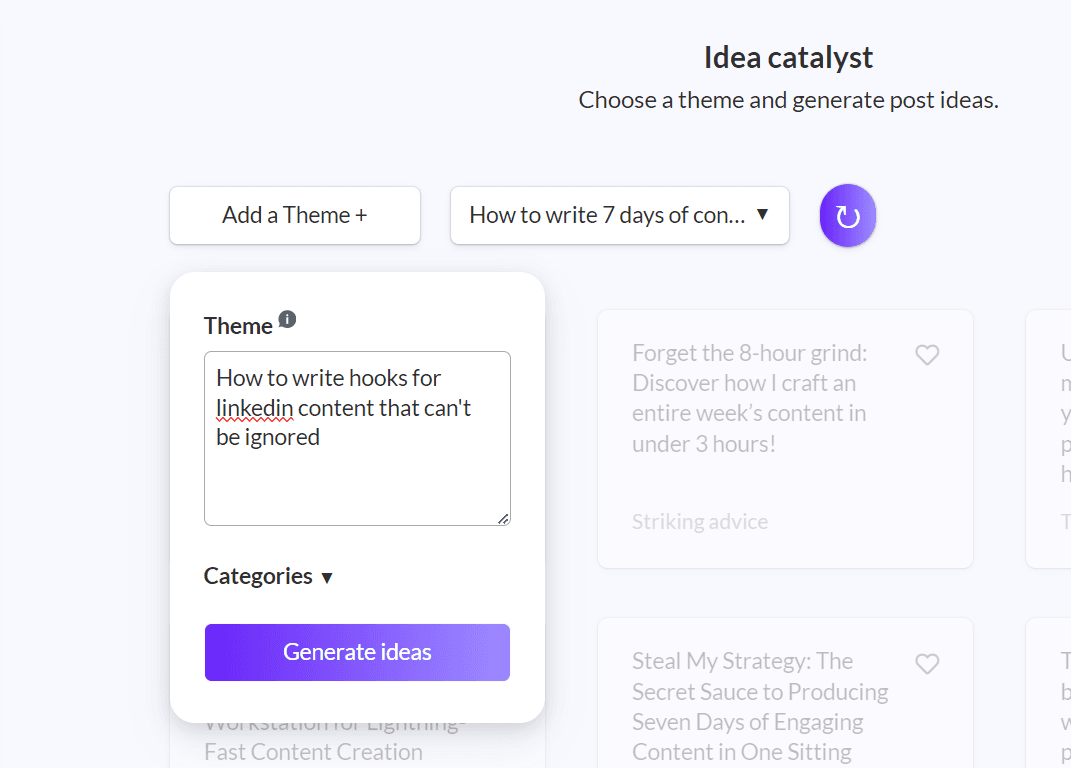
Now, I have 6 potential ideas.
2. Pick an idea
It doesn’t have to be perfect.
You’re just looking for something that ‘feels’ comfortable to write about.
Choose what ‘feels’ best for your style.
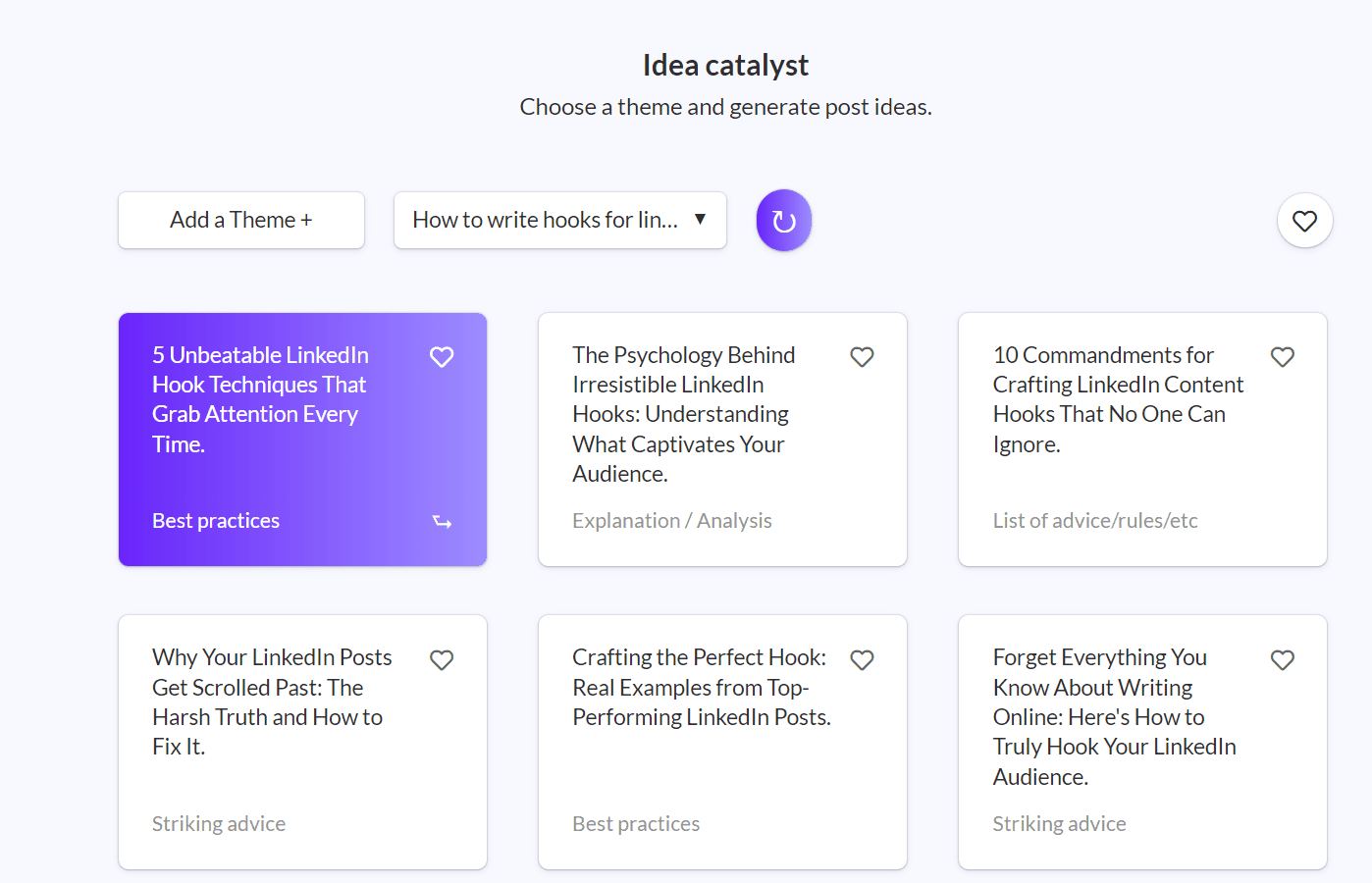
Select your post type.
I prefer actionable content the most.
So, let’s go.
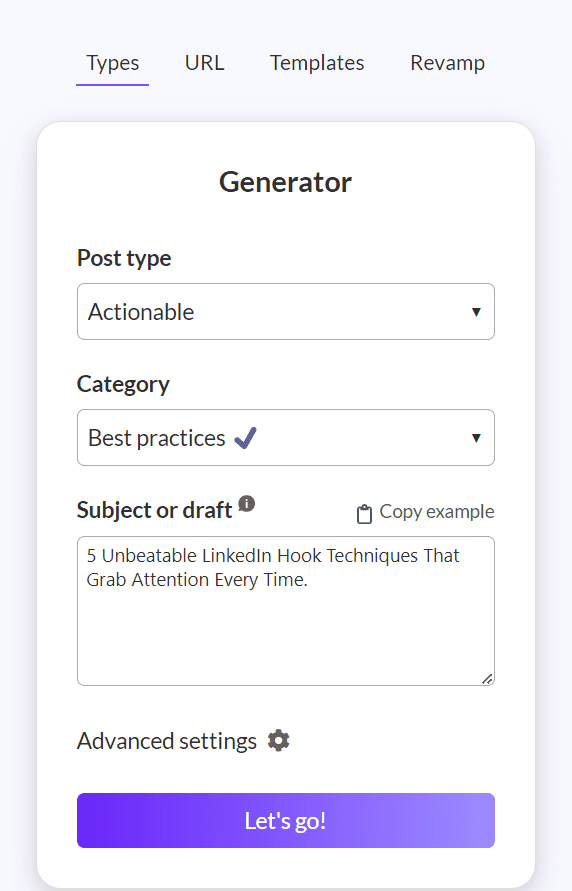
3. Generate the post
You want to stop staring at that blank page as soon as possible.
Now you have a starting post to work from.
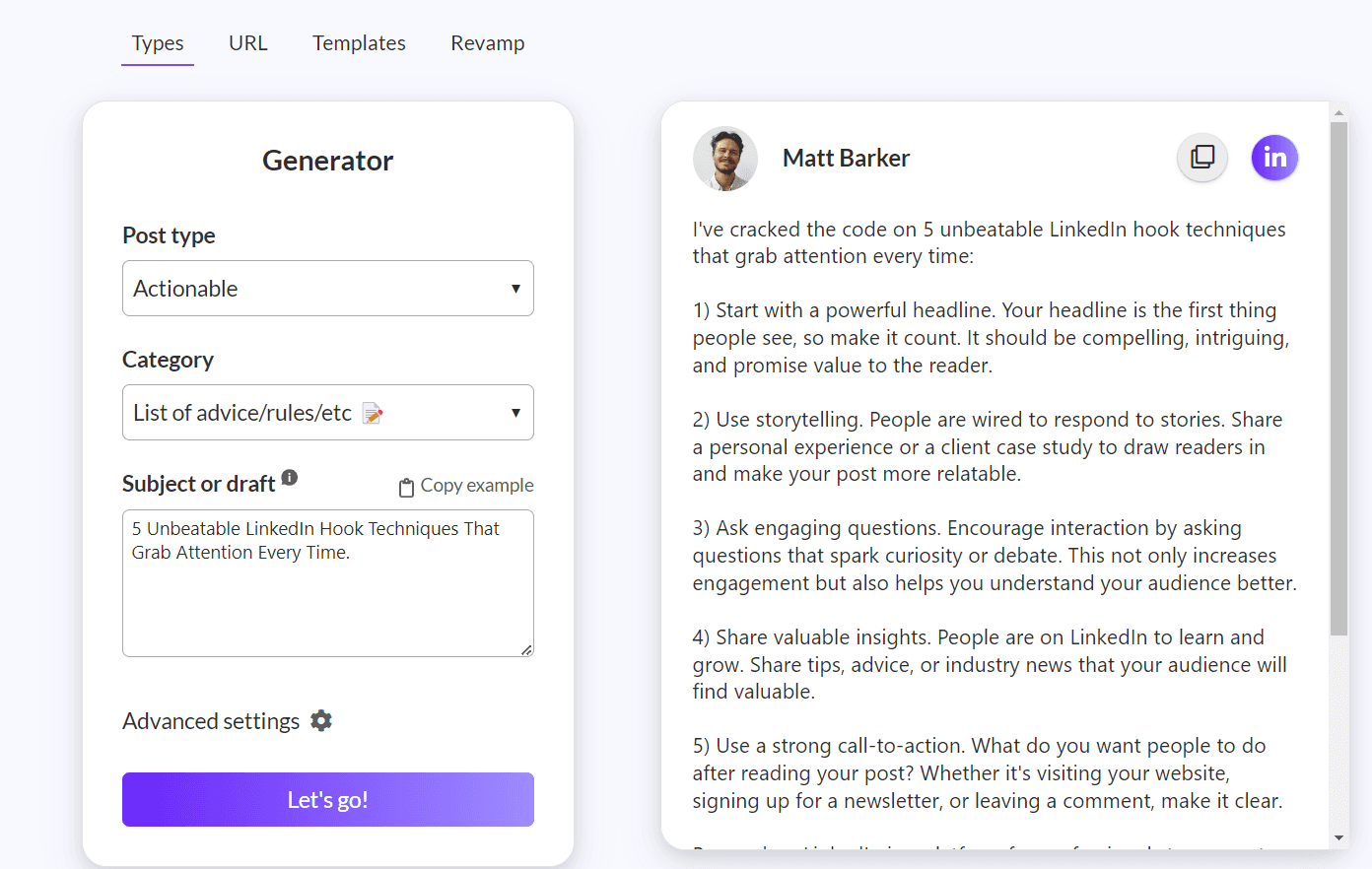
We’re not done yet.
You could copy, paste, and schedule.
But you want to make it ‘you’.
You want to put your stamp on it.
Remember: this is a starting point so you’re not just staring at that blank page.
It’s not the finished LinkedIn post.
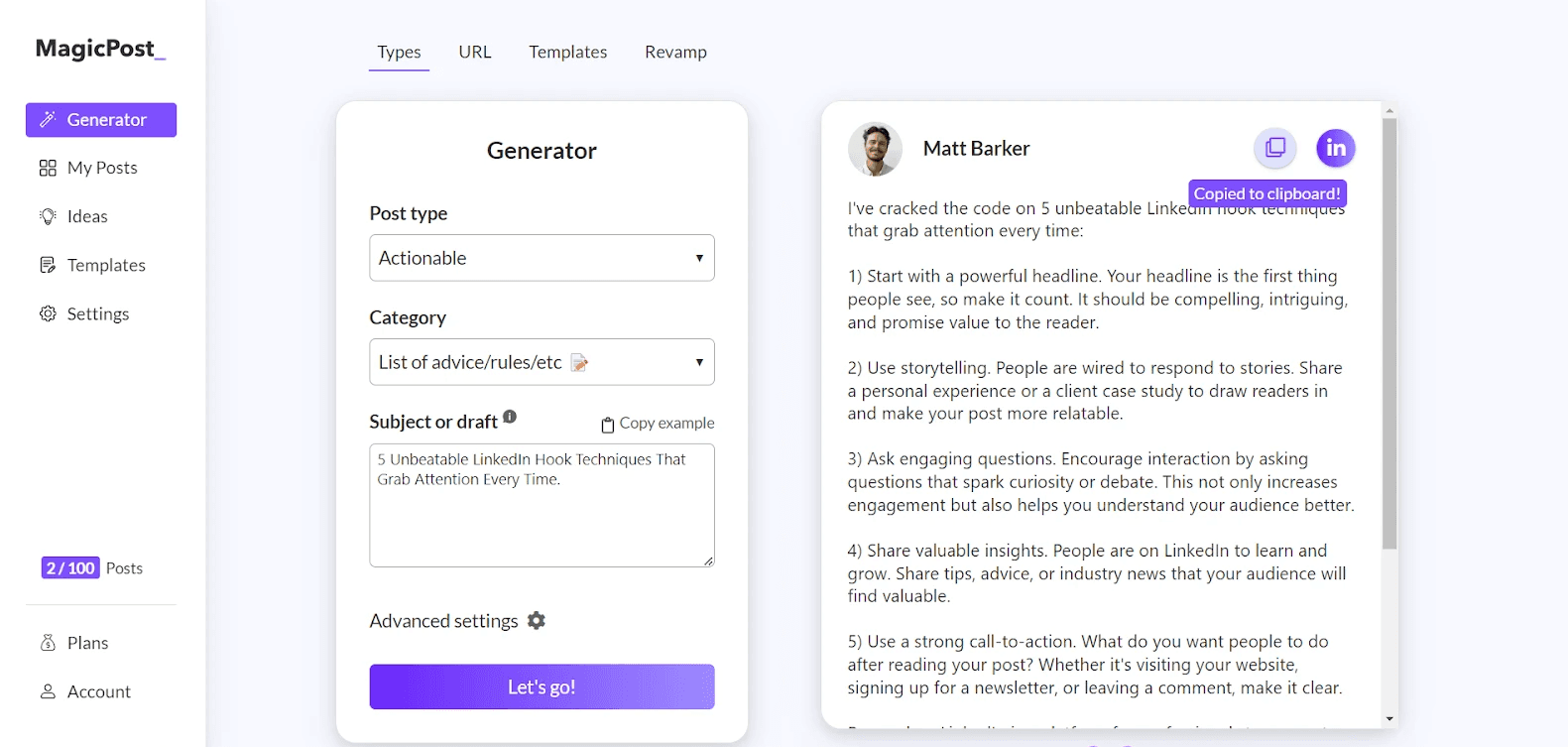
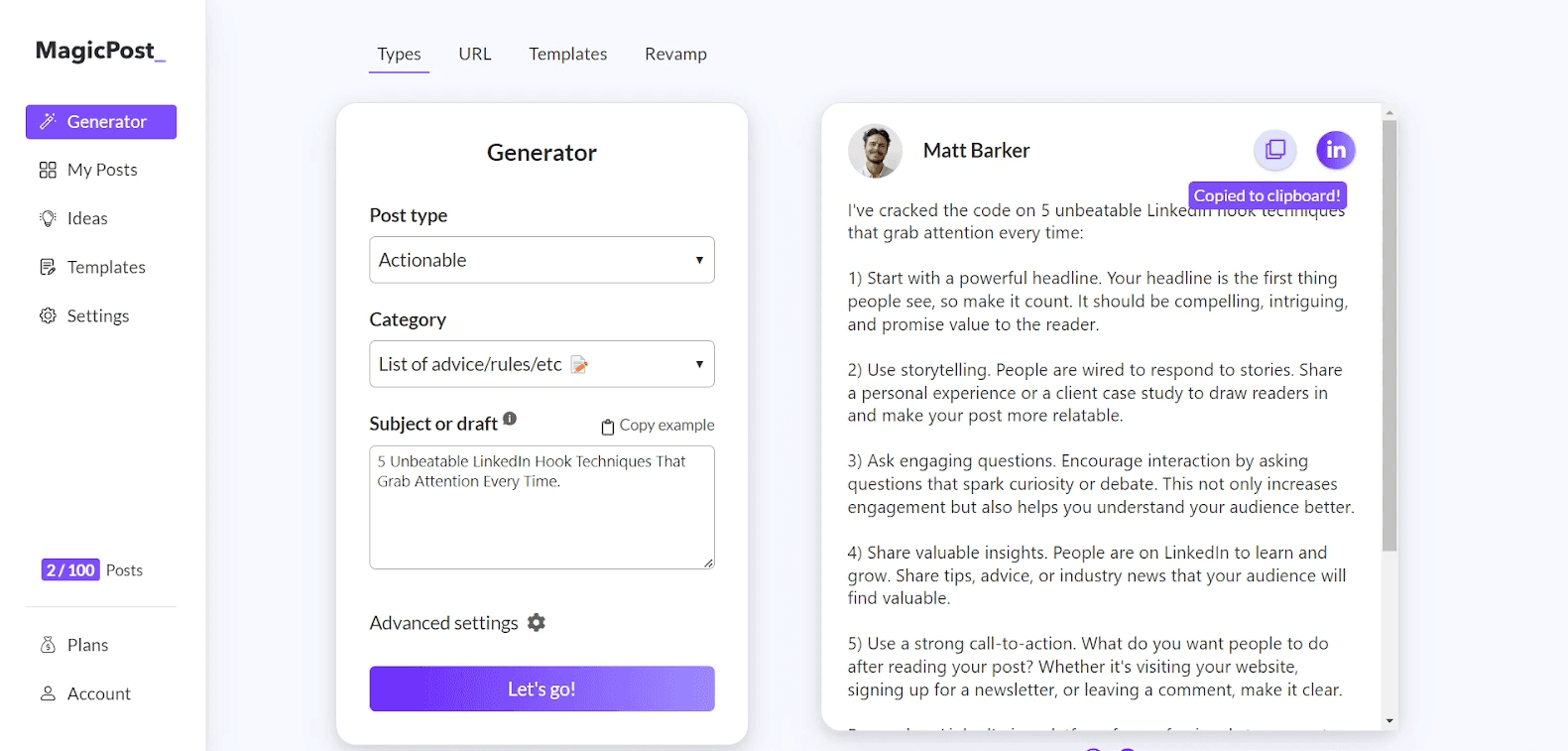
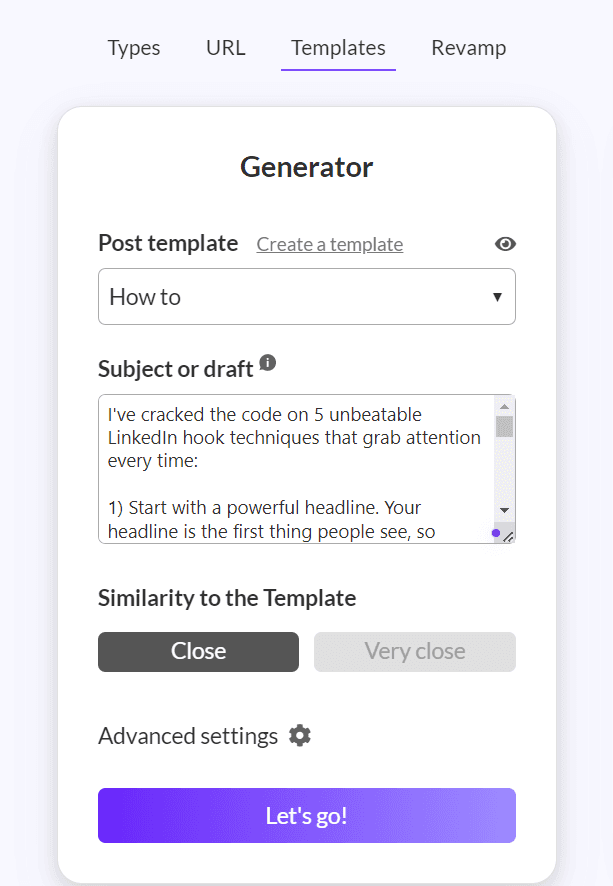

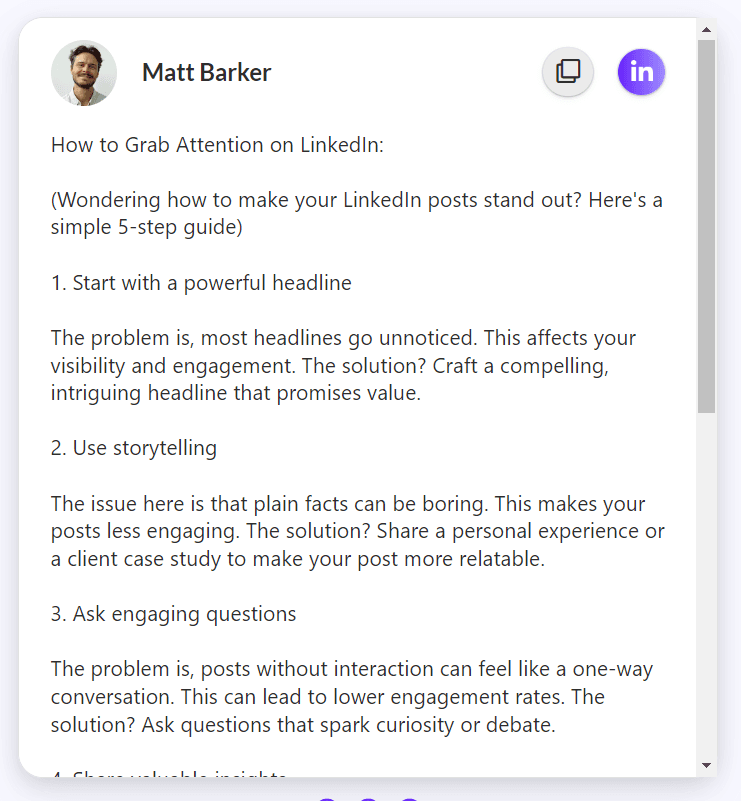
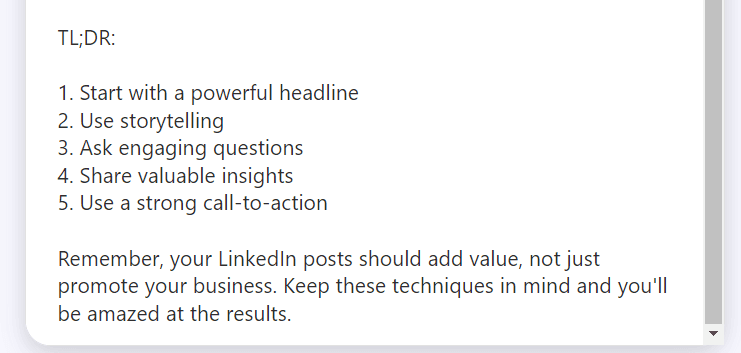
BONUS: Here’s the template I used, feel free to utilize it:
How to {desired outcome}:
({create curiosity, make it sound simple})
1. {action}
{highlight the problem}. {explain why it affects their daily life}. {state the solution in a very simple way}
2. {action}
{highlight the problem}. {explain why it affects their daily life}. {state the solution in a very simple way}
3. {action}
{highlight the problem}. {explain why it affects their daily life}. {state the solution in a very simple way}
4. {action}
{highlight the problem}. {explain why it affects their daily life}. {state the solution in a very simple way}
5. {action}
{highlight the problem}. {explain why it affects their daily life}. {state the solution in a very simple way}
TL;DR:
1. {match action as above}
2. {match action as above}
3. {match action as above}
4. {match action as above}
5. {match action as above}
{short, motivational sentence to reader}
5. Tweak, edit and post
Now you have a post that fits your structure/style of content.
I repeat, do not copy and paste. Take the post as your starting point.
Use the LinkedIn post previewer.
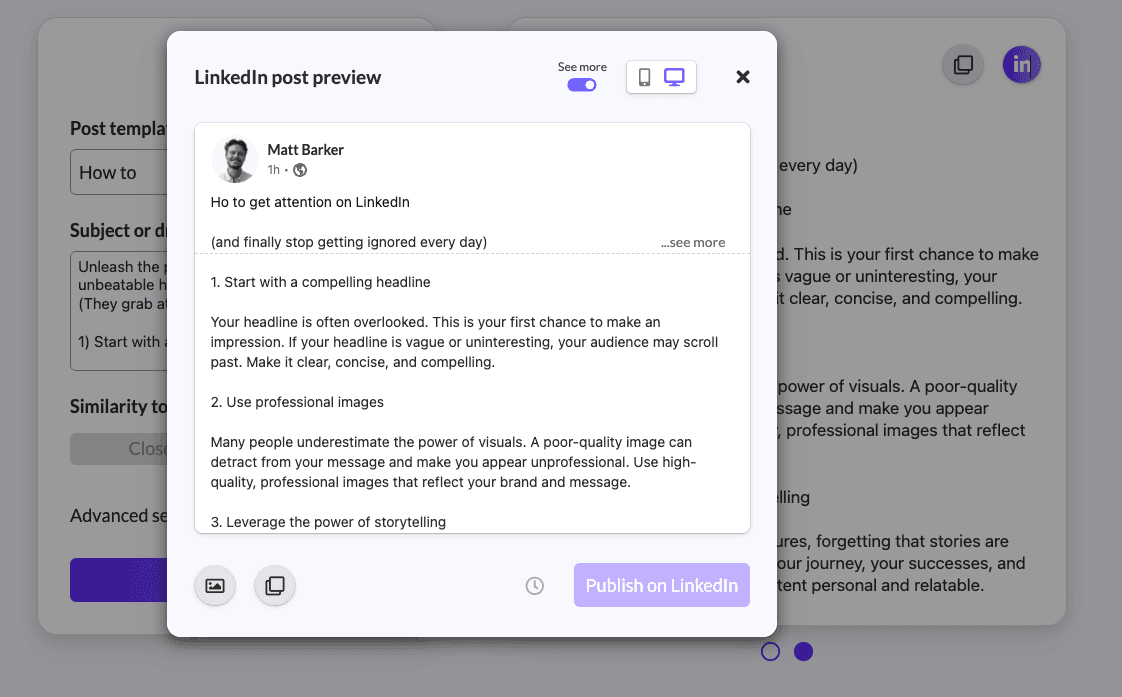
Tweak the hook to your style of writing.

Edit the subheaders + body.

Make your CTA more concise.

Then when you are happy, hit post!
Try MagicPost for free
Writing content can be a stressful experience.
When I first started writing online 2 years ago, I’d sit on my phone for a long time thinking of what to write on the spot.
Back then, AI wasn’t readily available, so I didn’t have MagicPost.
If I were starting again now, MagicPost would’ve saved me a lot of stress and time.
Go try it for free.