Reseñas de herramientas

Camelia Khadraoui
Última actualización: 28 ene 2026
It can be tough to post on LinkedIn regularly, especially if you’re not sure what to say or find it hard to keep up. There’s always pressure to share something useful and genuine.
That’s why many people turn to AI tools, especially when they’re busy or want to avoid sounding too generic or awkward.
One of these tools is Stanley.
What is Stanley?
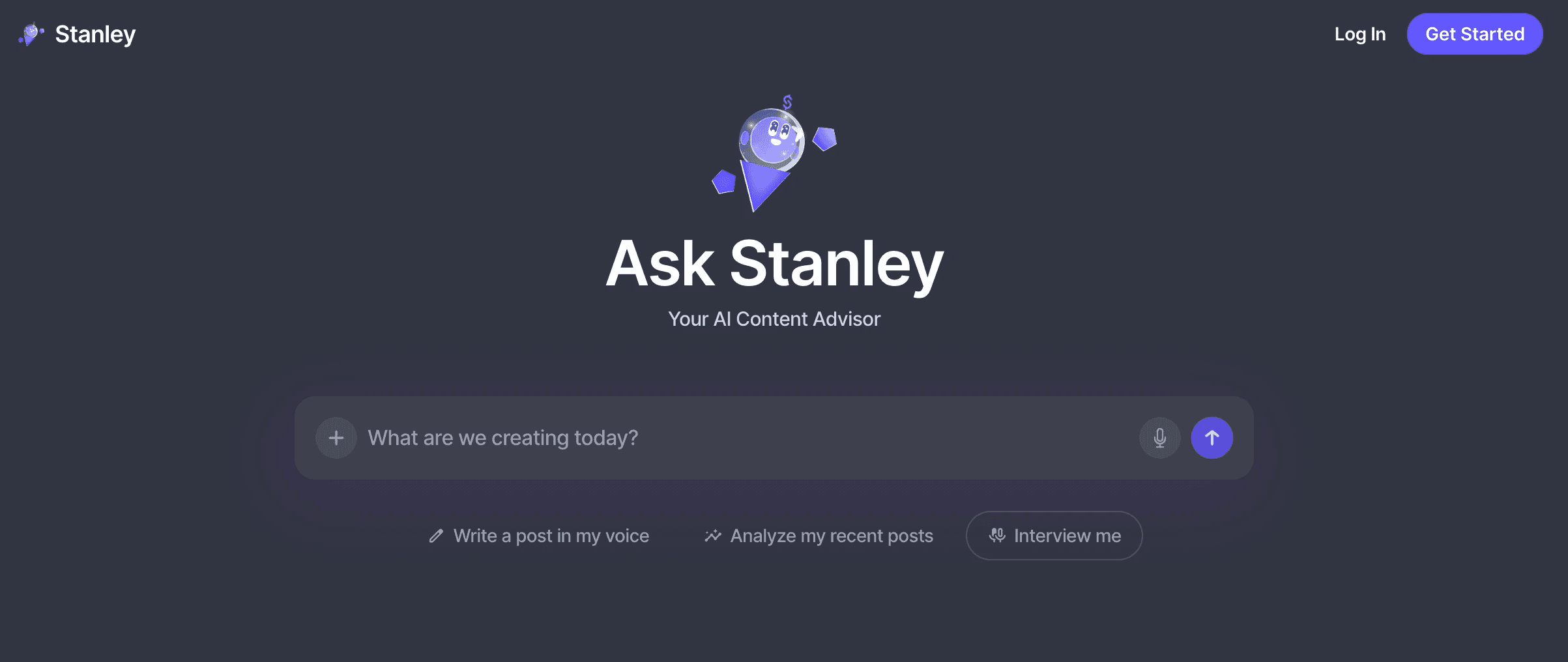
Stanley is an AI-powered content and growth assistant made for creators, especially those on platforms like Instagram and reportedly LinkedIn.
It helps you plan, write, and grow your audience more effectively. Stanley acts as a personal strategist, coach, and creative assistant, and is part of the Stan Store creator ecosystem.
In short, Stanley isn’t just a scheduling or posting bot. It’s an AI advisor that helps you decide what to post, how to write in your own voice, and how to grow your audience with a clear strategy instead of guessing.
Stanley Pros and Cons
Before looking at the benefits, remember that Stanley is meant to support you, not replace your creativity or personal touch. It works best when you add your own unique voice and style.
✅ Pros
1. Personalized content creation
Stanley learns from your past posts and engagement to suggest captions, scripts, and post ideas that feel real and true to you.
2. Strategy guidance
It gives advice on what types of posts, timing, and topics are likely to connect with your audience.
3. Consistency support
It provides weekly content plans and reminders to help you keep posting regularly.
4. Built into the creator ecosystem
It works smoothly with Stan Store, helping creators connect their content strategy with sales and product promotion.
5. Helps beyond writing
It can help brainstorm new content formats, growth ideas, or marketing strategies for creators looking to grow their brand.
These pros show that Stanley is both a creative partner and a strategic advisor, making it useful for creators who want guidance but still want to control their content.
❌ Cons / Limitations
It’s equally important to consider the tool’s limitationIt’s also important to know the tool’s limits, so you have realistic expectations for what Stanley can and cannot do.
1. Not an autoposter
Stanley does not directly post content on your behalf; manual publication is still required.
2. Paid tool
You need a subscription to use Stanley (about $47 per month), which might not be ideal for creators who are just starting out.
3. Learning curve
Stanley’s recommendations depend on the data it has, so new accounts with little content might get less accurate advice.
4. Platform-specific
Stanley works best with the Stan Store ecosystem and connected platforms like Instagram, so it may not work everywhere.
5. Limited automation
While Stanley gives you insights and ideas, you still have to carry out the content plan yourself. This may not work for creators who want everything automated.
In short, Stanley is a guidance tool, not a full-automation solution, and it works best as part of a well-planned content strategy, not on its own.
Stanley's Pricing
For $149.00 USD per month, you get full access to a complete set of growth tools made for today’s creator-entrepreneur.

This subscription does more than automate tasks. It gives you "brutally honest" feedback on every post, so you know exactly why your content worked or didn’t.
You won’t get generic advice. Instead, you’ll receive practical tips based on the workflows of industry leaders like Justin Welsh and Steven Bartlett.
This helps you improve quickly and connect better with your audience.
Stanley’s checkout is simple and supports many secure payment options.
You can pay with major credit cards like Visa, Mastercard, and American Express, or use fast options like Link, Amazon Pay, and Cash App Pay.
Stanley's Limitations
Stanley markets itself as a high-end AI content advisor, but it has several important drawbacks that can affect how users experience the product.
1. Expensive to get started
You can’t use any of these features unless you subscribe. Stanley is fully locked behind a $149 subscription, so there’s no real free trial, no useful preview, and no way to test it before paying.
2. No free version available
Without paying $149 for a subscription, users cannot try out any real features, so it is hard to judge its value before buying.
You can see the buttons and read the promises, but you can’t do anything.
Stanley's few features are useful for serious creators. But still, the expensive paywall with no free access makes it hard to recommend, especially since many other tools let you try core features before you buy.
3. Limited features available
Stanley is expensive but offers only a few basic functions. It handles just three main tasks and does not support advanced content scheduling, cross-platform publishing, or content repurposing.
It also lacks detailed performance insights or analytics beyond simple post analysis. This makes the features feel limited compared to what most creators expect from a premium AI content tool.
4. No guided onboarding process
When you first open the dashboard, the interface is locked.
There is no interactive walkthrough, no sample outputs, and no guided tour to show how Stanley works or what it offers.
Since Stanley requires a large upfront payment, the lack of onboarding makes it hard for users to see what they are paying for or how it differs from other AI writing tools.
5. Hard to choose over other tools
In a market crowded with AI content tools, Stanley struggles to stand out. Many alternatives offer broader feature sets, tiered pricing, or at least a free trial to test core functionality.
Without a clear advantage or an easy way to try it, picking Stanley feels risky unless its results are much better than the competition.
Stanley vs MagicPost Features Overview
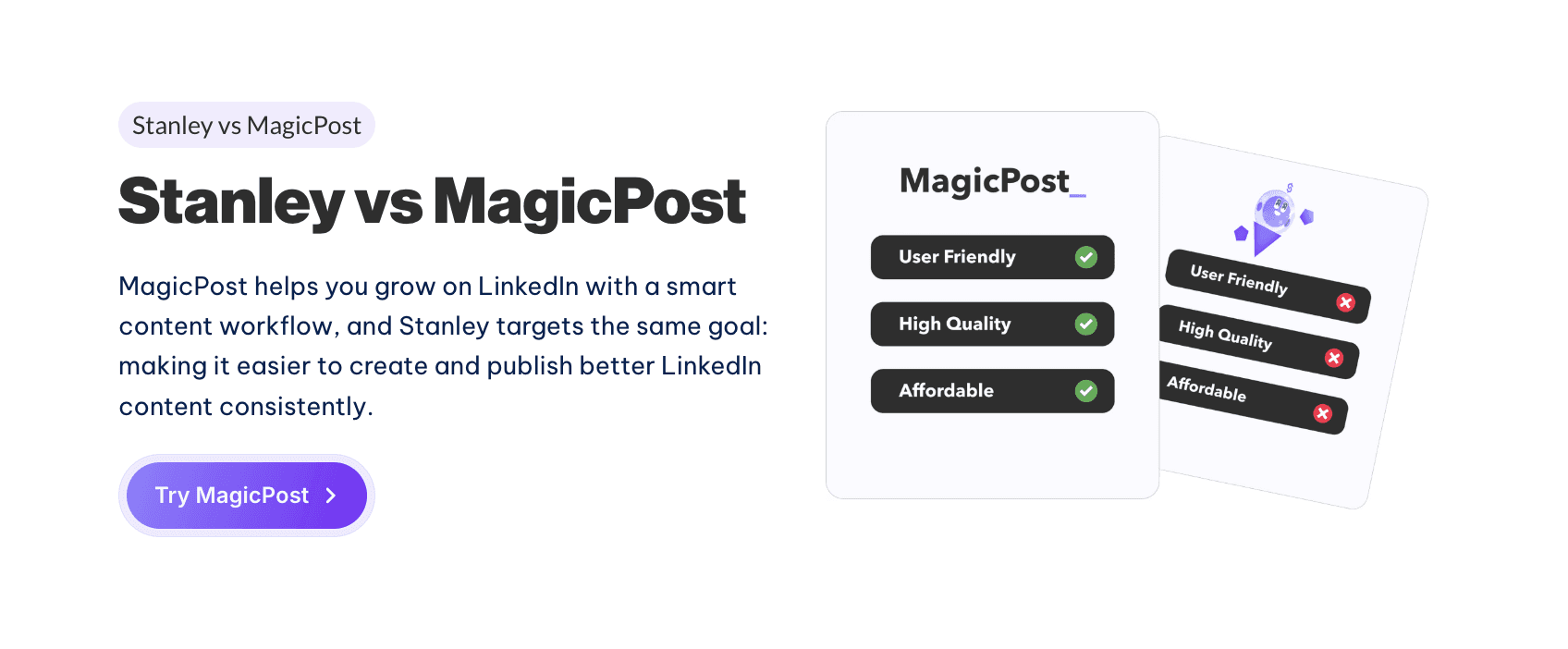
Stanley helps creators with content creation, voice matching, and basic analysis. MagicPost, on the other hand, offers a wider range of features.
MagicPost is an all-in-one AI content assistant with features that go beyond just writing posts. It includes multi-platform scheduling, content repurposing, hashtag and SEO suggestions, and deeper analytics.
The pricing is different, too. Stanley has a paywall, while MagicPost offers more flexible plans and better free options.
In practice, MagicPost gives users more tools and value right from the start:
Feature | MagicPost | Stanley |
|---|---|---|
AI post generation | ✅ | ✅ |
Voice adaptation | ✅ | ✅ |
Content ideation | ✅ | ✅ |
Post analysis | ✅ | ✅ |
Multi-platform support | ✅ | ❌ |
Scheduling & automation | ✅ | ❌ |
Content repurposing | ✅ | ❌ |
Templates & hooks | ✅ | ❌ |
Hashtag suggestions | ✅ | ❌ |
Analytics & insights | ✅ | ❌ |
Visual content tools | ✅ | ❌ |
Multi-language support | ✅ | ❌ |
Free tools | ✅ | ❌ |
Free trial / no paywall | ✅ | ❌ |
Affordable pricing tiers | ✅ | ❌ |
Most Important MagicPost Features
Better Pricing Structure
Instead of a single expensive paywall like Stanley's, MagicPost offers tiered pricing with more affordable options and a generous free plan. This helps creators get started without spending a lot of money up front.
Many More Features
MagicPost includes multi-platform posting, visual scheduling calendars, analytics dashboards, and additional creative tools that Stanley doesn’t offer. These extra capabilities make it more useful for serious content planning and performance tracking.
Free Trials and Several plans
Users can try MagicPost’s main features right away, gaining real hands-on experience before deciding to subscribe.
User-Friendly Dashboard
MagicPost’s dashboard is easier to use and brings all content workflows together in one place, making things simpler for creators.
In short, if you care about cost, flexibility, and more features, MagicPost gives you more tools and free options than Stanley. For many creators, it is the smarter choice.
Why MagicPost is The Best Alternative
MagicPost helps you create LinkedIn posts in seconds using ready-made hooks, an idea generator, a carousel creator, templates, and a simple workflow. It also includes many of the same features as the other tools.
On top of that, one of MagicPost’s main benefits is its lower price, which is excellent for people or creators on a budget.
Plan | MagicPost | Stanley |
|---|---|---|
Free access | ✅ Yes | ❌ No |
Starter Plan | ✅ $27 / month | ❌ Not available |
Creator Plan | ✅ $39 / month | ❌ Not available |
Premium plan | ✅ $76/ month | ✅ $145 / month |
Value for budget creators | ✅ High | ❌ Low |
Pricing-wise, the Starter plan is $16 per month. The Creator plan, billed annually, costs about $24 per month and gives you unlimited post creation, scheduling, and templates.
In comparison, Stanley’s unique plan costs $145 per month and offers very limited features behind a paywall.
For creators focused on posting quality content regularly and affordability, MagicPost often offers the best value by providing the most essential content creation tools at a lower price.
Revisión de CoPost: Características, Precios, pros y contras
Descubre CoPost y por qué MagicPost es la mejor alternativa para la creación de contenido en LinkedIn potenciada por IA, con precios más simples y generación de publicaciones ilimitadas.
Última actualización: 23 ene 2026
Reseña de CoPostly: Características, Precios y Contras
Revisión de CoPostly que cubre características, precios, pros y contras, y comparación de planes para ayudarte a decidir si es la herramienta de contenido de LinkedIn adecuada para ti.
Última actualización: 23 ene 2026

Heyoo Revisión: Características, Pros y Contras
Revisión de Heyoo: qué hace bien, dónde falla, cuánto cuesta y para quién tiene sentido realmente en LinkedIn.
Última actualización: 22 ene 2026
Revisión de SayWhatt: Pros, Contras, Características y Precios
Descubre si SayWhat es la herramienta de IA de LinkedIn adecuada para ti: características principales, pros, contras, precios y cómo se compara con MagicPost.
Última actualización: 14 ene 2026

Revisión de Socialsonic: Lo Bueno (y Lo Malo)
Reseña de SocialSonic que abarca características, limitaciones, precios y rendimiento en el mundo real. Descubre si SocialSonic vale la pena o si existen mejores alternativas.
Última actualización: 7 ene 2026
Revisión de Scripe: Planes, Características, Pros y Contras
Revisión de Scripe: características, precios, planes, ventajas y desventajas, y una comparación completa con MagicPost para ayudarte a elegir la herramienta de contenido adecuada para LinkedIn.
Última actualización: 7 ene 2026