" height="26.80529977783203px" id="tymKb8bqC" width="128.00300311279295px"/><path d="M 0 2.417 L 0 0 L 12.909 0 L 12.909 2.417 Z" fill="rgb(126, 78, 253)" height="2.417099999999998px" id="aYr4em6zK" transform="translate(128.341 22.325)" width="12.908999999999992px"/></svg>)

"/><stop offset="1" stop-color="rgb(118, 37, 250)"/></linearGradient></defs><g d="M 19.242 21.22 L 19.362 6.204 L 19.272 6.204 L 13.757 21.22 L 10.161 21.22 L 4.796 6.204 L 4.706 6.204 L 4.825 21.22 L 0 21.22 L 0 0 L 7.283 0 L 12.109 13.607 L 12.229 13.607 L 16.844 0 L 24.247 0 L 24.247 21.22 Z M 26.421 26.113 L 26.421 23.445 L 41.407 23.445 L 41.407 26.113 Z" fill="transparent" height="26.112508199679183px" id="DvfaAIHYn" width="41.40731898311435px"><path d="M 19.242 21.22 L 19.362 6.204 L 19.272 6.204 L 13.757 21.22 L 10.161 21.22 L 4.796 6.204 L 4.706 6.204 L 4.825 21.22 L 0 21.22 L 0 0 L 7.283 0 L 12.109 13.607 L 12.229 13.607 L 16.844 0 L 24.247 0 L 24.247 21.22 Z" fill="rgb(46, 46, 46)" height="21.220180016149442px" id="pLsxRCobd" width="24.247352589074694px"/><path d="M 0 2.668 L 0 0 L 14.986 0 L 14.986 2.668 Z" fill="url(%23yD9d4I5GR-3279285344-linear-gradient)" height="2.6675085048549647px" id="yD9d4I5GR" transform="translate(26.421 23.445)" width="14.986002836263765px"/></g></svg>)

Yasmina Akni Ebourki
Creating LinkedIn content can be a challenging task. However, the right tools can significantly impact how you write, discover new ideas, and connect with your audience.
This is where Kleo excels. Kleo is a browser extension created for LinkedIn creators to assist them in simplifying content creation with intelligent suggestions and strategic insights.
So, is Kleo a game changer for your LinkedIn growth?
In this review, we will evaluate its key features, pros and cons, how to use Kleo for LinkedIn, and whether it’s safe for LinkedIn, so you can determine if it’s worthwhile.
What is Kleo?
Kleo is an AI LinkedIn tool that functions as a browser extension.
Kleo’s features are designed to assist you in tracking industry trends, discovering popular topics, and analyzing your competitors’ content strategies.
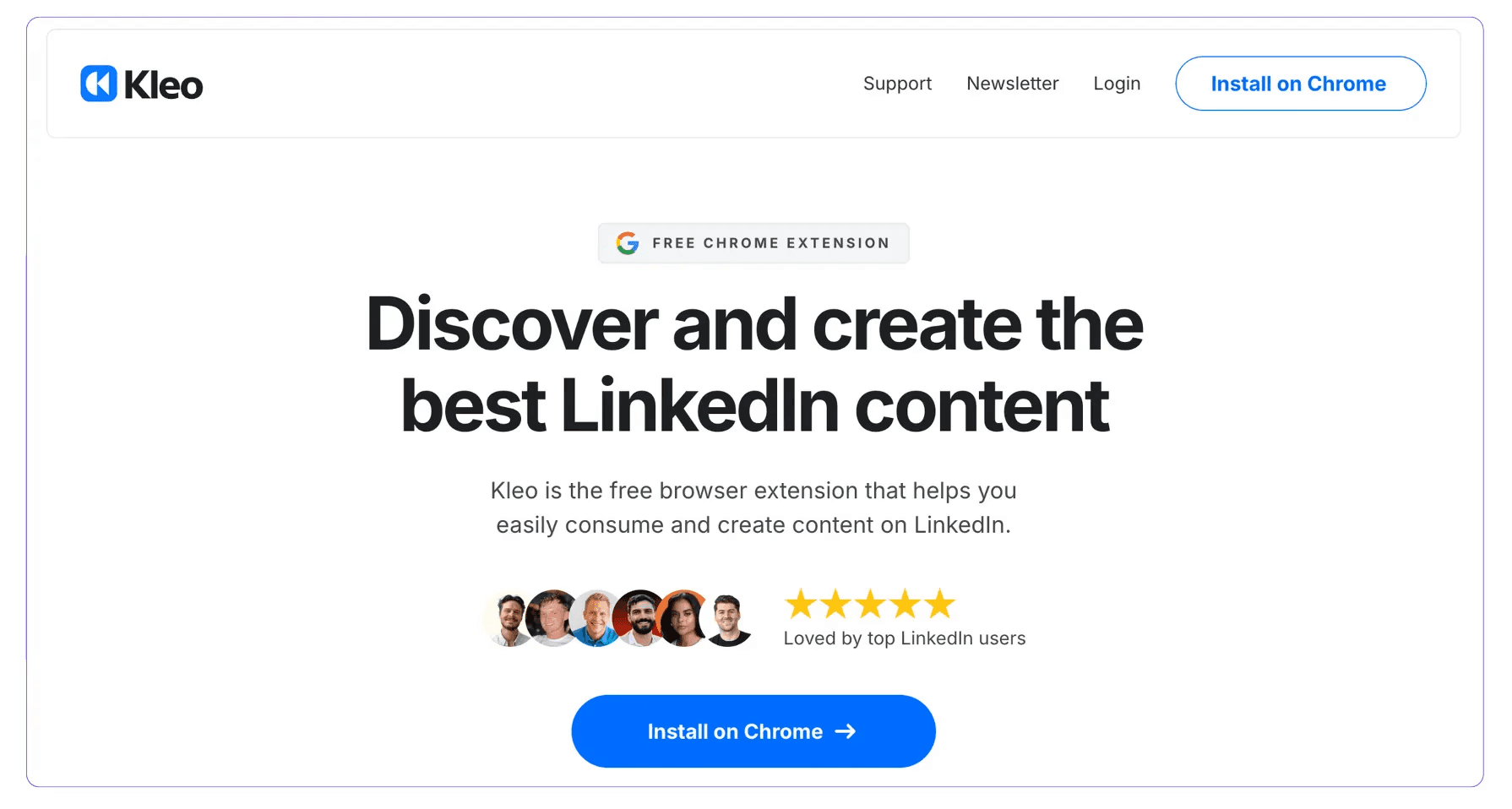
Now, let’s take a look at how Kleo operates and whether it’s genuinely beneficial, along with its advantages and disadvantages.



Future of Kleo
Kleo has relaunched as Kleo 2.0, a complete rebuild focused on writing workflows for LinkedIn.
If you are revisiting this article expecting the old Kleo (the Chrome extension for LinkedIn or X post discovery) note that it has been fully replaced by this rebuilt version.
Kleo 2.0 is now positioned as an AI-powered writing workflow tool for content creators on LinkedIn and more.
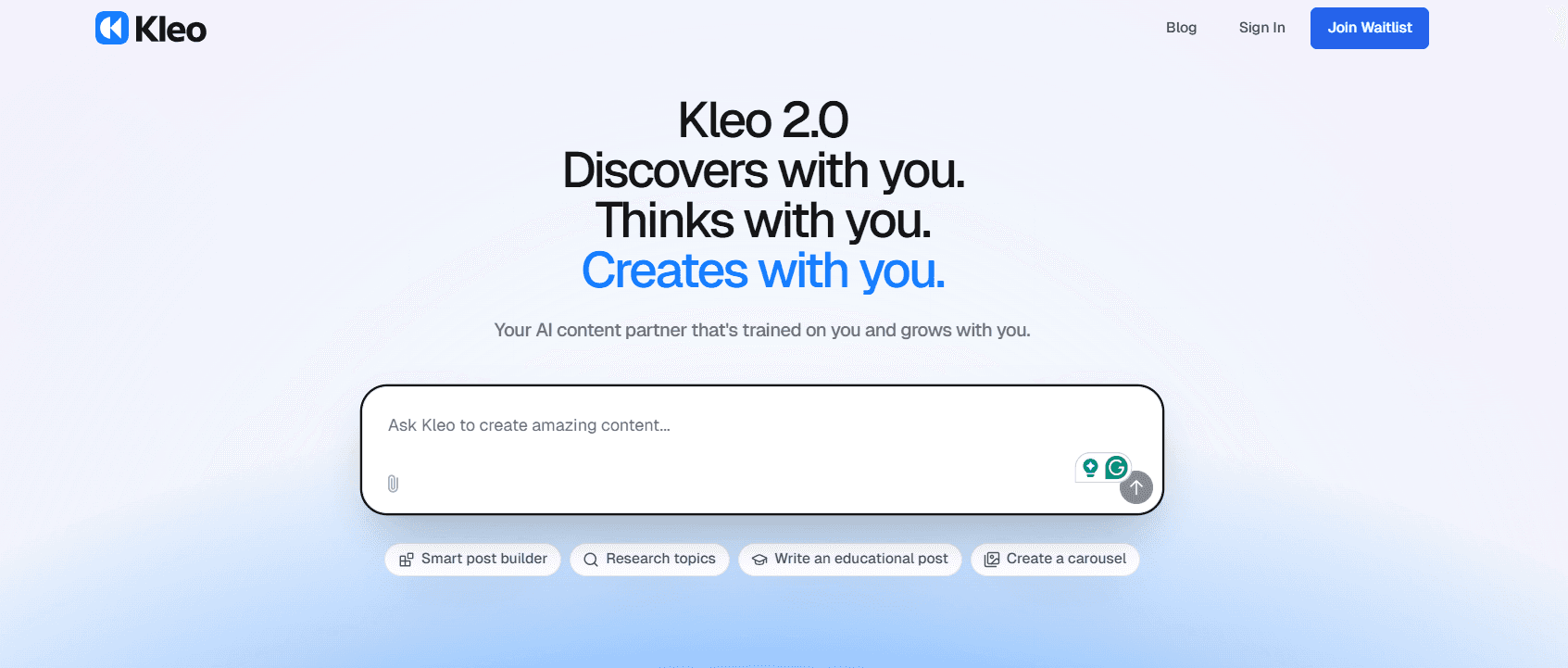
After months of development, co-founders Jake Ward, Lara Acosta, and Cameron Trew revealed a new version that helps creators go from idea to published post in minutes.
The new Kleo values user feedback over perfection, as co-founder Jake Ward says, “Make it exist first. You can make it good later.” They launched with 500 beta spots to work closely with early adopters.
Kleo 2.0 now handles the full creative process:
Checks what’s trending
Suggests post ideas
Drafts your articles
From there, you can edit your article, add your own hook, and make content creation one of the easiest parts of your day.
Kleo Pros and Cons
Kleo's features can enhance your LinkedIn experience, but there are also some drawbacks you should consider.

Let’s take a closer look at what makes Kleo stand out and where it may not meet expectations.
Pros:
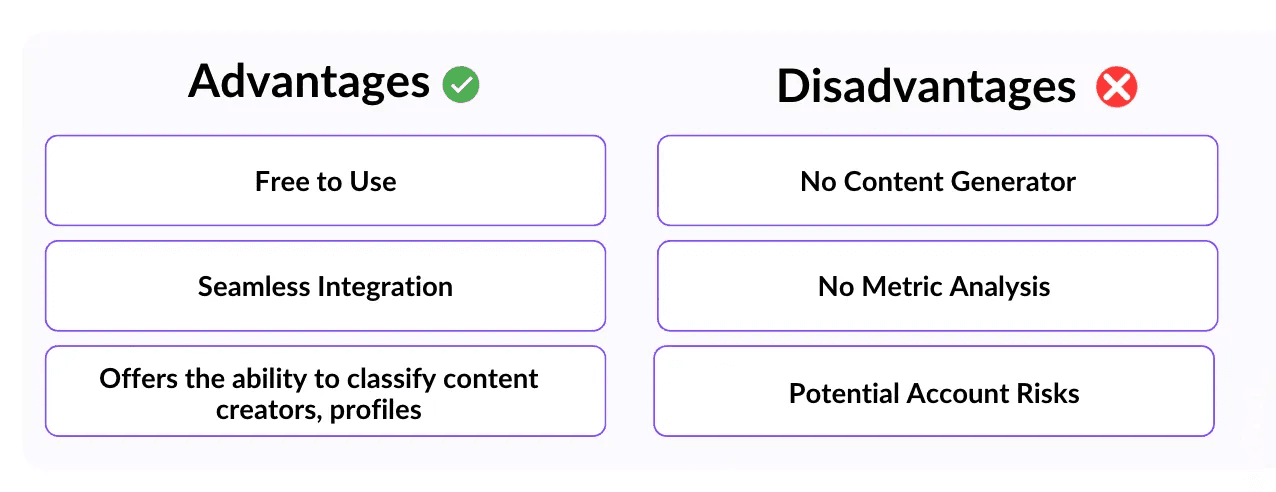
Kleo offers several benefits that make it a valuable tool for LinkedIn users:
Free. Kleo is completely free, making it an accessible tool for all LinkedIn users.
Ease of use. Kleo allows you to view everything directly within LinkedIn, ensuring a smooth user experience.
Content classification. Offers the ability to classify content creators, profiles, and recent posts effectively.
Category filters. Enables sorting of content based on specific categories, providing more targeted insights.
Cons:
While Kleo offers valuable features, it does have some limitations to consider:
No content generator: Kleo lacks a content generation feature, which limits its use for creating posts.
No metric analysis: It does not provide advanced analytics or performance metrics for posts.
Potential account risks: As a browser extension, it carries the risk of LinkedIn account restrictions or bans.
Kleo Features
Let’s take a closer look at the features that Kleo offers and how each one can benefit your LinkedIn content strategy.
1. Content Creator Analysis
Wondering why your competitors are getting more engagement on LinkedIn?
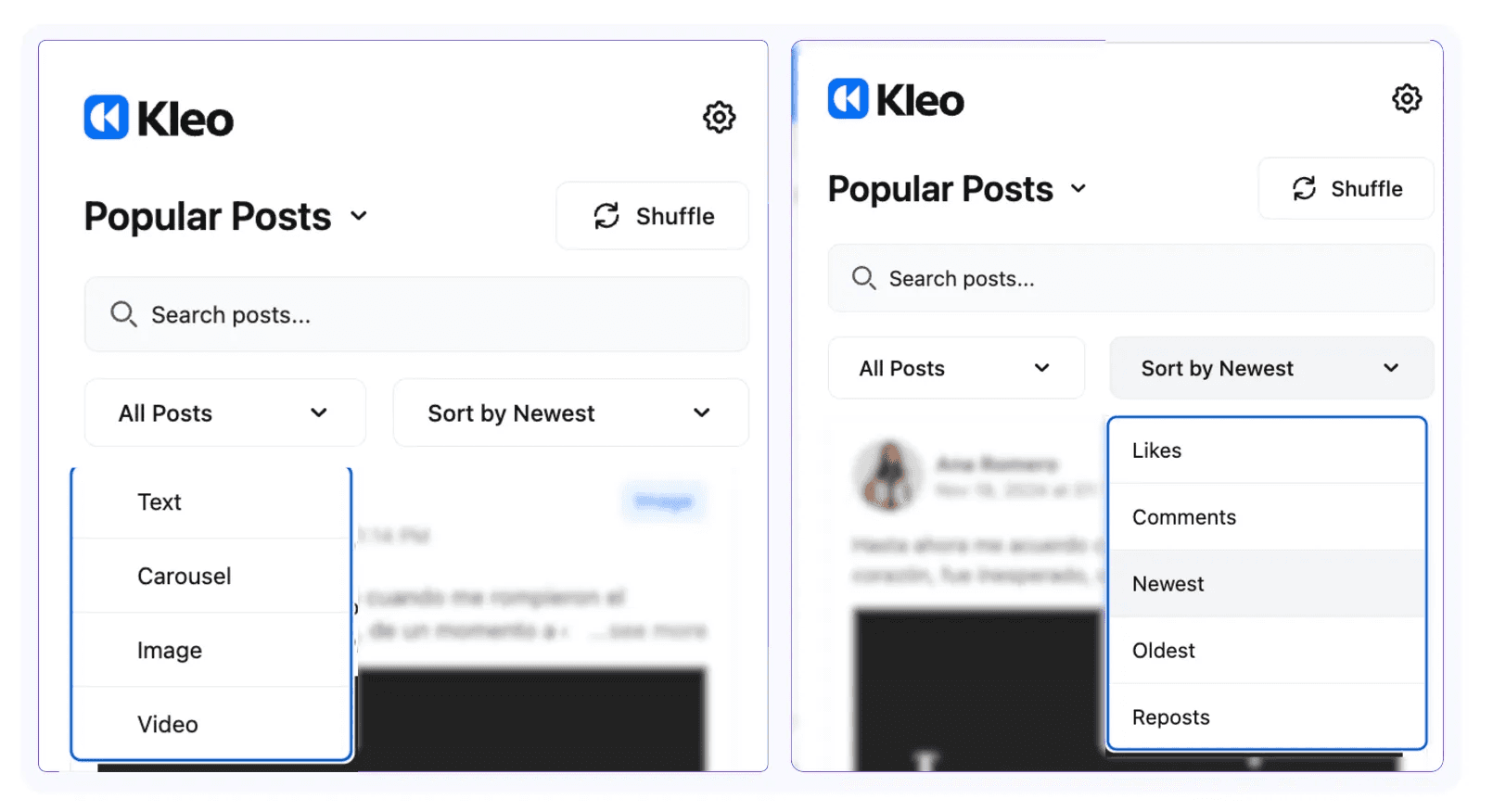
When visiting someone’s LinkedIn profile, Kleo displays a menu on the right side showing all their posts, organized by type (e.g., carousels, videos, images, or simple text posts).
You can filter and categorize the posts by format, number of likes, comments, or date of the post.
This makes it easier to analyze trends and engagement patterns, which can inspire your own content.
2. Post Formatting
You can enhance the appearance of your posts using Kleo’s post formatting features.
Once you connect Kleo to your LinkedIn account, Kleo modifies the post editor, making it easier to format your content.
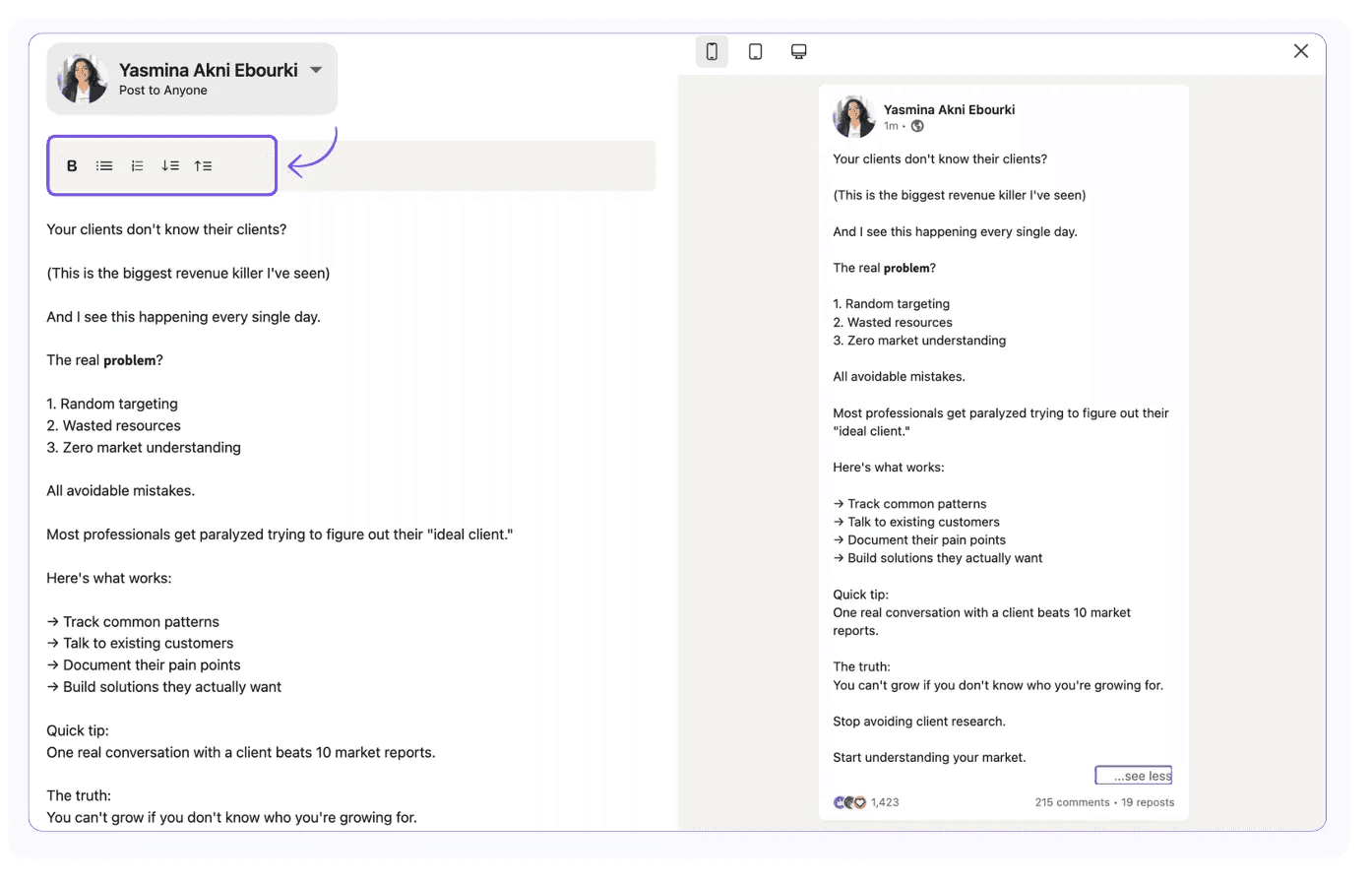
You can add italics or bold text to your LinkedIn post, create bullet lists, and adjust the structure of your sentences.
3. Preview and Optimization
Ensure that your posts appear correctly before they go live by previewing your content.
Kleo enables you to preview your post on both desktop and tablet.
This allows you to see how your content will display across devices and lets you refine the "See More" section of your post.
By optimizing the preview, you can create a more engaging LinkedIn hook, enticing readers to click and view the full post.
4. LinkedIn Profile Categorization
Kleo helps you categorize your LinkedIn feed and review the top-performing posts.
You can filter posts by trends, find the most recent ones, or identify the content with the most likes and comments.
Do you want to discover new content from your favorite LinkedIn influencers?
Kleo allows you to search for LinkedIn posts published on specific dates or by authors.
Kleo Pricing
When it comes to pricing, Kleo keeps it simple.
This LinkedIn tool is 100% free. To use it, all you need to do is install the Kleo browser extension and create an account.
There are no paid plans or premium options available, which can be an advantage for those looking for a free AI LinkedIn tool.
However, this means you have access to additional premium features that other paid tools may offer.
Is Kleo a Good Tool for LinkedIn?
Kleo is an efficient tool that helps you analyze and get inspiration from other LinkedIn content creators.
It’s particularly helpful for understanding post structures, identifying effective hooks, and recognizing which post formats work best across different creators.
However, it does come with some limitations.
While Kleo provides data, it lacks in-depth analytics, so you’ll need to analyze your content performance on your own.
Additionally, it focuses more on post format and structure, rather than on content creation itself.
Join The Waitlist
If you missed the first wave, Kleo is already inviting creators to join the waitlist for its next cohort of beta users.
The first 500 creators are currently exploring and shaping the platform through early access.
By joining the waitlist, you will be among the next group to test, create, and influence how Kleo 2.0 continues to evolve for LinkedIn writers and beyond.
Frequently Asked Questions
Is Kleo free?
Yes. Kleo is a completely free LinkedIn tool.
Can Kleo improve my LinkedIn engagement?
Yes. Kleo provides you with data to help you understand the type of LinkedIn content that performs well.
Is Kleo safe for LinkedIn?
Kleo is a third-party browser extension, so you should use it cautiously. If LinkedIn notifies you about terms of service violations, you should disconnect Kleo from your account.
Where can I get the Kleo Chrome extension?
To ensure that you are installing the correct extension, you should visit the official Kleo website.
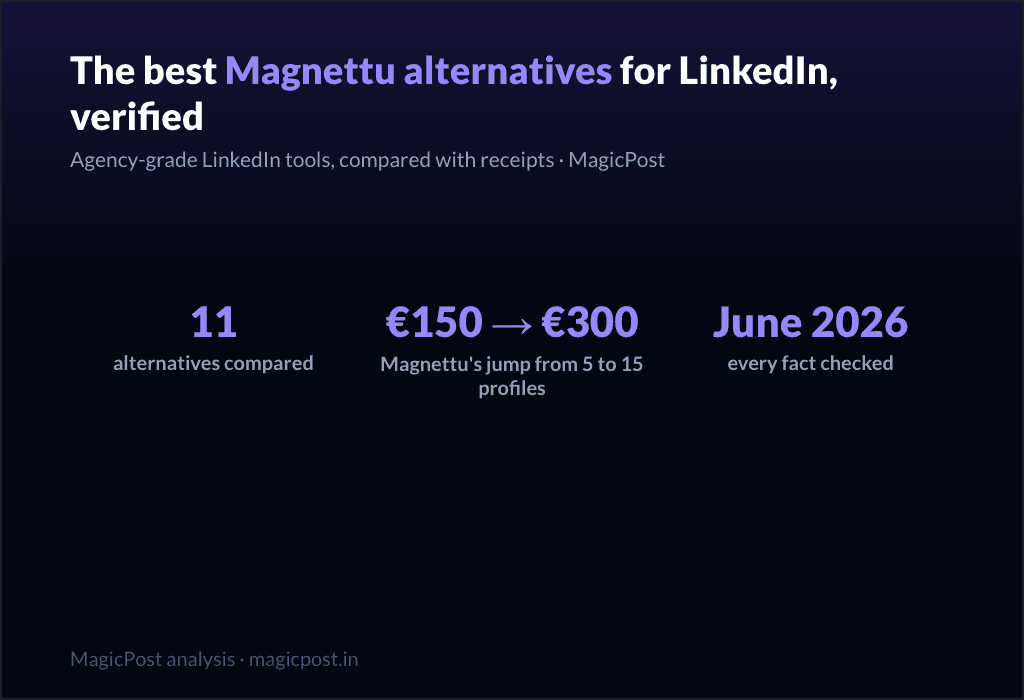
11 Best Magnettu Alternatives for LinkedIn (Verified June 2026)
Magnettu pitches agencies "your clients' LinkedIn, finally under control", with per-profile tiers from EUR29.95 to EUR300/mo. 11 agency-grade alternatives compared with receipts, June 2026.
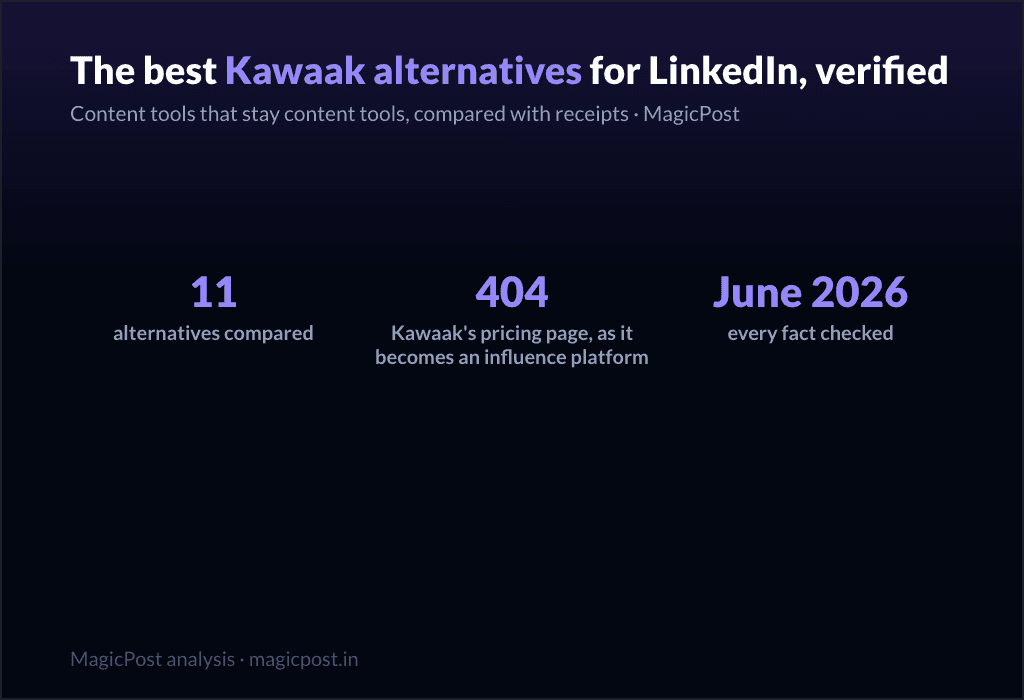
11 Best Kawaak Alternatives for LinkedIn (Verified June 2026)
Kawaak is becoming a B2B influence platform; its pricing page is a 404 and its own users flag generic AI. 11 content-tool alternatives compared with receipts, June 2026.
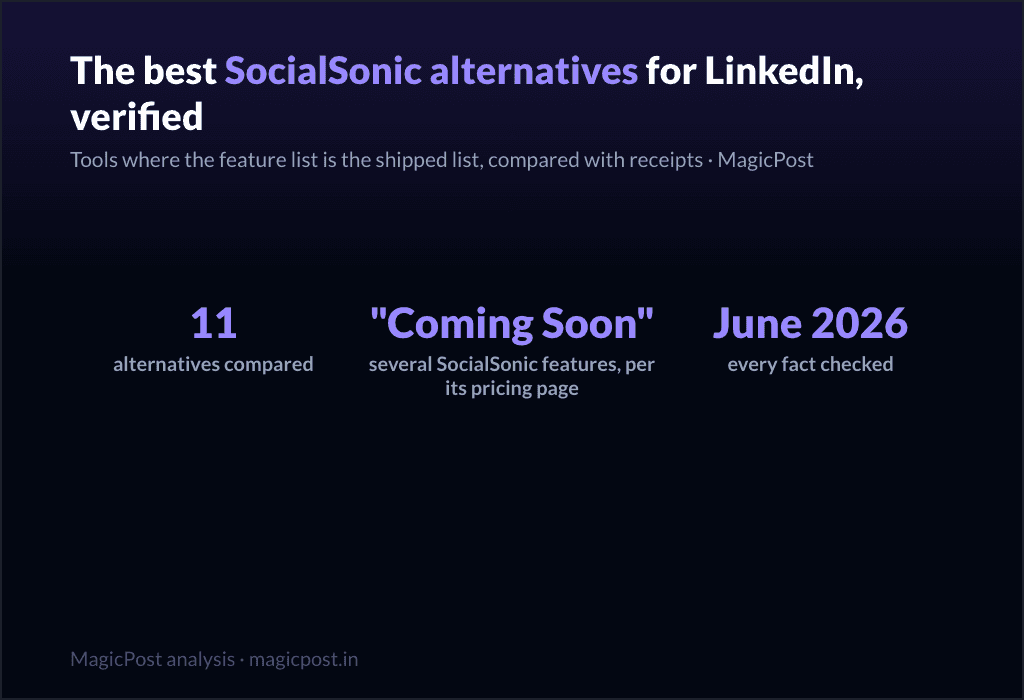
11 Best SocialSonic Alternatives for LinkedIn (Verified June 2026)
SocialSonic packs the widest budget surface, with "Coming Soon" on several features and an undocumented publishing path. 11 alternatives compared with receipts: voice AI, benchmarks, shipped features, June 2026.
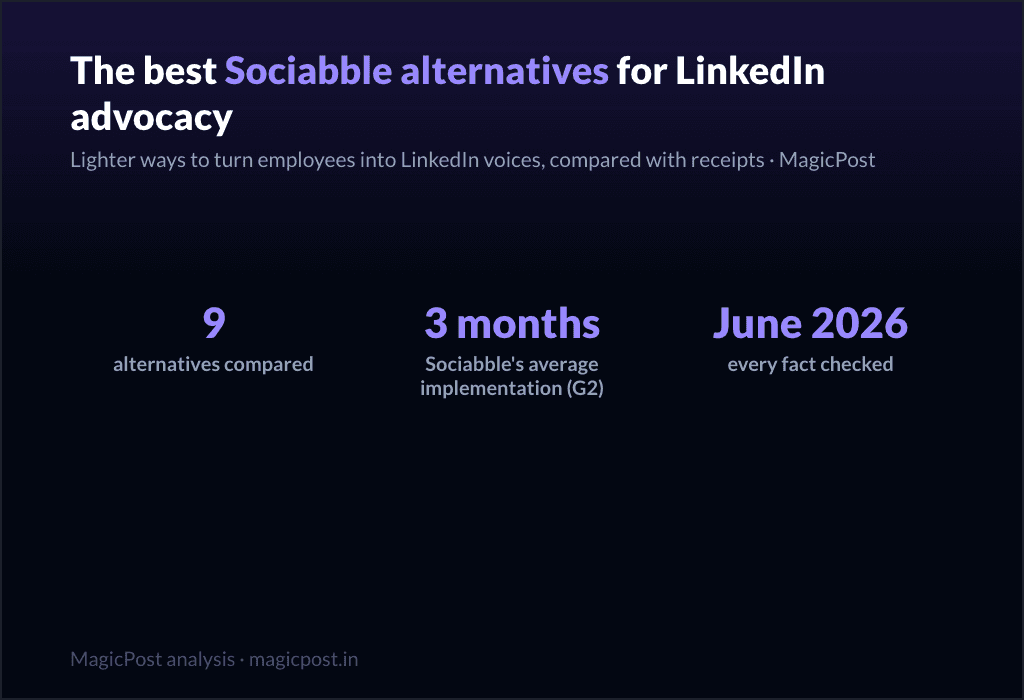
9 Best Sociabble Alternatives for LinkedIn Advocacy (Verified June 2026)
Sociabble is excellent and heavy: 4 modules, ~3-month rollouts, custom pricing. 9 lighter ways to turn employees into LinkedIn voices, compared with receipts, June 2026.
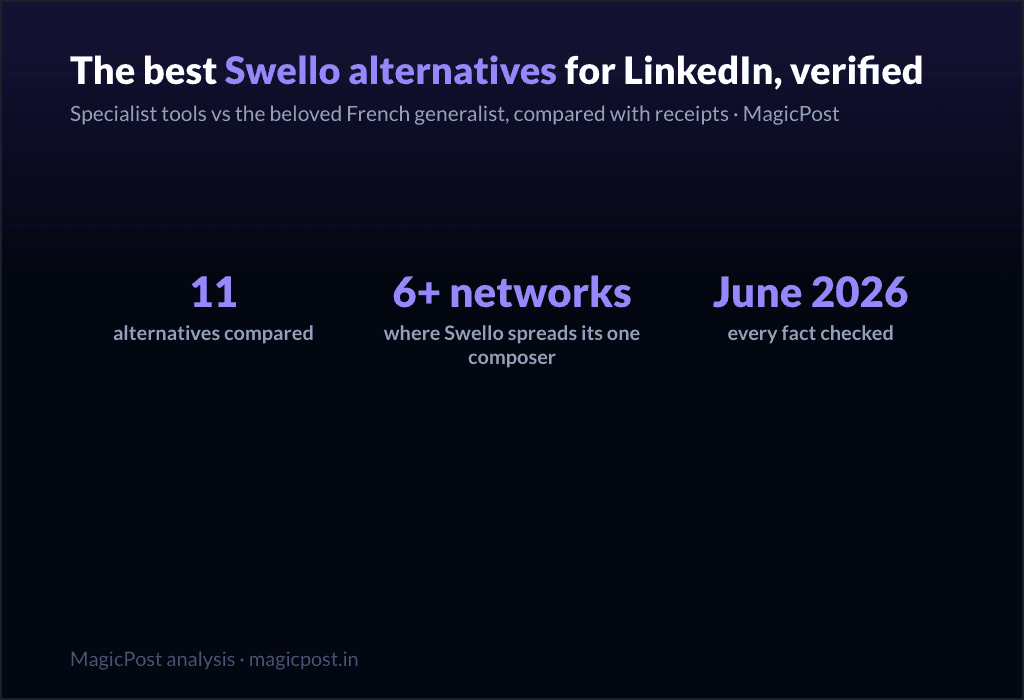
11 Best Swello Alternatives for LinkedIn (Verified June 2026)
Swello is the best-loved generalist we have reviewed, and still a generalist on LinkedIn: caption AI, cross-network analytics, no documented mentions. 11 alternatives compared with receipts, June 2026.
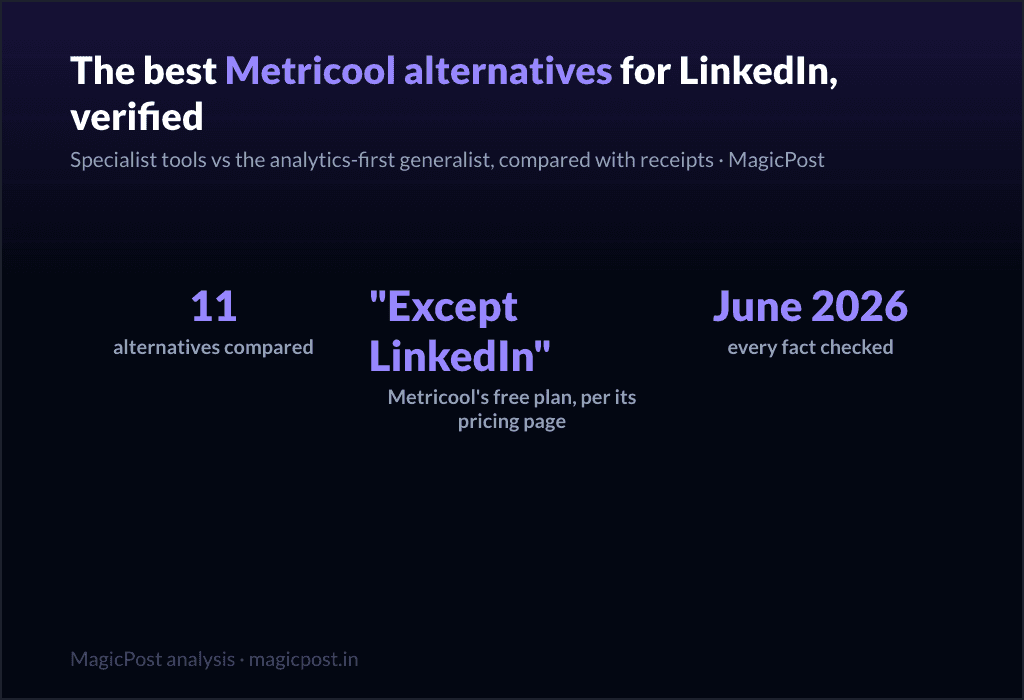
11 Best Metricool Alternatives for LinkedIn (Verified June 2026)
Metricool's free plan covers every network except LinkedIn, its own pricing page says so. 11 LinkedIn alternatives compared with receipts: mentions, voice AI, real LinkedIn benchmarks, June 2026.
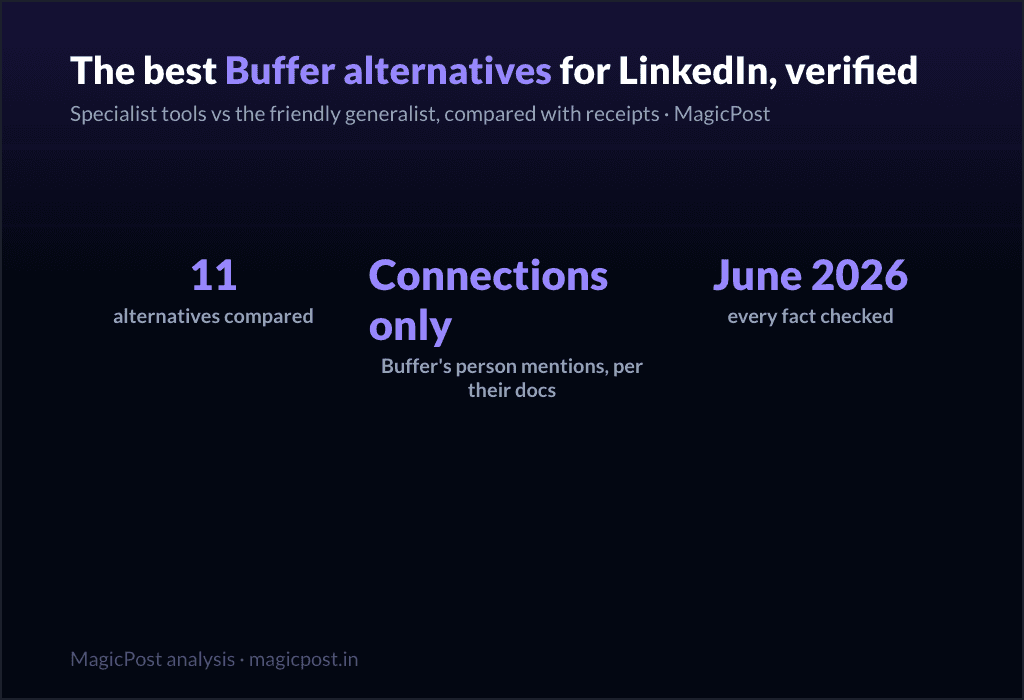
11 Best Buffer Alternatives for LinkedIn (Verified June 2026)
Buffer is the friendliest generalist, and its own reviewer says it best: it lacks the platform's native depth. 11 LinkedIn alternatives compared with receipts: mentions, voice AI, benchmarks, June 2026.