Tool Reviews

Camelia Khadraoui
Last updated: 7 Jan 2026
Creating LinkedIn content consistently can be overwhelming, whether you’re unsure what to write or struggling to stay consistent, as there’s always pressure to share valuable, authentic content.
As a result, many professionals rely on AI tools to keep up, especially when they’re short on time or worried about sounding generic or awkward.
Among many, there's Scripe.io.
This post is about Scripe.io, not Scribe, which is a different documentation tool. Scripe is an AI tool designed to help creators plan, write, and publish LinkedIn posts more efficiently.
TL;DR
Scripe.io offers post generation, voice-to-post, content calendars, carousel creation, and analytics.
Plans start at €19.99/month (Starter) for solo creators, €39.99/month per account (Professional) for small teams, and €108/month (Agency) for agencies managing multiple brands.
What is Scripe?

Scripe is an AI-powered LinkedIn assistant that helps you quickly turn your ideas into engaging posts.
Scripe brings together tools like voice-to-post, idea generators, tone training, carousel creators, content calendars, and analytics dashboards in one place. It’s made for creators, freelancers, founders, teams, and agencies who want to save time and grow on LinkedIn.
Thousands of users have created over 100,000 posts and reached more than 350 million impressions with Scripe.
Scripe works in both English and German, connects with LinkedIn scheduling, and offers tools for post inspiration and formatting.
In addition, with Scripe, you can create content without logging in to your LinkedIn account.
Scripe Plans and Features Comparison
Here’s a quick overview of Scripe’s pricing and what each plan offers. All plans are billed annually.
1. Plans & Prices
Plan | Monthly Price | Best For |
Starter | €19.19/ month | Individuals building consistent LinkedIn posting habits |
Professional | €39.99/ month | Founders, freelancers, and small teams needing advanced content strategy |
Agency | €108/month | Teams of up to 10 users needing collaboration and priority support |
Business (Custom) | Custom pricing | Agencies or enterprises with >10 brands and advanced needs |
2. Scripe Features Overview
Here’s a comparison of the features included in each plan.
Features | Starter | Pro | Team | Business |
Unlimited AI post generation | ✅ | ✅ | ✅ | ✅ |
Voice-to-Post input | ✅ | ✅ | ✅ | ✅ |
Personalized content ideas | ✅ | ✅ | ✅ | ✅ |
Post formatting & preview | ✅ | ✅ | ✅ | ✅ |
LinkedIn scheduling | ✅ | ✅ | ✅ | ✅ |
Carousel generator | ✅ | ✅ | ✅ | ✅ |
Continuous tone analysis | ❌ | ✅ | ✅ | ✅ |
Weekly personalized post ideas | ❌ | ✅ | ✅ | ✅ |
Team collaboration tools | ❌ | ⚠️ | ✅ | ✅ |
Priority 24/7 support | ❌ | ❌ | ✅ | ✅ |
Dedicated account manager & strategist | ❌ | ❌ | ❌ | ✅ |
Note: The Pro Plan includes workspace sharing.
Scripe Pros and Cons
✅ Pros
• Personalized AI content that learns from your LinkedIn style.
• Multiple input types, including voice, text, and YouTube-to-post.
• Content calendar, analytics dashboard, and scheduling included.
• Supports collaboration and team workflows at higher tiers.
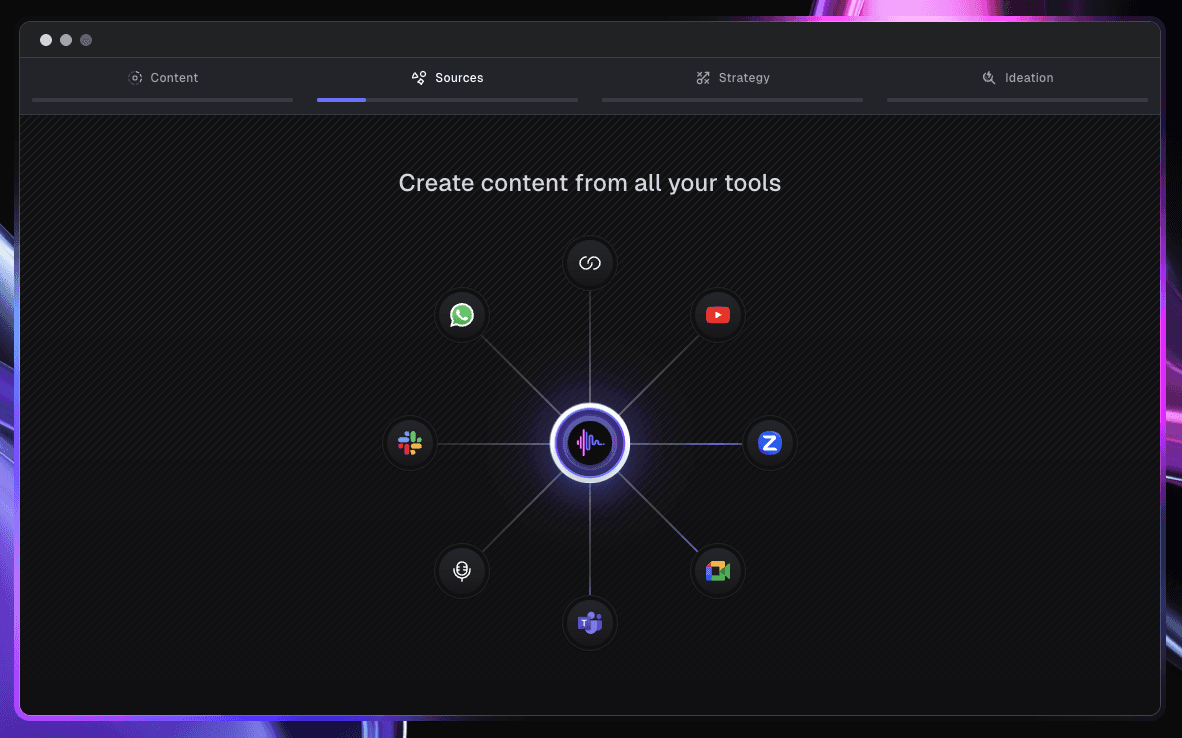
• Helps you create content from all your different platforms.
❌ Cons
• Starter plan lacks some advanced features like continuous tone analysis and team tools.
• Custom pricing for enterprise may be expensive for smaller creators.
• Not as well known as some competitors, meaning a smaller community and ecosystem.
Top 4 Best Scripe Features
These are the key features that make Scripe valuable for LinkedIn creators:
1. Personalized AI Post Generation
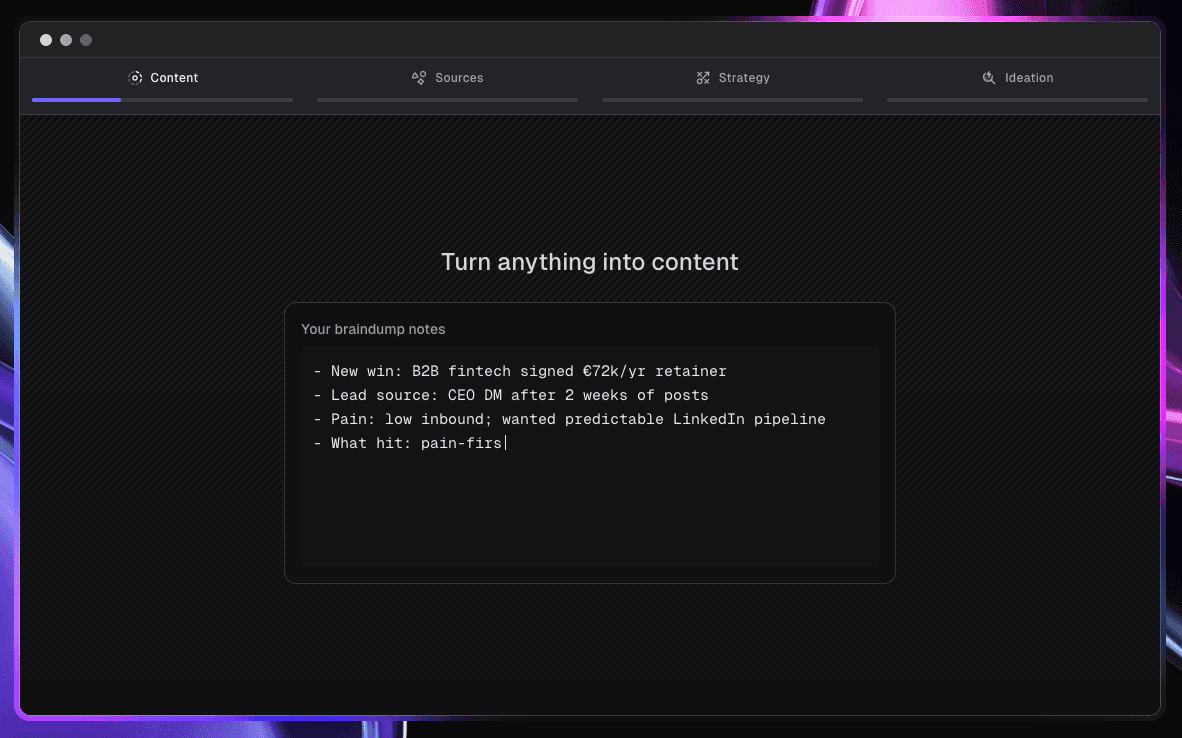
Scripe’s AI learns from your past LinkedIn posts to create content that matches your style.
You can add text or voice recordings, and Scripe will create drafts that need little editing.
This saves you time and helps you avoid staring at a blank page.
It also keeps your unique voice and makes your content feel more personal.
2. "Voice-to-Post" Tool
Instead of typing, you can simply record your thoughts and let Scripe will turn them into full LinkedIn posts.
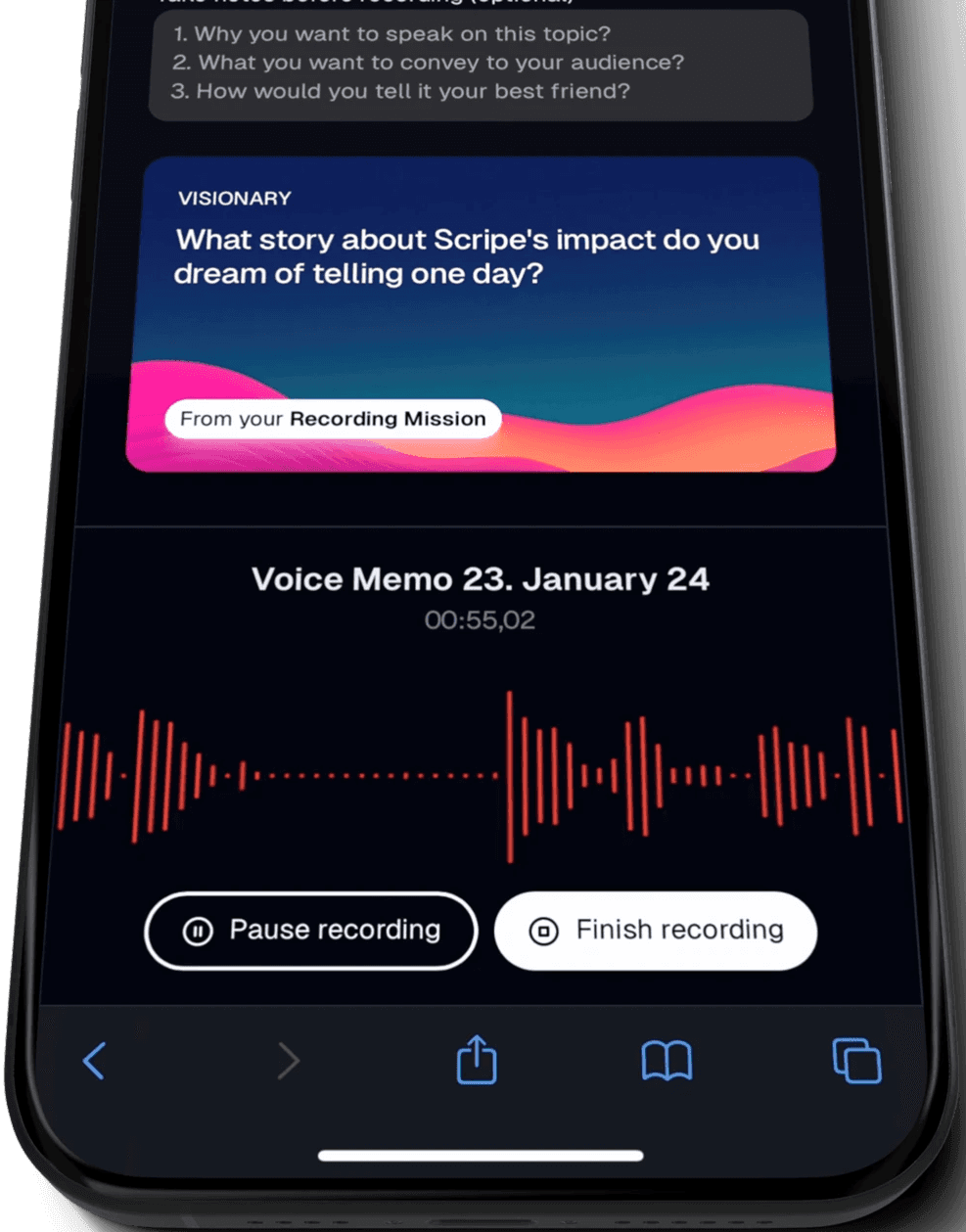
This is especially useful when you have ideas but can’t easily write them down.
It helps you create posts faster and encourages a more natural tone.
Even complex topics can be turned into clear, structured content with little effort.
3. Content Scheduling and Planning
With Scripe’s content calendar, you can plan your posts weeks in advance and stay consistent without last-minute stress.
You can also schedule your content to post directly to LinkedIn in the future.
This feature is great for anyone who wants to post regularly without extra manual work.
It also helps teams stay on the same page with their content strategy.
4. Analytics and Strategy Insights
Scripe gives you dashboards to track how your posts perform, so you can improve your content strategy.
It tracks engagement and shows which posts your audience likes most.
Over time, Scripe learns what works best for you by looking at your LinkedIn history.
This data-driven approach helps you reach more people and boost engagement.
Why Use MagicPost Instead?
MagicPost is another AI-powered LinkedIn tool, mainly focused on content creation and scheduling.

MagicPost is designed for entrepreneurs, small businesses, and content creators who want to stay active on LinkedIn without spending hours brainstorming and writing posts.
MagicPost uses AI to generate three main types of content: post ideas, full LinkedIn posts, and catchy hooks.
It also offers basic scheduling to help you plan and automate your posts across different platforms.
Here’s a look at how Scripe’s pricing compares to MagicPost’s plans:
Tool | Starter/Baseline Price | Mid-Tier Price |
MagicPost | $16/ month | $24 / month (Creator yearly) |
Scripe | €19.19/ month (Starter) | €39.99 / month (Professional) |
MagicPost is usually more affordable for solo creators who just need simple templates, hooks, and scheduling.
If you want more advanced features like voice-to-post, analytics, and team workflows, Scripe could be a better long-term choice.
Try MagicPost ✨

Kawaak Review: Features, Pros and Cons
Kawaak review: pricing, features, pros and cons, and plans to help you enhance your LinkedIn presence more rapidly with AI.
Last update: 6 Jan 2026
AuthoredUp vs Taplio: Which LinkedIn Tool Suits You Best?
Compare features, pricing, AI tools, analytics, and outreach to find the best LinkedIn tool for creators, marketers, and growth-oriented professionals.
Last update: 29 Dec 2025

Taplio vs Hypefury: Which LinkedIn Tool is Better?
Let's compare Taplio and Hypefury: find out which platform suits your content, workflow, and audience growth goals best.
Last update: 4 Dec 2025
Supergrow Vs Taplio: Which LinkedIn Tool is the Winner?
Compare Supergrow and Taplio in a clear side-by-side breakdown to find out which LinkedIn growth tool best fits your content, networking, and analytics requirements.
Last update: 3 Dec 2025
9 Best Contentdrips Alternatives
Discover why MagicPost is the smarter alternative to Contentdrips. Learn about others like AuthoredUp, Kleo, Buffer, Hootsuite, SocialSonic, and many more.
Last update: 1 Dec 2025
Contentdrips review: Features, pros, and cons
In this Contentdrips review, we will discuss the features, advantages, and disadvantages of this tool. We will also examine the pricing and how it compares to Magicpost.
Last update: 28 Nov 2025