Dasar-dasar LinkedIn

Saad Mouaouine
If your LinkedIn follower count feels stuck, you’re not alone. The platform has changed significantly over the past two years, and most of the advice still circulating online was written for a different version of LinkedIn.
The good news is that growth is still very much possible. It just requires understanding how the platform actually works now, not how it worked in 2023.
Below, you’ll learn how to get more followers on LinkedIn in 2026. We’ll cover the real mechanics behind LinkedIn growth, from algorithm fundamentals to the post structures that earn followers consistently.
Short Answer: LinkedIn follower growth has gotten harder because organic reach dropped significantly and the feed is more competitive than ever. The fix isn't posting more; it's understanding what the algorithm actually rewards: saves, dwell time, and early comment velocity in the first 90 minutes after publishing.
Optimize your profile so it clearly signals your niche, post a mix of educational, opinionated, and personal content, write hooks that earn the "See more" click, and comment strategically on other people's posts daily. The 5-5-5 method and Creator Mode are two underused levers most creators ignore entirely.
Why Your LinkedIn Follower Count Stopped Growing
Before fixing the problem, it helps to understand what changed.
According to Richard van der Blom's 2024 LinkedIn Algorithm Report, which analyzed over 1.4 million posts, organic reach has dropped by more than 50% for 95% of creators compared to 2022 baselines. The platform has more creators than ever, which means more competition for the same feed space.
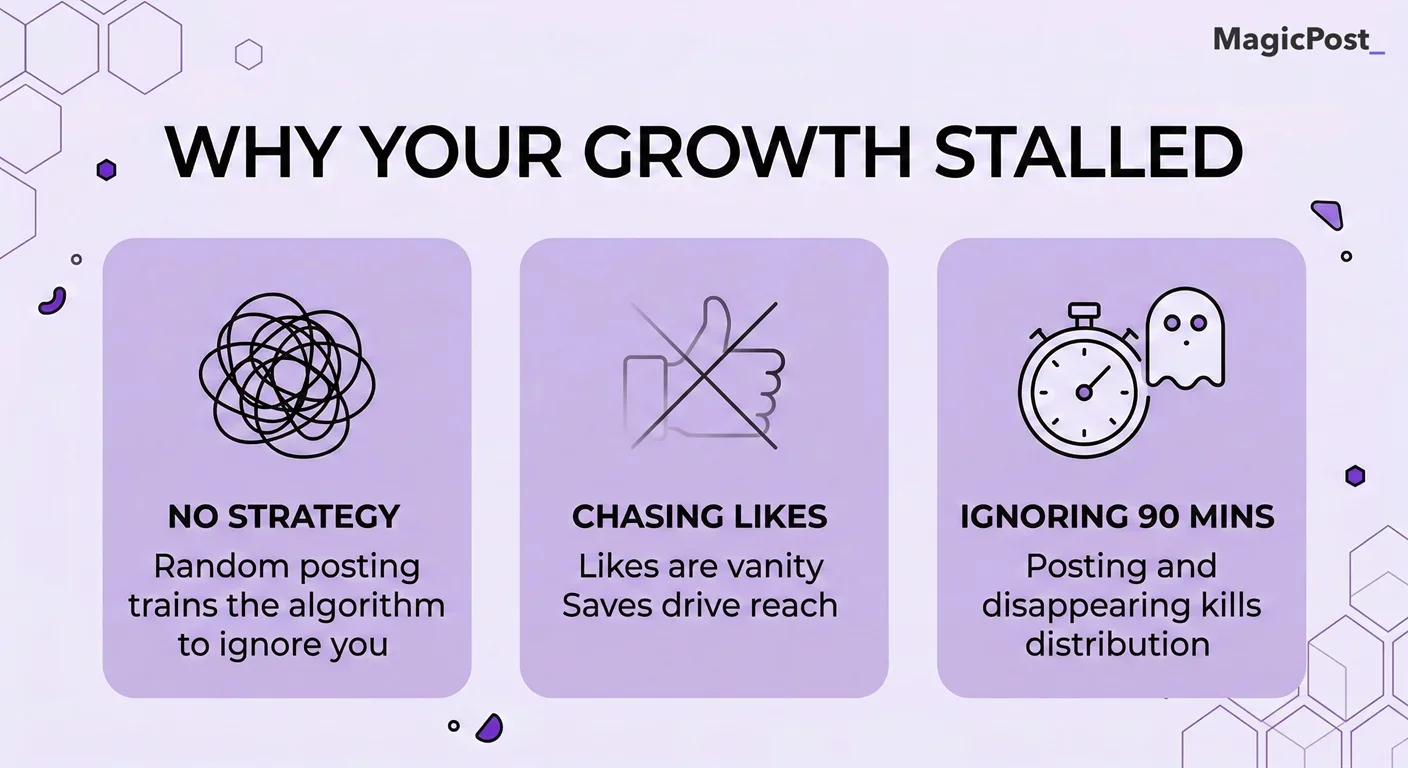
Three things are hurting most creators right now:
Posting without a strategy. Publishing content randomly, without a clear content mix or audience in mind, trains the algorithm to treat your posts as low-priority.
Chasing likes instead of saves. Likes are a vanity metric. The algorithm now weighs saves and dwell time far more heavily when deciding how far to distribute a post.
Ignoring the first 90 minutes. LinkedIn decides the fate of most posts within the first hour and a half of publication. Creators who post and disappear are leaving reach on the table.
The fix isn’t posting more. It’s posting smarter.
What Is the LinkedIn Algorithm Actually Looking For in 2026?
LinkedIn’s algorithm doesn’t care how hard you worked on a post. It cares about one thing: how much time people spend with it.
Three signals carry the most weight:
Signal | What It Measures | Why It Matters |
|---|---|---|
Dwell Time | How long someone pauses on your post before scrolling | Tells the algorithm the content is worth reading, even if they don’t interact with it |
Saves | Whether someone bookmarks the post to return to it later | The strongest signal that your content has a lasting value |
Early Comment Velocity | How quickly and how substantively people comment after posting | Triggers wider distribution beyond your immediate network |
The 90-Minute Launch Window
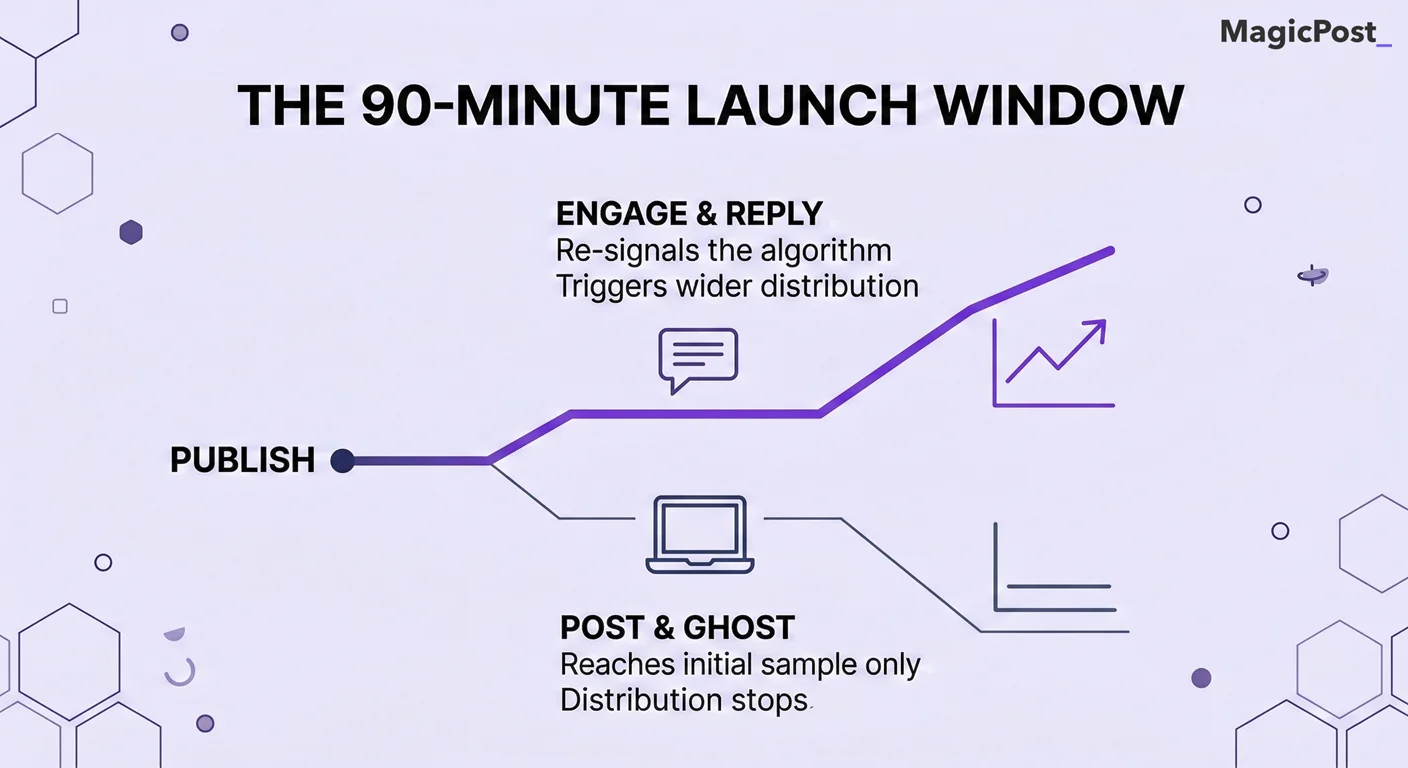
When you publish a post, LinkedIn shows it to a small sample of your most engaged first-degree connections first. What happens in the next 90 minutes determines whether the post expands to a wider audience or stays contained.
If that initial sample engages, especially with comments and saves, the algorithm pushes the post further. If it doesn’t, distribution largely stops there.
Pro Tip: Post when you can be present. Reply to every comment within the first 90 minutes. Each reply re-signals engagement to the algorithm and keeps the post active.
How Do You Optimize Your LinkedIn Profile to Attract Followers?
Your profile is the first thing someone checks before deciding whether to follow you. If it doesn't immediately communicate who you are and what you cover, they won't bother.
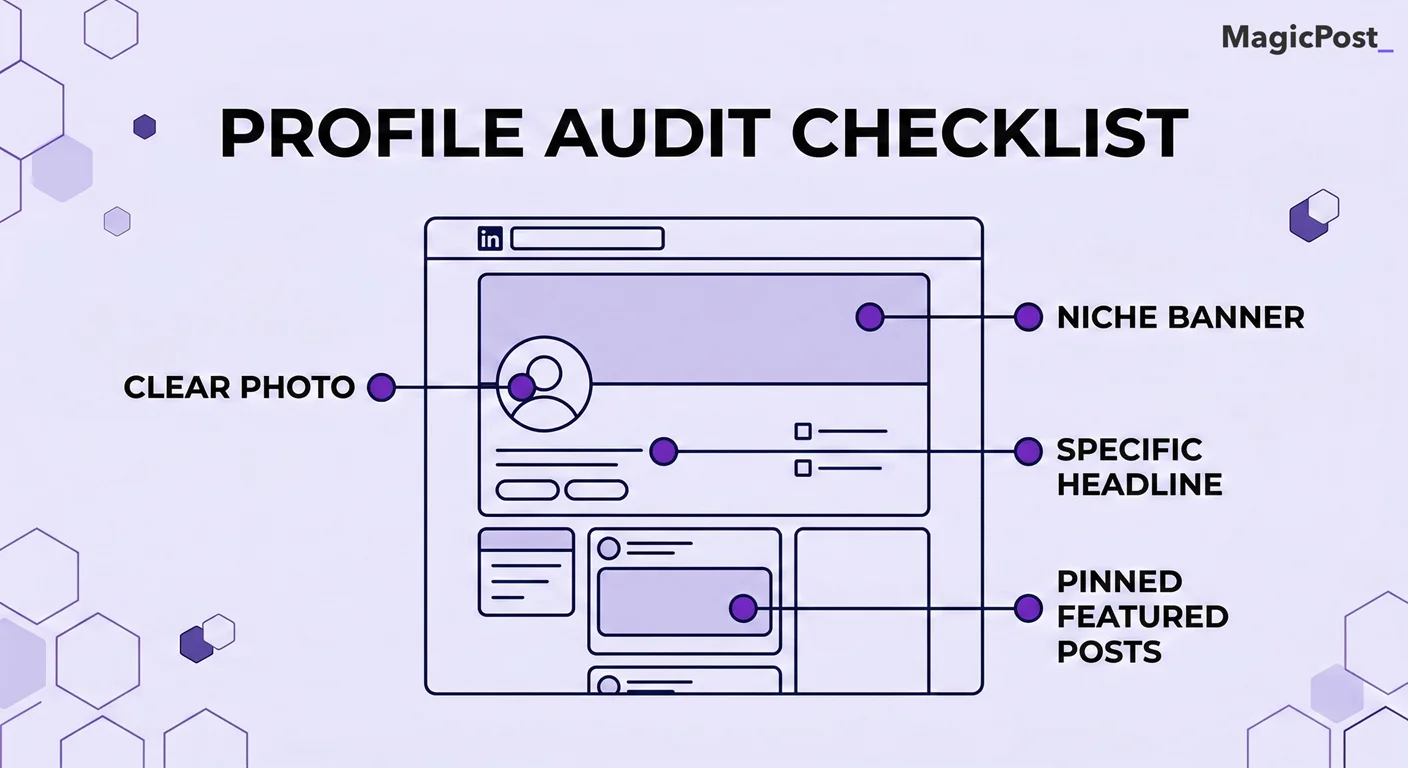
There’s also an algorithmic reason to get this right. LinkedIn reads your headline, About section, and post history to understand your areas of expertise. If your profile says one thing and your content says another, the platform identifies a mismatch and limits your distribution.
Profile Audit Checklist
Headline: Does it say what you do and who you help, in plain language? Avoid vague titles like 'Thought Leader' or 'Passionate Professional.' Be specific.
Profile photo: Clear, professional, and recognizable at small size. This is the thumbnail people see in the feed before reading a single word.
Banner image: Reinforce your niche. Use it to communicate your area of focus visually.
About section: Write in first person. State clearly what you do, who you serve, and what kind of content you publish. This is the semantic anchor that helps the algorithm categorize your posts.
Featured section: Pin your best-performing posts or a lead magnet. This converts profile visitors into followers or leads.
Content consistency: Your last 5 to 10 posts should all clearly belong to the same person with the same area of expertise. Inconsistency is a red flag for both the algorithm and potential followers.
What Should You Post on LinkedIn to Grow Your Following?
Content that grows a following does two things consistently: it provides genuine value and reflects a specific point of view. Generic content, no matter how well formatted, doesn’t earn followers because it gives people no reason to seek out more from you specifically.
The Teach, Think, Tell Framework
High-growth LinkedIn creators tend to follow a natural content mix without always realizing it. Here’s the breakdown:
Content Type | What It Looks Like | Target Mix |
|---|---|---|
Teach | Actionable frameworks, step-by-step guides, and practical tips your audience can use immediately | ~70% |
Think | Contrarian takes, industry predictions, and opinions that challenge conventional wisdom | ~20% |
Tell | Personal stories, lessons from failures, and behind-the-scenes moments | ~10% |
The 70/20/10 ratio keeps your content educational without becoming robotic and personal without becoming a diary.
Why “How I” Outperforms “How To” Right Now
With AI tools flooding LinkedIn with generic educational content, the algorithm increasingly rewards posts that only a specific human could have written.
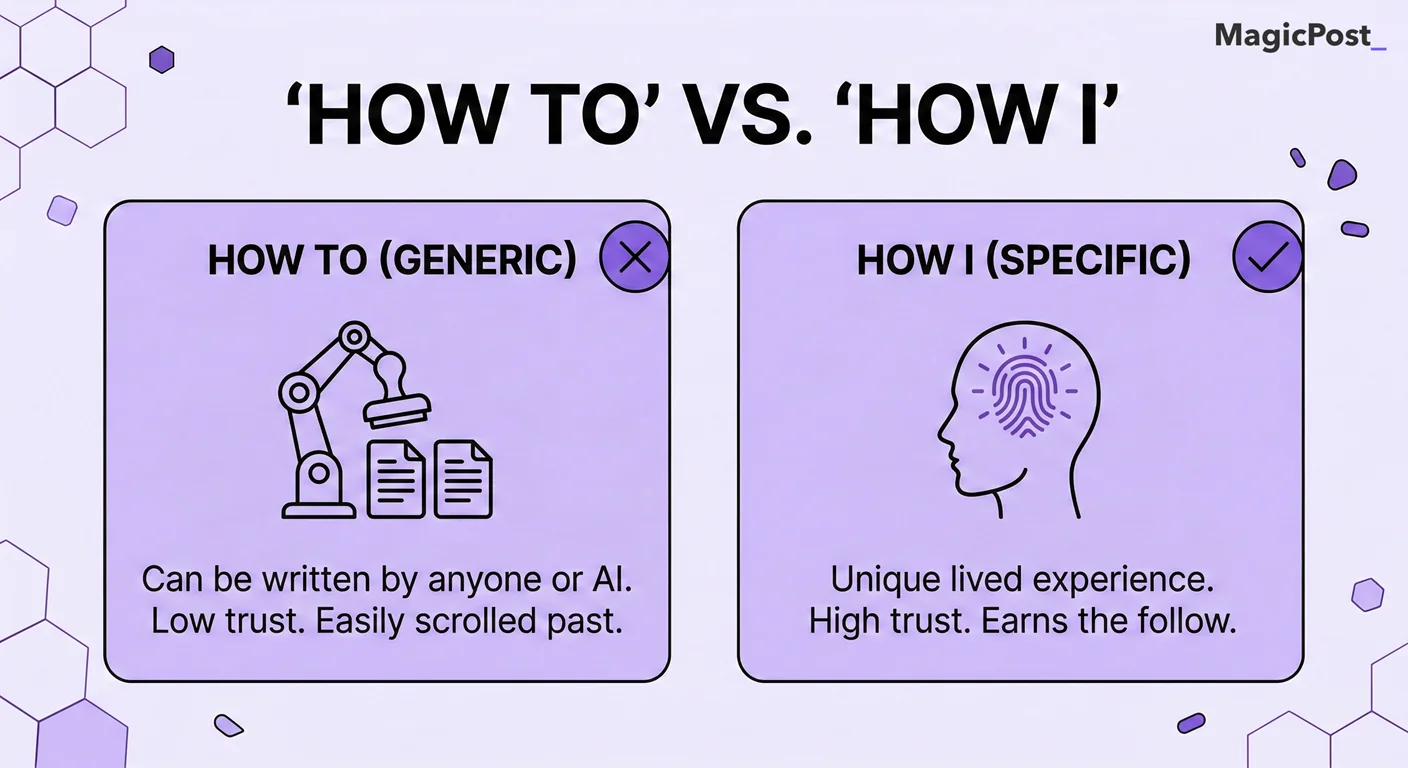
“How to build a content strategy” could’ve been written by anyone. “How I rebuilt my content strategy after my reach dropped 60% in three months” can only come from you. That specificity earns trust, and the lived experience earns followers.
What Gets Saves vs. Likes vs. Comments
Design your posts to earn saves first. A post that gets 50 saves and 10 comments will outperform a post with 200 likes and no saves almost every time. Here’s the difference between each:
Engagement Type | Content That Earns It | Algorithmic Weight |
|---|---|---|
Saves | Frameworks, checklists, reference guides, and stat-heavy posts people want to return to | Highest |
Reposts | Highly shareable data, strong opinions, and content that validates a belief | High |
Comments | Contrarian opinions, questions, relatable frustrations, and personal stories | High |
Likes | Motivational content, broad agreement, and feel-good moments | Lower |
How Often Should You Post on LinkedIn to Grow Faster?
Consistency matters more than volume. Posting every day without a strategy burns you out and trains your audience to ignore you. Posting three to four times per week with intentional content builds a compounding presence.
Posting Frequency | What Happens |
|---|---|
1x per week or less | The algorithm treats you as an occasional creator, limiting your distribution priority |
2x per week | Acceptable baseline; slow but steady growth if content quality is high |
3 to 4x per week | The sweet spot for most creators; enough volume to compound without quality suffering |
Every day | Can work if you have a strong content system; risks quality dropping and audience fatigue |
Does Timing Matter When Posting on LinkedIn?
Timing helps but it isn’t the primary lever. In general, weekday mornings between 8 a.m. and 10 a.m. and early afternoons between 12 p.m. and 2 p.m. tend to see higher engagement, as professionals check LinkedIn during commutes and lunch breaks.
The more important variable is your specific audience. Use LinkedIn's native analytics to see when your followers are most active and adjust from there.
Pro Tip: Schedule posts in advance so you can be present to engage during the 90-minute launch window without scrambling to write at the same time. Tools like MagicPost let you schedule directly from the same platform where you draft.
How Do You Write a LinkedIn Post That Stops the Scroll?
LinkedIn truncates posts after roughly 140 characters in the feed. Everything below that fold is invisible until someone taps “See more.” This means your first line isn’t an introduction; it’s a decision point. If it doesn’t earn the click, nothing else matters.
That’s why you need to write a strong hook. A good hook does three things:
Creates a pattern interrupt by saying something unexpected or counterintuitive.
Speaks directly to a specific pain or frustration the reader recognizes immediately.
Opens a loop that can only be closed by reading more.
Here are examples of weak and strong hooks.
Weak Hook | Strong Hook |
|---|---|
“Consistency is the key to LinkedIn success.” | “I posted every day for 90 days and my reach dropped. Here’s what I changed.” |
“Here are my top tips for growing on LinkedIn.” | “Most LinkedIn advice is written for 2022. Here’s what actually works in 2026.” |
“Personal branding is important in today’s world.” | “Nobody followed me for two years. Then I stopped trying to sound professional.” |
For a deeper breakdown of what makes a hook work, see our full guide on writing LinkedIn hooks.
What Is the 5-5-5 Method and Why Does It Work?
One of the most underreported truths about LinkedIn is that commenting on other people’s posts grows your following faster than posting alone.
When you leave a thoughtful, substantive comment on a post that’s already gaining traction, your name and face appear in front of that creator’s entire audience. If your comment adds genuine value, people click your profile. And if your profile is compelling, they follow.
The 5-5-5 method turns this into a daily system:
Make 5 comments on posts from creators above your level to borrow their reach and signal to their audience that you are worth following.
Make 5 comments on posts from direct peers to build niche relevance and mutual visibility within your space.
Make 5 comments on posts from ideal prospects or target audience members to start conversations with the exact people you want following you.
The key word is “thoughtful.” A comment that says "Great post!" contributes nothing. A comment that adds a counterpoint, a personal example, or a follow-up question creates real visibility.
Fifteen minutes of genuine commenting per day, done consistently, compounds faster than most creators expect.
Should You Turn On LinkedIn Creator Mode?
Yes, you should turn on LinkedIn Creator Mode if you’re actively trying to build an audience.
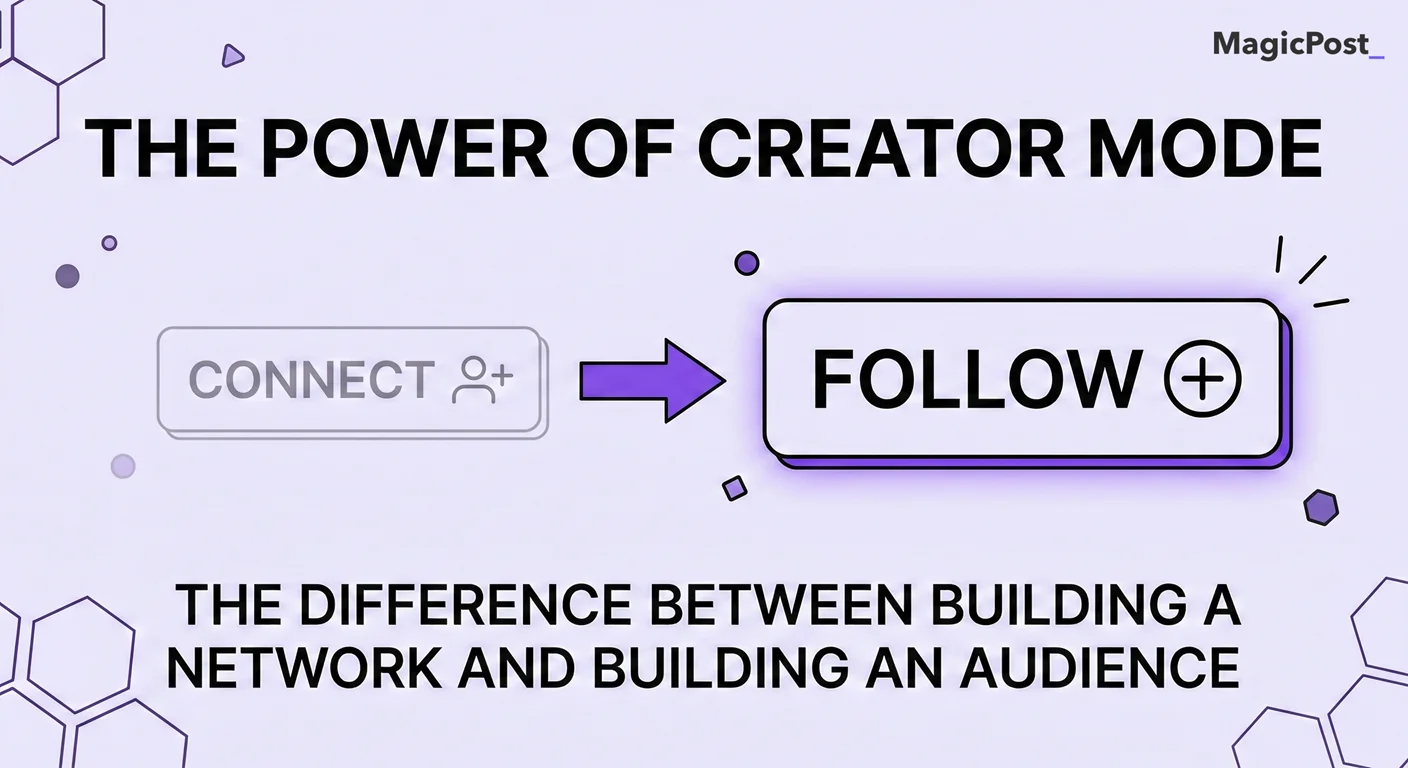
Creator Mode makes one significant change to your profile: it replaces the primary “Connect” button with a “Follow” button. This is the difference between building a mutual network and building an audience. For growth purposes, “Follow” is what you want.
That aside, Creator Mode also unlocks:
Access to LinkedIn's creator analytics, including follower growth data and post reach breakdowns.
The ability to add up to five content hashtags to your profile, which helps LinkedIn categorize your content and surface it to relevant audiences.
Access to LinkedIn Live and the Newsletter feature, both of which expand your reach to subscriber audiences.
A "Follows" count displayed on your profile instead of a connections count, which signals authority to new visitors.
The one tradeoff is that some users find the follow-first approach less intuitive for direct networking. If your primary goal is sales outreach rather than audience building, the standard profile may serve you better. For everyone else, Creator Mode is the right default.
How Does MagicPost Help You Grow on LinkedIn?
Everything above requires consistent execution. That is where most creators stall. It’s not because they lack ideas; it’s because the daily process of writing, formatting, and scheduling is genuinely time-consuming.
MagicPost is built to solve that specific problem.
The Ideas Generator helps you never run out of topics by suggesting niche-relevant post ideas based on your area of focus.
The Hook Generator writes opening lines engineered to earn the "See more" click, removing the hardest part of any post.
The Viral Post Library gives you access to 500,000+ posts filtered by niche, format, and engagement, so you can study what works and adapt it to your own voice.
Built-in Post Scheduling lets you plan your content calendar in advance so you can be fully present during that critical 90-minute window after each post goes live.
The goal isn’t to replace your voice. It’s to remove the obstacles that stop you from showing up consistently.
Try MagicPost for free; no credit card is required. Start your free trial and build the consistency your LinkedIn growth actually needs.
FAQ
How long does it take to grow a LinkedIn following?
Most creators who post consistently, three to four times per week with a clear niche, start seeing meaningful follower growth within two to three months. The first month is typically the slowest as the algorithm learns what your content is about and who to show it to.
Growth compounds over time, so the creators who stick with it past the initial plateau see disproportionate results.
How many followers do you need on LinkedIn to make an impact?
Fewer than most people think. On LinkedIn, a highly engaged audience of 2,000 to 5,000 followers in a specific niche can generate more real business outcomes than a broad audience of 50,000 passive followers.
Relevance and engagement rate matter far more than raw follower count, especially for B2B professionals, consultants, and founders.
Does posting every day help on LinkedIn?
It can, but only if content quality stays high. Posting daily with declining quality actually hurts growth because low-performing posts signal to the algorithm that your content isn’t worth distributing.
For most creators, three to four high-quality posts per week outperform seven mediocre ones. Consistency of quality matters more than consistency of volume.
What type of content gets the most followers on LinkedIn?
Content that earns saves grows followings fastest. Frameworks, actionable checklists, proprietary data, and personal stories with a specific lesson all generate saves. Personal experience posts framed around a specific insight, what’s sometimes called the "How I" format, consistently outperform generic educational content because they provide perspective that only one person could have shared.
Is it worth buying LinkedIn followers?
No. Purchased followers are either bots or inactive accounts, which means they will never engage with your content. On LinkedIn, follower count without engagement actually hurts your algorithmic distribution because the platform measures engagement as a percentage of reach.
A large, inactive audience lowers your engagement rate and signals to the algorithm that your content is not worth distributing further.
What is a good engagement rate on LinkedIn?
LinkedIn engagement rate is calculated as total interactions (likes, comments, shares, and clicks) divided by total impressions, multiplied by 100.
An engagement rate above 2% is considered good, and anything above 5% is exceptional. For personal profiles, rates tend to be higher than company pages because individuals generate more trust and relatability than brand accounts.