" height="26.80529977783203px" id="tymKb8bqC" width="128.00300311279295px"/><path d="M 0 2.417 L 0 0 L 12.909 0 L 12.909 2.417 Z" fill="rgb(126, 78, 253)" height="2.417099999999998px" id="aYr4em6zK" transform="translate(128.341 22.325)" width="12.908999999999992px"/></svg>)

"/><stop offset="1" stop-color="rgb(118, 37, 250)"/></linearGradient></defs><g d="M 19.242 21.22 L 19.362 6.204 L 19.272 6.204 L 13.757 21.22 L 10.161 21.22 L 4.796 6.204 L 4.706 6.204 L 4.825 21.22 L 0 21.22 L 0 0 L 7.283 0 L 12.109 13.607 L 12.229 13.607 L 16.844 0 L 24.247 0 L 24.247 21.22 Z M 26.421 26.113 L 26.421 23.445 L 41.407 23.445 L 41.407 26.113 Z" fill="transparent" height="26.112508199679183px" id="DvfaAIHYn" width="41.40731898311435px"><path d="M 19.242 21.22 L 19.362 6.204 L 19.272 6.204 L 13.757 21.22 L 10.161 21.22 L 4.796 6.204 L 4.706 6.204 L 4.825 21.22 L 0 21.22 L 0 0 L 7.283 0 L 12.109 13.607 L 12.229 13.607 L 16.844 0 L 24.247 0 L 24.247 21.22 Z" fill="rgb(46, 46, 46)" height="21.220180016149442px" id="pLsxRCobd" width="24.247352589074694px"/><path d="M 0 2.668 L 0 0 L 14.986 0 L 14.986 2.668 Z" fill="url(%23yD9d4I5GR-3279285344-linear-gradient)" height="2.6675085048549647px" id="yD9d4I5GR" transform="translate(26.421 23.445)" width="14.986002836263765px"/></g></svg>)

Camelia Khadraoui
क्या आपका LinkedIn प्रोफ़ाइल आपको अलग दिखा रहा है?
चाहे आप नौकरी की तलाश कर रहे हों, नेटवर्किंग कर रहे हों, या अपनी व्यक्तिगत ब्रांड बना रहे हों, एक मजबूत LinkedIn प्रोफ़ाइल
लेकिन अपने प्रोफ़ाइल को अनुकूलित करने में घंटों नहीं लगने चाहिए और न ही इसका कोई खर्च होना चाहिए।
LinkedIn AI उपकरणों के साथ, आप तुरंत अपने प्रोफ़ाइल चित्र में सुधार कर सकते हैं, एक आकर्षक शीर्षक और सारांश लिख सकते हैं, या सुधार के लिए फीडबैक प्राप्त कर सकते हैं।
हम आपको अपने LinkedIn प्रोफ़ाइल को सुधारने में मदद करने के लिए 6 मुफ्त AI उपकरण साझा करेंगे और सही लोगों से जुड़ने और ध्यान आकर्षित करने के लिए कुछ सुझाव देंगे।
TL;DR
Use AI tools like Profile Pic Maker, Canva, LinkedIn Headline Generator, LinkedIn Summary Generator, AI Profile Reviewers, and LinkedIn Premium AI to optimize your LinkedIn photo, banner, headline, and summary while remaining authentic to enhance visibility and opportunities.
Top 6 Linkedin AI Tools in 2026 ! (Free)
tool | best feature | starting price |
|---|---|---|
Quick, clean LinkedIn profile picture upgrades (background + style tweaks) | free | |
Ready-made LinkedIn banner templates | free | |
Generates multiple headline options based on your role + goals | free | |
Drafts a structured “about” section that you can personalize | free | |
Fast audit with actionable profile improvement tips | free | |
Built-in AI suggestions + premium visibility features (plan dependent) | paid (varies) |



1. Profile Pic Maker
LinkedIn members with a profile picture get 21 times more profile views and 9 times more connection requests.
But that happens only if your profile picture makes the right first impression. An old photo or a blurry selfie may do more harm than good.
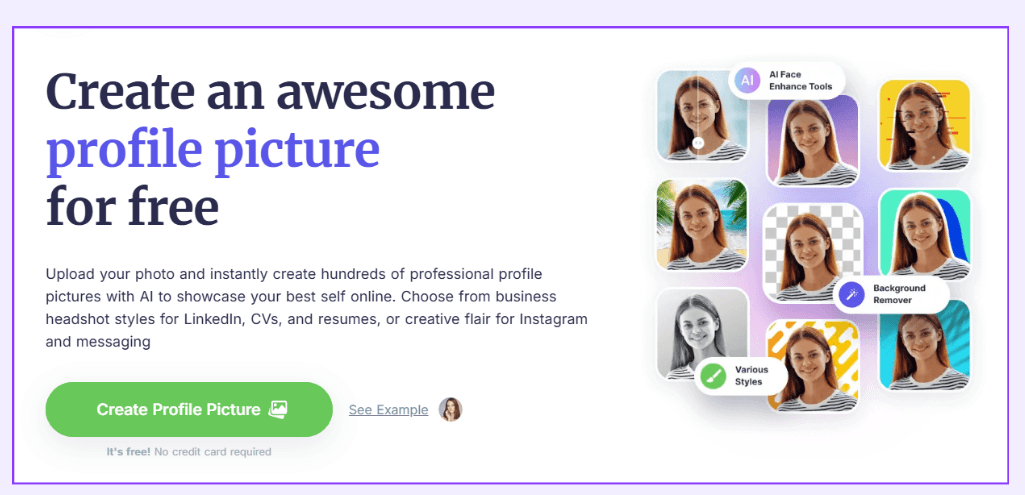
To get the best LinkedIn profile picture, you can use Profile Picture Maker. It helps you edit your image by removing or replacing your background or selecting a style that fits your brand.
Bonus tip: Your LinkedIn photo should be simple, with your face visible so you’re easily recognizable.
2. Canva
Your LinkedIn profile isn’t the only image that matters on your profile. You also need an eye-catching banner that fits your brand voice. You can also use it to highlight your expertise or your unique selling proposition.
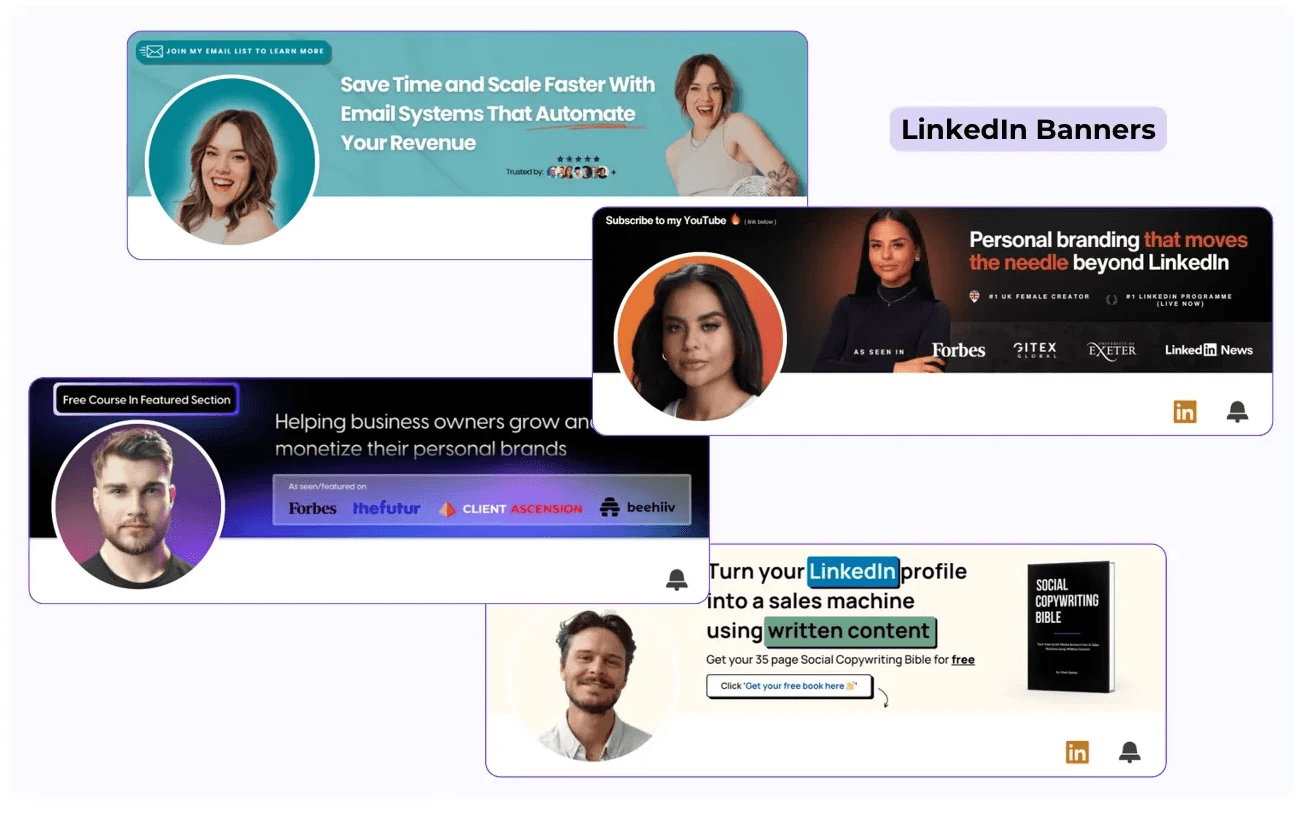
So, how can you ensure your LinkedIn images are in the right format? Canva has templates for profile pictures and banners. You can also use it to create posts, carousels, and videos.
3. LinkedIn Headline Generator
Want LinkedIn members to quickly understand who you are and what you do?
Your LinkedIn headline is one of the first things people see, right after your name. Also, your LinkedIn headline shows up whenever you post, comment, send a connection request, or appear in search results.
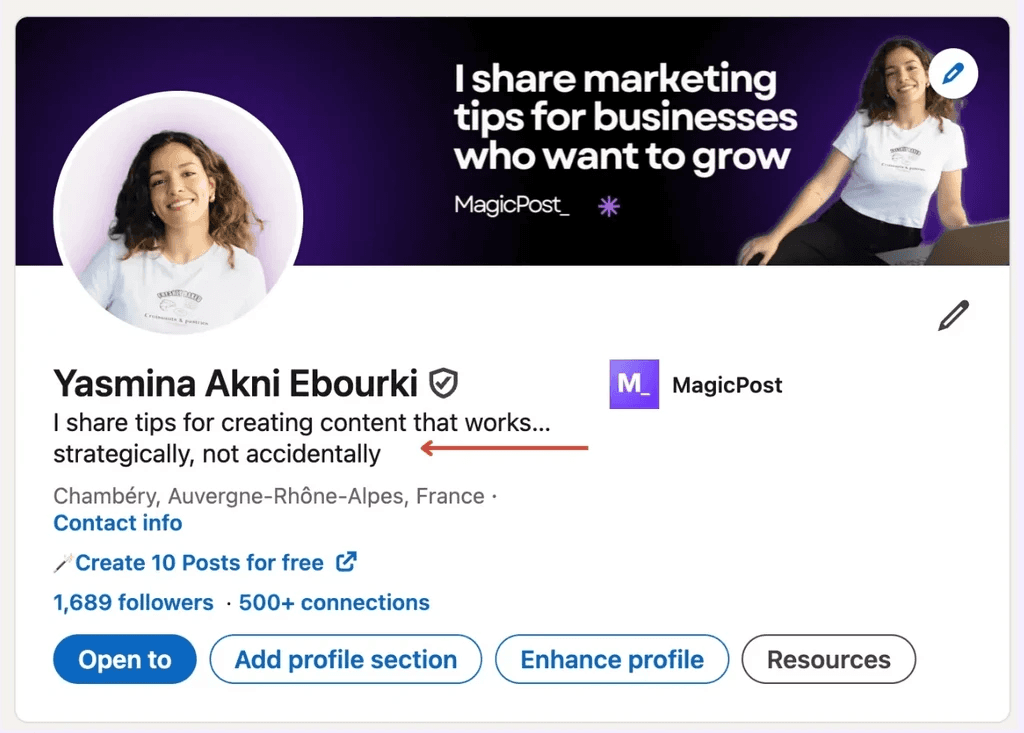
You can generate a headline that captures attention with a LinkedIn headline generator. It uses AI to suggest an optimized headline based on your role, skills, and goals.
Bonus tip: Don’t limit your headline to just the job title. Make sure your LinkedIn profile includes a headline that’s clear and highlights the unique value you provide.
4. LinkedIn Summary Generator
Your LinkedIn summary tells your professional story.
Your LinkedIn summary can have a maximum of 2,000 characters (that’s around 300 to 500 words). Within 2,000 characters, your summary should include a hook to grab your profile visitors’ attention, present a compelling story, and be easy to read.
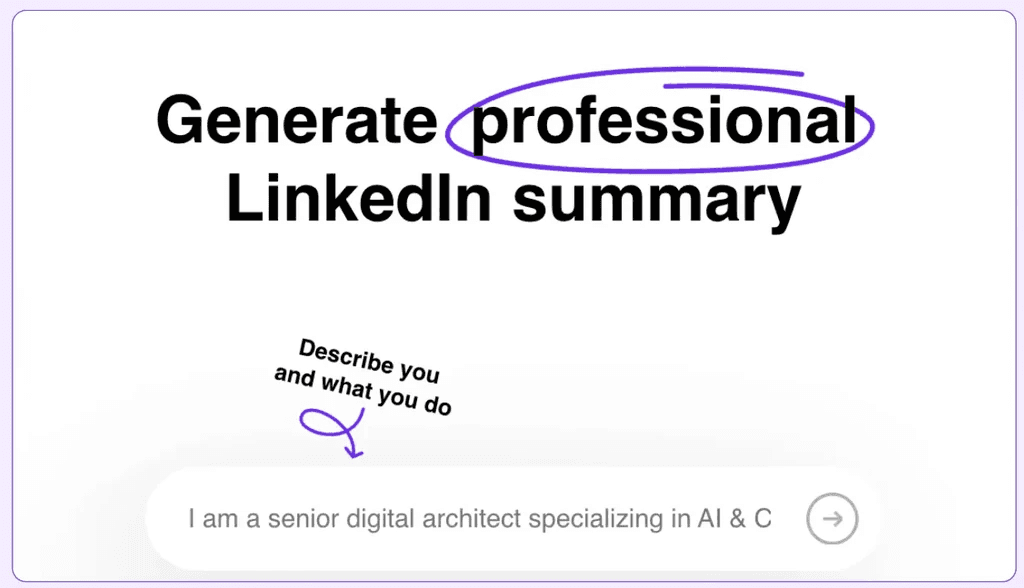
Now, if you want to appear first in LinkedIn search results, you should also optimize your summary with relevant search terms.
So, how can you ensure it’s a good one? The easiest way is to use a LinkedIn summary generator.
Bonus tip: Break your summary into short paragraphs so it’s easy to read. Also, use bullet points or numbered lists to highlight quantified achievements.
4. LinkedIn Summary Generator
Your LinkedIn summary tells your professional story.
Your LinkedIn summary can have a maximum of 2,000 characters (that’s around 300 to 500 words). Within 2,000 characters, your summary should include a hook to grab your profile visitors’ attention, present a compelling story, and be easy to read.
Now, if you want to appear first in LinkedIn search results, you should also optimize your summary with relevant search terms.
So, how can you ensure it’s a good one? The easiest way is to use a LinkedIn summary generator.
Bonus tip: Break your summary into short paragraphs so it’s easy to read. Also, use bullet points or numbered lists to highlight quantified achievements.
5. LinkedIn Profile Review
Maybe you completed your LinkedIn profile. But is it attracting the right connections and career opportunities?
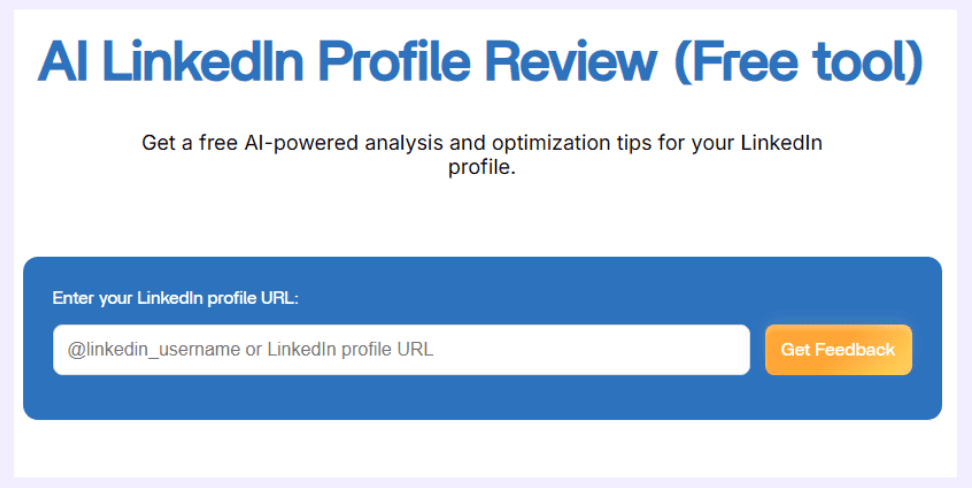
Get feedback on your LinkedIn profile areas of improvement with an AI-powered profile reviewer. This tool analyzes your headline, summary, and experience, and provides you with information on how to improve your LinkedIn presence.
Bonus tip: Make sure the recent accomplishments, roles, and skills added to your LinkedIn profile reflect your current career goal.
6. LinkedIn Premium
Lastly, LinkedIn Premium now includes AI features that can help you enhance your profile.
With the premium version, you can go directly to your profile, edit your headline, and get AI-generated suggestions to improve each detail.
However, it’s important to note that while the AI can help generate titles and summaries, it doesn't provide constructive feedback on how to improve your profile overall.
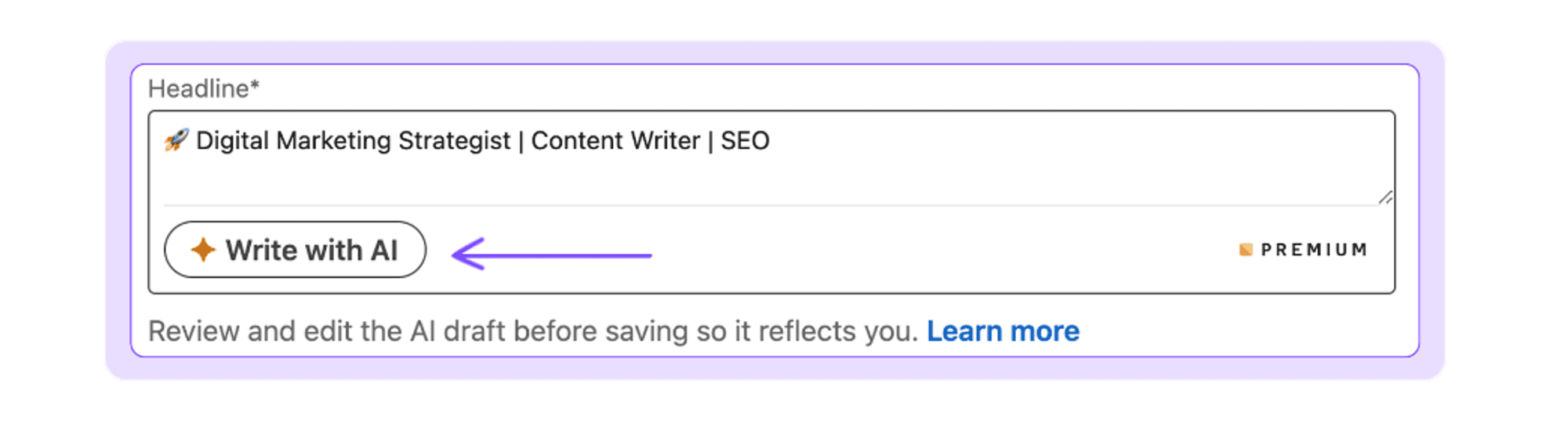
It’s a helpful tool for creating content, but you'll still need to be mindful of how your profile comes across to others.
What Makes a LinkedIn Profile Truly Optimized?
Step by step, optimizing your profile means making it professional and appealing.
You can do this by analyzing profiles of top content creators or by using some of the AI tools I’ll introduce here.
Some of these tools are not only free but will also save you a lot of time.
But if there’s one thing I can tell you, it’s that the most important aspect of a well-optimized profile is that it reflects who you are.
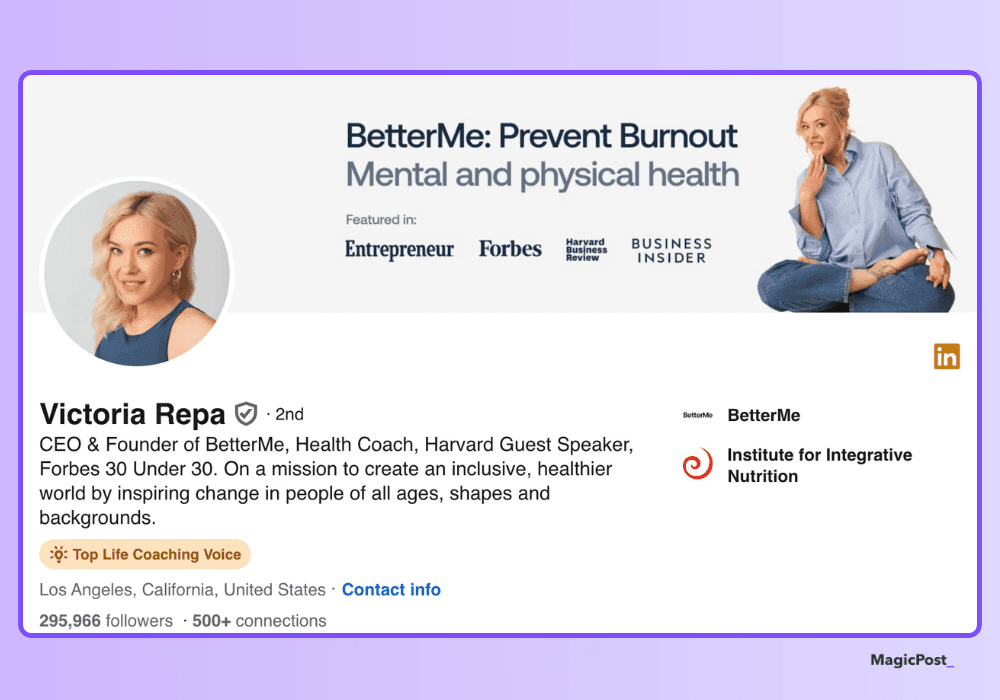
You need to stand out because, in the end, people will connect with you, not just a nice, organized profile.
Benefits of a Fully Optimized LinkedIn Profile
Having a fully optimized LinkedIn profile is very important for making a strong impression and standing out in the crowded professional space.
When your profile is well-crafted, it significantly boosts your visibility and allows you to appear in more relevant searches, which means more opportunities for networking and connection.
A polished profile also shows credibility and professionalism.
A professional photo, an engaging summary, and clearly outlined skills help you present yourself as an expert in your field.
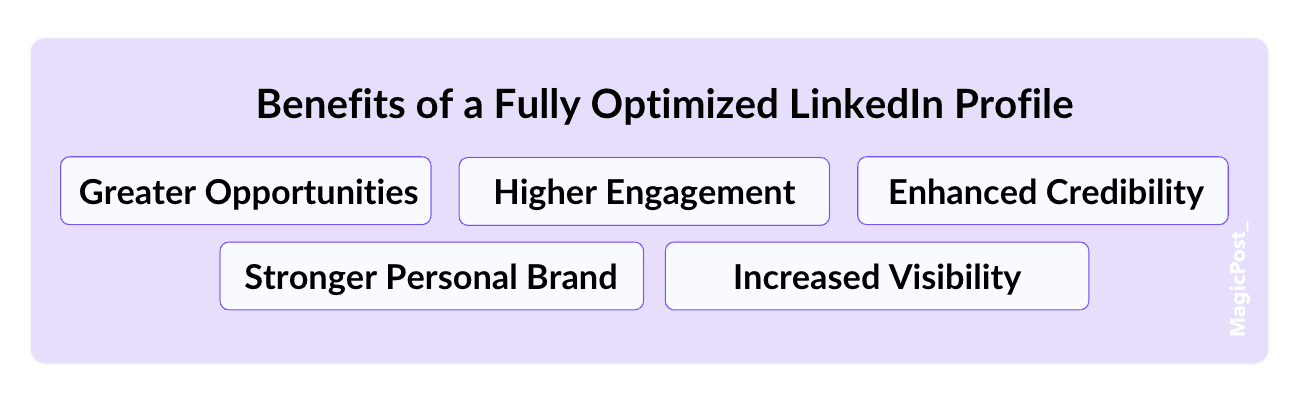
This enhanced credibility not only makes you more appealing to potential clients and employers but also builds trust and encourages more meaningful interactions and endorsements from your network.
Additionally, an optimized profile strengthens your personal brand and maximizes your engagement on LinkedIn.
By showcasing your strengths and professional achievements, you make yourself memorable and appealing to your target audience.
Whether you’re job hunting or looking to expand your network, a well-optimized profile sets you up for success by opening doors to new opportunities and meaningful connections.
Frequently Asked Questions
Can I use AI to improve my LinkedIn profile?
Yes. You can use AI to write a new LinkedIn headline, summary, or get feedback on your profile.
How do I make my LinkedIn profile stronger?
To strengthen your LinkedIn profile, fill out all information and prioritize clarity and credibility. Upload a recent photo, craft an engaging headline and summary, and emphasize your career accomplishments.
What are the best AI tools for optimizing LinkedIn profiles?
Some of the best AI tools for optimizing LinkedIn profiles include PFPMaker for creating professional-looking profile photos, LinkedIn Headline Generator to write attention-grabbing headlines, and LinkedIn Summary Generator to help you craft a compelling About section.
How often should I update my LinkedIn profile?
You should update your profile whenever there’s a change in your role, skills, accomplishments, or career objectives.
Can I use AI to write my entire LinkedIn profile?
AI can assist you in writing or enhancing your profile, but you should customize the content so that it represents your voice and professional identity.
8 Best Employee Advocacy Examples to Follow in 2026
Employee advocacy examples to follow in 2026. See how top companies turn employees into growth channels and drive reach, trust, and pipeline.
LinkedIn Content Strategy Agency: What Do They Actually Do?
Looking for a LinkedIn content strategy agency? Before you hire one, understand what a strategy involves, what agencies do, and when to skip them.
LinkedIn Employee Branding: How to Attract Top Talent (2026)
LinkedIn employee branding is a recruitment strategy. Here's how to turn your team's LinkedIn presence into a measurable talent attraction engine in 2026.
5 Best Shield Analytics Alternatives for LinkedIn (2026)
Shield Analytics is shutting down. Here are the 5 best Shield Analytics alternatives for LinkedIn in 2026, with honest pros, cons, and pricing for each.
Does LinkedIn Show Who Viewed Your Profile? (2026)
Does LinkedIn show who viewed your profile? Learn what others see, how to browse anonymously, and the differences between free and premium accounts.
How to Export LinkedIn Contacts and Connections (2026)
Your connections are an asset. Here’s how to export LinkedIn contacts to CSV in a few clicks, the data you’ll get, and what to do when email addresses are missing.
Taplio Review: Powerful, But Are You Overpaying? (2026 Update)
Taplio provides AI posts, scheduling, and lead generation all in one place, but is it worth it in 2026? This Taplio review will assist you in determining if it fits your workflow.