" height="26.80529977783203px" id="tymKb8bqC" width="128.00300311279295px"/><path d="M 0 2.417 L 0 0 L 12.909 0 L 12.909 2.417 Z" fill="rgb(126, 78, 253)" height="2.417099999999998px" id="aYr4em6zK" transform="translate(128.341 22.325)" width="12.908999999999992px"/></svg>)

"/><stop offset="1" stop-color="rgb(118, 37, 250)"/></linearGradient></defs><g d="M 19.242 21.22 L 19.362 6.204 L 19.272 6.204 L 13.757 21.22 L 10.161 21.22 L 4.796 6.204 L 4.706 6.204 L 4.825 21.22 L 0 21.22 L 0 0 L 7.283 0 L 12.109 13.607 L 12.229 13.607 L 16.844 0 L 24.247 0 L 24.247 21.22 Z M 26.421 26.113 L 26.421 23.445 L 41.407 23.445 L 41.407 26.113 Z" fill="transparent" height="26.112508199679183px" id="DvfaAIHYn" width="41.40731898311435px"><path d="M 19.242 21.22 L 19.362 6.204 L 19.272 6.204 L 13.757 21.22 L 10.161 21.22 L 4.796 6.204 L 4.706 6.204 L 4.825 21.22 L 0 21.22 L 0 0 L 7.283 0 L 12.109 13.607 L 12.229 13.607 L 16.844 0 L 24.247 0 L 24.247 21.22 Z" fill="rgb(46, 46, 46)" height="21.220180016149442px" id="pLsxRCobd" width="24.247352589074694px"/><path d="M 0 2.668 L 0 0 L 14.986 0 L 14.986 2.668 Z" fill="url(%23yD9d4I5GR-3279285344-linear-gradient)" height="2.6675085048549647px" id="yD9d4I5GR" transform="translate(26.421 23.445)" width="14.986002836263765px"/></g></svg>)

Bénédicte Rivory
Posting a GIF on LinkedIn is a great way to grab attention without having to create an entire video. It can boost engagement, but you need to know how to do it right.
Whether you are aiming to make your posts more dynamic, add a touch of humor, or simply stand out in a sea of text, GIFs can be a powerful tool. However, using them effectively requires some know-how, which this guide will provide.
TL:DR;
Using GIFs on LinkedIn can make your posts more engaging and memorable, helping you stand out and connect better with your audience.
What Are GIFs?
GIFs, which stands for Graphics Interchange Format, are short, looping images made by combining several frames into one animation.
Unlike regular videos, GIFs start playing on their own, usually have no sound, and repeat over and over.
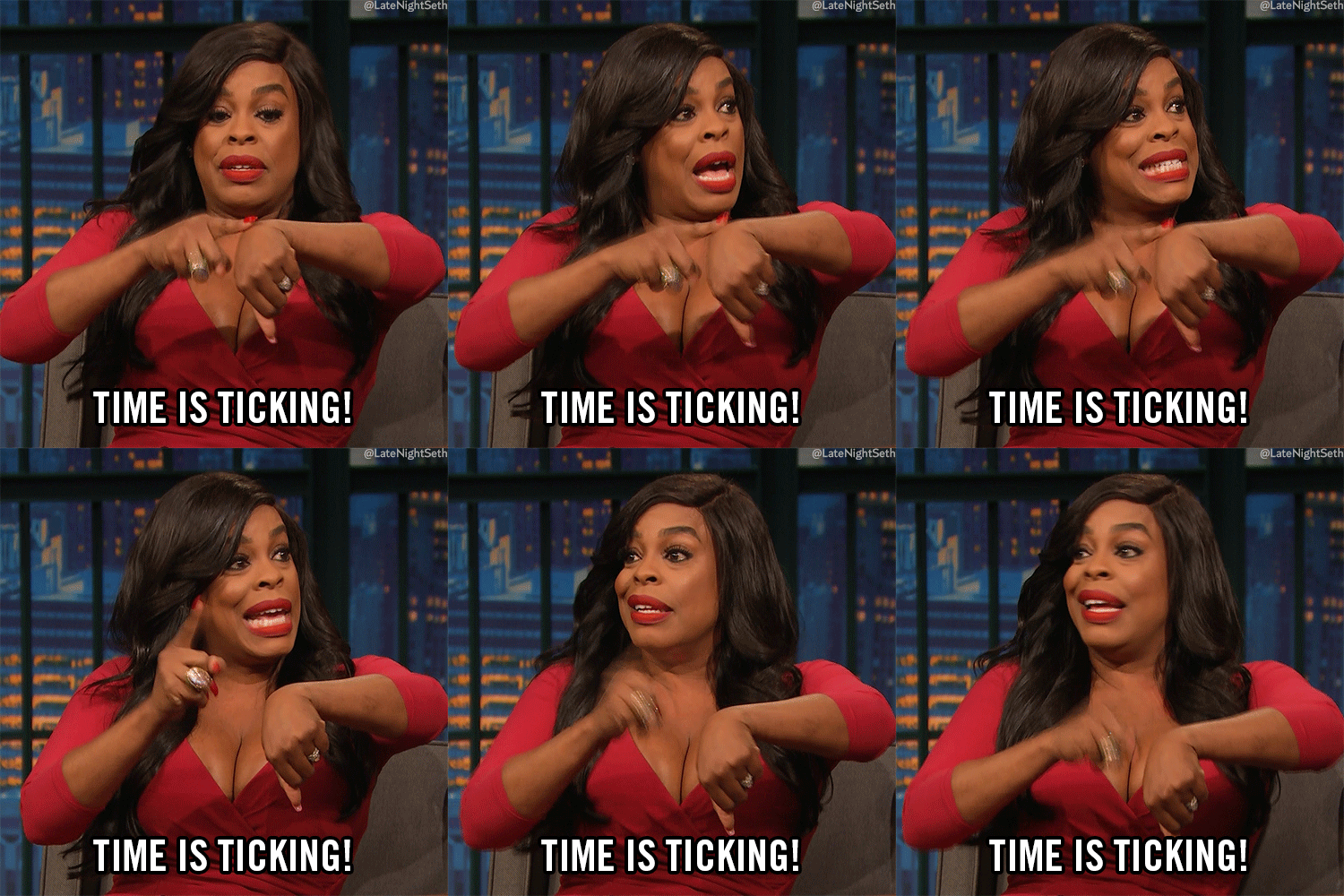
The GIF format was first introduced in 1987 to create small images with few colors, which helped web pages load quickly.
Since then, GIFs have grown from simple animated icons to one of the most popular ways people share visuals online.
Today, people use GIFs on websites, blogs, social media, and messaging apps. They are a quick and fun way to show emotions, reactions, how-tos, product demos, and short explanations.

For digital marketing, GIFs are a middle ground between still images and videos. They are more lively than a JPEG or PNG, but smaller and easier to use than a full video.
Since GIFs are eye-catching and simple to watch, they can make websites more interesting, keep people on the page longer, and add interactivity when
used well.




क्या LinkedIn पर GIF का उपयोग करना ठीक है?
बिलकुल!
LinkedIn पर GIF का उपयोग करना पूरी तरह से स्वीकार्य है। बहुत से लोग इसे उपयोग करने hesistate करते हैं क्योंकि उन्हें या तो यह नहीं पता होता कि कैसे करना है या उन्हें डर होता है कि यह पेशेवर नहीं होगा। लेकिन यह आपका मौका है अलग दिखने का।
GIF का उपयोग क्यों करें?
जैसा कि उल्लेख किया गया है, GIF आपके आप को अलग करने का एक शानदार तरीका है। यहां बताया गया है कि आपको इनका उपयोग करने पर विचार क्यों करना चाहिए:
आकर्षक:
GIF एनिमेटेड होते हैं, जो स्वाभाविक रूप से दर्शक का ध्यान आकर्षित करते हैं। टेक्स्ट और स्थिर चित्रों से भरे फीड में, एक चलती हुई तस्वीर एक प्रकाशस्तम्भ की तरह होती है। यह आंख को पकड़ती है और उपयोगकर्ताओं को रुकने पर मजबूर करती है, भले ही सिर्फ एक पल के लिए।
मनोरंजक:
वे आपके पोस्ट में हास्य का एक स्पर्श जोड़ सकते हैं। एक सही रूप से चुना गया GIF आपके दर्शकों को मुस्कुराने या हंसाने में मदद कर सकता है, जिससे सकारात्मक भावनात्मक संबंध बनता है। हास्य आपके ब्रांड को मानवता में लाने और आपकी सामग्री को अधिक संबंधित बनाने का एक बेहतरीन तरीका हो सकता है।
संबंधित:
जब उचित रूप से उपयोग किया जाता है, तो वे आपकी सामग्री में महत्वपूर्ण मूल्य जोड़ सकते हैं। उदाहरण के लिए, एक GIF संक्षेप में एक बिंदु का चित्रण कर सकता है, एक प्रतिक्रिया दिखा सकता है, या लंबे टेक्स्ट में एक दृश्य विराम प्रदान कर सकता है। यह जटिल विचारों को समझना और याद रखना आसान बना सकता है।

हालांकि, सुनिश्चित करें कि आपके GIF आपके पोस्ट की सामग्री से संबंधित हैं। यादृच्छिक रूप से डाले गए GIF आपके दर्शकों को भ्रमित कर सकते हैं और आपके संदेश को कमजोर कर सकते हैं। कुंजी यह सुनिश्चित करना है कि GIF आपके संदेश को बढ़ाता है बजाय इसके कि वह ध्यान भंग करे।
Where to use GIFs?
You can use GIFs in different parts of your content strategy, depending on what you want to accomplish. If you want to boost engagement, show more personality, or make your messages livelier, here are the main ways to use GIFs effectively:
In Posts:
GIFs can make your posts more engaging and visually appealing. They can be used to emphasize a point, introduce humor, or break up text-heavy content. For example, if you’re talking about the hectic nature of Monday mornings, a funny GIF depicting the chaos can resonate well with your audience. For more tips on creating engaging and humorous content, check out our article on Funny LinkedIn Posts.
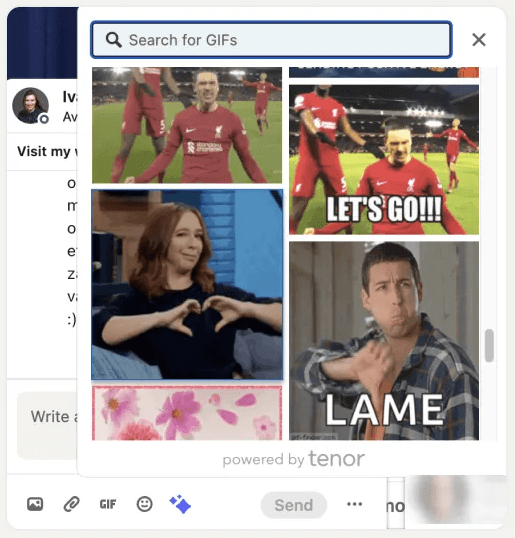
In Comments:
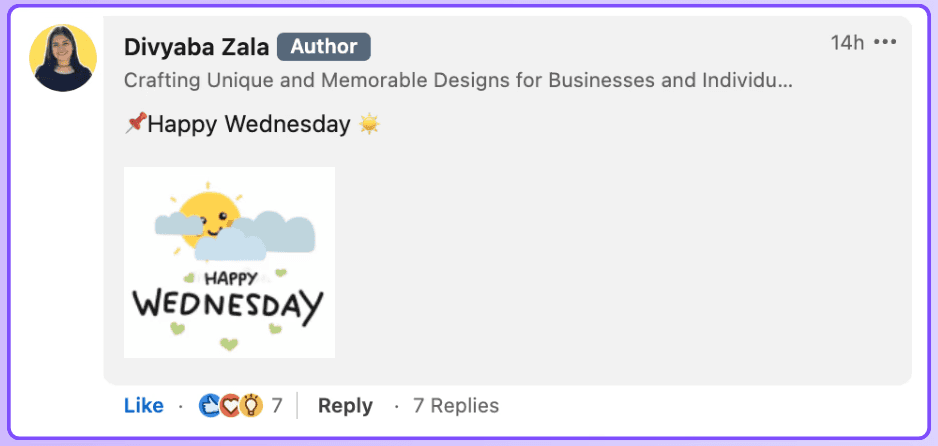
Use them to add a playful touch to your interactions. A well-placed GIF in a comment can help you stand out and make your response memorable. It’s a way to show personality and engage with others in a light-hearted manner.
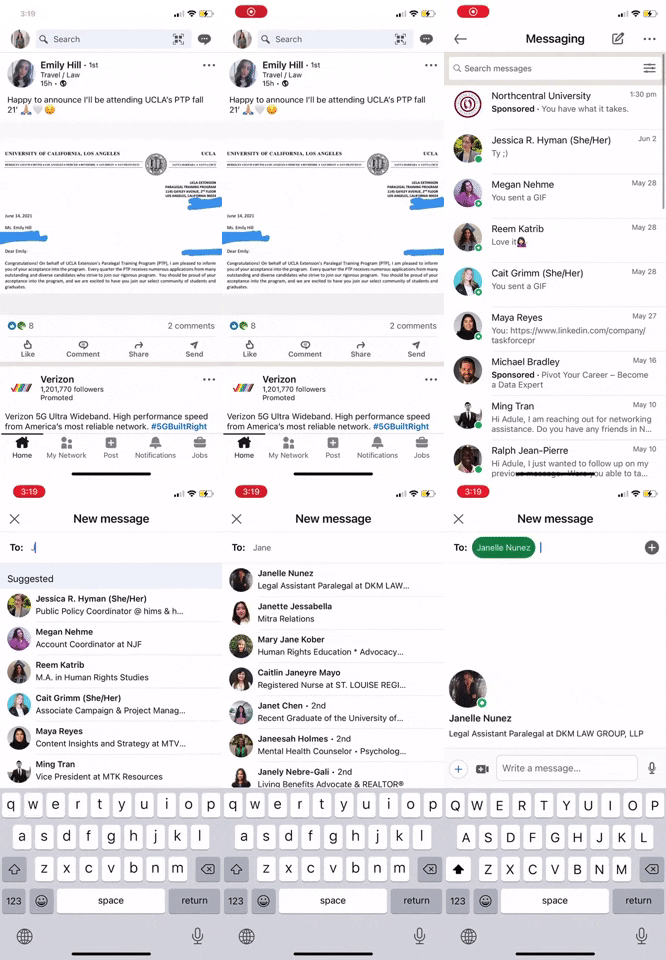
In Private Messages:
Particularly useful for breaking the ice in prospecting messages. Sending a GIF can make your initial outreach less formal and more approachable. It can help establish rapport and make the conversation feel more personal.
How to find GIFs
To post GIFs, you need to have them first, and this is where many people get stuck. Finding the right GIF can be easy if you know where to look and how to create your own if needed.
Use Giffy: The ultimate GIF library
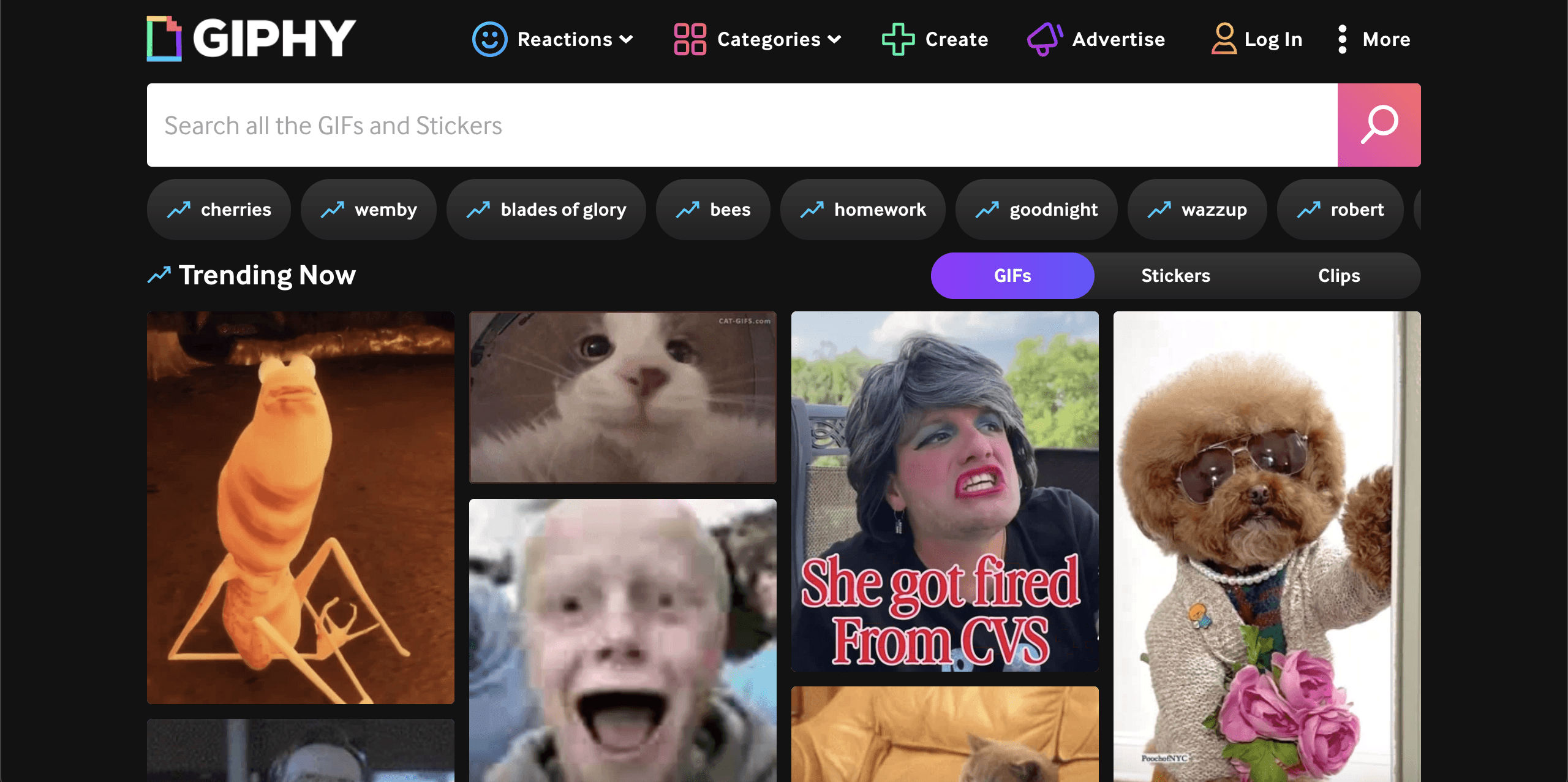
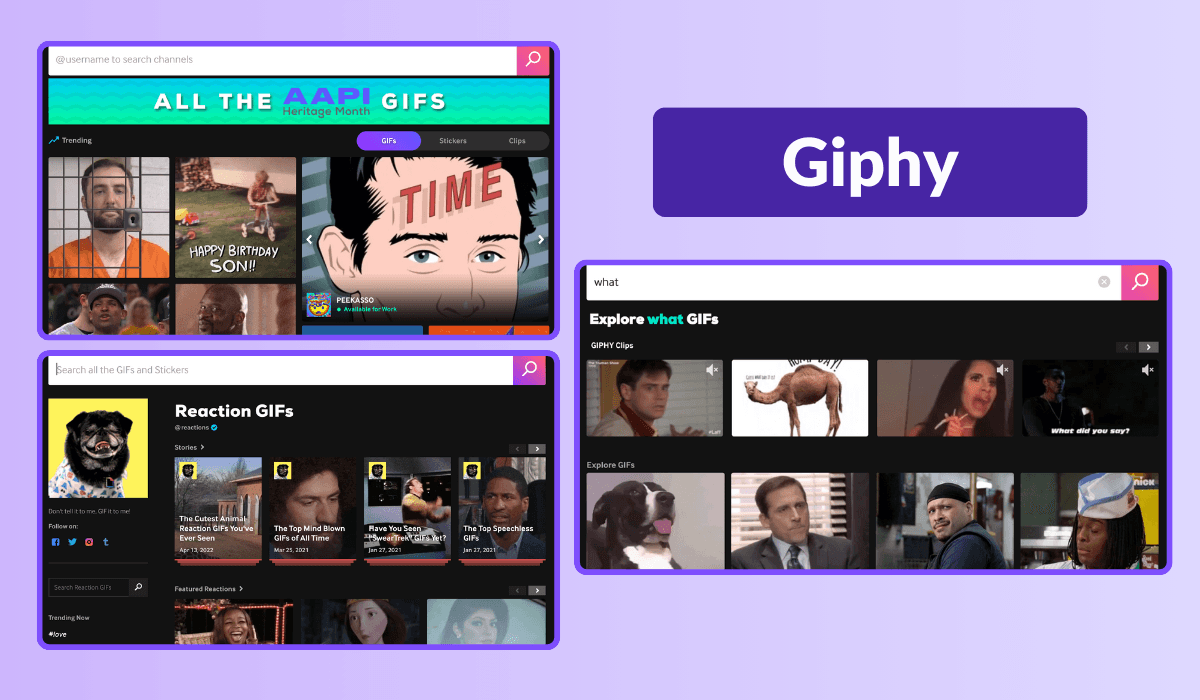
Giphy.com is your go-to source for finding the perfect GIF. It’s a fantastic site with a wide range of GIFs for every occasion. Here’s how to use it:
Search: Enter keywords related to the emotion, reaction, or scene you want. Giphy’s search functionality is quite robust, making it easy to find something specific.
Browse categories: If you’re unsure what you’re looking for, browsing through categories can spark ideas. Categories like “Work,” “Funny,” or “Reactions” are good places to start.
Filter results: Use filters to narrow your search by type (e.g., stickers, reactions) or file size, as needed.
Giphy also allows you to favorite GIFs for quick access later, making it easier to manage your go-to GIFs for regular posting.
Create your own GIFs
Sometimes, you might want a custom GIF that perfectly fits your message or brand. Creating your own GIFs can be a great way to ensure uniqueness and relevance.
Here’s how:
Using Photoshop: If you’re familiar with Photoshop, you can create high-quality GIFs from video clips or a series of images. Photoshop offers detailed control over the animation process, allowing you to fine-tune your GIFs.
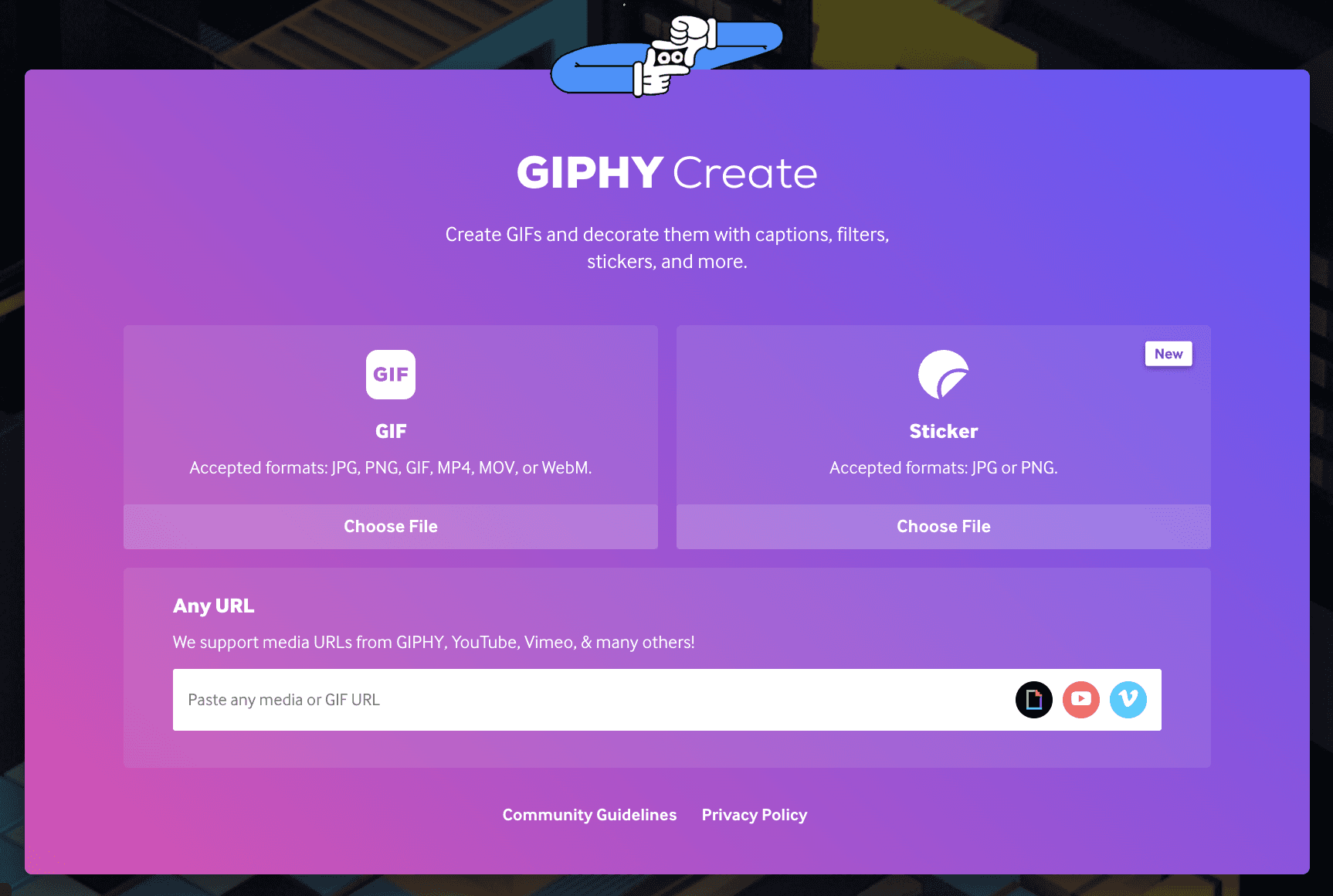
Giphy’s creation tool: Giphy also provides an easy-to-use tool for creating GIFs. You can upload video clips or images, add text or stickers, and create a GIF in minutes.
Other online platforms: There are numerous other tools available online, like EZGIF.com or Imgflip, which offer simple interfaces for creating GIFs. These tools often include options for adding effects, captions, and more.
Creating your own GIFs can be especially useful if you want to incorporate specific branding elements or tailor the content to a particular message.
Use a browser extension
For easy access to GIFs, especially in comments, you can download browser extensions like Unicat. This tool gives you a wide selection of GIFs at your fingertips, making it simple to add them to your posts and comments. Here’s how to use it:
Install the extension: Add the extension to your browser from the Chrome Web Store.
Access directly: Once installed, you can access the GIF library directly from your LinkedIn comment or post window.
Search and insert: Use the search function within the extension to find the right GIF, then insert it directly into your post or comment.
This method saves time and makes the process of adding GIFs to your LinkedIn interactions seamless and efficient.
How to use GIFs on LinkedIn to boost engagement
GIFs can make a LinkedIn post more visible, more dynamic, and more memorable.
In a feed filled with text-heavy content, they help break the pattern. A relevant GIF adds movement, emotion, and context. It can strengthen a hook, support a reaction, or make a message easier to absorb.
The key is to use them with intention. On LinkedIn, a GIF should reinforce the post, not distract from it. When it fits the tone and the message, it helps capture attention faster and can increase reactions, comments, and overall engagement.
GIFs are also useful beyond the main post itself. They can make comments stand out more clearly and help direct messages feel less cold or generic.
That is where MagicPost becomes especially useful. Instead of manually building every post from scratch, MagicPost helps turn an idea into a stronger LinkedIn post faster, with more engaging formats and creative options like GIFs built into the workflow.
For creators, founders, and teams that want better LinkedIn performance without spending more time on content production, using GIFs with MagicPost is a simple way to make posts feel sharper, more current, and more engaging.
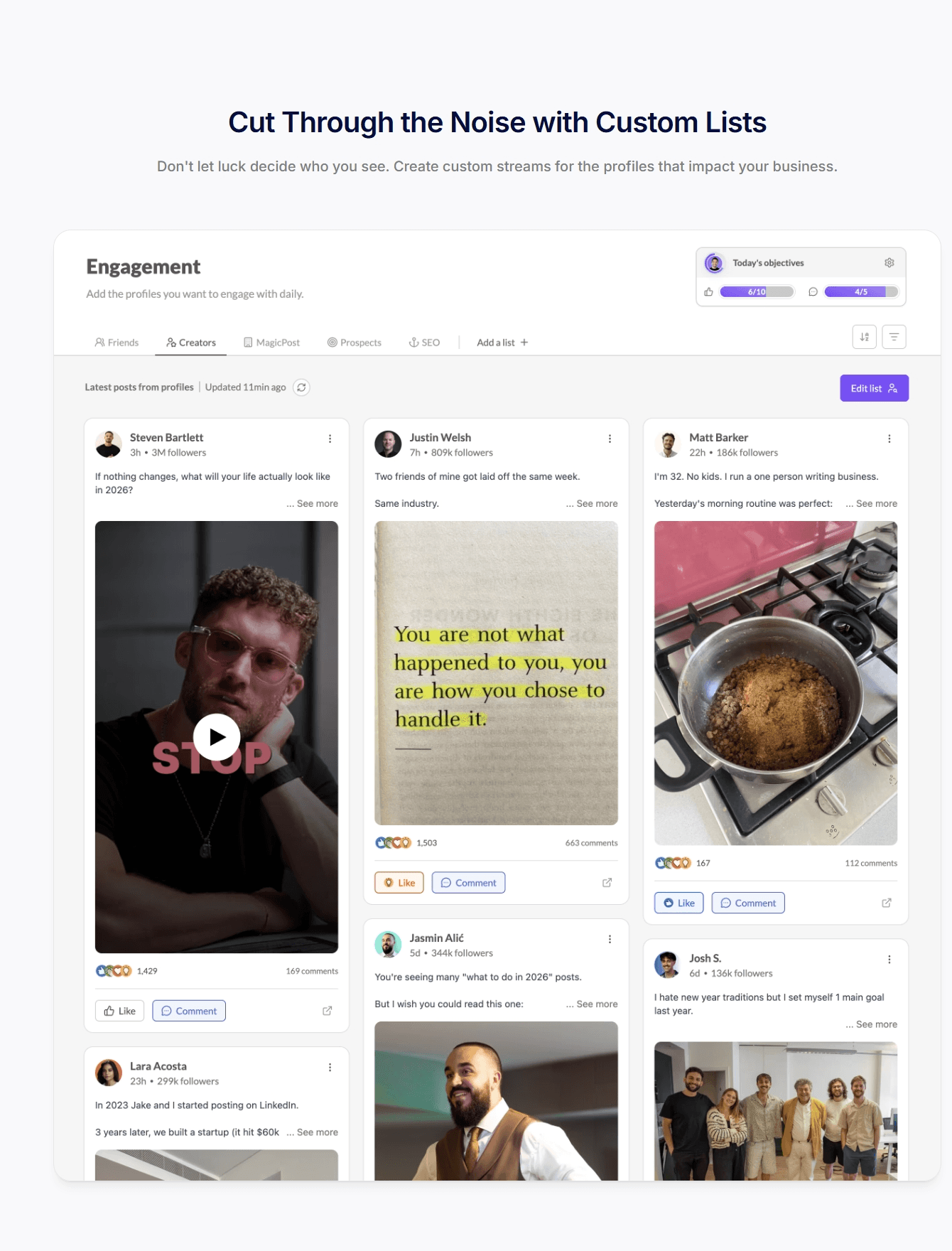
MagicPost allows you to schedule GIFs as comments on your own LinkedIn posts.
How to create an excellent LinkedIn post with a GIF?
Before you consider adding a GIF to your post, ensure you know how to write an engaging LinkedIn post. Let’s revisit the fundamentals!
To streamline your writing process and enhance the impact of your posts, consider utilizing AI tools like MagicPost. It's the perfect solution for saving time and effortlessly elevating your content.
Adopt the correct post structure
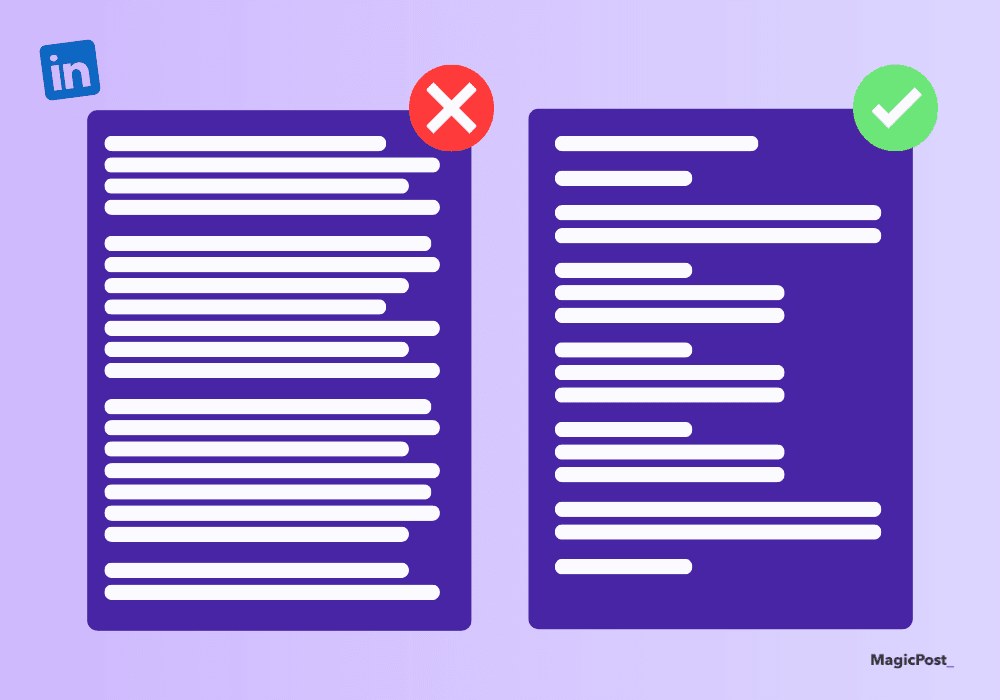
To create a successful LinkedIn post, follow these essential elements:
Hook: Begin with a strong hook to attract attention. This could be an intriguing question, a surprising fact, or a bold statement. The initial lines are crucial in making people pause their scrolling.
Read: 20 Best LinkedIn Hook Examples for Increased Engagement
One Subject = One Post: Concentrate on a single topic to keep your message clear and concise. Avoid trying to cover too many points in one post.
AI Tool: Use MagicPost to generate the appropriate LinkedIn post structure and easily grow your LinkedIn account. No need to spend hours searching for hacks.
Effective CTA (Call to Action): Conclude your post with a powerful call to action. Whether it’s asking for opinions, encouraging shares, or inviting people to connect, an effective CTA boosts engagement.
Good Format: Utilize short paragraphs, bullet points, and relevant visuals to make your post easy to read and visually engaging. Break up large blocks of text with headers, lists, and, of course, GIFs.
समापन के लिए
GIF के साथ एक परिपूर्ण LinkedIn पोस्ट का रहस्य संतुलन और प्रासंगिकता में निहित है। सुनिश्चित करें कि आपका GIF आपकी पोस्ट की सामग्री के साथ अनुप्राणित हो और आपके मुख्य संदेश को छायांकित न करे।
अपनी कहानी को बेहतर बनाने के लिए GIF का उपयोग करें, न कि इससे बाहर तोड़ने के लिए। अपने स्वर को पेशेवर yet सुलभ रखें, और हमेशा अपने पेशेवर दर्शकों की अपेक्षाओं के अनुसार अपने हास्य को संरेखित करें।
अतिरिक्त सुझाव: विभिन्न प्रकार के GIF और पोस्टिंग समय के साथ प्रयोग करें यह देखने के लिए कि आपके दर्शकों के साथ सबसे अच्छा क्या बैठता है। अपने पोस्ट के प्रदर्शन का विश्लेषण करें ताकि आप समय के साथ अपनी रणनीति को परिष्कृत कर सकें।

6 Best Kleo Alternatives for LinkedIn in 2026
Discover the top alternatives to Kleo that can enhance your LinkedIn profile. Explore tools such as MagicPost and PerfectPost to expand your audience and produce superior content.

How to post GIFs on LinkedIn
Boost LinkedIn engagement with GIFs. Learn how to find, create, and use GIFs to enhance your posts and connect with your audience.

How to Create LinkedIn Carousel Posts (2026)
Learn the best practices for creating LinkedIn carousel posts. To enhance your presence, follow our to-do list for crafting carousels on LinkedIn.
Top 5 Types of Posts for Success on LinkedIn
Gain visibility on LinkedIn with these 5 types of posts: Client Success Stories, Industry Statistics, Personal Anecdotes, Quotes from Thought Leaders, and Resource Lists.

How to Post a PDF on LinkedIn
Discover the best practices for posting your PDF on LinkedIn. To enhance your presence, utilize our to-do list for your LinkedIn PDF.