LinkedIn Quote Card Generator
Create LinkedIn quote cards that make your words impossible to ignore, no design skills needed.
Everyone has something to say, but not many know how to make their words stick.
Social media feeds like LinkedIn, Instagram, and X move fast, and a good sentence by itself often isn’t enough.
If your words don’t look interesting, people might scroll past. That’s why quote card generators are so helpful.
How to Use a LinkedIn Quote Card generator ?
STEP 1
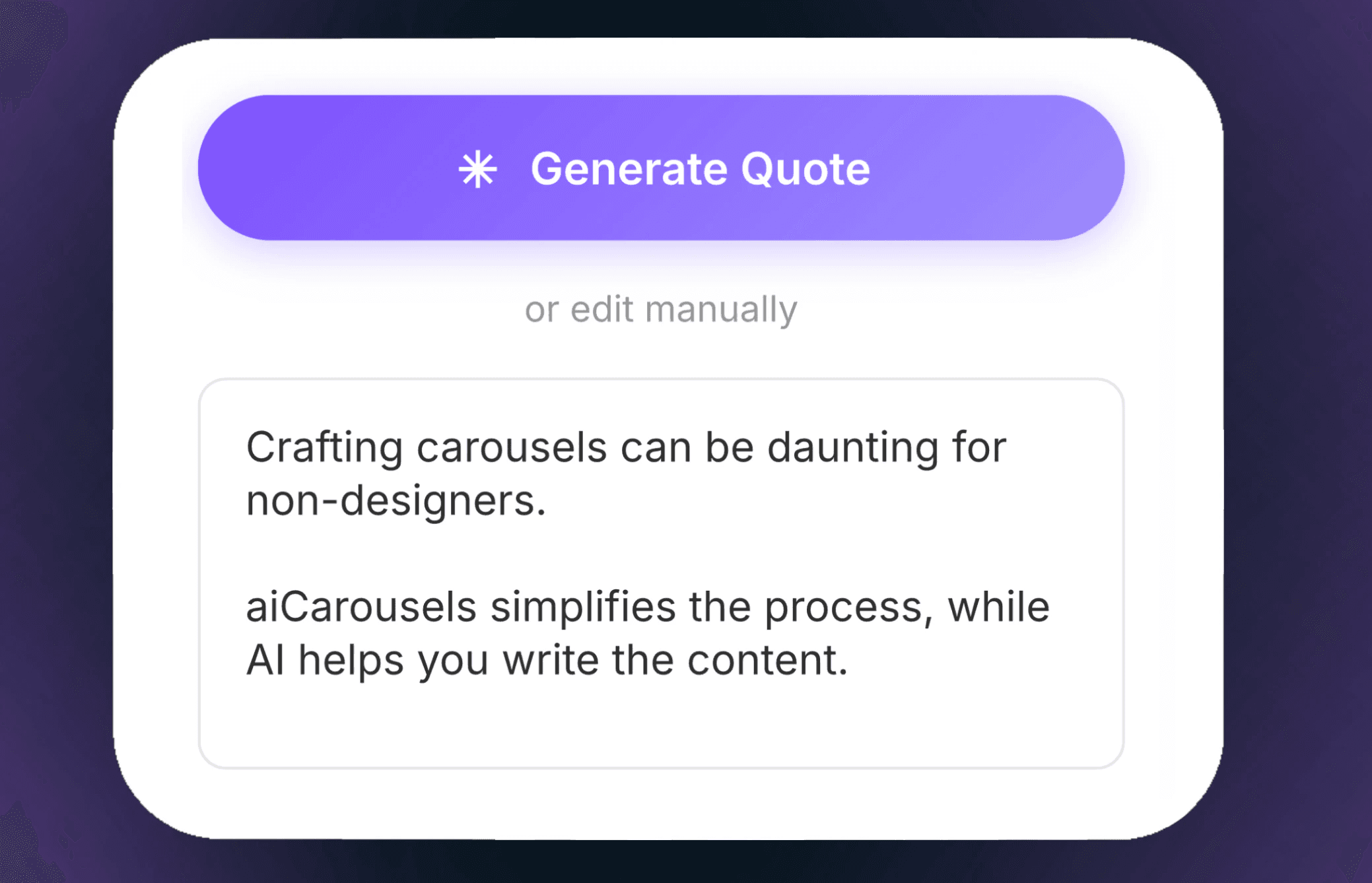
Enter Your Content
Type your text into the box or click "Generate Quote" to let the tool write something for you. Add line breaks to keep the quote easy to read.
STEP 2
Enter Campaign Details
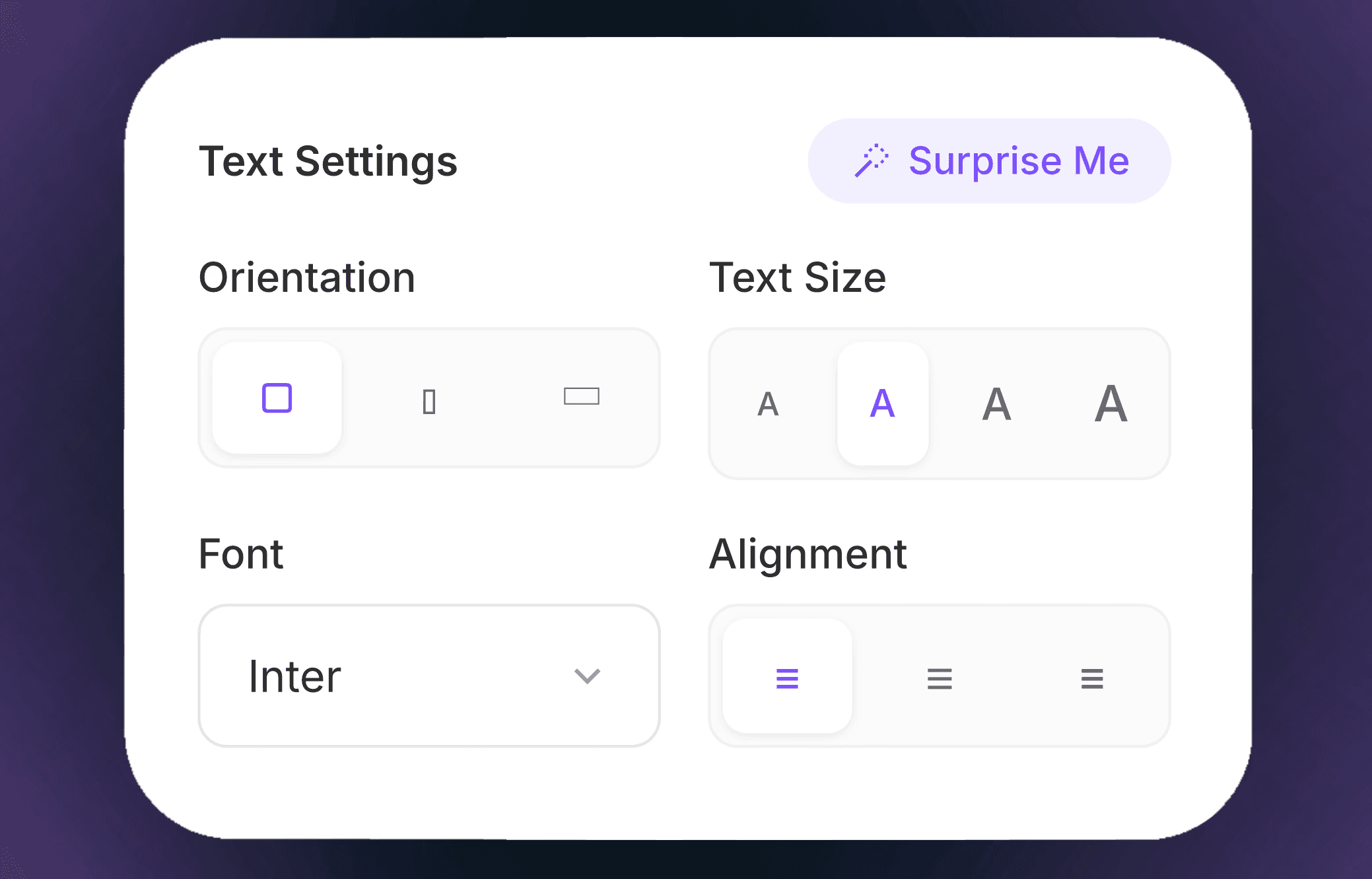
Use the top tabs to edit the Text, Background, and Creator profile.
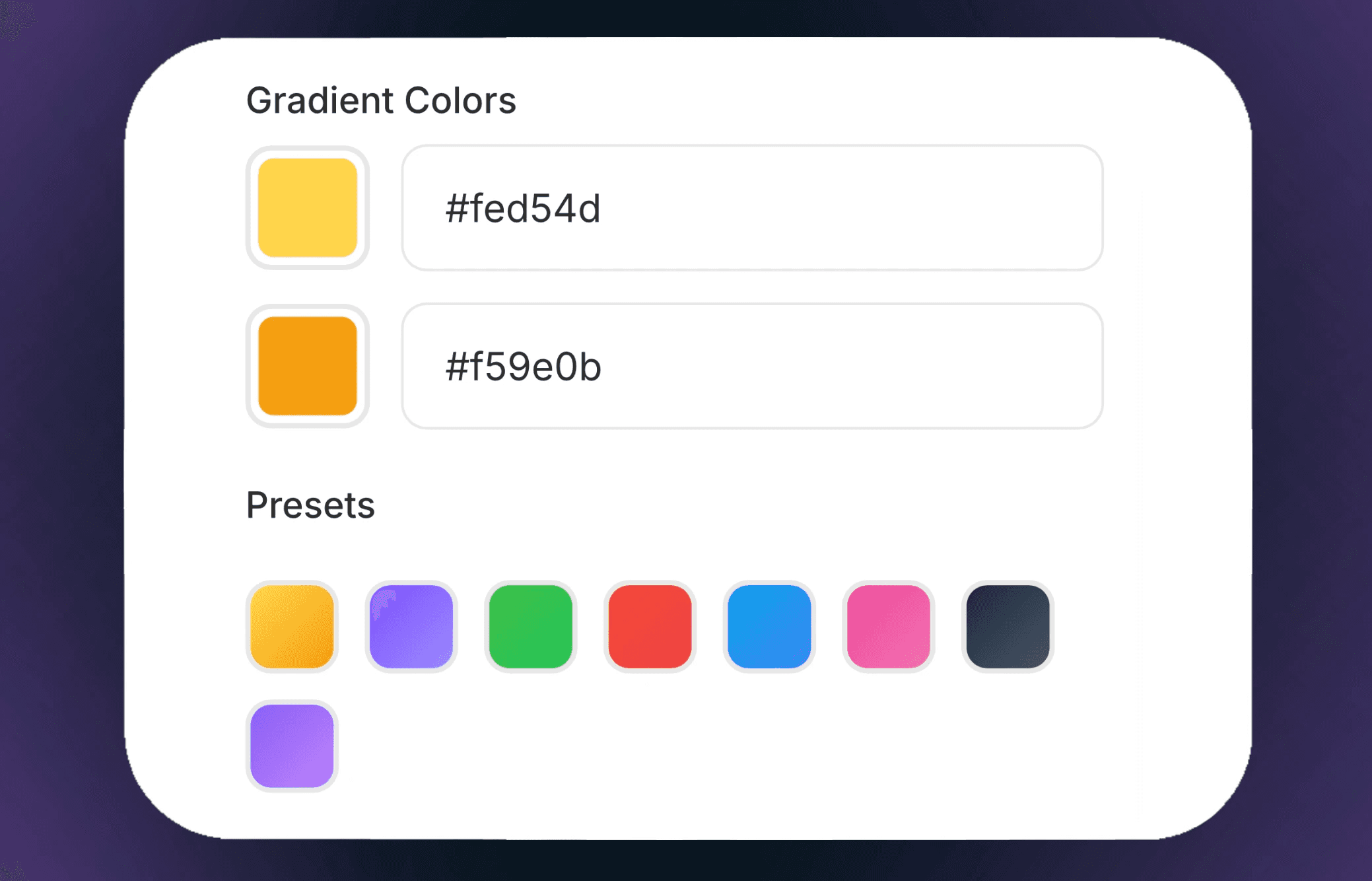
Change the font, pick colors, and add your name and title.
STEP 3
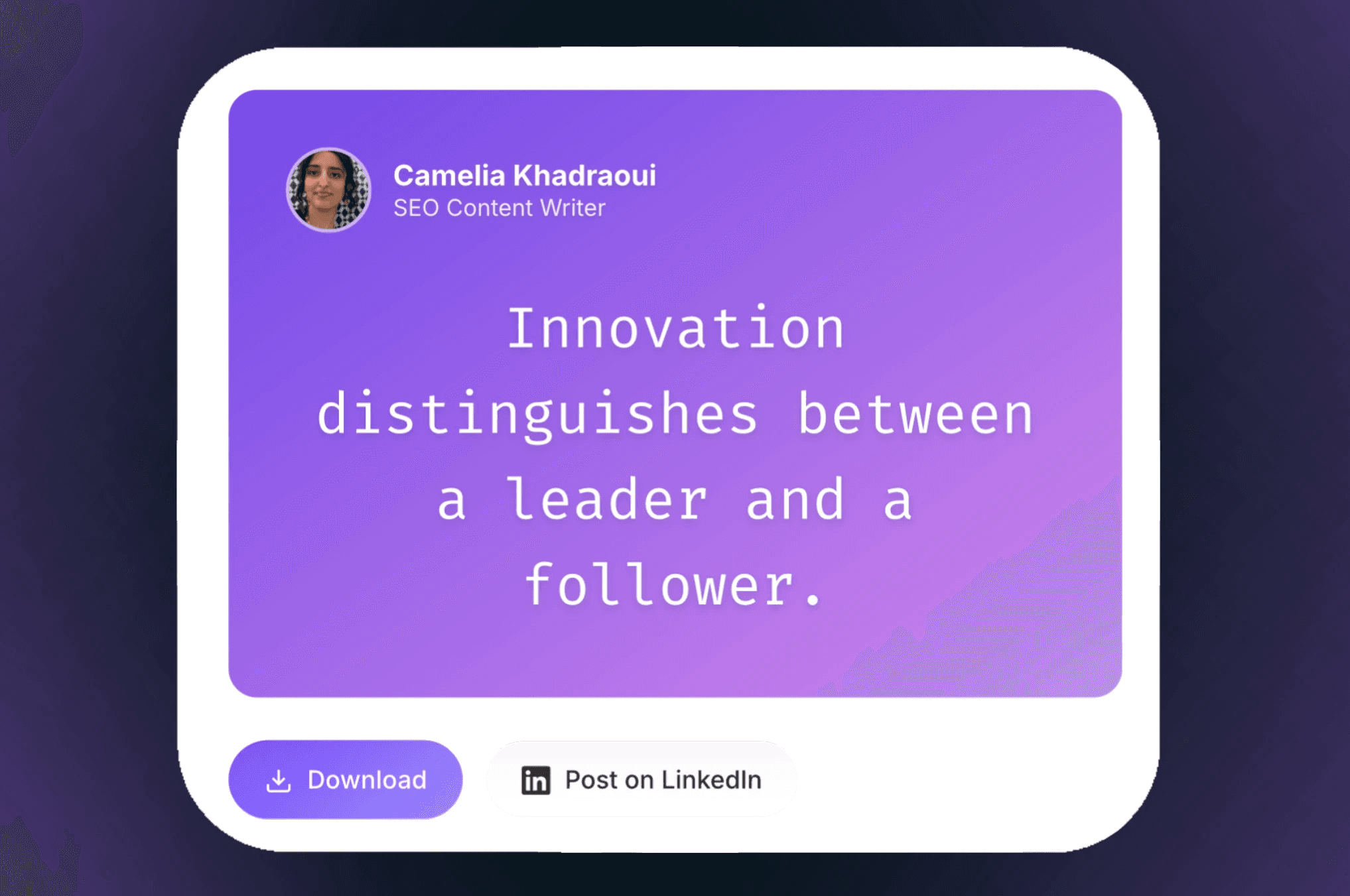
Export and Share
When you like the preview, click "Download" to save the image or choose "Post on LinkedIn" to share your quote card with your network.
STEP 2
Enter Campaign Details
Use the top tabs to edit the Text, Background, and Creator profile.
Change the font, pick colors, and add your name and title.
What's a Quote Card Generator ?
A quote card generator turns your text into a visual post. It takes a sentence, thought, or insight and puts it into a clean, easy-to-read format made for social media.
This isn’t about decoration. It’s about framing.
When you turn text into a visual, people stop and notice. It breaks up their scrolling and helps your words stand out. A quote card generator gives your message a better chance to be seen.
Perks of using a LinkedIn Post pricing Calculator
Images have a lower chance of being Ignored
Most social feeds are packed and everybody is fighting for attention. Which means that a block of text, even if it’s cleverly written and interesting, will often gets ignored if your audience is fleeting.
Images, on the other hand, have a higher chance of stopping the scroll, and the easiest mix between the two is Quote cards.
Quote cards solve this problem by merging text and image into one piece of content. Simply pick your most interesting insight, idea, or quote, and watch magic happen.
Quote Cards hold a psychological power
Quote cards work because they feel personal to the reader.
A short sentence on a plain background doesn’t feel like an ad. It feels like someone sharing a quick thought. That’s why people often save, share, and repost quote cards more than longer posts.
With consistent use, your quote cards strengthen branding, expand your audience, and drive more leads.
A quote card generator lets you use that simple, personal feeling without needing design skills.
Quote Cards to Build Identity
Using a calculator shows you rely on data, not guesswork, which sets you apart as a professional.
It provides brands with an objective “market rate” that is much easier for marketing managers to approve. This transparency builds immediate trust and sets a high standard for your partnership.
Quote Cards Aren’t Just for “Inspirational” Content
There’s a misconception that quote cards are only for motivational content. In reality, they work for insights, opinions, observations, and even sharp takes.
One sentence can sum up a belief, challenge an idea, or spark a conversation. When you show it visually, it becomes a content anchor—something people can respond to without reading a long post.
This makes quote cards especially effective on LinkedIn, where short, thoughtful content often outperforms long explanations.
Top 6 Types of Content to Turn into Quote Cards
Not all quotes are created equal. The best quote cards capture attention, communicate value, and spark engagement.
Here are six types of content you can turn into shareable, scroll-stopping quote cards to grow your brand, increase reach, and generate leads:@
Inspirational Quotes
Share motivational statements or words of encouragement that resonate with your audience. These are perfect for sparking positivity, connection, and shares.
Industry Insights
Highlight short, valuable tips, facts, or observations from your field. These demonstrate your expertise and position you as a thought leader.
Personal Reflections
Turn meaningful experiences, lessons learned, or personal stories into concise quotes. This adds authenticity and builds a personal connection with your audience.
Actionable Tips
Share quick, practical advice that your audience can immediately apply. These types of quotes provide value and encourage engagement.
Statistics & Data Points
Make numbers memorable by turning them into visually striking quote cards. This adds credibility, attracts attention, and makes your content highly shareable.
Questions & Provocations
Pose short, thought-provoking questions or bold statements. These invite your audience to reflect, comment, and engage, increasing reach and interaction.
Frequently Asked Questions
1. What is a quote card generator?
A quote card generator turns text, quotes, or short messages into visually appealing, shareable graphics for social media and other platforms.
2. Who can use this tool?
Creators, marketers, freelancers, agencies, and anyone looking to make engaging visual content can benefit from it.
3. Do I need design skills to use it?
No design skills are required — the tool handles layout, fonts, colors, and spacing automatically.
4. Can I customize the style of my quote cards?
Yes. You can adjust fonts, colors, backgrounds, and formats to match your brand or personal style.
5. Can I use these quote cards on multiple platforms?
Absolutely. The cards are optimized for social media platforms like LinkedIn, Instagram, Facebook, and Twitter.
6. Do I need to create an account to generate quote cards?
No account is required. You can create and download quote cards instantly and easily.
More Free Tools from MagicPost
MagicPost offers a variety of free tools to enhance your LinkedIn content, including:
LinkedIn Headline Generator: Craft a standout profile headline.
Hook Generator: Create compelling openings for your posts.
Post Ideas Generator: Get fresh content ideas instantly.
LinkedIn Post Previewer: See how your post appears before publishing.
Video Downloader: Save LinkedIn videos effortlessly.