

Electronic signatures have become a must-have tool for modern businesses. Whether you're a small business, freelancer, or large corporation, choosing the right e-signature solution can transform your document management and speed up your contract processes.
With the increasing digitization of professional exchanges and new regulatory requirements (GDPR, eIDAS), it is crucial to select a reliable platform that is compliant and tailored to your specific needs.
In this guide, we have analyzed and compared the five best electronic signature solutions available in 2026, evaluating their features, pricing, ease of use, and legal compliance.
🏆 1. Yousign
Pricing: Freemium (2 signatures/month) | Starting at $10/month per user
Overview
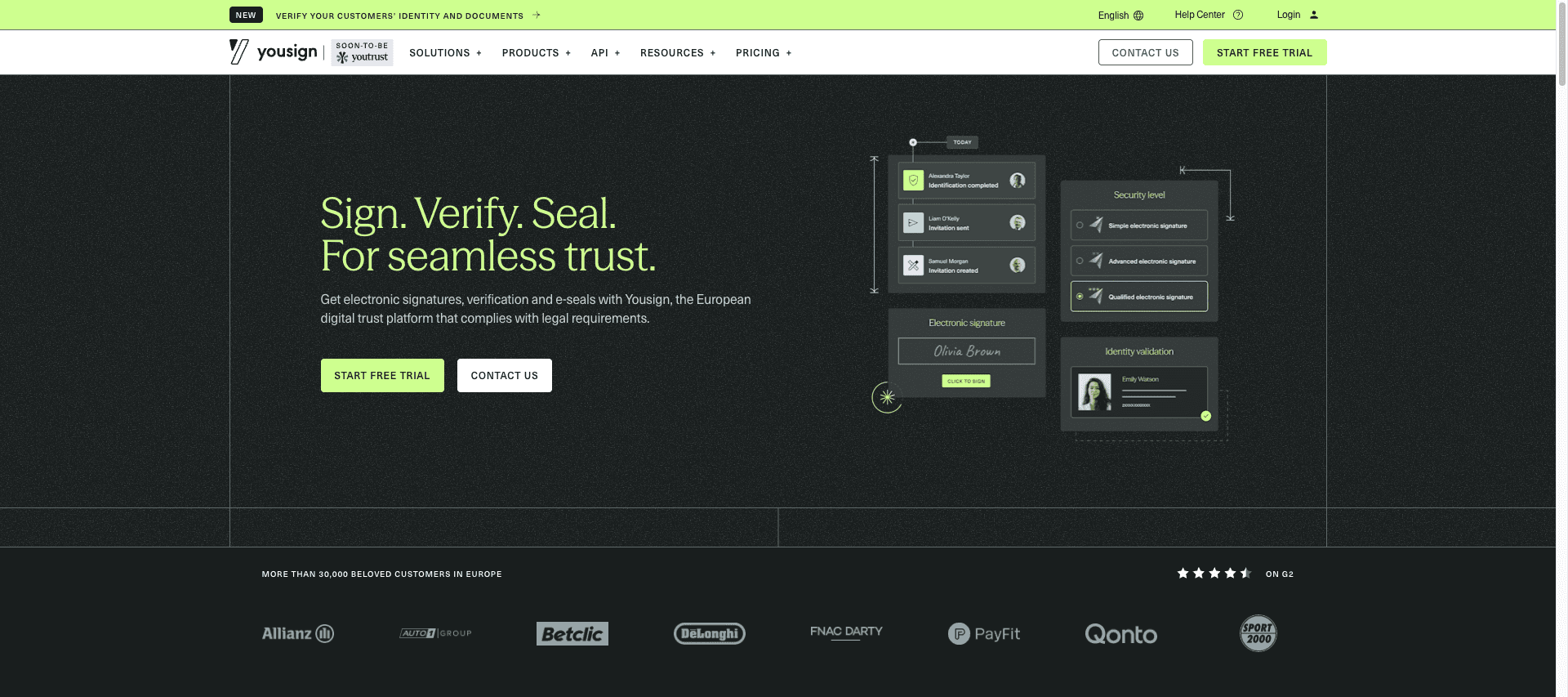
YouSign is the leading electronic signature solution for European companies, particularly in France. Founded in 2013, the platform has established itself as the European alternative to American giants thanks to its native GDPR compliance and eIDAS qualified signatures.
Key features
✅ Full European compliance: Data hosted in France and Germany, GDPR compliance
✅ Qualified eIDAS signature: Maximum legal value in all 27 EU countries
✅ Free plan: 2 signatures per month with no commitment
✅ Intuitive interface: Get started in minutes, 90%+ adoption rate
✅ APIs and integrations: Native connectors with Salesforce, HubSpot, Google Workspace, Slack (50+ integrations)
✅ Mobile signing: Optimized experience on smartphones and tablets without an app
✅ Dedicated customer support: French-speaking teams based in Europe
Strengths
- 100% European solution with local hosting
- Transparent pricing accessible to SMEs
- Maximum legal compliance (eIDAS qualified)
- Quick onboardingwithout complex training
- Excellent value for money
Weaknesses
- Less suitable for markets outside the EU
- Advanced features (complex workflows) less developed than DocuSign
Who is it for?
European SMEs and mid-market companies looking for a compliant, affordable, and easy-to-use solution. Ideal for French companies subject to strict GDPR regulations.
📄 2. DocuSign
Pricing: Starting at $25/month per user (annual commitment)
Overview
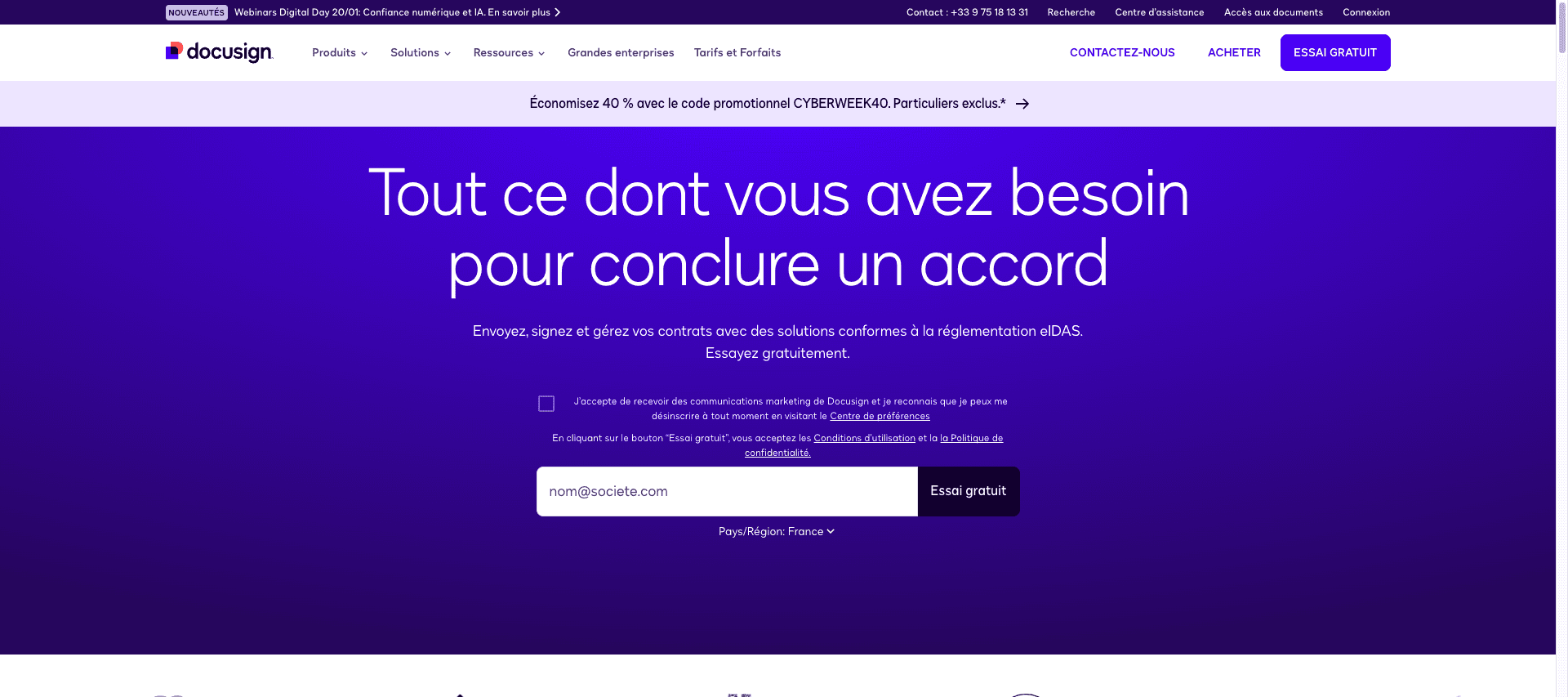
DocuSign is the global leader in electronic signatures, with over 1.5 million customers in 180 countries. Founded in 2003, the American company offers a comprehensive solution geared toward large enterprises with advanced document management features.
Key features
✅ Advanced workflows: Complex automation with conditional rules and multiple validations
✅ Extensive integrations: Over 400 connectors (Microsoft, Salesforce, SAP, Oracle)
✅ Contract management: Integrated CLM (Contract Lifecycle Management)
✅ International compliance: Multiple certifications (SOC 2, ISO 27001, HIPAA)
✅ Advanced analytics: Dashboards and detailed reports
✅ In-person signing: Offline mode for physical signatures
Strengths
- Market leader with a mature ecosystem
- Comprehensive enterprise features
- Integrations with all major tools
- Multilingual support and global presence
Weaknesses
- High pricing, not well suited to SMEs
- Complex interface requiring training
- Data hosted in the United States (GDPR concerns)
- Annual commitment often required
Who is it for?
Large international companies with complex document management needs and substantial budgets.
📊 3. PandaDoc
Pricing: Starting at $19/month per user
Overview
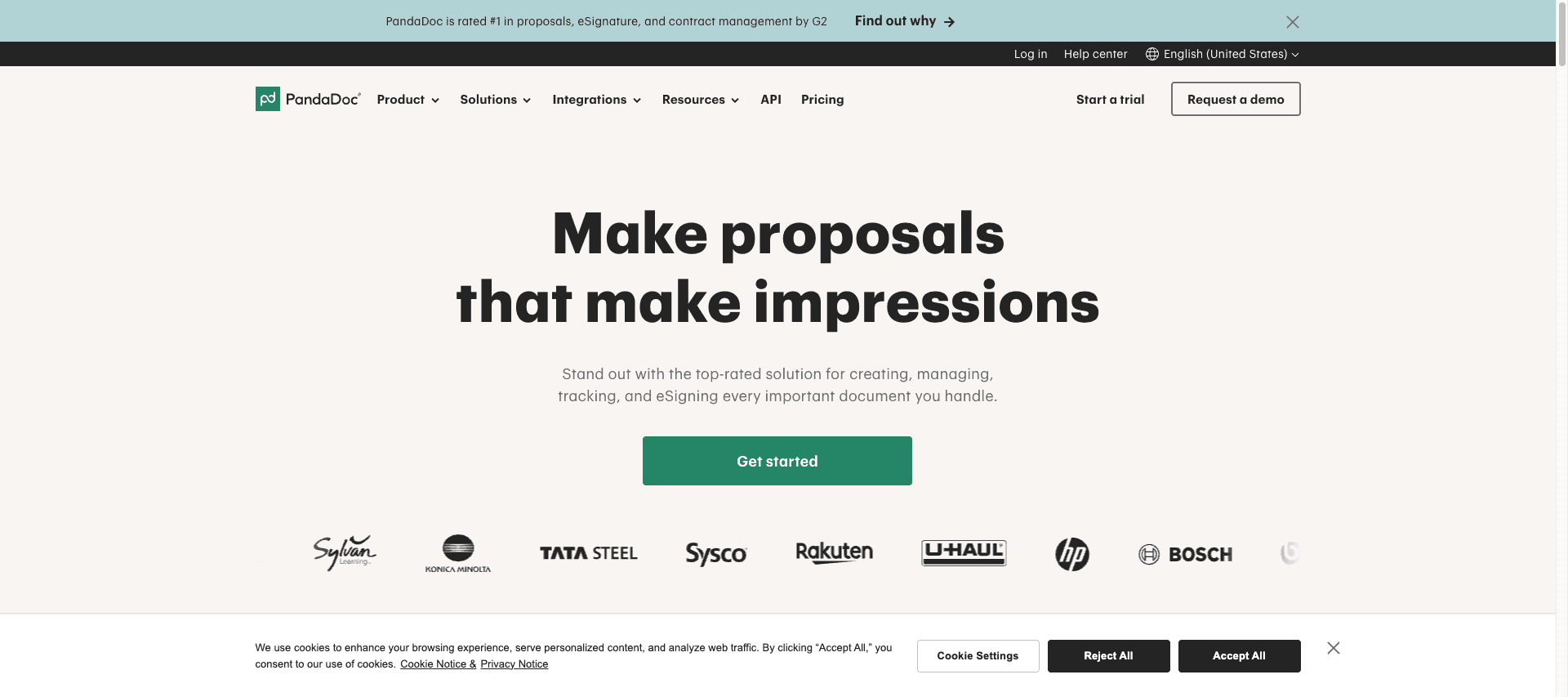
PandaDoc is an all-in-one platform that combines document creation, electronic signatures, and sales proposal management. Launched in 2013, it is particularly popular with sales teams for its workflow-centric approach.
Key features
✅ Built-in document editor: Create proposals, quotes, and contracts within the platform
✅ CPQ (Configure-Price-Quote): Automatically generate pricing and quotes
✅ Payment collection: Stripe and PayPal integration for direct payment collection
✅ Sales analytics: Track opens, read times, and conversion rates
✅ Template library: Ready-to-use templates for different industries
✅ Approval workflows: Internal validation process before sending
Strengths
- Excellent for sales and marketing teams
- Unique payment collection features
- Detailed analytics on document engagement
- Native CRM integration (HubSpot, Salesforce, Pipedrive)
Weaknesses
- Higher price than basic solutions
- Unnecessary complexity for simple signatures
- US hosting (GDPR issues)
- Moderate learning curve
Who is it for?
Sales and marketing teams looking for an integrated solution to manage the entire sales cycle, from proposal to payment.
🎨 4. Adobe Sign
Pricing: Starting at $29.99/month per user
Overview
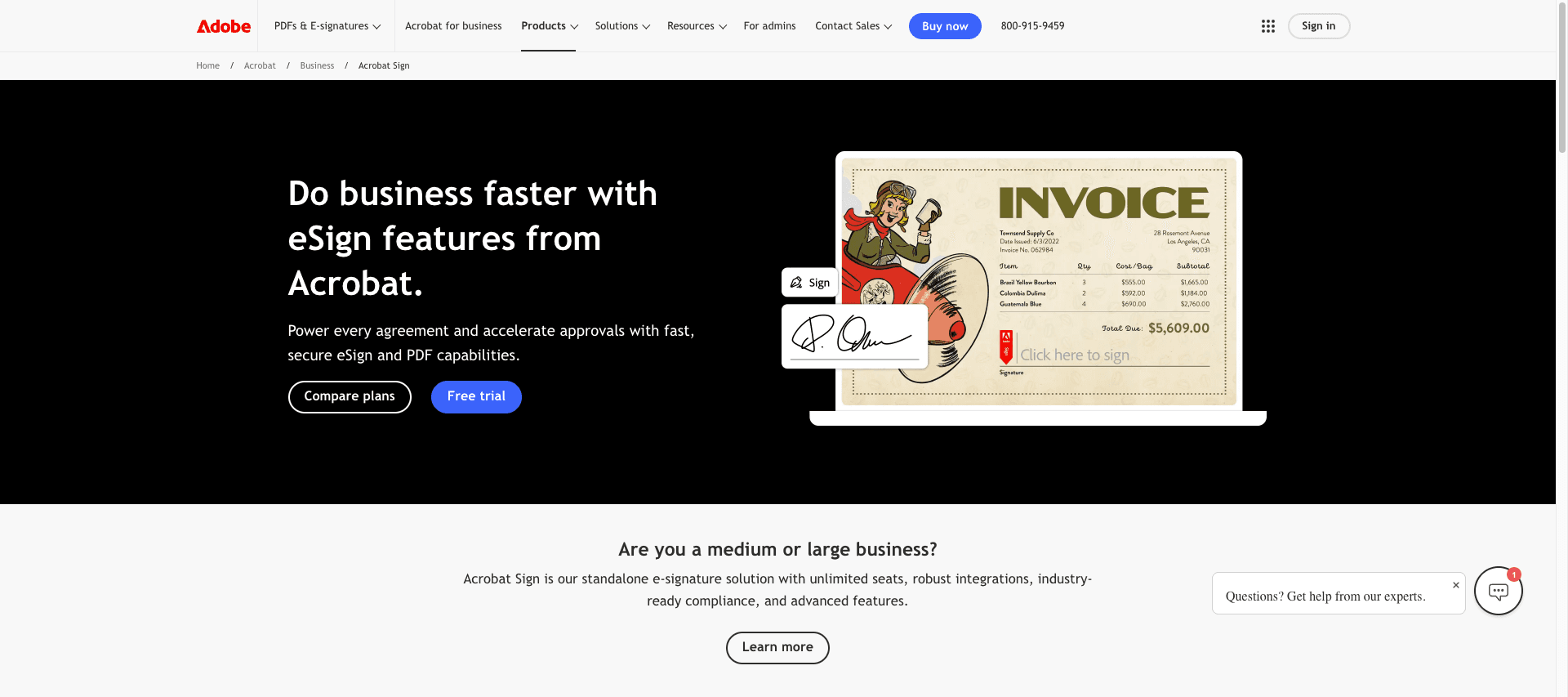
Adobe Sign (formerly EchoSign) is Adobe's electronic signature solution, natively integrated with the Adobe Document Cloud and Creative Cloud ecosystem. Acquired by Adobe in 2011, it is designed for businesses seeking deep integration with Adobe tools.
Key features
✅ Adobe integration: Native connection with Acrobat, PDF Services, Creative Cloud
✅ Regulatory compliance: Government certifications (FedRAMP, HIPAA, 21 CFR Part 11)
✅ Bulk sending: Ability to process thousands of documents simultaneously
✅ Complex workflows: Conditional routing and multi-level approvals
✅ Microsoft 365 support: Deep integration with Word, PowerPoint, SharePoint
✅ Multilingual support: Interface available in 40+ languages
Strengths
- Seamless integration with the Adobe ecosystem
- High-level enterprise compliance
- High-volume processing capabilities
- Premium technical support available
Weaknesses
- Premium pricing not very accessible to SMBs
- Complex interface with a steep learning curve
- Often requires other Adobe products to fully leverage its value
- Customer support varies depending on the plan
Who is it for?
Large enterprises already using the Adobe ecosystem or requiring strict regulatory certifications (healthcare, government, finance).
📦 5. Dropbox Sign (ex-HelloSign)
Pricing: Starting at $15/month per user
Overview
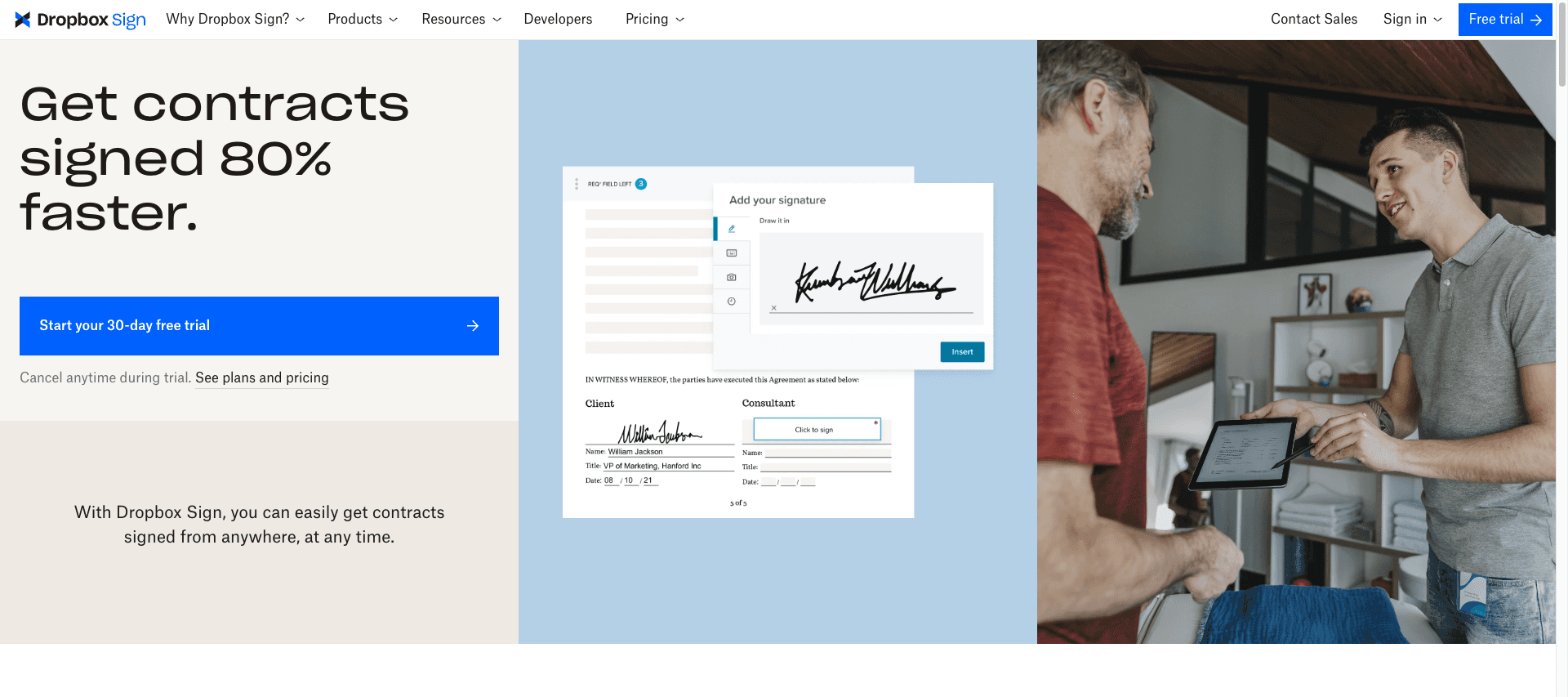
Dropbox Sign (formerly HelloSign, acquired by Dropbox in 2019) is an electronic signature solution focused on simplicity and integration with Dropbox. It is particularly appealing to tech teams thanks to its documented API and streamlined UX.
Key features
✅ Minimalist interface: Streamlined design and intuitive user experience
✅ Dropbox integration: Automatic saving of signed documents to Dropbox
✅ Developer API: Comprehensive documentation for custom integrations
✅ Reusable templates: Creation of templates for recurring documents
✅ Audit trail: Full traceability of each signature
✅ Mobile apps: Native iOS and Android apps
Strengths
- Exceptionally clear user experience
- Well-documented API for developers
- Seamless integration with Dropbox
- Competitive pricing
Weaknesses
- Limited advanced features
- Primarily geared toward the US market
- Data hosted in the US
- Fewer integrations than competitors
Who is it for?
Tech startups, digital agencies, and development teams looking for a simple solution with a robust API, already using Dropbox.
Comparative Table
Criteria | Yousign | DocuSign | PandaDoc | Adobe Sign | Dropbox Sign |
|---|---|---|---|---|---|
Starting price | Free then €10/month | $25/month | $19/month | $29.99/month | $15/month |
Free plan | ✅ 2 signatures/month | ❌ | ❌ | ❌ | ❌ |
GDPR compliance | ✅ Native | ⚠️ Partial | ⚠️ Partial | ⚠️ Partial | ⚠️ Partial |
EU hosting | ✅ France/Germany | ❌ USA | ❌ USA | ❌ USA | ❌ USA |
eIDAS qualified signatures | ✅ Yes | ⚠️ Limited | ❌ No | ⚠️ Limited | ❌ No |
Ease of use | ⭐⭐⭐⭐⭐ | ⭐⭐⭐ | ⭐⭐⭐⭐ | ⭐⭐⭐ | ⭐⭐⭐⭐⭐ |
API available | ✅ | ✅ | ✅ | ✅ | ✅ |
Mobile app | ✅ | ✅ | ✅ | ✅ | ✅ |
French-speaking support | ✅ Native | ⚠️ Limited | ⚠️ Limited | ⚠️ Limited | ❌ |
Free trial | 14 days | 30 days | 14 days | 14 days | 30 days |
Best for | European SMEs | Large enterprises | Sales teams | Adobe ecosystem | Tech startups |
FAQ : Frequently Asked Question on Electronic Signatures
What is the difference between a simple and a qualified electronic signature?
In Europe, the eIDAS regulation defines three levels of electronic signatures:
SES (Simple Electronic Signature): Basic signature without strong authentication
AES (Advanced Electronic Signature): Advanced signature with signatory identification
QES (Qualified Electronic Signature): Qualified signature, legally equivalent to a handwritten signature
Qualified signatures (QES) offer maximum legal value and are required for certain legal acts (real estate transactions, notarized deeds, etc.).
Are electronic signatures legally valid in France?
Yes, absolutely. Since the European eIDAS regulation (2016) and French law (Article 1366 of the Civil Code), electronic signatures have the same legal value as handwritten signatures, subject to certain technical conditions.
How much does an electronic signature solution cost?
Prices vary considerably depending on your needs:
Free solutions: Yousign offers 2 free signatures per month, SignNow has a freemium plan
SMEs: Expect to pay between €10 and €25 per user per month (Yousign, Dropbox Sign)
Large companies: From $25 to $50+ per user/month (DocuSign, Adobe Sign)
Prices depend on the volume of signatures, features, and level of compliance required.
Can I integrate an electronic signature solution with my CRM?
Yes, all of the solutions presented offer integrations with the main CRMs:
Yousign: Salesforce, HubSpot, Pipedrive, Zoho
DocuSign: 400+ integrations including all major CRMs
PandaDoc: Native CRM integrations optimized for sales
Adobe Sign: Microsoft Dynamics, Salesforce, SAP
Dropbox Sign: Integrations via API
Do my clients need to create an account to sign?
No, with all these solutions, recipients receive a link by email and can sign directly from their browser without creating an account. Only those sending signature requests need an account.
Are signed documents legally valid in the event of a dispute?
Yes, provided you use a compliant solution. Each signature generates a signature certificate with:
Certified timestamp
Traceability of actions (opening, reading, signing)
Identification of the signer
Document integrity (detection of any modifications)
These elements constitute an audit trail that is admissible in court.
Our overall recommendation
For most French and European companies, Yousign offers the best balance between legal compliance, ease of use, and affordability. Its European positioning guarantees native GDPR compliance and eIDAS-qualified signatures recognized throughout the EU.
For large international companies with complex needs, DocuSign remains the benchmark despite its high cost.
Sales teams will find PandaDoc to be a comprehensive solution that goes beyond simple signing.
Finally, tech startups will appreciate the simplicity and API of Dropbox Sign.
💡 Practical tip: Take advantage of free trial periods (all solutions offer them) to test the interface and validate its suitability for your internal processes before committing.