If you are reading a Kawaak review to find out whether the AI writing tool is still there, it is: Kawaak Creator runs four public tiers, starting with a permanent free plan.
What changed is the centre of gravity. The homepage now leads with Kawaak Influence, a marketplace where brands pay LinkedIn creators for sponsored posts. The writing tool did not disappear, it stopped being the headline.
This review covers both halves, what each one costs, and where Kawaak sits against a workflow that also publishes and measures.
What Is Kawaak Now?
Kawaak today is two products under one brand. Kawaak Creator is the writing side: post generation, hook and comment generation, AI photos, a real-time dashboard, post signature and first comment, sold on four tiers from a permanent free plan up to Enterprise.
Kawaak Influence is the marketplace. For brands, it identifies LinkedIn creators who match a target audience, lets them brief those creators directly, and runs influence campaigns, with brand-side dashboards for discovery, briefing, post approval and campaign analytics. For creators, it lets you browse brands, pick the ones you like, and get paid to post about them, with eligibility starting at 500 followers.
The marketplace half is influencer marketing scoped to LinkedIn and B2B, a category no scheduler or AI writer competes in. The Creator half still competes with AI writing assistants, with one gap its own reviewers name: it generates posts, it does not plan a month of them.
📌 Kawaak is adding a business rather than replacing one. Its 2026 G2 reviewers describe both jobs in the same breath: post generation on one side, sponsored campaigns and audience monetisation on the other.
⚠️ Account safety: creators connect through LinkedIn's normal OAuth login and publish sponsored posts from their own accounts, with brands handling discovery and approval. One reviewer describes commenting through a browser plugin, so treat the comment side with the caution any extension deserves; nothing automation-class is documented on the publishing side.
What Kawaak Ships Today
The free utilities from the writing side are still on the site, and they are useful on their own.
The Free Utilities
A LinkedIn post previewer, a post translator and an AI photo generator sit in front of the paid product as free tools. Behind them, Kawaak Creator still generates posts, hooks and comments; what it will not do is schedule and publish them, which is where a second tool comes in.
The Influence Marketplace
The marketplace, brand discovery, direct briefing, post approval and campaign analytics on one side, a paid-campaign opportunity feed on the other, is the newer half of the business and the one the homepage sells.
👍 As a LinkedIn-specific B2B creator marketplace, Kawaak is doing something genuinely novel. If sourcing or monetising creator content is your goal, this is a real and relatively rare offering, not a repackaged scheduler.
Kawaak Pricing
Kawaak publishes prices for both products; it just does not keep them on a pricing route. The numbers sit inside the product pages.
Kawaak Creator lists four tiers: Freemium at $0 with 25 credits a month, Starter at $39/mo., Business at $79/mo. and Enterprise at $499/mo. Billed yearly, the paid tiers fall to $19, $39 and $97 a month.
Kawaak Influence is priced by campaign instead: from $50 per sponsored post, which buys a creator's post rather than a software subscription.
❓ The Enterprise line does not follow its own discount: $499 a month against $97 billed yearly, where every other tier roughly halves. Those are the numbers Kawaak's own page carries, so confirm which one your contract uses before signing.
What the Record Says
Kawaak is a real, visible company. On LinkedIn, where you would expect a LinkedIn influence platform to leave a trail, our research corpus logged 19 mentions of it over the last year, from 15 different people, a modest but genuinely distributed footprint rather than a single-voice echo.
It publishes its own B2B-influence research, on-message for the marketplace push. The independent record is narrow but real: 4.5 out of 5 across 38 claimed G2 reviews, none below 3.5 stars, and no Trustpilot profile at all.
Kawaak Pros and Cons
Pros | Cons |
✅ A genuinely novel LinkedIn-specific B2B influence marketplace | ❌ No scheduling, publishing or content calendar |
✅ Brand-side discovery, briefing, approval and campaign analytics | ❌ No pricing route; the tiers sit inside a product page |
✅ Creators can monetise from 500 followers | ❌ Enterprise pricing inconsistent: $499 monthly, $97 yearly |
✅ Permanent free tier plus free utilities (previewer, translator, photo generator) | ❌ Review trail on G2 only, no Trustpilot profile |
✅ Normal OAuth publishing; no automation risk | ❌ Writing only: publishing still needs a second tool |
Which Kawaak Were You Looking For?
This page answers two very different searches.
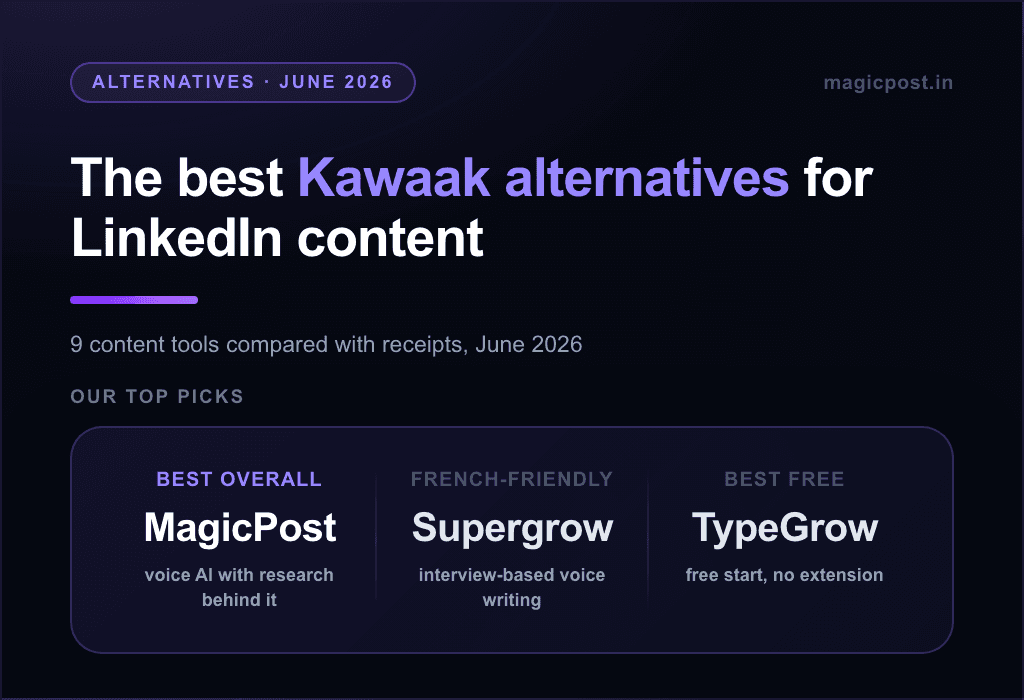
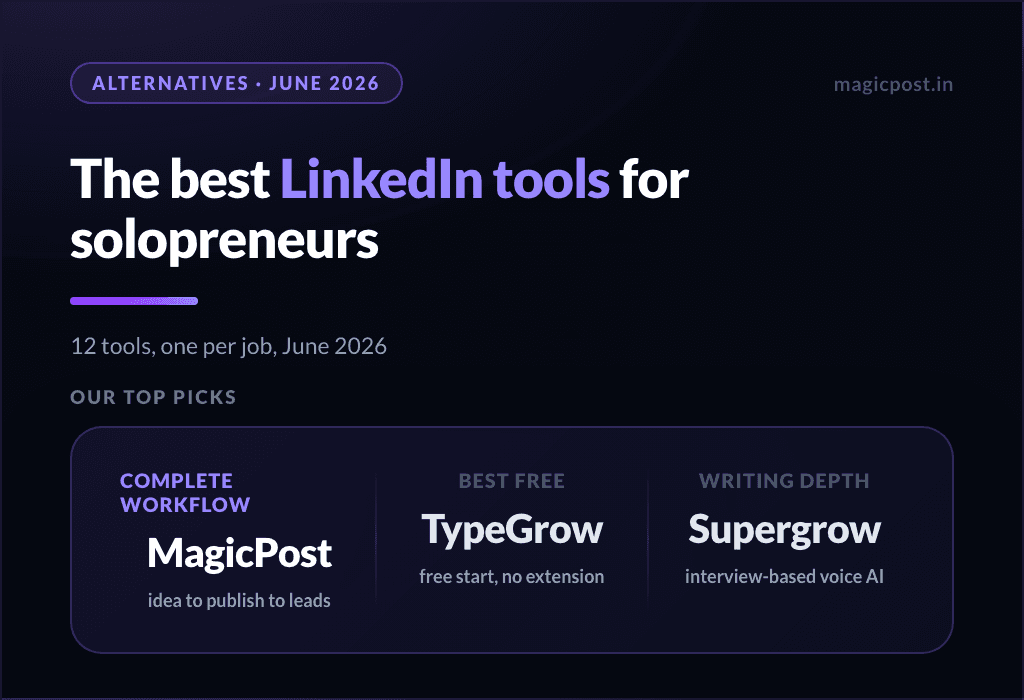
You wanted the AI LinkedIn writing tool. It is still sold, and the Freemium tier costs nothing to test. What it will not do is publish, schedule or measure what it writes, so the real question is whether you want two tools or one; the field, compared with receipts, is in our Kawaak alternatives guide. For anyone who wants writing, publishing and analytics in one place, the upgrade is a complete LinkedIn workflow (below).
You want to run, or get paid for, B2B influence campaigns. Then Kawaak is doing something real and relatively novel. We do not run campaigns, so we will not pretend to compare; evaluate it on its own site, and ask about roster size and match quality for your niche.
How Does MagicPost Compare to Kawaak?
Kawaak Creator and MagicPost overlap on writing; everything that happens after the draft is where they part.
Feature | Kawaak (now) | MagicPost |
AI LinkedIn writing | ⚠️ Generation its own reviewers call generic | ✅ Trained on your voice + humanizer |
Scheduling and publishing | ❌ | ✅ Official API, verified application |
LinkedIn analytics | ⚠️ Campaign and in-app dashboards | ✅ Benchmarks + audience |
Engagement + lead detection | ❌ | ✅ |
Influence marketplace | ✅ Kawaak Influence, from $50/post | ❌ |
Public software pricing | ✅ $0 to $499/mo. on its Creator page | ✅ From $35/mo |
Beyond Kawaak: Writing, Publishing and Analytics in One Tool
Kawaak added a B2B influence marketplace to its AI content tool, and it deserves to be judged on both. As an influence platform it is doing something genuinely specific to LinkedIn, and if monetising or sourcing creator content is your goal, it is worth a look on its own site.
But Kawaak Creator writes; it does not publish, schedule or measure what it writes. MagicPost runs that whole loop in one place: AI writing in your voice with a research-backed humanizer, scheduling and publishing on the official API, analytics and engagement, on a no-card trial.
FAQ
Is Kawaak still an AI writing tool?
Yes. Kawaak Creator still generates posts, hooks and comments, on four tiers from a free Freemium plan up to $499/mo. What Kawaak added is Kawaak Influence, a marketplace where brands pay creators for sponsored posts.
What is Kawaak now?
Kawaak is two products: Kawaak Creator, the AI writing tool, and Kawaak Influence, a two-sided marketplace where brands discover, brief and approve creators and creators get paid to post, from 500 followers up.
How much does Kawaak cost?
Kawaak Creator costs $0 on Freemium (25 credits a month), $39/mo. on Starter, $79/mo. on Business and $499/mo. on Enterprise, or $19, $39 and $97 a month billed yearly. Kawaak Influence starts at $50 per sponsored post. Kawaak publishes no pricing route: both grids sit on the product pages.
Is Kawaak safe for your account?
Yes, in the ordinary sense: creators connect via LinkedIn's OAuth login and publish from their own accounts, with no automation-class behaviour documented. It is a marketplace, not a posting bot.
Did Kawaak stop making its AI writing tool?
No. Kawaak Creator is still sold, still has a permanent free tier, and the free utilities (post previewer, translator, AI photo generator) are still on the site. What changed is the homepage, which now leads with the influence marketplace.
What should I use instead of Kawaak for writing?
For a complete LinkedIn workflow, MagicPost covers writing, scheduling, analytics and engagement; the full field is in our Kawaak alternatives guide.