

LinkedIn is now part of the Wrapped club!
First, we had Spotify Wrapped, then Snapchat Wrapped, and now it’s time to welcome LinkedIn Wrapped.
In 2026, LinkedIn users will get their own professional digital yearbook called “Year In Review.”
LinkedIn’s Year In Review gives you a recap of your year on the website, highlighting data such as how many times you went online, your peak usage times on LinkedIn, and the total number of posts you shared.

What is LinkedIn Wrapped?
In short, it is the business cousin of Spotify Wrapped.
In addition to how many days you logged in and where you stand among users, it also shows the number of posts you shared, the comments you left, and the profile impressions you earned. You even get an assigned personalised usage “persona”, such as Amplifier.
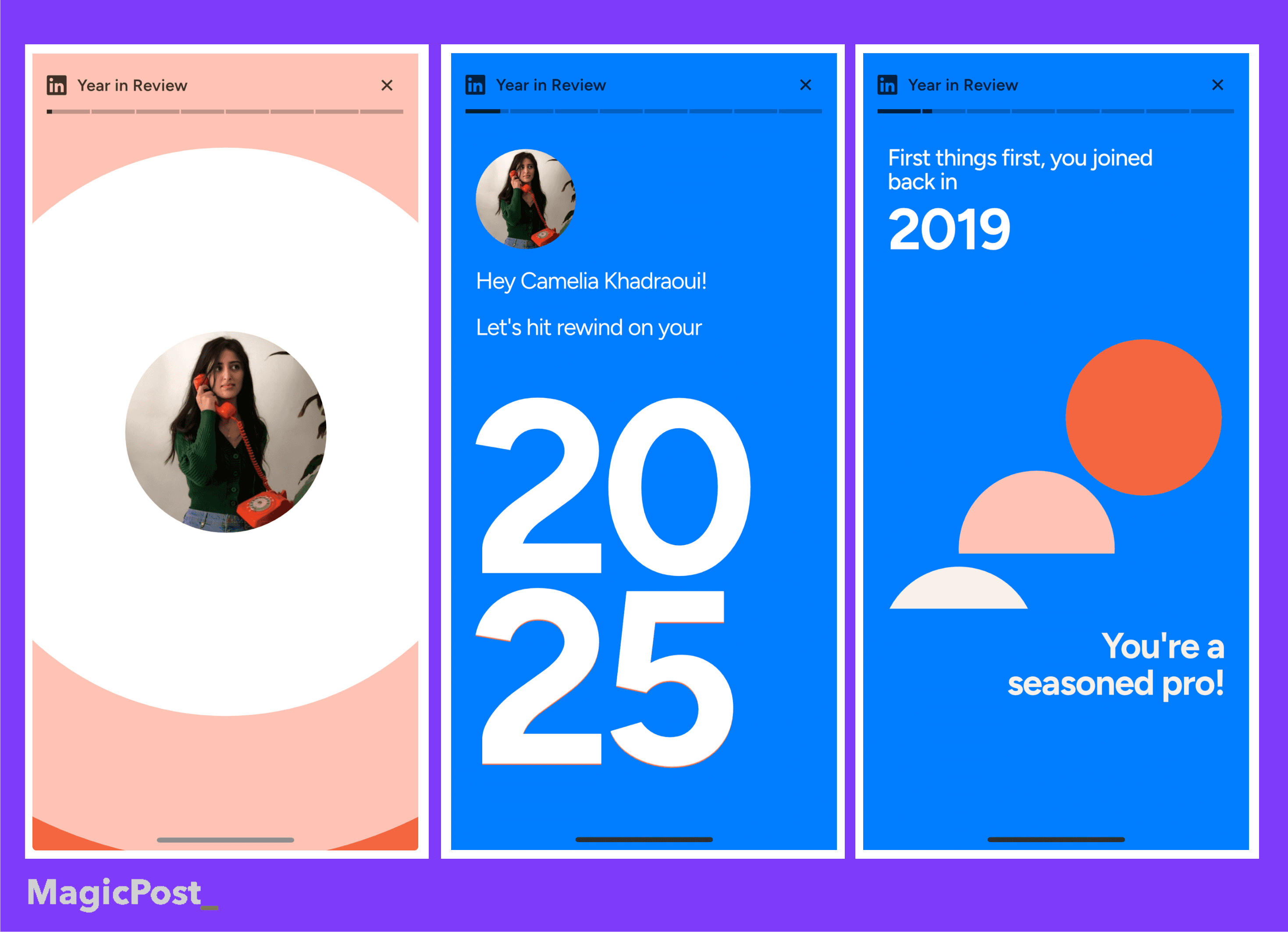
LinkedIn Wrapped also includes historical stats, such as when you joined and your first connection.
All this information is collected into a highlight reel showing your activity and engagement that you can easily share to social media.
There are throwback stats too, including the exact date you joined the platform and the identity of your very first LinkedIn connection. Adorable, but also terrifying.
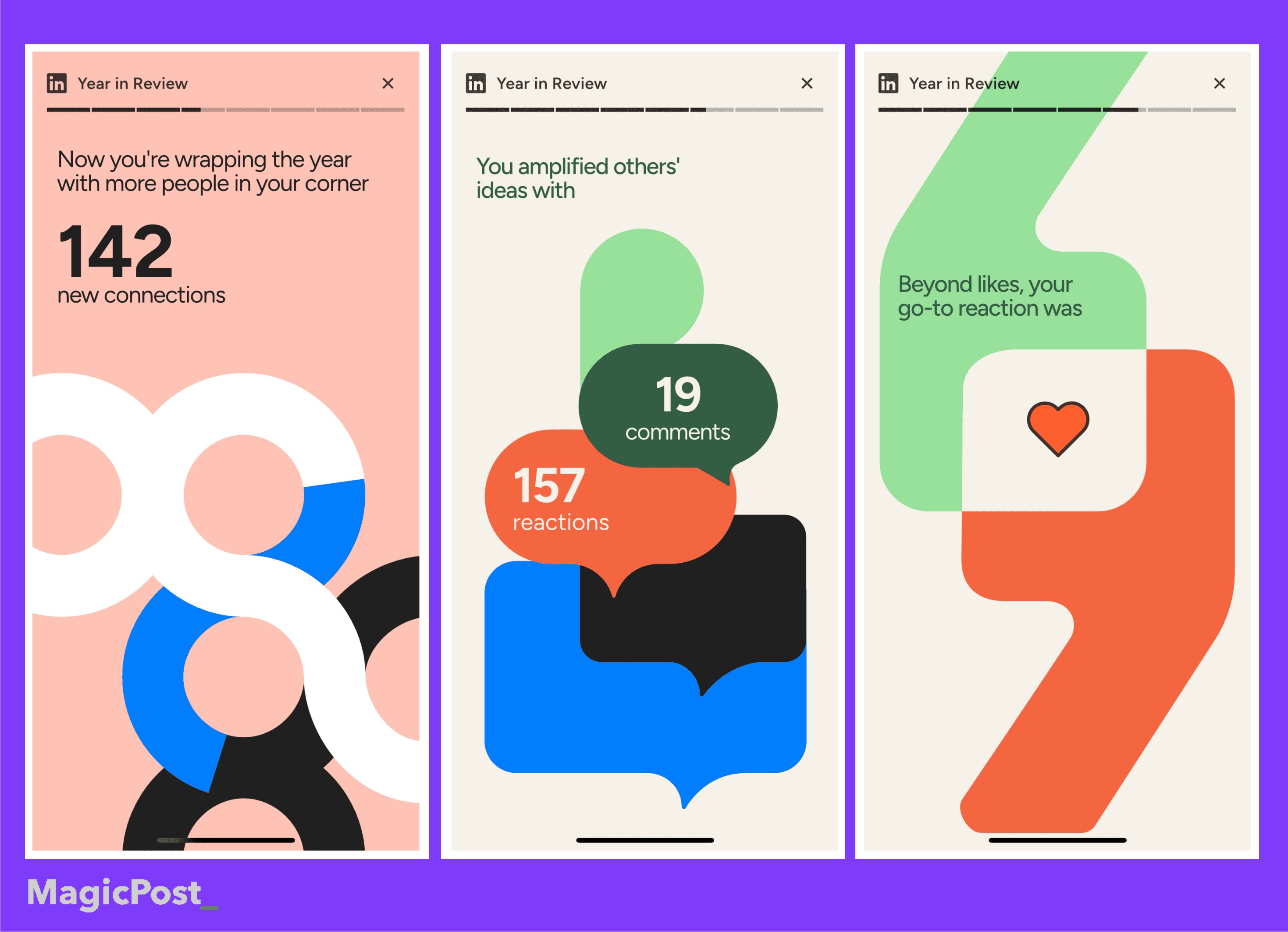
According to LinkedIn editor-in-chief Dan Roth, the feature is meant to help members reflect on their 2025 professional journey, growth, connections, skills, and milestones.
He described it as a way to look back at the year and see how people progressed professionally on the platform. LinkedIn Wrapped is now part of the year-end routine.
Not Everyone Welcomed LinkedIn Wrapped with Open Arms
LinkedIn Wrapped 2025 went viral quickly, but not everyone liked it.
On X (formerly Twitter) and other social platforms, many users responded with surprise, confusion, or irony, and questioned if a “Wrapped” format fits a professional network.
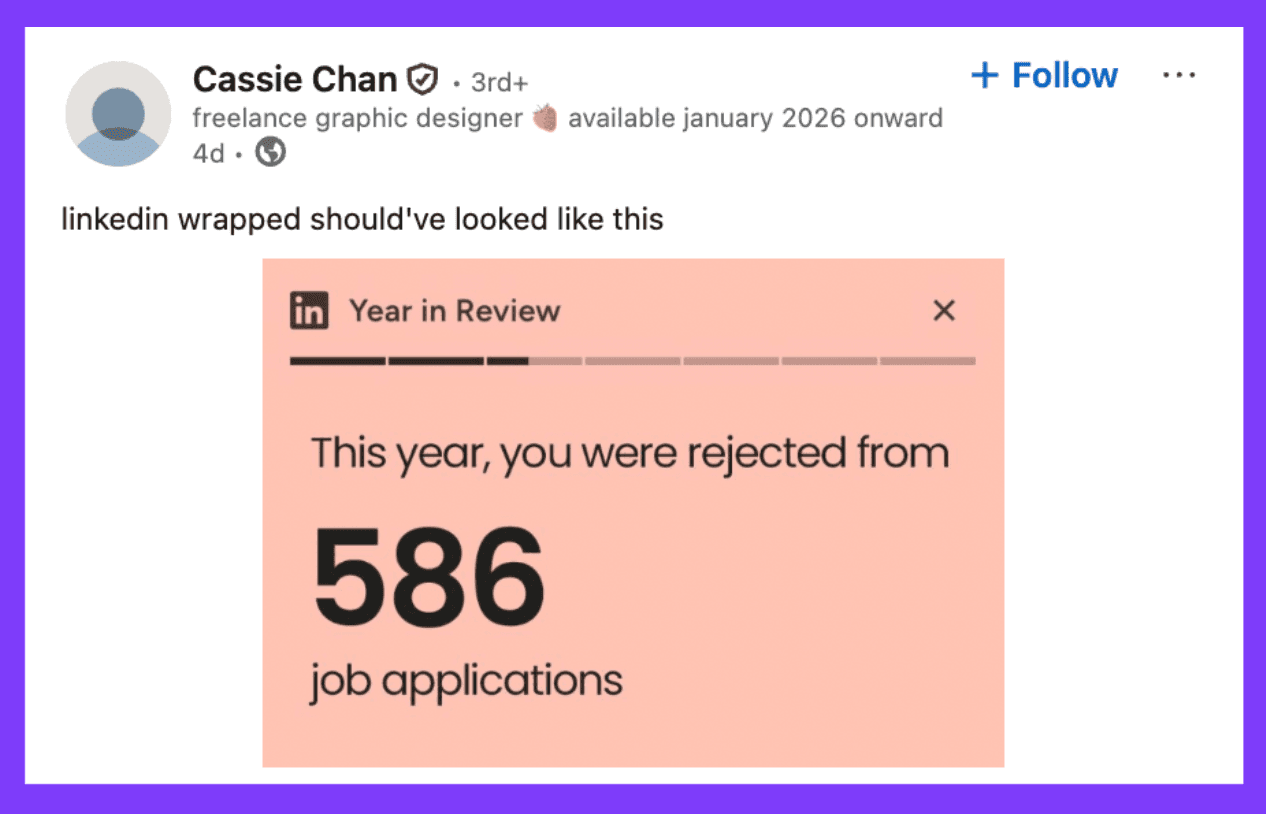
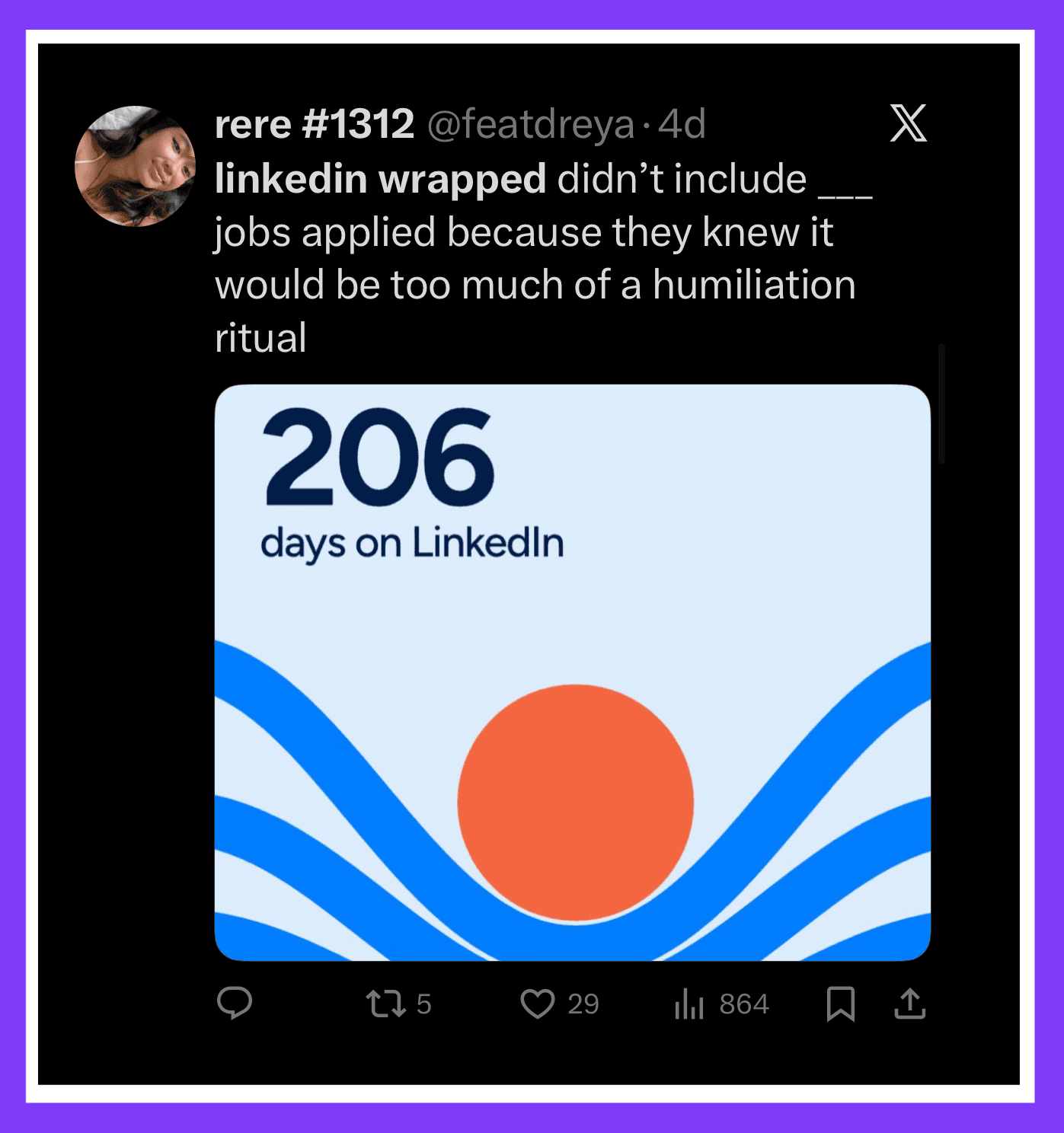
Some joked about missing metrics, like the number of job applications sent, while others wondered why LinkedIn needed a Wrapped feature at all.
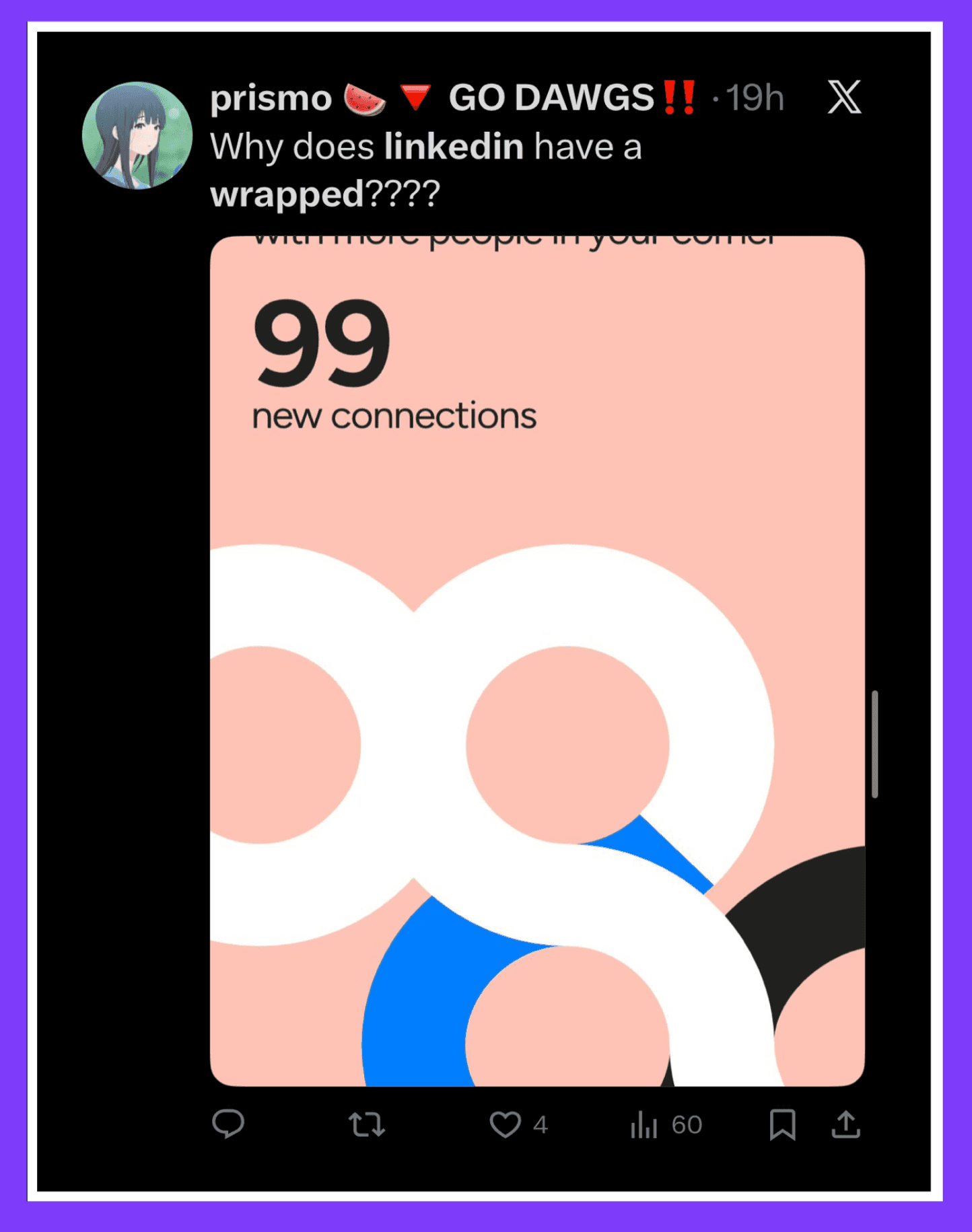
For some, it felt awkward, unnecessary, or even stressful, rather than something to celebrate because what’s motivating and fun for creators might feel uncomfortable or too revealing for job seekers and casual users.
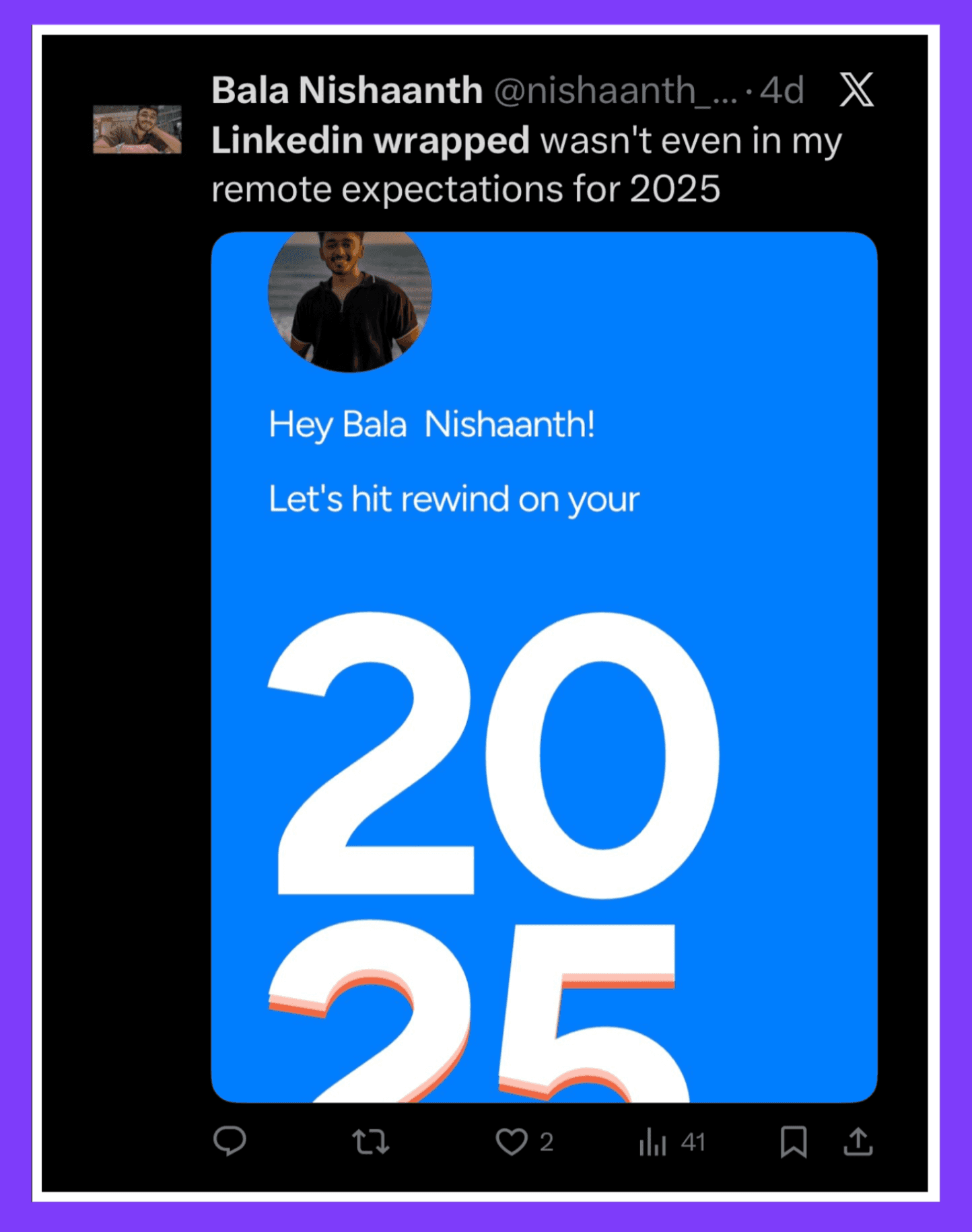
How to get your LinkedIn Wrapped
To view your LinkedIn Wrapped, open the LinkedIn mobile app and tap Home at the bottom of the screen. If the feature is available to you, a “Year in Review” banner will appear at the top of your feed.
Tap it to access your personalized LinkedIn Wrapped and view your highlights from 2025.
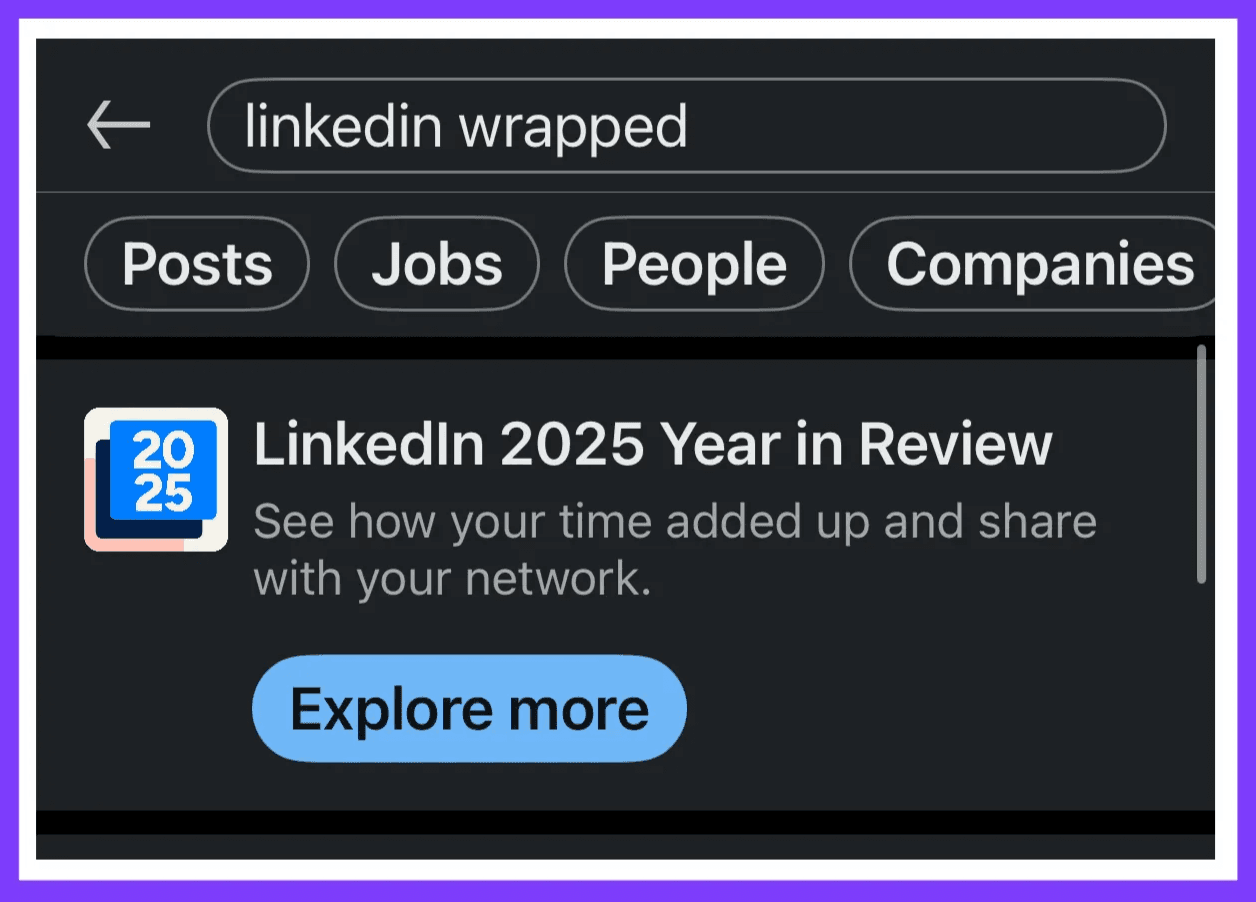
If you can’t find it, you can look up LinkedIn Wrapped in the search bar.
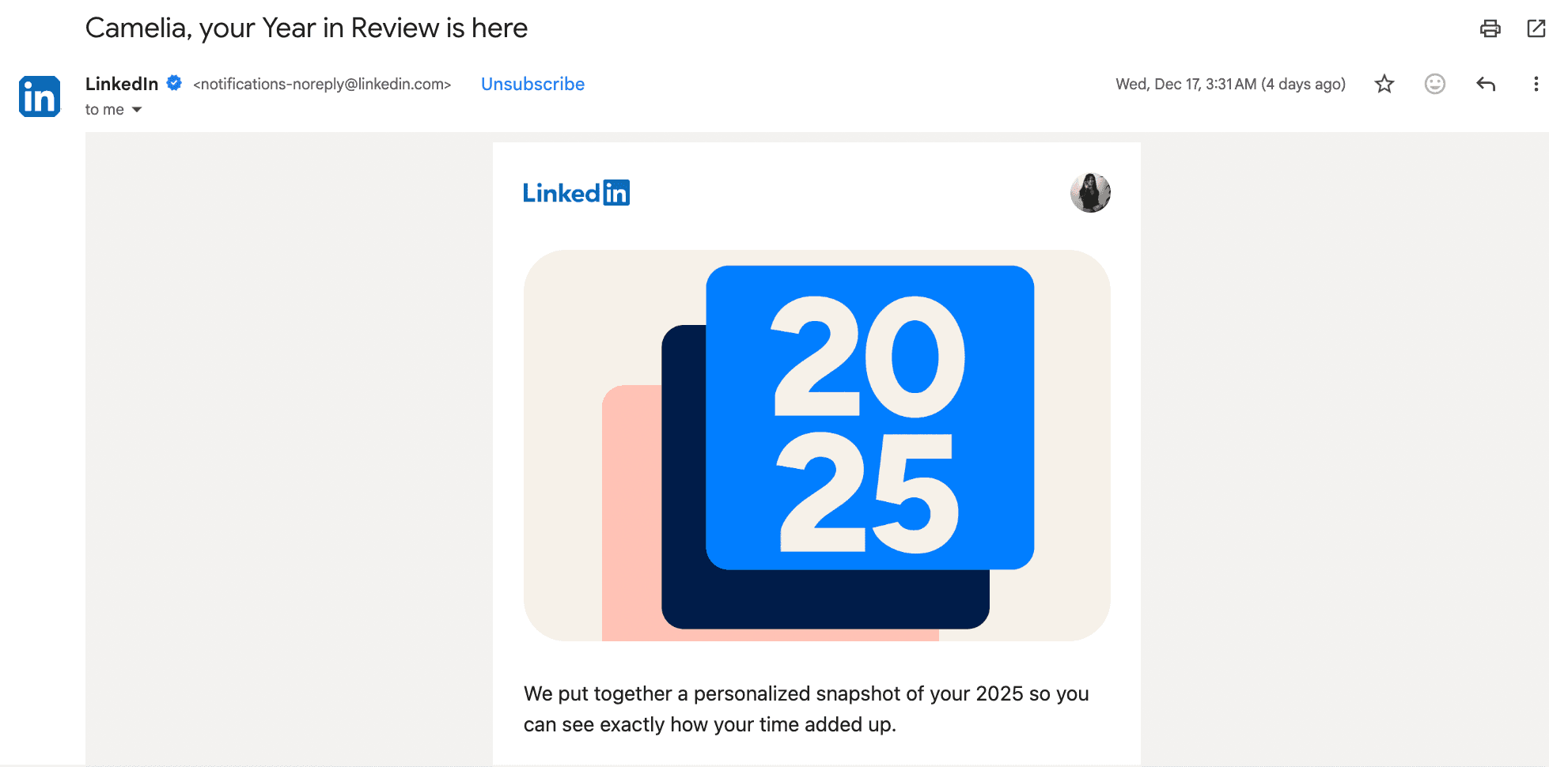
You can also access LinkedIn Wrapped via email. LinkedIn sends a Year in Review email to eligible users that summarizes their activity and performance over the year.
If you open the email on a desktop, you’ll find a QR code.
Scanning this QR code with your phone will instantly open your LinkedIn Wrapped in the mobile app, where you can explore your full year in review.
This makes it easy to access LinkedIn Wrapped on mobile or desktop and ensures you don’t miss it even if the in-app banner doesn’t appear.
Why You Can’t Find Your 2025 LinkedIn Wrapped
If you’re looking for your LinkedIn Wrapped 2025 and can’t find it, you’re not the only one. There are a few common reasons it might not show up, and most aren’t related to bugs or missing features.
1. LinkedIn Wrapped Is App-Only
A lot of people miss their Wrapped because they check from a desktop instead of their phone.
LinkedIn Wrapped 2025 is only available in the LinkedIn mobile app. You won’t see it on a desktop, in your browser, or through any web link on your laptop.
2. Not Enough Activity Data in 2025
LinkedIn Wrapped is based on your activity throughout the year. If you didn’t use LinkedIn much, there might not be enough data to create a recap. This can happen if:
You posted rarely or not at all.
Your account was inactive for long periods.
You only used LinkedIn to scroll without posting or engaging with others.
In these situations, LinkedIn might not generate a Wrapped at all, instead of showing incomplete or low-value insights.
3. Gradual Rollout and Visibility
Like many LinkedIn features, Wrapped is rolled out gradually. Some users get access before others.
If you don’t see it right away, try checking again over the next few days. Or make sure these tips are applied:
You’re using the latest version of the LinkedIn app.
You’re logged into the correct account.
Your notifications are on, since Wrapped often appears as a banner or in-app prompt.
Alternatively, you can still create a full LinkedIn Wrapped-style recap using third-party tools that analyze your yearly performance such as MagicPost LinkedIn Wrapped Tool.
Create Your LinkedIn Wrapped 2025 with MagicPost
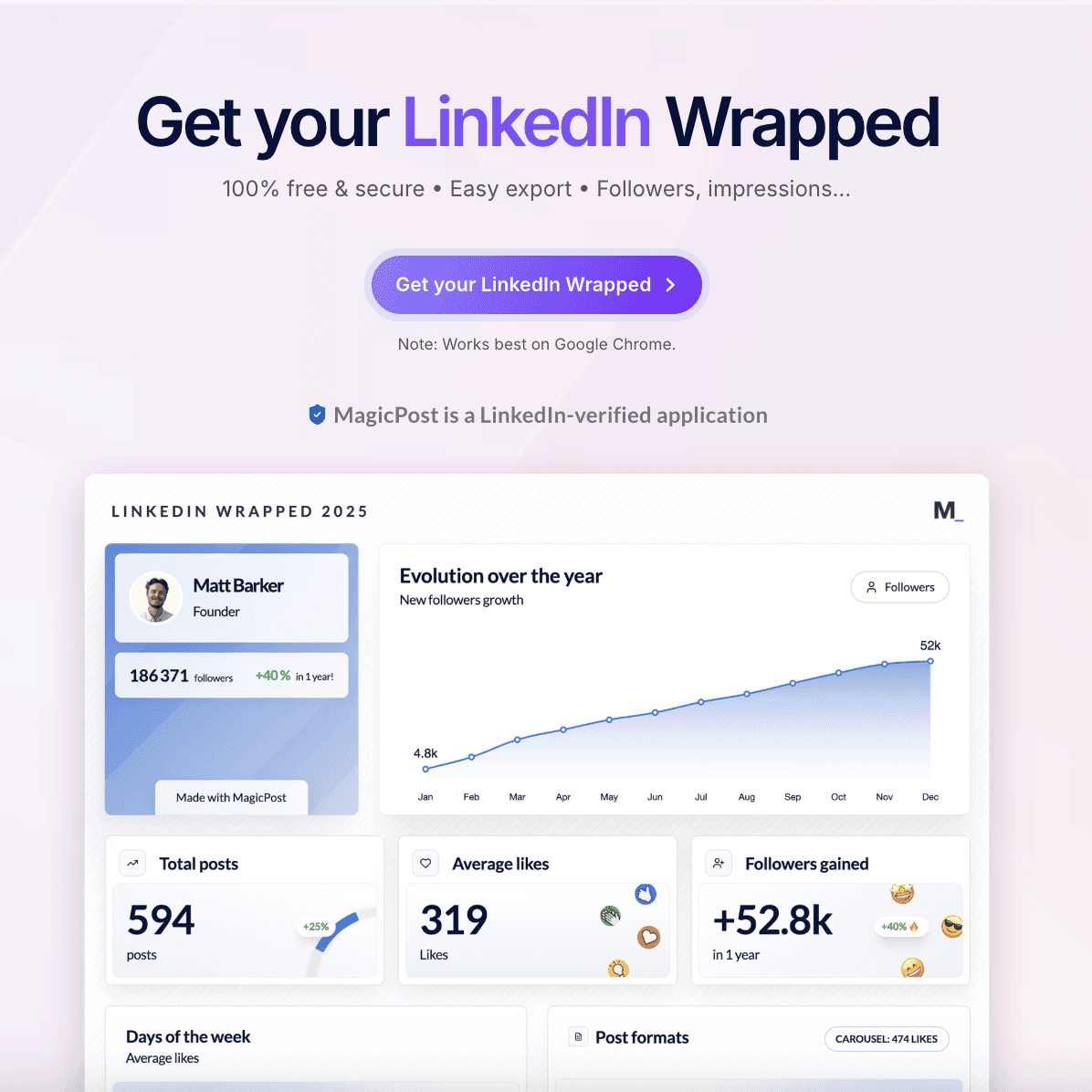
LinkedIn offers a beautiful reel with colorful motion graphics that may be enough for some, but for professionals who need more, MagicPost lets you generate a more detailed, ready-to-share LinkedIn wrap in seconds.
In the past few days, more than 2,000 professionals and creators have used MagicPost to discover their LinkedIn Wrapped 2025. It gives a clear snapshot of how their year went, based on real data.
You get clear, easy-to-read insights that you can quickly understand and share.
What your MagicPost LinkedIn Wrapped includes
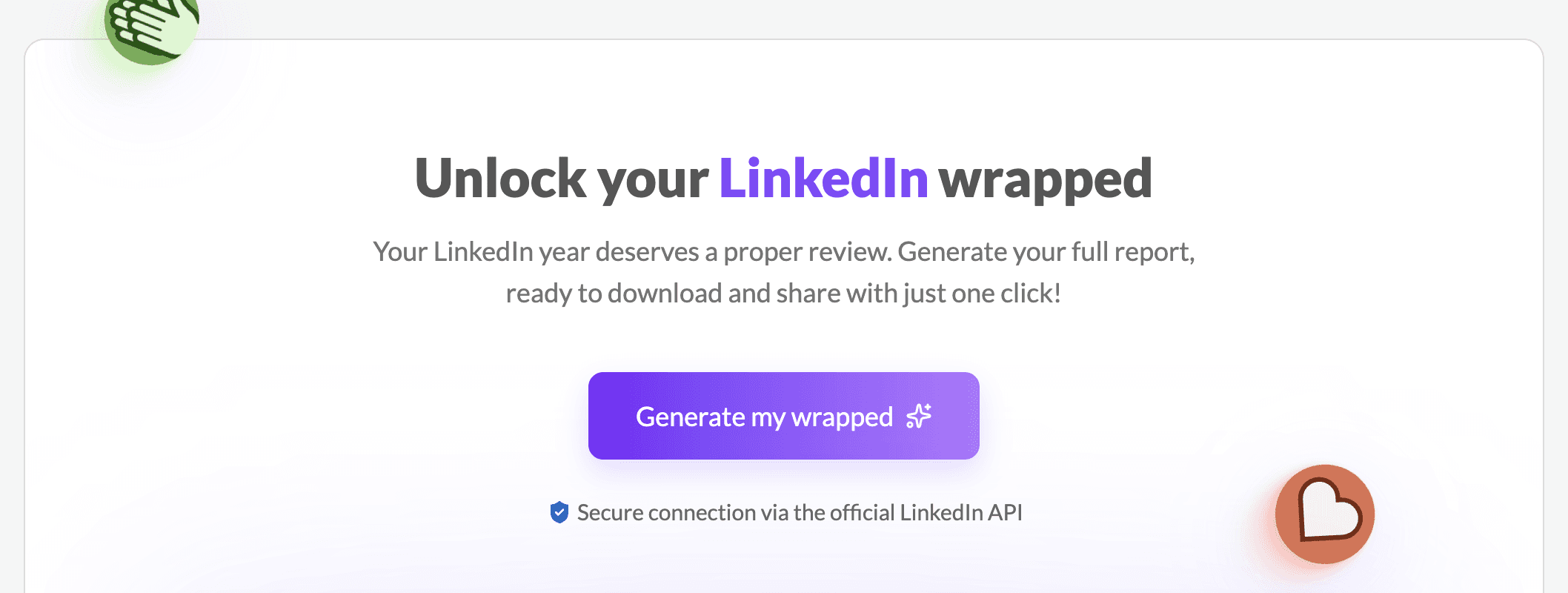
Once generated, your Wrapped gives you a full overview of your LinkedIn performance in 2025, including:
Total followers gained throughout the year.
Your most impactful content based on engagement and reach
Total impressions aggregated across all posts
Detailed engagement breakdown (likes, comments, reactions)
Top-performing topics so you know what your audience truly cares about
Your growth trajectory showing how your presence evolved month after month
Everything is presented in a simple, visual format that feels like a true “Wrapped,” not an animation video with headlines.
How?
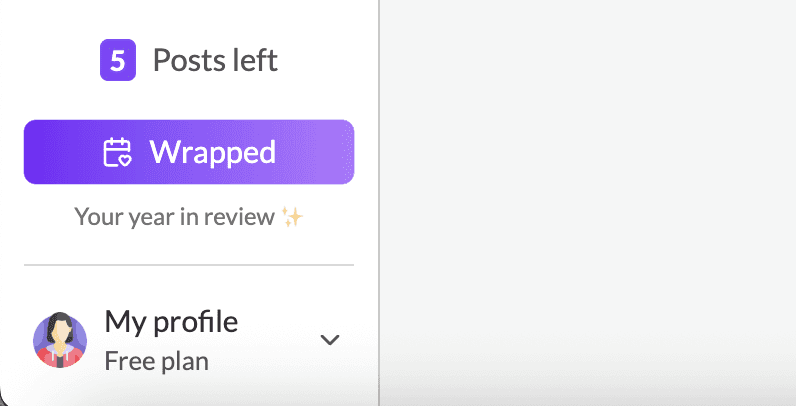
Creating your LinkedIn Wrapped with MagicPost takes about 30 seconds. All you have to do is connect your LinkedIn account, hit the "Wrapped" button and let MagicPost analyze your data. That’s it.
Is it free?
Yes. You can generate your LinkedIn Wrapped 2025 for free, making it one of the easiest ways to review your year and turn your performance into shareable content.
Why use MagicPost for your LinkedIn Wrapped?
MagicPost doesn’t just show numbers; it also helps you understand what actually worked for you in 2025, identify content patterns you should repeat. share your growth transparently with your audience in a well designed sheet but most importantly, start 2026 with a clearer strategic direction.
Get your LinkedIn Wrapped 2025 now using MagicPost for free, and in less than a minute, you’ll see exactly how your LinkedIn performed this year and what to build on next.
Happy wrapping ✨