SayWhat is one of the few tools in the category with a real thesis: LinkedIn posts are pipeline, so writing, analytics, engagement and lead tracking should live in one product.
Its pricing is also one of the most distinctive on the market: a meter on the writing, tiered from $59.99 to $299.99 per month, with the much-praised community sold separately.
This review walks the product as documented on its own site, does the per-tier math the pricing page leaves to you, and reads the public record, including what our research corpus says about who is actually talking about SayWhat.
What Is SayWhat?
SayWhat is an AI-powered LinkedIn content platform founded in 2024 by Will McTighe (CEO) and Pierce Freeman (CTO). McTighe is the public face and a genuinely strong LinkedIn creator in his own right, with a 439,000-follower audience.
The product reflects a creator's priorities: voice-matched writing fed by trending formats, analytics that go past the native dashboard, an engagement inbox, and lead tracking that treats commenters as potential customers.
The pitch is coherent and sales-shaped. The questions a buyer needs answered are quieter ones: how much writing the meter allows per tier, what is included versus added on, and how the product connects to LinkedIn.
📌 SayWhat is a young, founder-led product (founded 2024). Its centre of gravity is its CEO's own content and audience, which is both its best distribution and the reason its independent track record is still thin, see the record section below.
⚠️ Account safety: SayWhat operates browser-side, in its own words, and does not document an official LinkedIn API connection. Working @mentions and a scheduling workflow are not documented either. That is a step below the verified-application standard you should expect from a publishing tool.
SayWhat Features
The product is built around the writing meter, with analytics and a lead loop layered on top.
Collab Writing and the Auto-Generator
Writing comes in two metered flavours. Collab credits buy interactive post-writing sessions with the AI, which learns from your profile and past posts and pulls from a database of trending, pre-validated formats. Auto-Generated Posts are the hands-off version: the system drafts fresh posts on its own, to edit or queue immediately.
The voice quality is what SayWhat's users praise most, and the format database is a real asset. The structural limit is that the AI learns from your LinkedIn history rather than from a broader knowledge base you feed it, so the depth ceiling is your own feed.
Analytics
The analytics surface is broad for the price band: content performance, growth analytics, audience demographics, engagement tracking down to comment level, and a chatbot to interrogate your numbers. For a creator who has outgrown LinkedIn's native dashboard, this is one of the product's real strengths.
Engagement and Lead Tracking
An engagement inbox and a lead tracker turn commenters into an opportunity pipeline, on every plan. This is the sales-shaped core of the product.
👍 The lead-tracking loop is SayWhat's standout: writing, engagement and lead capture in one place, aimed at people who sell through LinkedIn rather than post for vanity metrics.
SayWhat Pricing
Four tiers, monthly or annual (annual runs about 20% less). The meter is engineered to make heavy posters climb.
Tier | Price/mo | Writing allowance |
Standard | $59.99 | 10 Collab credits + 6 auto-posts |
Premium | $99.99 | 30 credits + 12 auto-posts |
Executive | $149.99 | 80 credits + 40 auto-posts |
Executive+ | $299.99 | 300 credits + 90 auto-posts |
The math the pricing page leaves to you: on Standard, 16 metered outputs for $59.99 is about $3.75 per post; on Executive+, 390 outputs for $299.99 is about $0.77. A consistent five-posts-a-week creator, the exact cadence SayWhat's own +130%-impressions claim assumes, burns through Standard's allowance in under a month.
❓ The celebrated community is not in any plan; it is a $99/mo add-on. So the realistic bill for an engaged member on Premium lands around $199/mo. There is a 7-day trial covering all features.
What the Record Says
Here the file gets unusual. SayWhat has no Trustpilot reviews at all, not a low score, none, and that absence is itself information for a product at this price.
So we looked at the channel where SayWhat is most visible, LinkedIn itself, through our research corpus. Over the last year, SayWhat was mentioned in 160 posts, and 106 of them, 66%, were written by its own CEO; in some months the share reaches nine posts in ten.
The most-liked mentions that are not McTighe's own are the quarterly data reports he co-authors with a million-follower creator, which are genuinely useful reading.
Read it for what it is, in both directions. As distribution, it is excellent: a founder with a 439k audience plus a recurring data partnership is a better growth engine than most marketing budgets buy. As independent evidence of customer outcomes, it is thin: two-thirds of the word-of-mouth is the company itself.
SayWhat Pros and Cons
Pros | Cons |
✅ Sales-shaped: lead tracking and an opportunity pipeline on every plan | ❌ Every tier meters the writing; consistent posters outgrow Standard fast |
✅ Broad analytics: demographics, growth, comment-level tracking, a chatbot | ❌ The celebrated community costs $99/mo on top of any plan |
✅ Voice-matched writing backed by a trending-formats database | ❌ Browser-side; no official API or working @mentions documented |
✅ Founder-led brand with real content credibility | ❌ No documented scheduling, CRM exit, or team features |
✅ 7-day trial covering all features | ❌ No third-party review record; two-thirds of its buzz is its own CEO |
Who Is SayWhat For?
Buy SayWhat if:
You are a solo creator or founder who sells through LinkedIn and posts at a moderate cadence.
You want the engagement-to-lead loop in one place and value the analytics depth.
Price the community add-on in if the calls are part of why you are buying. It is probably not the right pick if:
You post daily, since the meter punishes exactly the behaviour the marketing celebrates.
You need scheduling, working mentions or a documented publishing path.
You want a record of other customers' experiences before paying, because there is not one yet.
How Does MagicPost Compare to SayWhat?
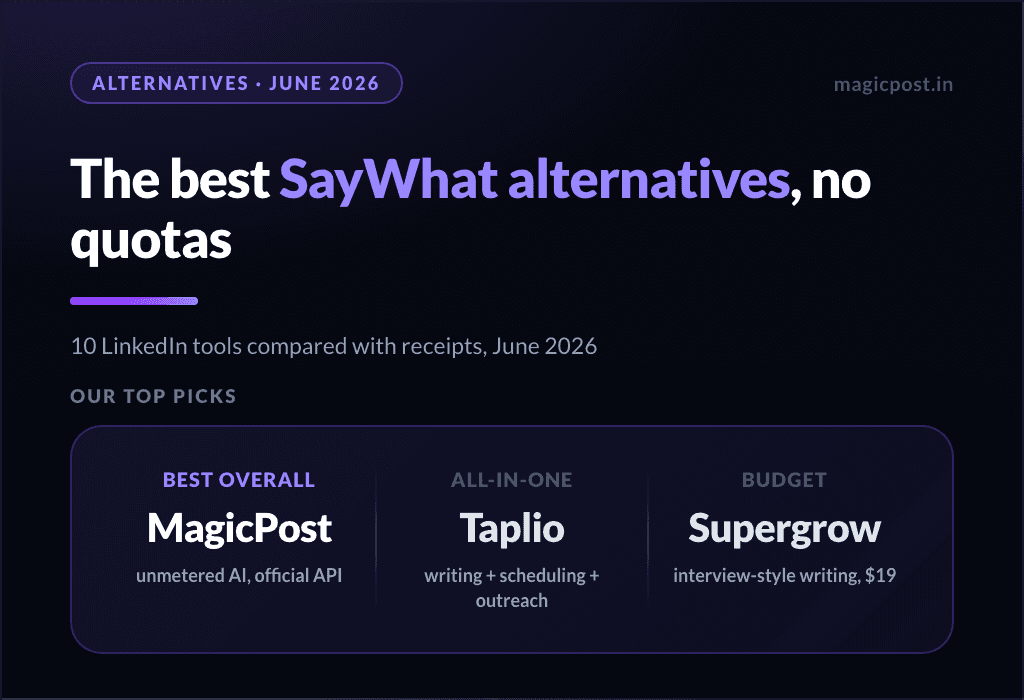
MagicPost agrees with SayWhat's thesis, posts should feed a pipeline, and disagrees with the meter.
Feature | SayWhat | MagicPost |
AI writing | ⚠️ Metered credits | ✅ Unmetered |
Humanizer backed by published research | ❌ | ✅ |
Publishing via LinkedIn's official API | ❌ Browser-side | ✅ Verified application |
Working @mentions in scheduled posts | ❌ Not documented | ✅ |
Scheduling workflow | ❌ Not documented | ✅ |
Analytics with market benchmarks | ⚠️ Broad, no benchmarks | ✅ |
Lead detection with a CRM exit | ⚠️ In-app pipeline | ✅ AI scoring + CRM push |
Entry price | $59.99/mo | $49/mo (AI $69/mo) |
Trial | ✅ (all features) | ✅ (no card) |
Want the Pipeline Thesis Without the Meter? There's a Fit
SayWhat is a real product with a real thesis, the best lead-minded feature set in its price band, and the most founder-dependent public record we have measured in this category.
What you are buying at $59.99 is a meter that fits light posters; what you are told you are buying, the community, costs extra; and what would normally de-risk the purchase, other customers' documented experience, does not exist yet.
The move SayWhat itself offers is the right one: take the 7-day trial, post your real cadence against the meter, and decide with your own numbers.
If you would rather run the same pipeline thesis without the meter, MagicPost does the unmetered, official-API version: style import with a research-backed humanizer, analytics with market benchmarks, and lead detection that scores engagers and pushes them to your CRM.
FAQ
How much does SayWhat cost?
Standard $59.99/mo, Premium $99.99/mo, Executive $149.99/mo, Executive+ $299.99/mo, with annual billing about 20% less. The community is a separate $99/mo add-on, so an engaged member on Premium realistically pays around $199/mo.
Is SayWhat safe for your LinkedIn account?
SayWhat operates browser-side by its own description and does not document an official LinkedIn API connection. That is a step below the verified-application standard; weigh it before connecting your account.
What is the SayWhat meter?
Writing is metered in two currencies per cycle: Collab credits (interactive sessions) and Auto-Generated Posts. Standard gives 10 credits and 6 auto-posts; the top tier gives 300 and 90. A five-posts-a-week cadence outgrows Standard quickly.
Does SayWhat have a community?
Yes, and it is one of the most praised parts of the product, but it is a $99/mo add-on rather than part of any plan.
Does SayWhat schedule posts?
No documented scheduling workflow appears on its site; it is built around writing, engagement and lead tracking, operating browser-side. If scheduling matters, confirm it on the trial first.
SayWhat vs MagicPost: which one?
SayWhat for an in-app engagement-to-lead loop if you post lightly and can absorb the meter and the community add-on. MagicPost for unmetered writing with a research-backed humanizer, official-API publishing with working mentions, benchmarked analytics and lead detection with a CRM exit, from $49/mo (AI $69/mo) with a no-card trial.