We get it, being a content creator is draining!
Having to constantly come up with engaging posts, create eye-catching carousels, and generate fresh content ideas is time-consuming and sometimes downright stressful.
Typegrow is built to take that load off your plate.
This AI-powered LinkedIn tool simplifies content creation, helps you schedule posts, generate hooks and call-to-actions, and even provides real-time previews of your content.
In this review, we’ll take a closer look at Typegrow’s features, explore its pros and cons, and see whether it earns a spot in your workflow.
What is Typegrow?
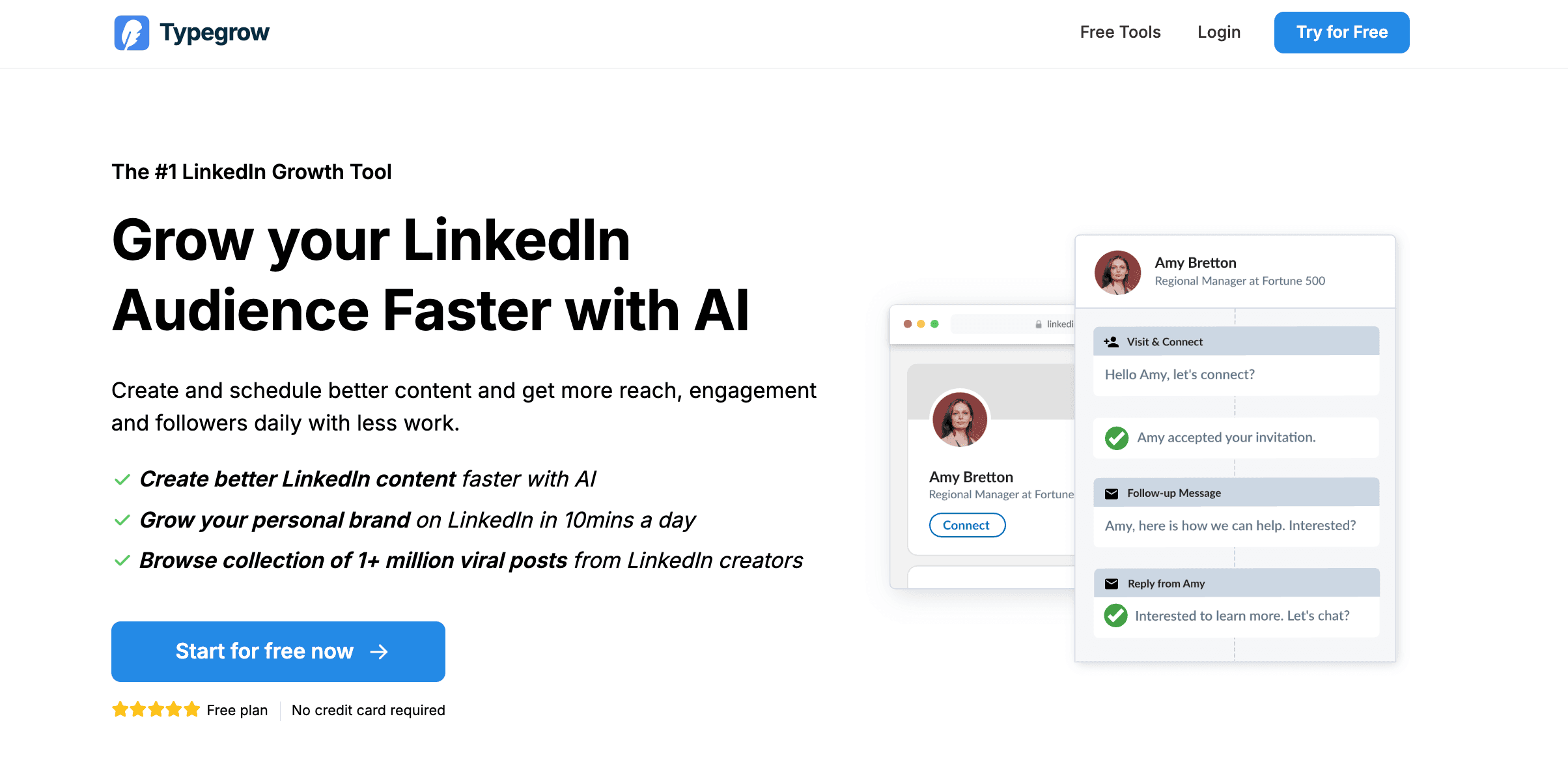
Typegrow is an AI-powered tool that helps users grow their LinkedIn audience by making it easier to create and schedule content.
It includes an AI assistant to help you write posts, a scheduler, tools for making carousels and hooks, and a library of viral posts to inspire your content strategy.
Typegrow is designed to save you time, boost your content’s reach and engagement, and help you grow your LinkedIn following (even if you have no background in social media marketing).
Typegrow reviews
Crozdesk: Rating⭐⭐⭐⭐ (no ratings available)
✅ Pros
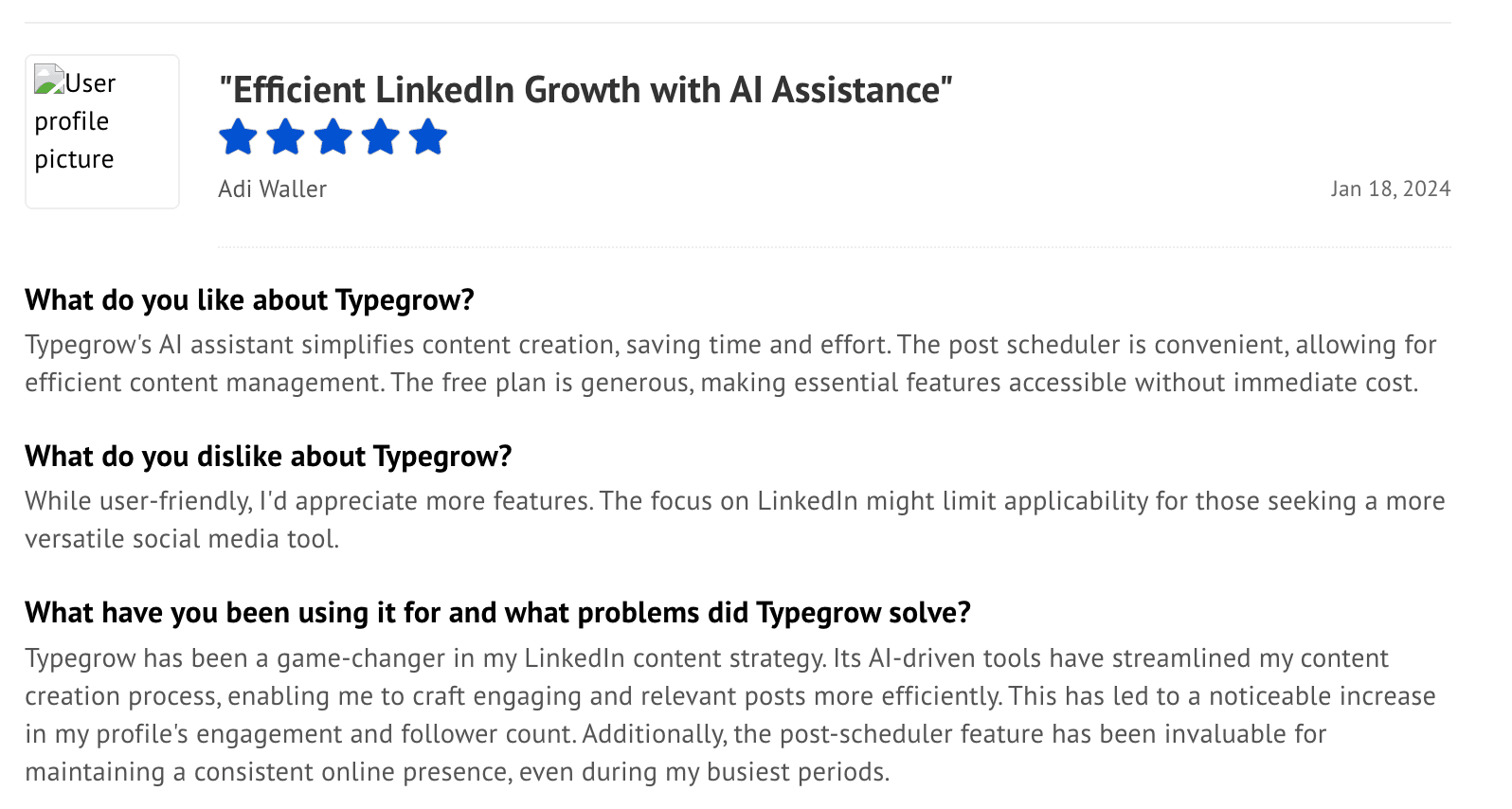
AI Assistant: Helps create and refine content efficiently.
Post Scheduler: Makes it easy to schedule posts and keep your content flowing regularly.
Growth Tools: Carousel creators and hook generators to enhance engagement.
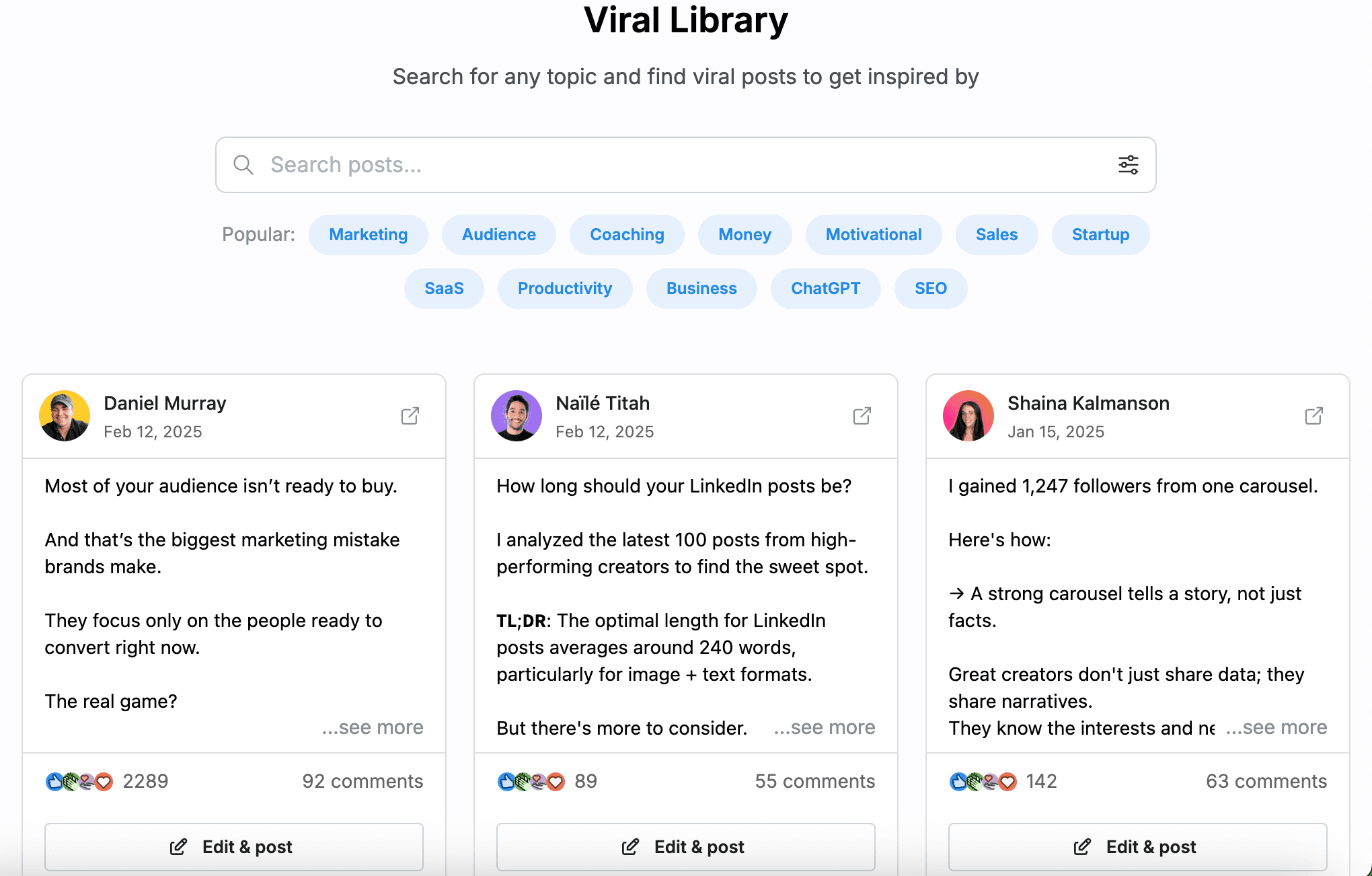
Viral Post Library: Lets you browse over a million viral posts for ideas and insights.
User-Friendly Interface: Easy to use for everyone, and the no-card free trial is quite generous.
❌ Cons
Limited Free Trial: The trial is capped, and you need the $29/mo plan to keep the main features.
Customer Reviews: Some users have reported negative experiences or questionable practices, but this is still under review.
Versatility: Since it mainly works with LinkedIn, it may not be the best choice if you want a tool for other social media platforms.
Now, let’s explore the features Typegrow offers.
Typegrow Features
While primarily a LinkedIn creation tool, Typegrow offers a range of additional features suitable for diverse needs, such as:
1. generate Your Posts With Ai
Typegrow makes it easy to plan, write, and publish your content without ever logging into LinkedIn.
Thanks to a simple dashboard, you can draft posts directly inside the platform, polish them with AI, and then schedule them to publish at the best times for visibility.
This helps you maintain a steady posting rhythm and grow your audience even on busy days. If voice-trained drafting is your main reason for adopting a tool, compare it against a dedicated AI LinkedIn post generator before you commit.

Whatever your field or specialty, Typegrow AI can create content for a wide range of uses, including ads, social media posts, blog articles, email copy, video scripts, and e-commerce content.
In short, it can help with any kind of written content you need.
The first feature I tried was article writing, and I found it especially interesting.
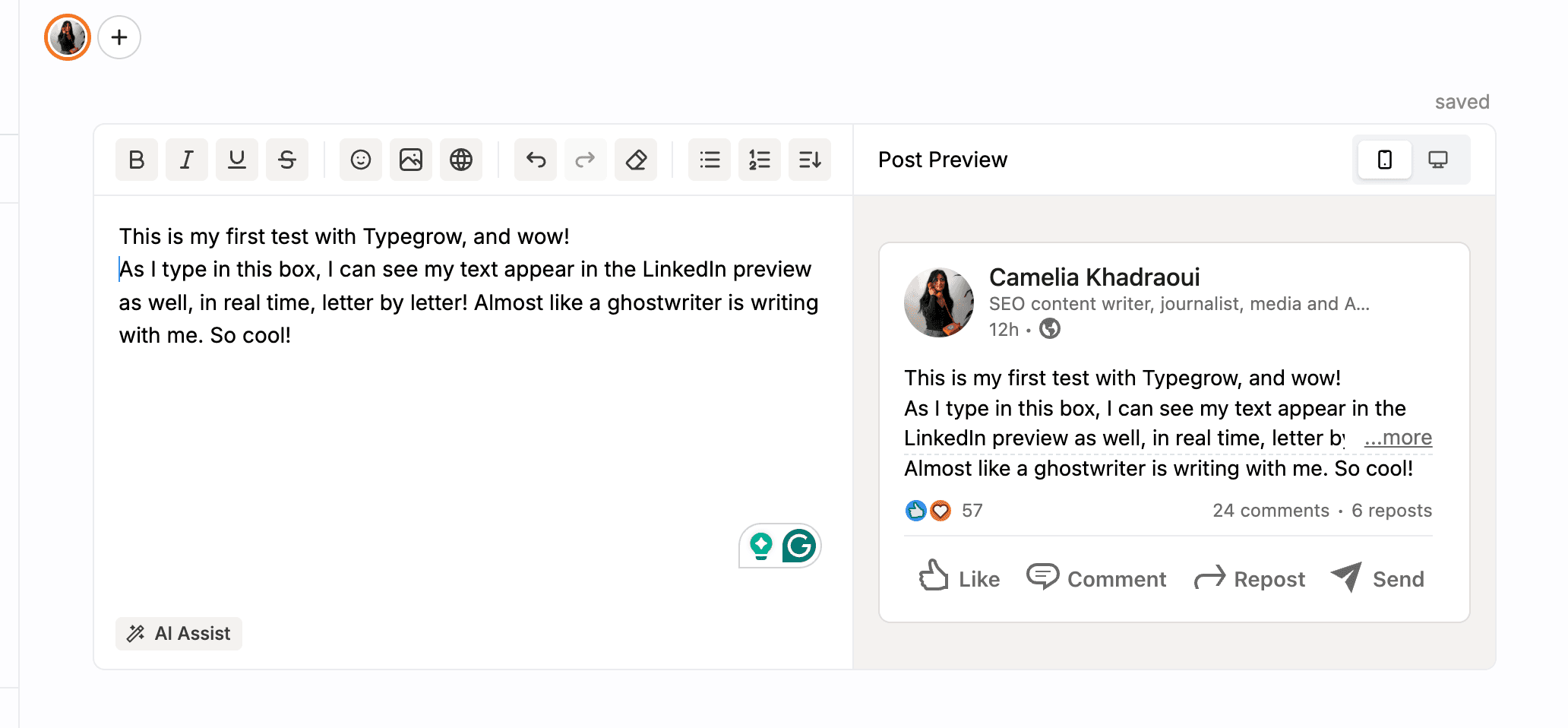
In this screenshot, Typegrow is in action.
I typed a short test, and as I wrote, the text showed up in the LinkedIn preview area, letter by letter.
It happened in real time!
This feature makes it easier to adjust formatting and lets users see exactly how their posts will look when published. It also helps check readability and flow before clicking “publish.”
So cool!
### Writing Assistant
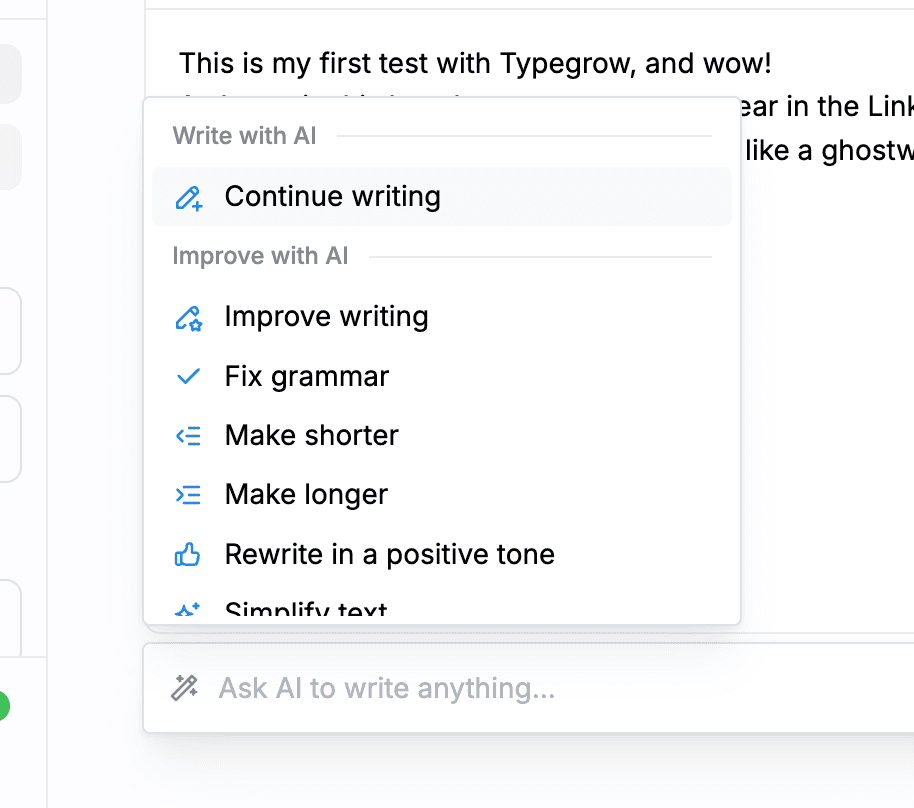
Next, I clicked the AI Assist button, which opened a wide range of options to enhance my post.
I can choose to continue writing, fix grammar, improve clarity, make the text longer or shorter, and much more.
This feature allows you to refine your LinkedIn content without ever leaving the dashboard for another AI.

If you often struggle with blank-page syndrome, this feature can be a real lifesaver, giving you instant inspiration and helping you start writing without hesitation.
Every creator needs a bit of inspiration sometimes. Typegrow can also help you craft attention-grabbing hooks and effective call-to-actions.
3. Schedule Your LinkedIn posts
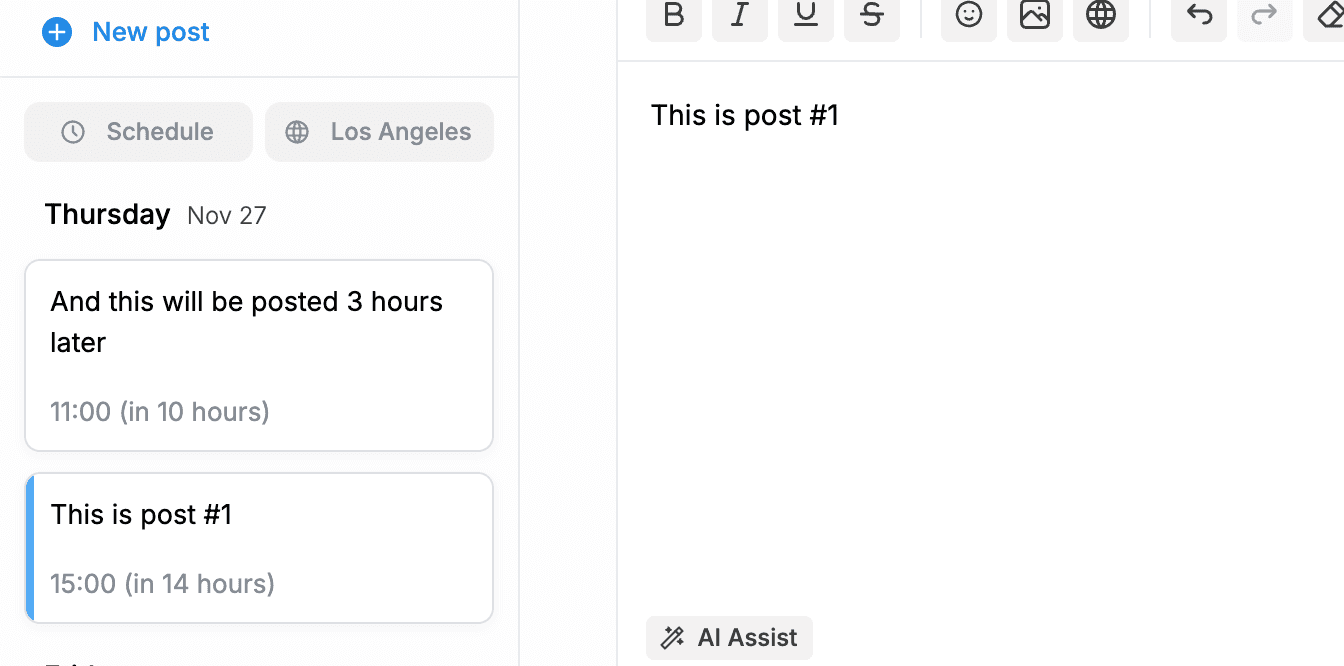
Besides writing your content, Typegrow also lets you schedule when it will be posted.
You can write your posts right in the dashboard, use AI suggestions to improve them, and set them to post automatically at times you prefer.
This helps you stay consistent, save time, and keep an active LinkedIn presence without posting by hand every day. If scheduling is the job you care about most, Typegrow sits among the best LinkedIn scheduling tools worth weighing side by side.
4. Generate Carousel Posts
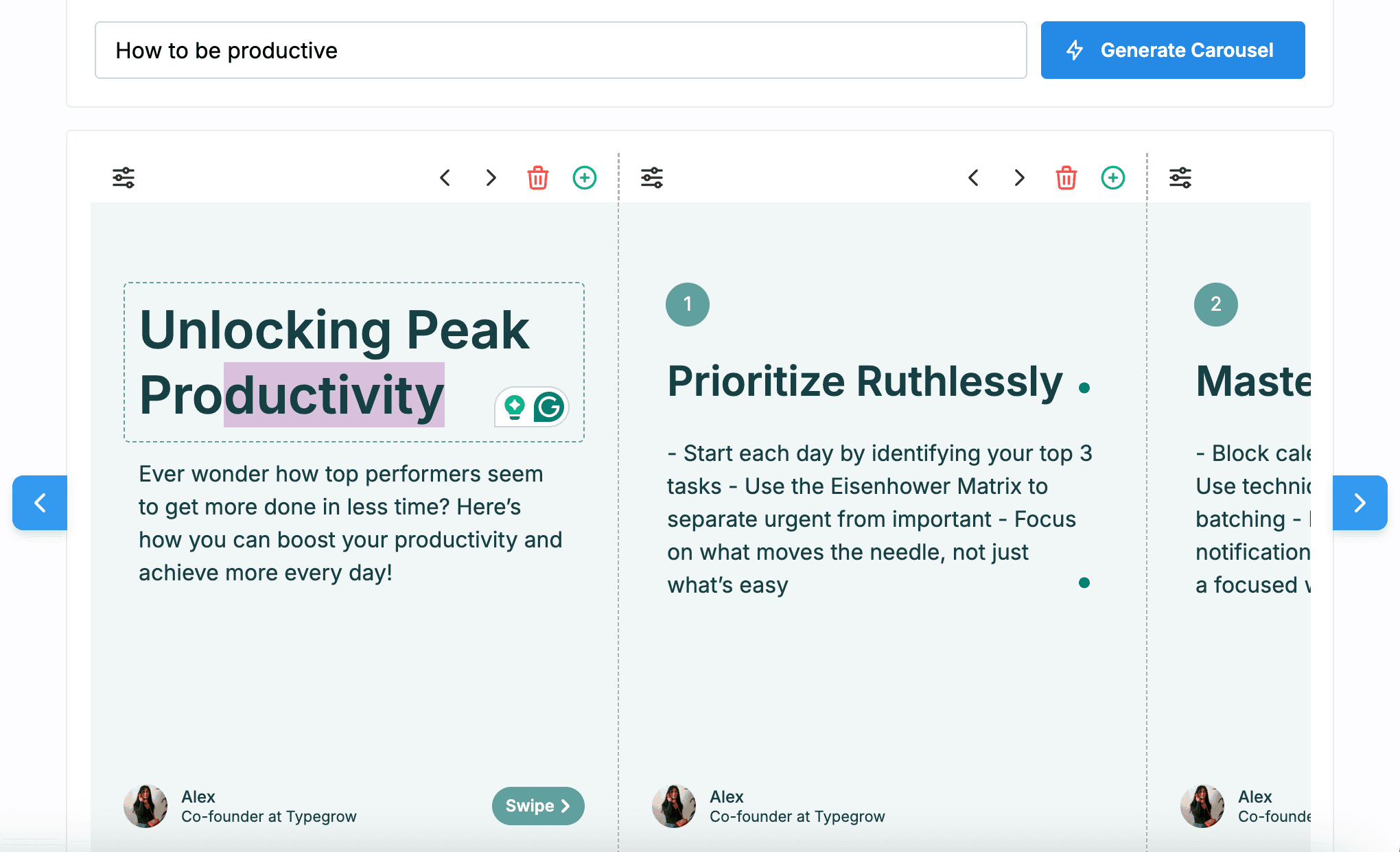
Carousels are a popular and engaging way to share content on LinkedIn, and Typegrow makes creating them simple.
With the carousel post generator, you can quickly turn your ideas into eye-catching, swipeable posts.
AI-powered design and text formatting help anyone create professional-looking carousels that stand out, even without design experience.
5. Content Library for Inspiration
If you ever feel stuck, Typegrow’s content library can help spark new ideas.
The library gives you access to a wide range of top LinkedIn posts created by real people.
You can browse popular formats, see which post structures work well, and get ideas for creating content that connects with your audience.
Typegrow Tools Overview
Typegrow comes with a suite of easy-to-use tools designed to help creators, founders, and marketers save time and publish better content on LinkedIn.
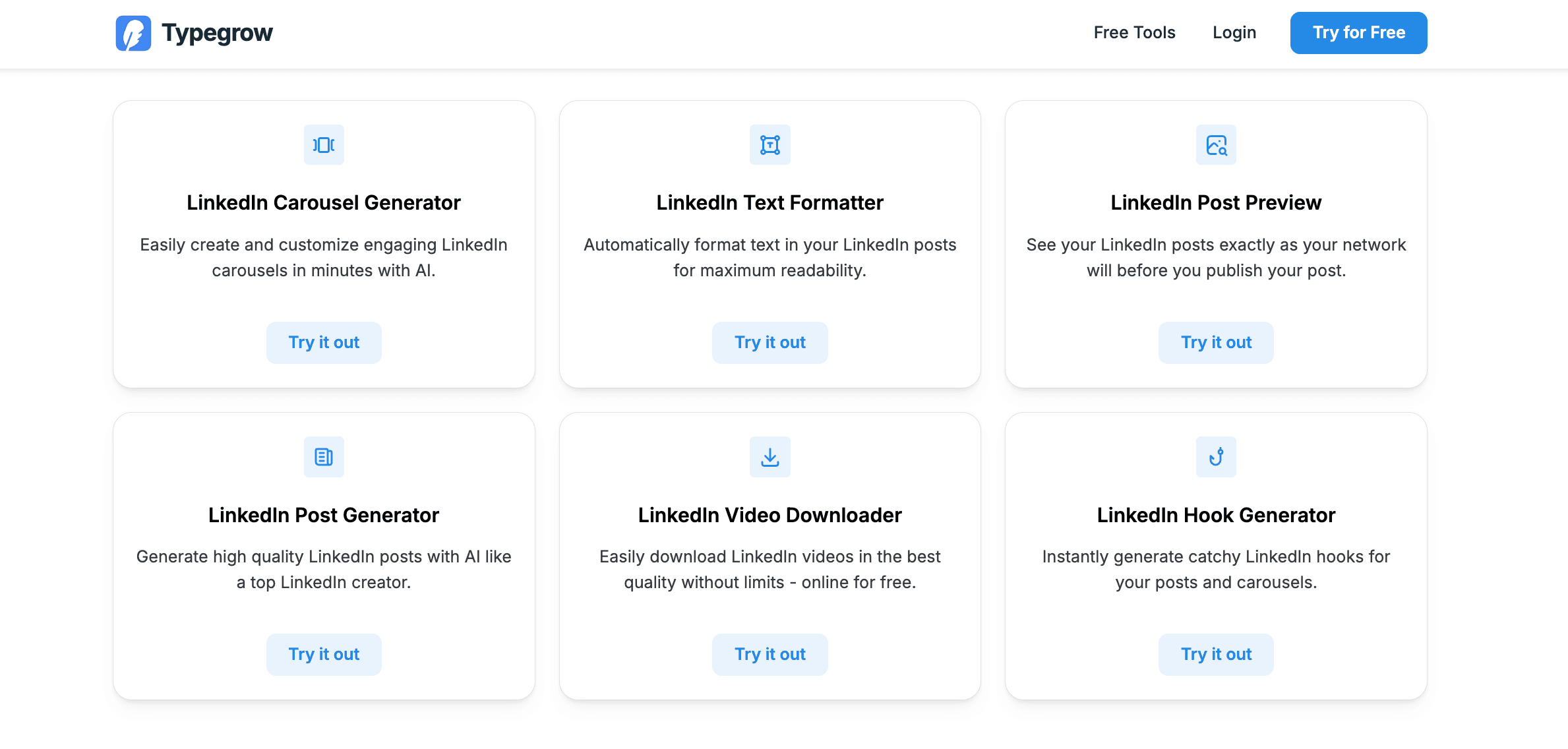
Each tool focuses on improving a different part of your workflow:
Feature | Description |
Carousel Generator | Create engaging, scroll-stopping carousels in minutes with AI-assisted design and customization. |
Text Formatter | Format your post text instantly to improve readability, structure, and overall visual impact. |
Post Preview | See exactly how your content will appear on LinkedIn before you hit publish, making last-minute adjustments effortless. |
Post Generator | Generate high-quality LinkedIn posts inspired by top creators, using AI that understands platform-specific writing styles. |
Video Downloader | Download LinkedIn videos in high quality with no limits, useful for repurposing or saving examples for inspiration. |
Hook Generator | Quickly generate attention-grabbing hooks to boost the performance of your posts and carousels. |
Pricing and plans
Typegrow costs $29/mo per seat, after a free trial with no credit card. Its own pricing FAQ still reads "Typegrow is at the moment completely free to use. However, we are working on a paid plan to bring you more features and functionality," but that copy is stale: the free entry is a trial, not a permanent plan.
No credit card is required for the trial, and no team or agency plan is listed.
That makes the pricing question simple: one plan, one price. The $29/mo covers:
AI post generation
Scheduling
The 1M+ viral post library
Carousel generator
Hook generator
Formatting tools
What a team or agency tier will cost is not public. If you build your workflow on Typegrow, build it knowing you are buying a single-seat tool; we re-check this page quarterly.
How established is Typegrow?
Worth a clear-eyed look before you build a workflow on it. Typegrow claims "+16,000 creators" on its homepage and a 2024 copyright, so it is genuinely young.
On LinkedIn itself, its footprint is still thin: our research corpus of 1.2M posts logged 11 mentions of it over the last year, from eight different people. There is no analytics surface documented, and the agency multi-account feature is "coming soon."
None of that is disqualifying for a $29/mo tool, it is exactly what "young and cheap" looks like. But it is the context for the pricing note above: you are adopting a product that is still finding its shape, and whose own pricing copy has not caught up.
Typegrow vs MagicPost Features Overview
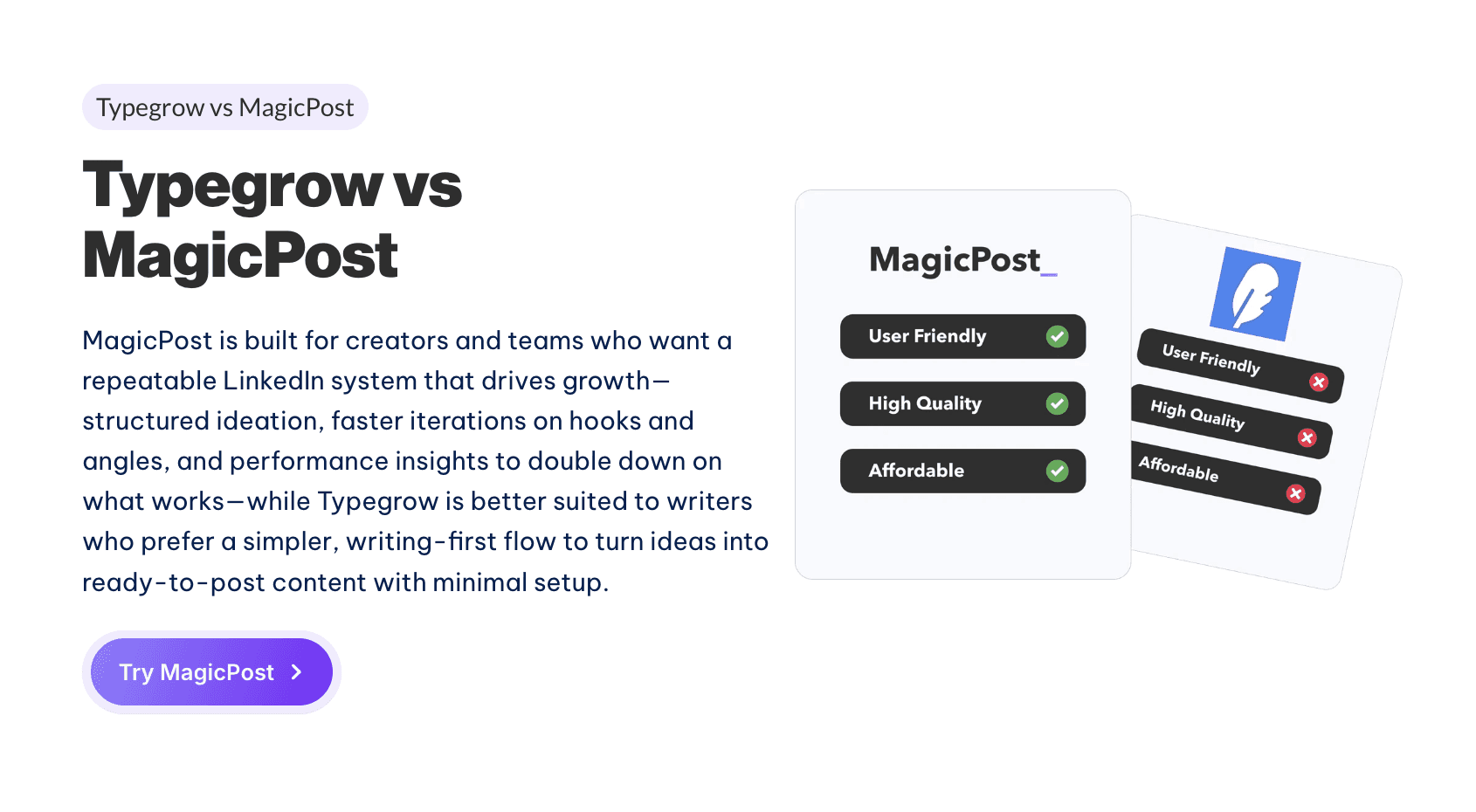
Typegrow helps creators with content creation, voice matching, and basic analysis. MagicPost covers a wider slice of the LinkedIn workflow.
MagicPost is a LinkedIn-only content platform with features that go beyond writing: voice-trained AI with a humanizer built on our published research, idea generation, a 2M+ post inspiration library, official-API scheduling and publishing, analytics with market benchmarks, engagement workflows and lead detection.
The pricing models differ too: Typegrow is $29/mo after a no-card free trial, and MagicPost runs public plans from $29/mo (AI from $39/mo, billed yearly) with a no-card trial.
In practice, MagicPost gives users more tools and value right from the start:
Features | Typegrow | MagicPost |
Generate unlimited posts | ✅ | ✅ |
Generate post ideas | ✅ | ✅ |
Generate hooks | ❌ | ✅ |
Add and use your own writing style (or someone else's) | ✅ | ✅ |
Duplicate and reuse a post (recycling) | ✅ | ✅ |
Edit your post directly from the tool | ✅ | ✅ |
Schedule your publications or select “publish now” | ✅ | ✅ |
Find inspiration by filtering all posts already published on LinkedIn | ❌ | ✅ |
Bookmark your favorite LinkedIn posts, ideas and hooks | ✅ | ✅ |
Centralized and organized your generated posts | ✅ | ✅ |
Access to dozens of LinkedIn post templates | ❌ | ✅ |
Ask AI with specific instructions | ✅ | ✅ |
Add automatically your own signature and hook | ❌ | ✅ |
Work in team on the same account | ❌ | ✅ |
Change your dashboard to +5 different languages | ❌ | ✅ |
Get advanced LinkedIn profile metrics and infographics | ❌ | ✅ |
Why MagicPost is The Best Alternative
First, credit where due: Typegrow’s trial needs no card, it claims official-API publishing, and at $29/mo it is a cheap first stop for a creator just starting out. The case for MagicPost is not price; it is depth.
MagicPost is the LinkedIn-only premium standard. Its AI learns your voice from your account, then runs every draft through a humanizer built on our published research.
The stakes are measured. Generic, interchangeable content reaches roughly 10-14% fewer people, and templated AI phrasing, which barely cost reach until 2026, now does too. MagicPost's study of 287,000 posts found the most templated posts losing up to about 13% of their reach in French and about 3% in English versus the author's own normal, an effect that was statistically absent before 2026.
That cost is carried by a handful of templated turns: the canned teaser opener, the two-sided contrast formula. Those are precisely what the humanizer rewrites, while keeping the human habits that help.
On top of that: ready-made hooks, an idea generator, carousels, templates, and the loop Typegrow does not ship: analytics with market benchmarks, engagement workflows, and lead detection with CRM integrations. Everything publishes through LinkedIn’s official API as a verified application.
Plans start at $29/mo (the AI plan at $39/mo, billed yearly), and the trial is verbatim "100% free trial. No credit card, No commitment." Try MagicPost for free ✨
FAQ
Is Typegrow free?
No. Typegrow costs $29/mo after a free trial with no credit card. Its pricing FAQ still says "Typegrow is at the moment completely free to use," but that is stale copy: the free entry is a trial, not a permanent plan.
Is Typegrow safe for my LinkedIn account?
Typegrow says it uses "the official LinkedIn API to connect to your LinkedIn account," runs "100% in the cloud" with "no browser extensions," and adds "we do not position ourselves as an automation tool."
That is the right claim to make. Like any vendor claim it is worth confirming, but it puts Typegrow in the documented-official-API camp rather than the extension-risk one.
Does Typegrow have analytics?
No analytics feature is documented on its site (as of June 2026). You get writing, scheduling, a carousel maker and a viral-post library, but for performance tracking you are on LinkedIn's native dashboard.
Can agencies use Typegrow?
Not yet for multiple accounts: managing several profiles in one Typegrow account is listed as "coming soon." Today it is a single-profile tool.
What is the catch with a budget LinkedIn tool like Typegrow?
With Typegrow, three things to weigh: the pricing copy says "free" while the plan is $29/mo, there is no analytics layer, and it is a young product with a thin public footprint. The no-card trial is a genuinely good way to start; just build knowing the meter is $29/mo per seat.
Typegrow vs MagicPost: which one?
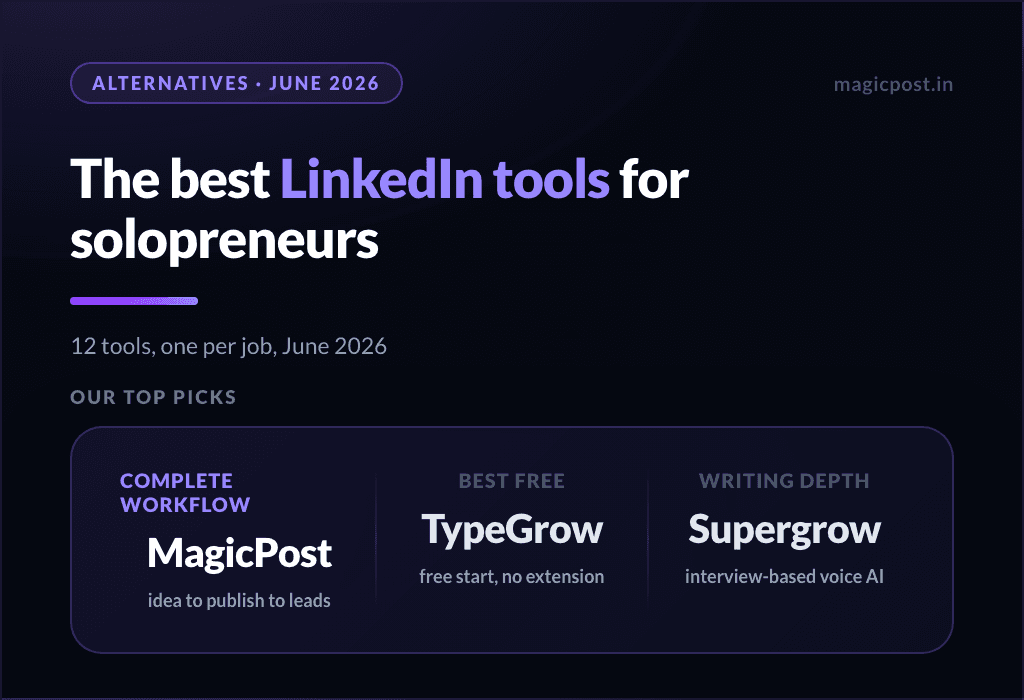
Typegrow to start cheap ($29/mo after a free trial) with official-API publishing and the basics. MagicPost for the complete LinkedIn workflow: voice AI with a research-backed humanizer, a 2M+ inspiration library, benchmarked analytics, engagement and lead detection, from $29/mo (AI from $39/mo, billed yearly), no-card trial. The head-to-head: Typegrow vs MagicPost, and the budget field in our best free LinkedIn tools roundup.