How to add your offers and persona to personalize the AI?
Why customize MagicPost with your persona and your offers ?
Customizing MagicPost with your persona and your offers allows the AI to generate posts, ideas, and hooks that are perfectly suited to your business, your target audience, and your style. This avoids generic content or AI "hallucinations," and saves you time while remaining authentic.
Where to add this information ?
Go to your MagicPost dashboard.
Click on your name at the bottom left, then on Settings.
Add your context and your summary
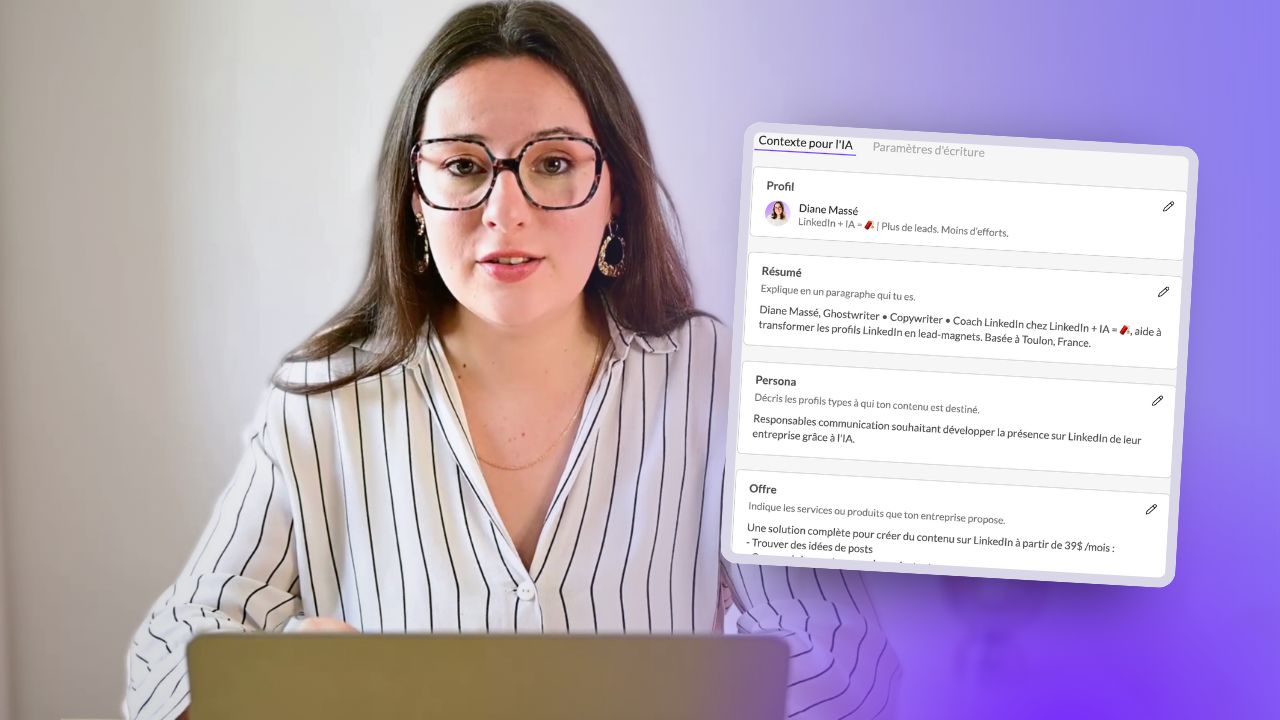
In the dedicated section, you can provide a summary of who you are and your background.
This summary helps the AI better understand your profile and avoid inventing false information.
MagicPost automatically collects certain information, but you can modify it at any time for greater accuracy.
Define your persona
Add a detailed description of your target persona (e.g., "Communication managers looking to develop their company’s presence on LinkedIn using AI").
The more exhaustive you are, the better the AI can personalize your content.
You can save, modify, or adjust your persona at any time according to your needs.
Add your offers
In the Offers tab, describe your products, services, or events to promote.
Filling out this section is particularly useful if you regularly create promotional posts.
Set your writing style
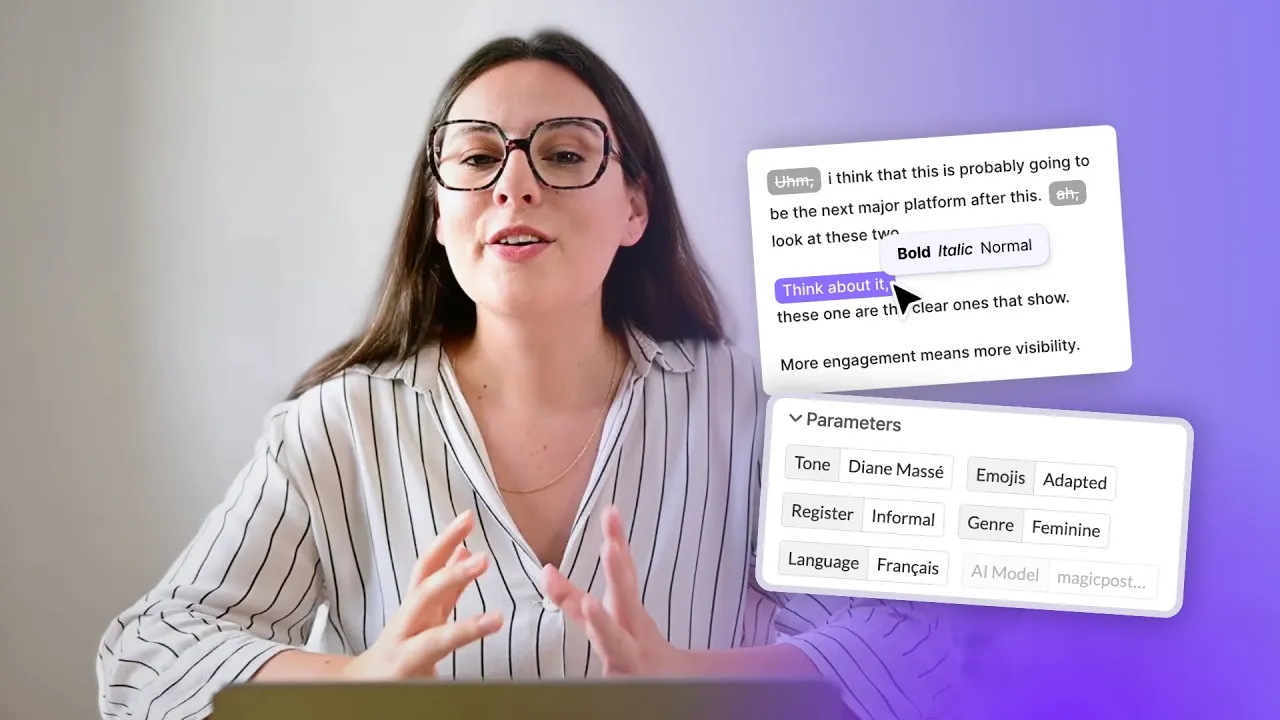
Access the Writing Settings section to help the AI adopt your tone, style, and way of writing.
Add a custom signature that can automatically integrate at the end of your posts.
Import the style of another creator
Click on Add a new profile.
Copy-paste the LinkedIn URL of the creator whose style you want to import.
Follow the steps to finalize the import.
You will then be able to easily switch between your different profiles when generating posts.
Edit and adjust at any time
All this information (context, persona, offers, style) can be modified at will to adapt to the evolution of your business or your needs.
In summary
By customizing MagicPost with your persona, your offers, and your style, you maximize the relevance and impact of your LinkedIn content, while saving time and retaining control over your image.
How to generate a post based on a topic?
How to generate a LinkedIn post via a URL?
How to use Template mode?
How to customize your generated post?
Where should I manage my posts?
How to program a LinkedIn post?
How to add your offers and persona to personalize the AI?
Easily find inspiration with MagicPost
How to use the idea generator?
How to use the hook generator?
Metrics on MagicPost
The Types and Categories of posts