An employee's LinkedIn profile is not a company channel. It is theirs, it follows them to their next job, and a post published under their name is something they will be asked about in meetings.
That is what makes a LinkedIn scheduler for teams different from an agency scheduler, even though the calendar looks identical. The tool coordinates; it never transfers ownership. This guide covers who does what, how to keep the calendar moving, and what to measure once posts are live.
Choosing between products rather than organising people is a different task, and the best LinkedIn scheduling tools ranks them on what they do with a shared calendar.
What does a LinkedIn scheduler for teams coordinate?
Four things, and only one of them is the calendar.
Personal profiles, one per colleague, each their own identity
The company page, a separate account with its own voice
A shared editorial calendar, so nobody doubles up on Tuesday
Distinct publishing identities, never a pooled login
The last point is the one that gets broken first. A shared account is the fastest way to run a team calendar and the fastest way to lose it: LinkedIn treats credential sharing as a violation, and an employee who leaves takes an account nobody can cleanly reclaim.
In MagicPost, each member gets a seat and their own space: their own tone-of-voice settings, their own post history, their own calendar and their own metrics. They sit inside your workspace without their content becoming shared property.
What does get pooled is deliberate, such as templates shared with the whole team, so one person's good structure becomes everyone's starting point.
Who should draft, approve and schedule team LinkedIn posts?
Separate two things that look alike: the split you decide, and the permissions the software gives you.
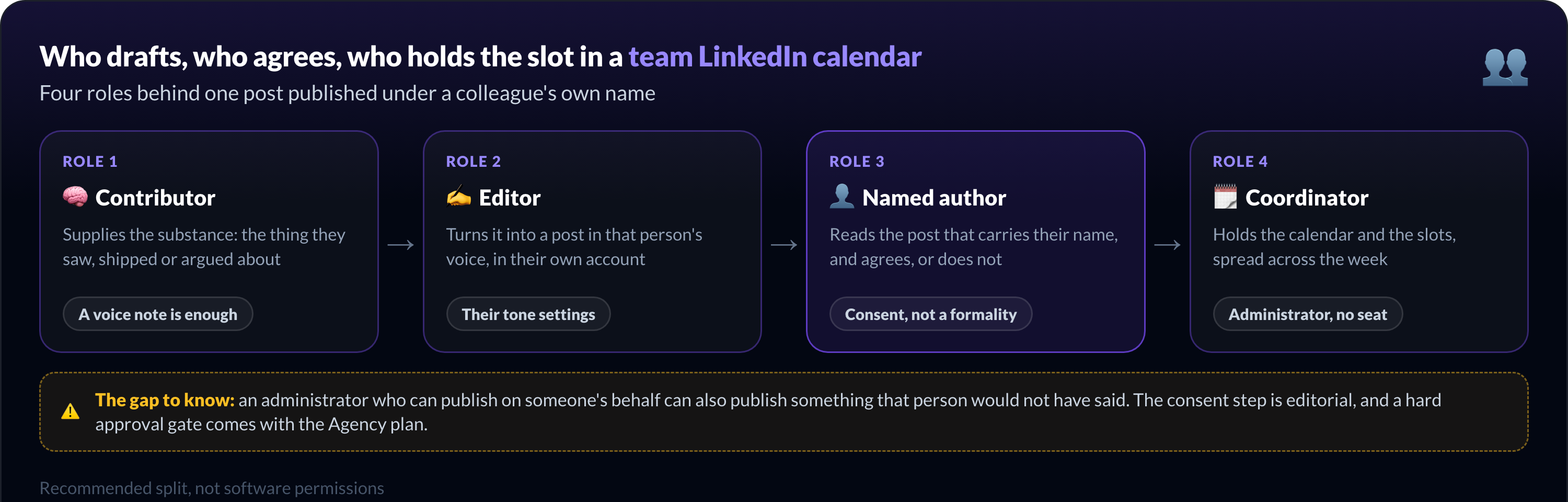
The recommended split. A contributor supplies the raw material, usually the thing they actually know. An editor turns it into a post in that person's voice. The person publishing reads it and agrees, or does not. A coordinator holds the calendar and the slots.
What the software does. An administrator can switch into any member's account and write, schedule and engage on their behalf. Administrators cost no seat, so the coordinator role does not inflate the bill.
Members can also be assigned to groups, such as sales, marketing or HR, and posts or ideas can be assigned to a person or a whole group.
The gap between those two paragraphs is where teams get into trouble. An administrator who can publish on someone's behalf can also publish something that person would not have said. Nothing in the software stops that.
So the consent step is editorial, not technical: the named author reads the post before its slot.
If you want that enforced rather than agreed, validation mode is the mechanism, and the help center is explicit that it comes with the Agency plan rather than the Team plan. Worth knowing before you plan a workflow around a gate you have not bought.
How to build a shared LinkedIn scheduling workflow for teams
Five steps, run weekly rather than invented each time. Aim them at raw material, not polish: a three-line voice note beats a blank document, and a post that reads like the marketing team is a post nobody believes.
Collect the substance. Ask for the thing they saw, shipped or argued about, not for a finished post.
Draft in that person's voice. An editor or an administrator writes it in their account, using their tone settings.
Get the author's agreement. Send the draft to the person whose name goes on it, and wait for a yes.
Place it in a slot. Spread colleagues across the week, using the team calendar that shows everyone's posts.
Review what went out. Look at the week as a whole, not post by post: who published, who went quiet.
Two rules keep this honest. No shared identity, ever: each member connects their own LinkedIn in one click, and nobody hands over a password.
And no mass copy-paste. The same text under fifteen names on the same morning reads as a campaign, gets treated as one, and burns the credibility the programme was built for.
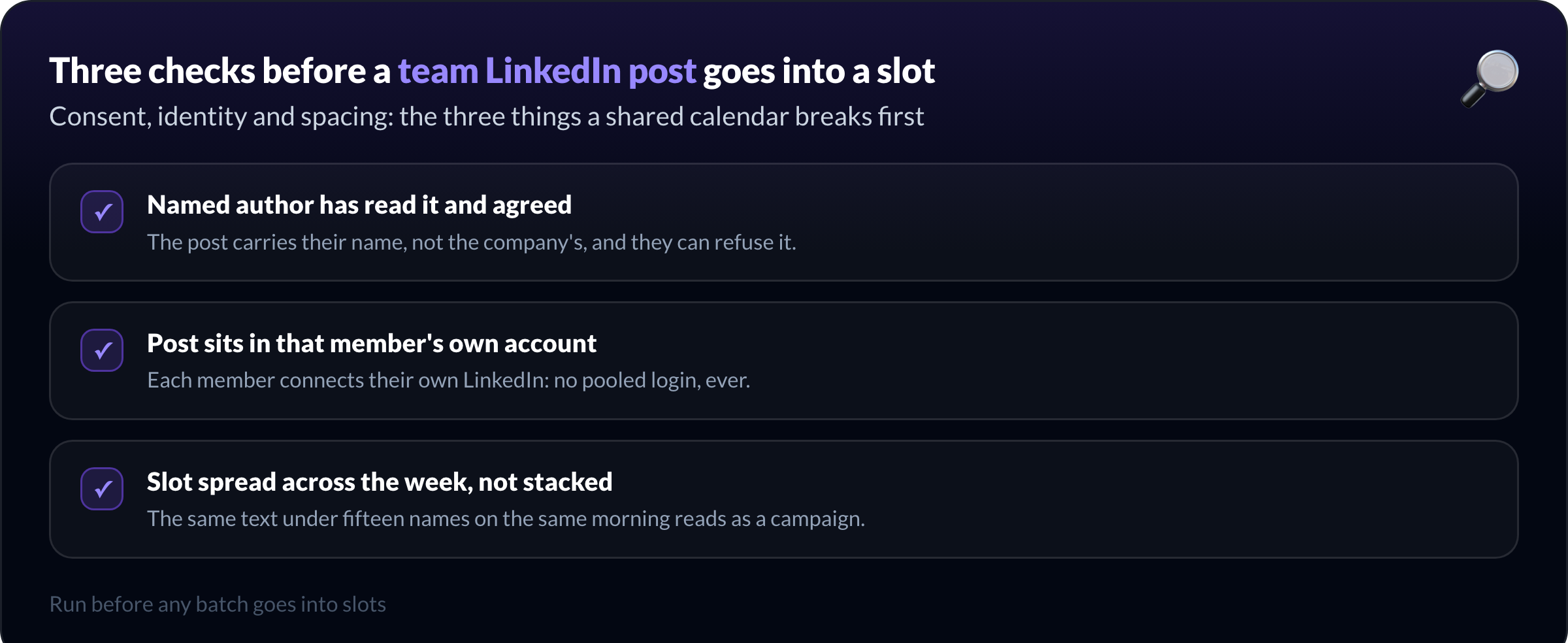
Before any batch goes into slots, run the same three checks:
Named author has read it and agreed
Post sits in that member's own account
Slot spread across the week, not stacked
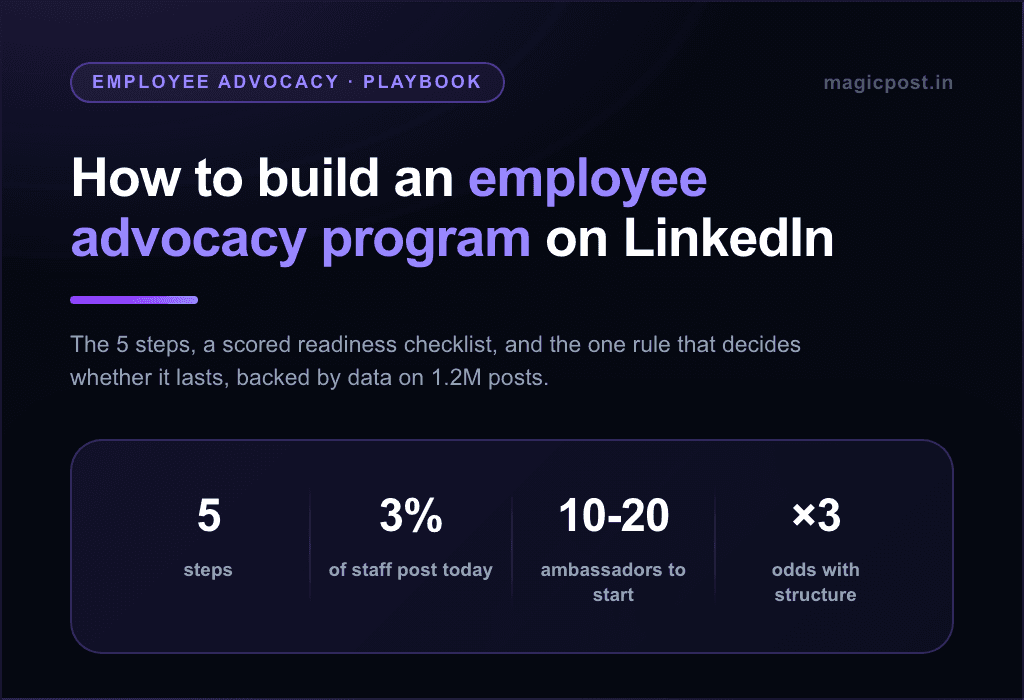
The mechanics of the calendar itself are on the LinkedIn post scheduler page. For the wider programme this workflow sits inside, the employee advocacy program covers the structure, and employee advocacy software compares platforms.
How to avoid bottlenecks in team LinkedIn scheduling
Team calendars stall for four reasons, and three of them are calendar problems rather than motivation problems.
Absence. One person on holiday should not stop a week. Draft two posts ahead per contributor so the queue survives a gap.
Late agreement. Waiting on a yes is the most common stall. Give the author a deadline a day before the slot, and assume a hold until they answer.
Time zones. A distributed team schedules against each member's audience, not the head office clock. Set it once per member.
Autonomy. The bottleneck is often the coordinator. Members who are comfortable writing should publish without going through the editor at all; reserve the full pipeline for people who asked for help.
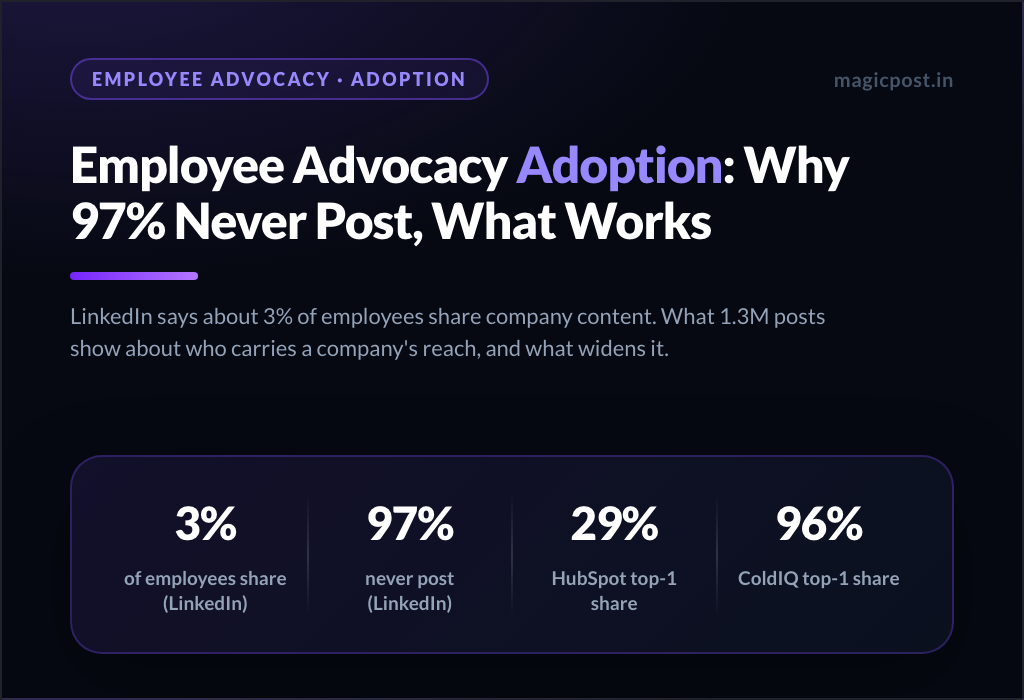
Adoption itself, meaning who actually keeps going after month two, is a different problem with its own answers in employee advocacy adoption.
What should teams measure after scheduled LinkedIn posts go live?
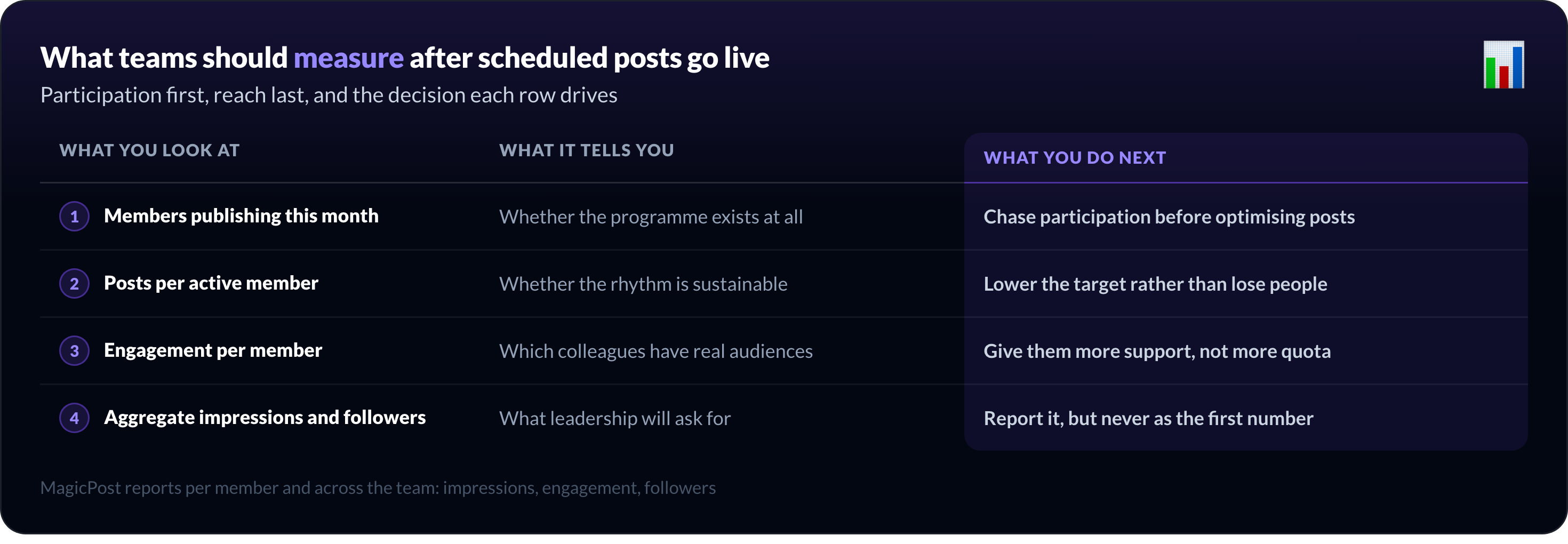
Start with participation, not reach. A programme where three of twenty people post is not a reach problem, and no engagement metric will tell you that.
The concentration is measurable. In our study of 1,333,072 posts from 39,729 professionals, over the twelve months to 7 September 2026, one person produced 70% to 96% of company advocacy reach at ColdIQ, Capgemini, SAP, IBM, Oracle, Schneider Electric and Gong.
What you look at | What it tells you | What you do next |
Members publishing this month | Whether the programme exists at all | Chase participation before optimising posts |
Posts per active member | Whether the rhythm is sustainable | Lower the target rather than lose people |
Engagement per member | Which colleagues have real audiences | Give them more support, not more quota |
Aggregate impressions and followers | What leadership will ask for | Report it, but never as the first number |
MagicPost reports performance per member and aggregated across the team, covering impressions, engagement and followers, with goals you can set and track. The activity dashboard shows who is posting, who has drafts waiting, and who has gone quiet, which is the participation view above.
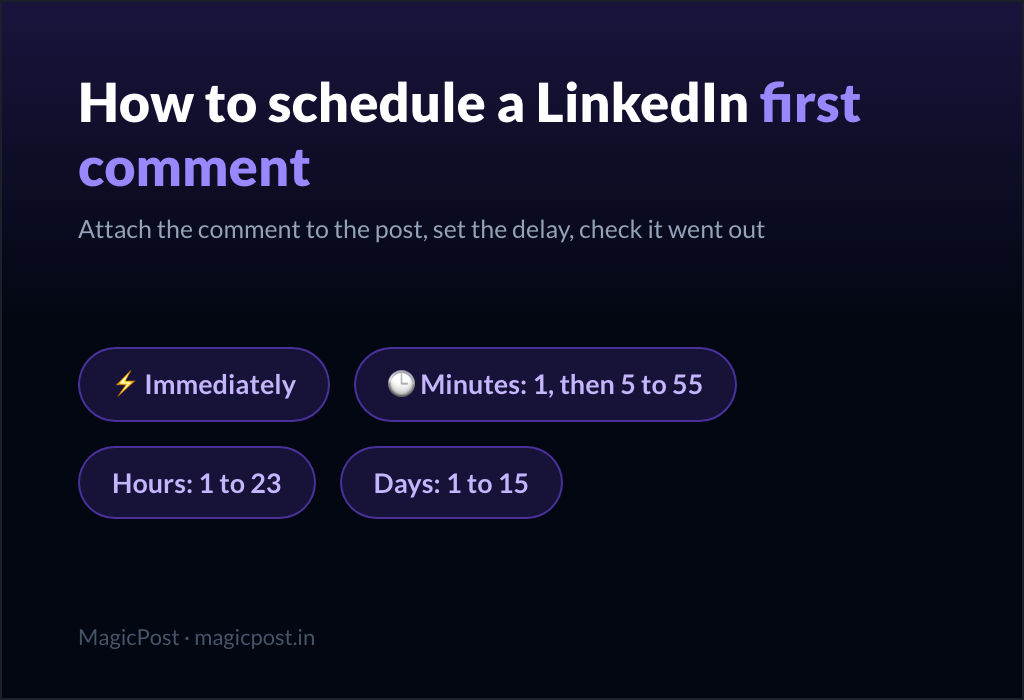
Posts carrying a link should carry it in a scheduled first comment instead of a preview card, for reasons we measured rather than assumed.
Coordinate your team's LinkedIn scheduling with MagicPost
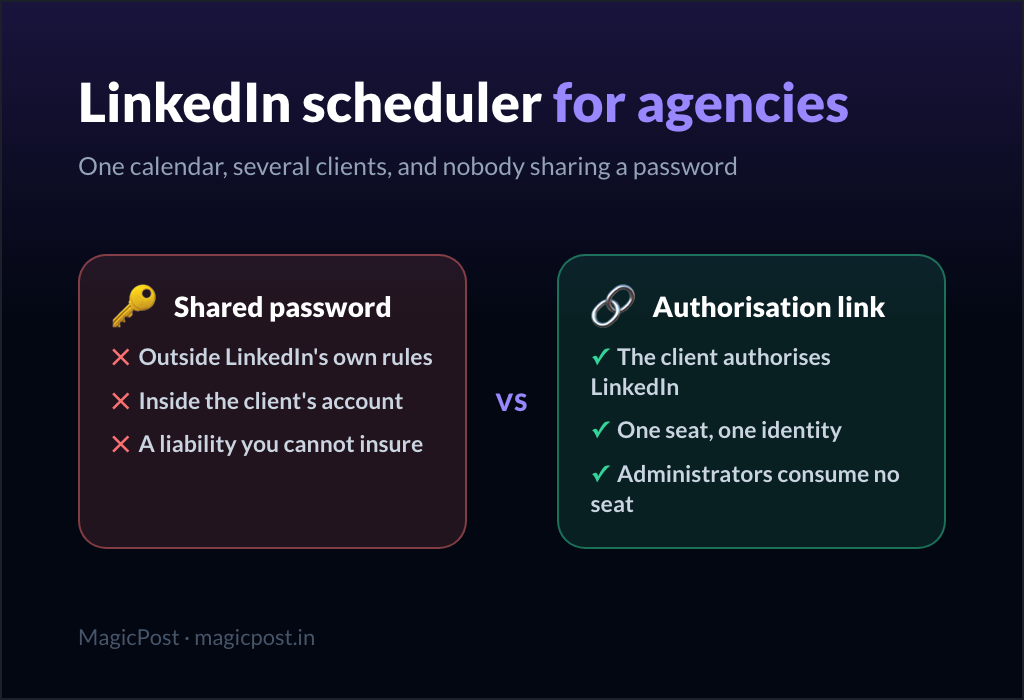
Agencies publishing for external clients need a different setup, with client approval and branded sharing: that is LinkedIn scheduler for agencies.
Give every colleague their own calendar, inside one workspace. MagicPost gives each member their own space, tone settings and metrics, lets administrators write and schedule on their behalf at no extra seat, and reports per member and across the team. Per seat, two seats minimum, priced on request. Free trial, no credit card.
Perguntas frequentes
Can you schedule LinkedIn posts for several team members from one account?
Yes, MagicPost schedules LinkedIn posts for several team members from one workspace: each member takes a seat and connects their own LinkedIn, and an administrator can switch into any member's account to write, schedule and engage on their behalf.
Administrators consume no seat. What you never do is pool a login: each post publishes from the member's own authorised connection.
Does a team member have to approve a post published under their name?
Approval is an editorial rule you set, and it should be non-negotiable: the post carries their name, not the company's.
Enforcing it in software is a separate matter. Validation mode, which holds a post until it is marked validated, comes with the Agency plan rather than the Team plan, so a team that wants a hard gate should plan for that.
Who can see the team's LinkedIn calendar?
In MagicPost, administrators see the whole team calendar, meaning every member's posts in one view, plus who has drafts waiting and who has gone quiet. Each member sees their own space: their calendar, their history, their metrics.
Members can also be grouped, for example by sales, marketing or HR, and posts or ideas can be assigned to a group.
What is the difference between a team and an agency LinkedIn scheduler?
A team scheduler coordinates colleagues of one company who publish under their own names and can refuse a post. An agency scheduler manages external clients, where the deliverable is the post itself and the client signs off contractually.
That is why client validation and branded calendar sharing sit on the agency side, while shared templates and participation tracking sit on the team side.
Can a team schedule to the company page and to personal profiles together?
Yes, a team schedules its company page and its members' profiles together, because in MagicPost a seat is one LinkedIn identity and a company page counts as one. The page and the profiles live in the same workspace and the same calendar view.
Keep the voices separate: a company page post rewritten under an employee's name reads as a company post with a face attached, which is the failure mode of most advocacy programmes.