A first comment is where the link goes, where the source goes, and where the detail that would have bloated the post goes. Writing it by hand means being at your desk the minute the post lands.
To schedule a LinkedIn first comment, you attach it to the post before the post goes out, then pick how long after publication it should appear.
This guide covers the setup, what the comment can hold, which delay fits which job, and what happens when the post itself is late or fails.
"First" describes your intention here, not a guarantee. A fast reader can still comment before your scheduled one lands.
Can you schedule a first comment on LinkedIn?
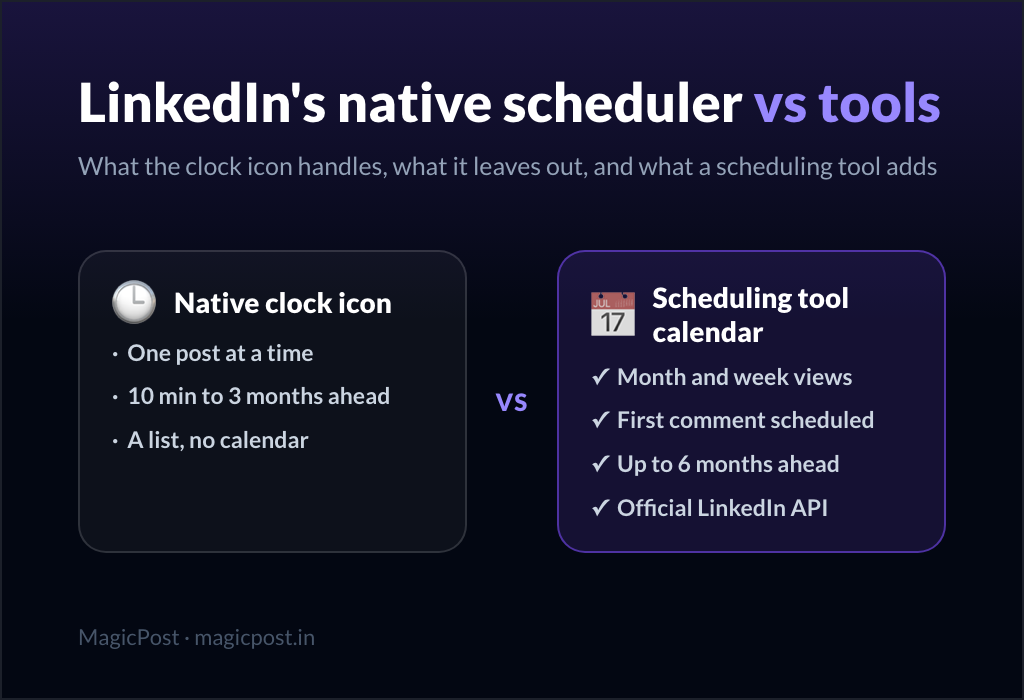
Not with LinkedIn's own composer. The clock icon schedules the post; LinkedIn's help center documents no way to queue a comment underneath it, which is why every tool that offers this builds it itself. The full native-versus-tool breakdown lives in can you schedule posts on LinkedIn.
A scheduling tool closes the gap by treating the comment as part of the post. You write both in the same pass, and the tool holds the comment until the post is live.
One boundary worth stating early: this is about commenting under your own posts. Scheduling a comment under someone else's post is a different job, and it belongs to LinkedIn engagement tools.
How to schedule a LinkedIn first comment with MagicPost
In MagicPost, the comment is attached to the post rather than to a clock. That single design choice explains most of the behaviour further down this page.
Open the post in the scheduling drawer, written and ready to go out.
Click Add a comment, directly under the editor.
Write the comment. Mentions of people and pages work here, and you can attach one image or one GIF.
Choose when it goes out, using the two dropdowns: a number and a unit.
Click Schedule. The comment now travels with the post.
Check two things before you leave the drawer: that you are on the right account, and that the post's own slot is the one you meant. The comment inherits the post's timing, so a post moved to Thursday takes its comment along.
You can attach several comments to the same post, each with its own delay. That turns one post into a small sequence: the link immediately, the caveat two hours later, the follow-up the next day.
For the click-by-click version with the interface labels, the help center covers how to schedule comments on your posts.
What should go in your LinkedIn first comment?
The comment carries text with mentions of people and companies, plus one image or one GIF. Links work as plain text, and LinkedIn attaches no preview card to them.
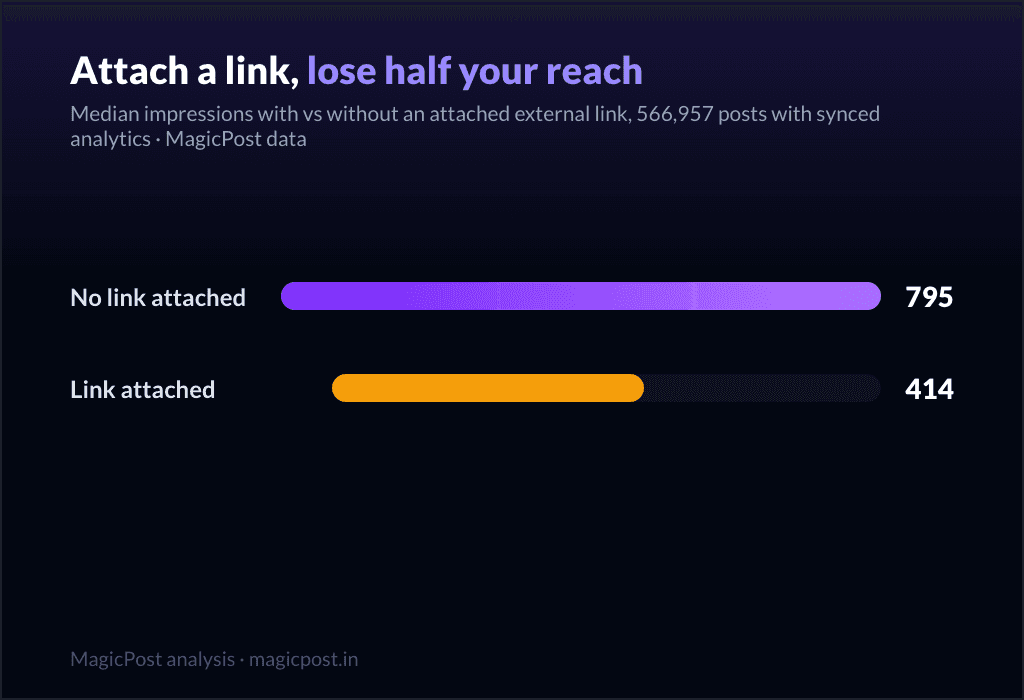
That last detail matters more than it looks. Our own analysis of 566,957 posts found an attached preview card halves reach, at 414 median impressions against 795, while a bare URL in the post body costs nothing. The full numbers are in do external links kill your LinkedIn reach.
What we can support is narrower than the usual advice: a first-comment link avoids the preview card, the part we measured as costly. We did not measure first-comment links themselves, and we claim no reach gain from moving a link out of the post.
Two comments that do real work:
Full breakdown of the method, with the spreadsheet template: [link]. Ping me if you want the version for smaller teams.
Worth adding, since three people asked the same thing: this only holds above roughly fifty employees. Below that, the numbers move too much to mean anything.
The first carries the resource out of the post body. The second answers an objection you already know is coming, which is why it works better a few hours in than at second zero.
When should a scheduled LinkedIn comment publish?
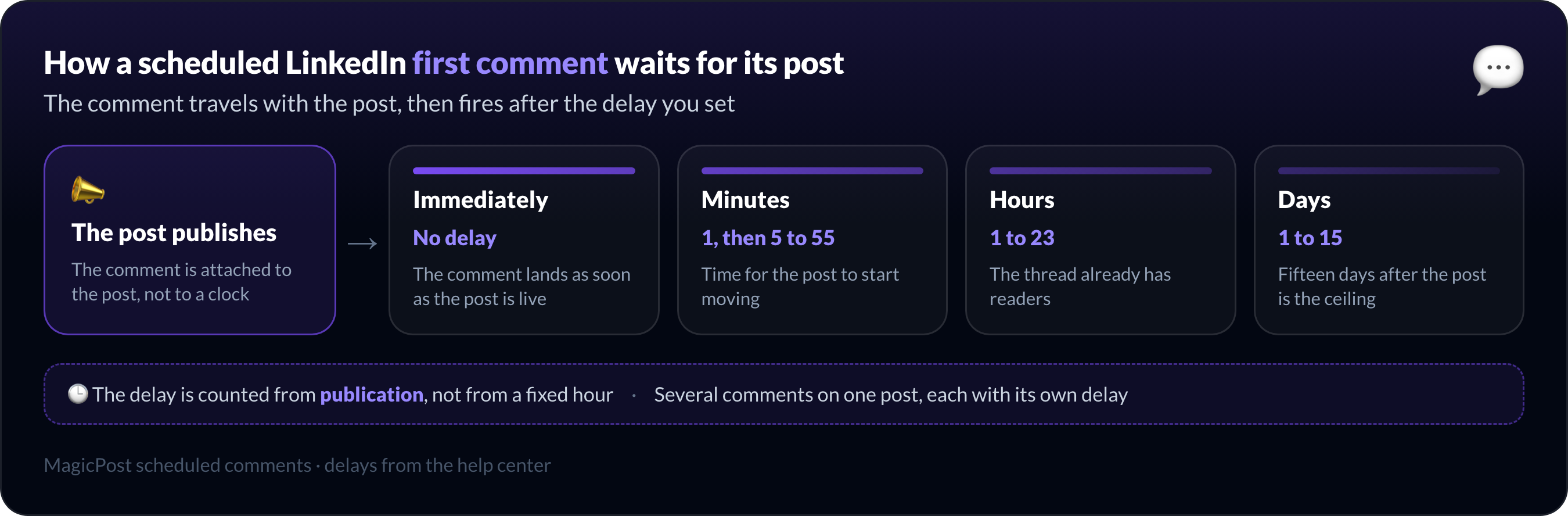
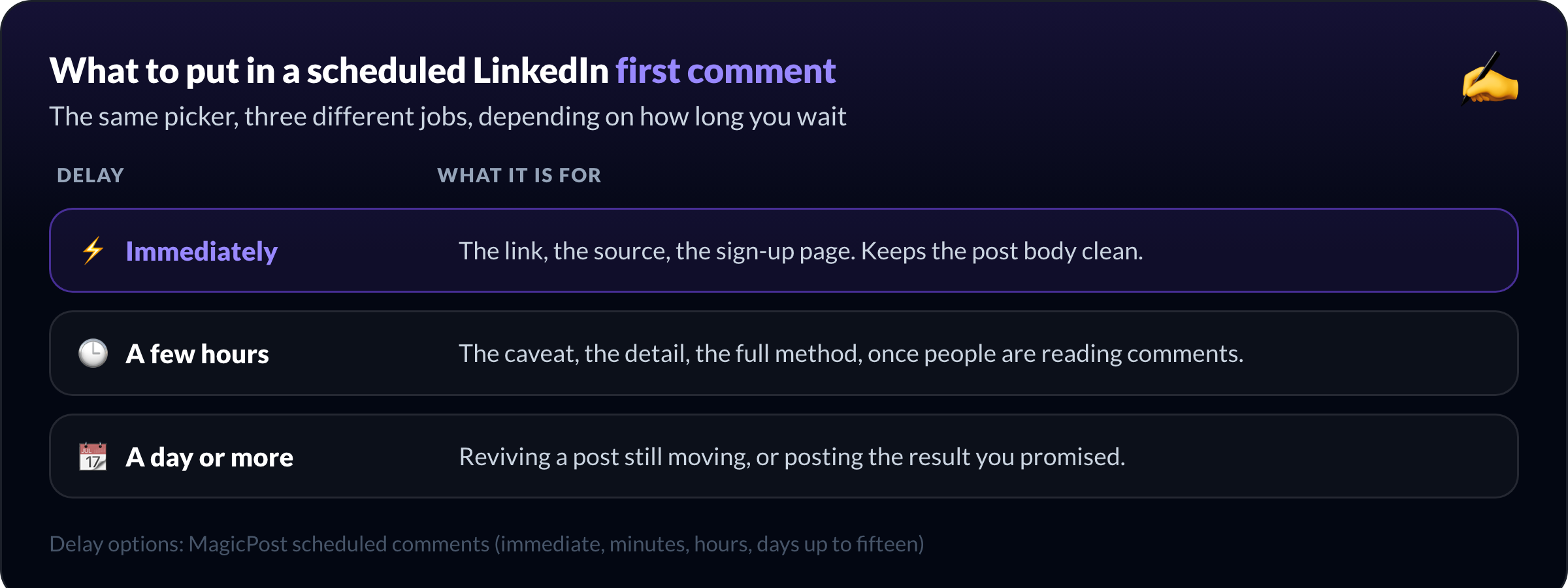
The delay picker offers immediately, then minutes (one, then five through fifty-five), hours (one to twenty-three), and days (one to fifteen). The ceiling is fifteen days after the post.
Delay | What it is for |
Immediately | The link, the source, the sign-up page. Keeps the post body clean. |
A few hours | The caveat, the detail, the full method, once people are reading comments. |
A day or more | Reviving a post still moving, or posting the result you promised. |
Immediate is the default reflex for a link, and it is usually right. A comment posted hours after the post has a different job: by then the thread has readers, and a comment that answers what they are actually asking is worth more than one that repeats the post.
The delay is accurate to within about half a minute: MagicPost checks for comments due every 30 seconds, so "immediately" means seconds after the post lands rather than at the same instant.
What happens to your first comment if the LinkedIn post fails?
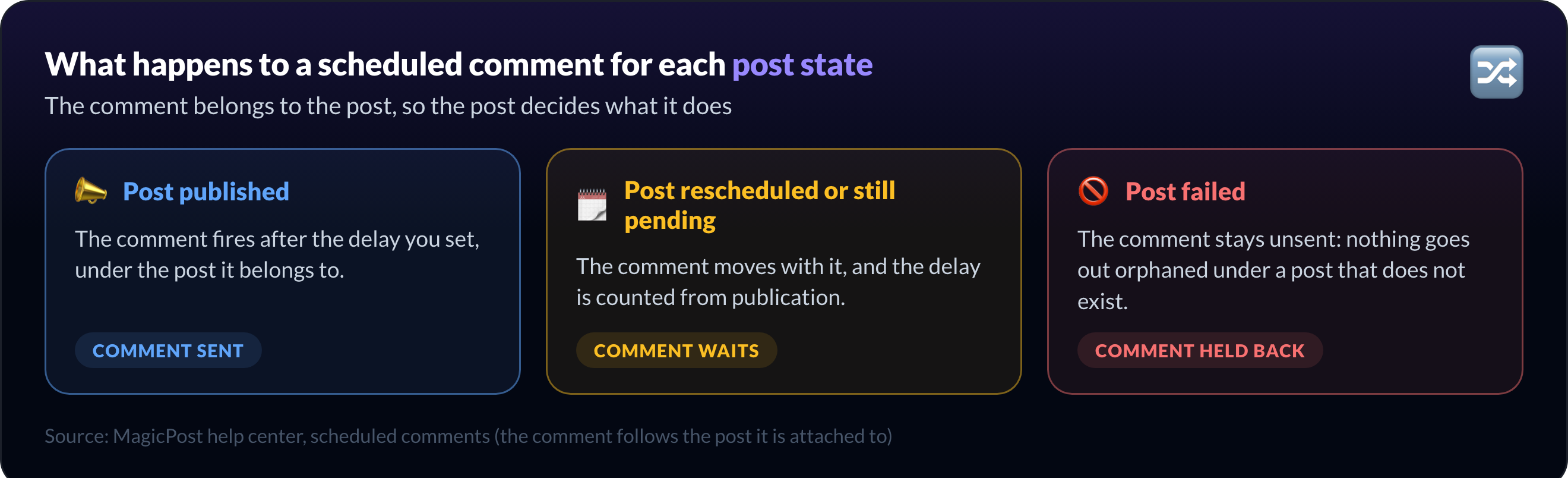
Because the comment belongs to the post, the post's fate decides the comment's.
If the post fails to publish, the comments do not publish either. They stay where they are, and nothing goes out orphaned under a post that does not exist. This is the behaviour to check first when a comment seems missing: look at the post, not the comment.
If you move the post, the comment moves with it. The delay is counted from publication, not from a fixed hour, so a post pushed to Monday morning carries its five-minute comment to Monday morning.
If the post is already published, the flow still works. Open it, click Post a comment, and either publish straight away or schedule it.
Delays that have already passed are simply not offered, so a post that went out three hours ago no longer shows a five-minute option. This also works on posts you published outside MagicPost, as long as MagicPost knows about them.
On a company page, scheduled comments post as the page, exactly like the post itself, provided the seat is connected to that page.
Two limits to know. A comment already being published cannot be cancelled: wait for it, then delete it on LinkedIn.
The second limit is mentions. LinkedIn does not let you tag every profile, and when privacy settings block a mention, the whole comment fails rather than going out without it. Remove the mention, or ask the person to connect their LinkedIn to MagicPost.
Schedule your LinkedIn post and first comment together
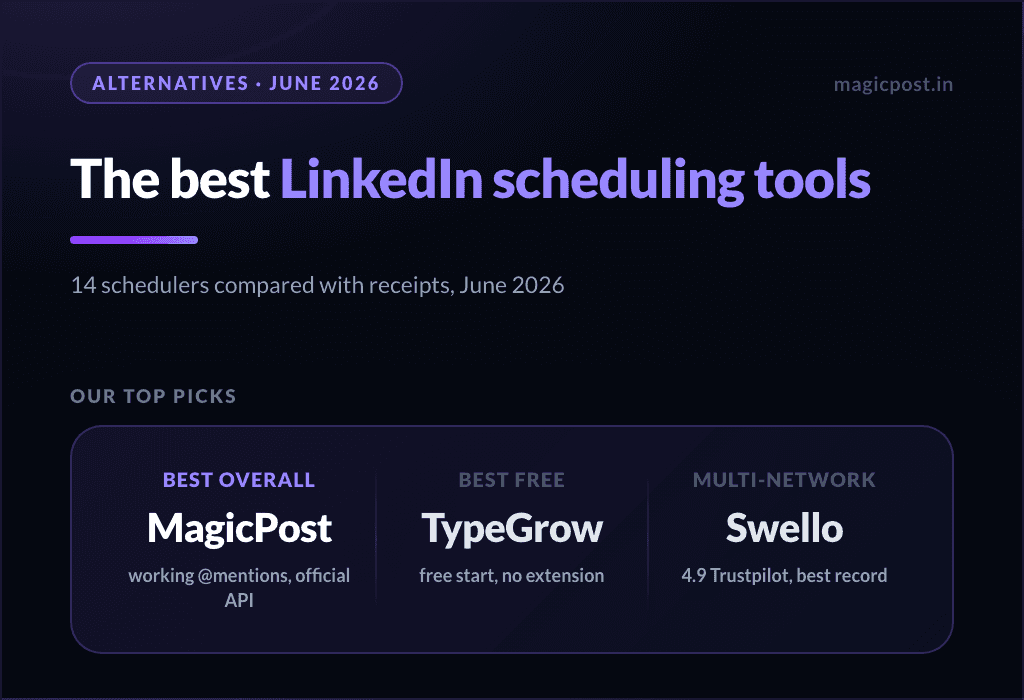
If you are choosing a tool for this rather than a method, the best LinkedIn scheduling tools compares what each one does with comments, and scheduling LinkedIn posts free covers the zero-cost routes and where they stop.
Write the post and its first comment in one sitting. MagicPost attaches comments to the post, with mentions and an image, from immediate to fifteen days later, and publishes through the official LinkedIn API. Scheduled comments are included from the Analytics plan at $35/mo. Free trial, no credit card.
Perguntas frequentes
Can you schedule a first comment on LinkedIn natively?
No, LinkedIn's own composer cannot schedule a first comment. LinkedIn's help center documents scheduling for the post itself, through the clock icon in the composer, but no option to queue a comment under a scheduled post. Scheduling a first comment requires a tool that attaches the comment to the post, such as MagicPost.
Can you schedule a first comment on a LinkedIn company page?
Yes, MagicPost schedules a first comment on a LinkedIn company page when the seat is connected to that page. The scheduled comment then publishes as the page, the same way the post publishes as the page.
The comment follows the post it belongs to, so it goes out under the page's post rather than under a personal profile.
Can you schedule a comment on a post that is already published?
Yes, MagicPost schedules a comment under a post that is already live. Open the published post, click Post a comment, and either publish it right away or schedule it for later.
Delays that have already elapsed are not offered, so the options you see depend on how long ago the post went out. This works on posts published outside MagicPost too, as long as MagicPost knows about them.
Can a scheduled LinkedIn comment include an image or a mention?
A scheduled LinkedIn comment in MagicPost carries text with mentions of people and companies, plus one image or one GIF. Links go in as plain text and LinkedIn attaches no preview card to them.
Mentions depend on the other account's privacy settings: LinkedIn does not let you tag every profile, and a blocked mention makes the comment fail.
Does putting your link in the first comment increase reach?
There is no measured reach gain from moving a link into the first comment. What our own analysis of 566,957 LinkedIn posts did measure is different: an attached link preview card halves reach, at 414 median impressions against 795, while a plain URL in the post body costs nothing.
A first-comment link avoids the card, which is the expensive part, but we did not test it directly and we do not claim a boost.
How many comments can you schedule under one post?
MagicPost attaches several comments to the same post, each with its own delay, from immediate up to fifteen days after publication. That is what makes a sequence possible: the link at second zero, the caveat a few hours in, and the result the following week, all set up in the same sitting as the post.