Every "LinkedIn post templates" page you can find online has the same shape: a big number in the headline (50 templates, 100, 160), a wall of fill-in-the-blank skeletons, and not a single figure telling you which ones actually work. You get quantity and zero evidence.
So we did the missing part. We took 1,141,932 LinkedIn posts, classified each one into its template family, and measured what each family earns: median engagement rate over followers, median likes, on samples large enough to trust.
The result is a ranked template list. Not "here are 100 templates," but "here is what each family is worth, and here are 15 you can fill in tonight, sorted by that number."
The headline finding is simple and a little uncomfortable: the templates that give something away (a win you share, a hard moment, a lesson) consistently beat the ones that ask for something (a launch, a sale, a signup).
The median post across the whole corpus earns a 0.39% engagement rate. The giving templates sit well above it; the asking templates sit below. Start with the board, then take the skeletons.
The full table: 22 template families, ranked
Every family LinkedIn creators actually use, ranked by median engagement rate (likes plus comments over followers). Medians, never averages, so a handful of viral posts cannot skew a type's median.
Template family | Posts measured | Median ER | Median likes |
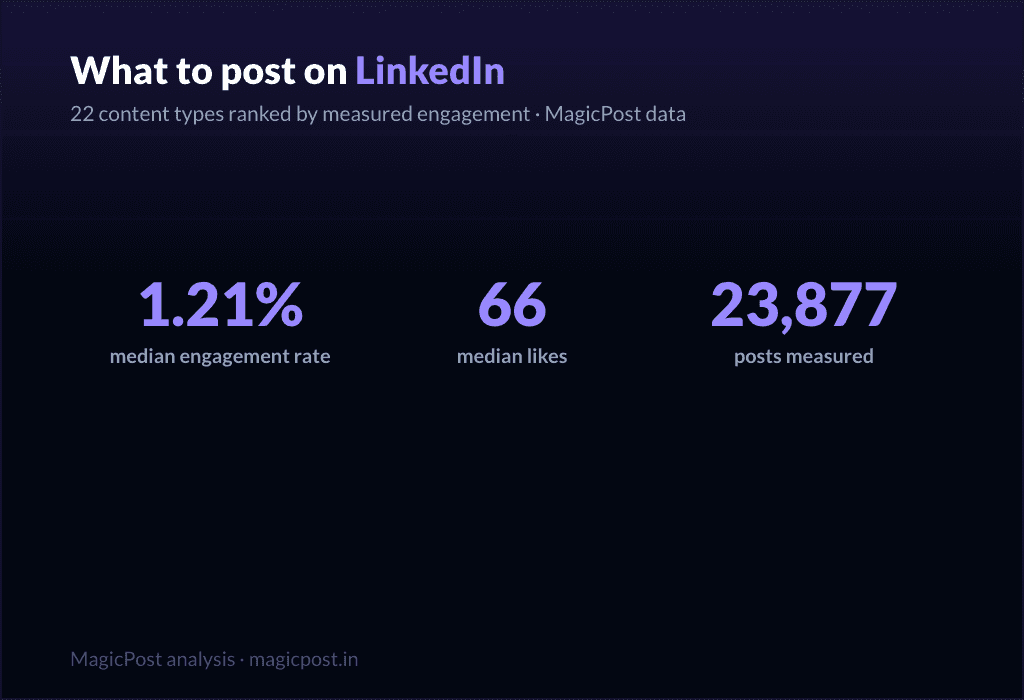
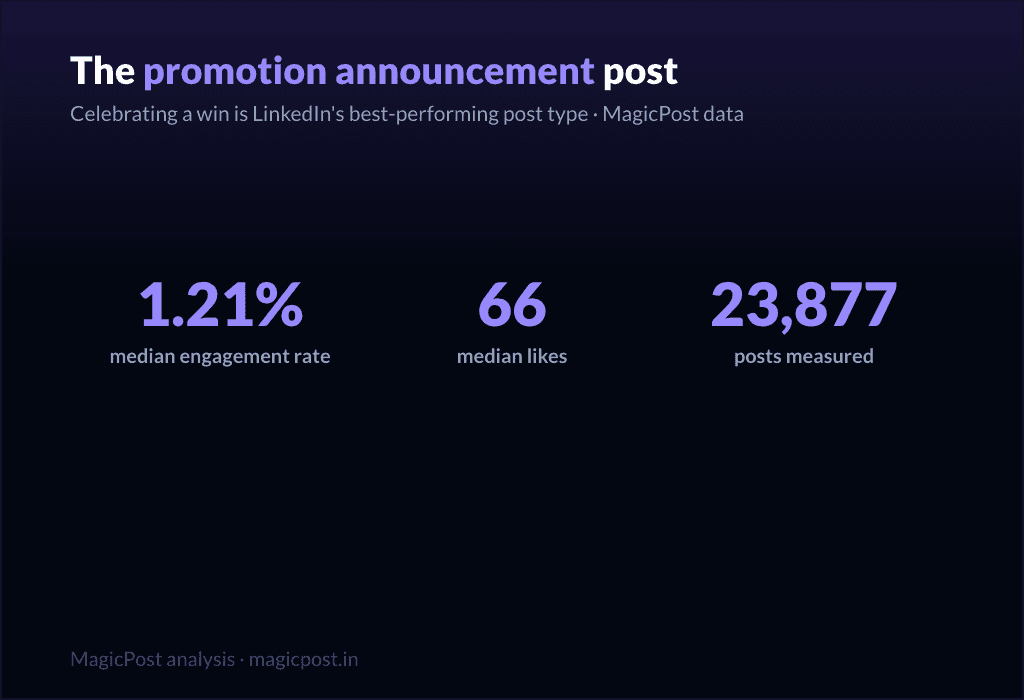
Celebrating a win | 23,877 | 1.21% | 66 |
Challenges overcome | 16,823 | 1.03% | 51 |
Hard moment | 3,234 | 0.80% | 47 |
Lessons learned | 24,803 | 0.70% | 32 |
Situation recap | 11,729 | 0.68% | 45 |
Inspiring portrait | 17,198 | 0.65% | 53 |
Field report | 6,496 | 0.63% | 38 |
Positive message | 32,047 | 0.61% | 43 |
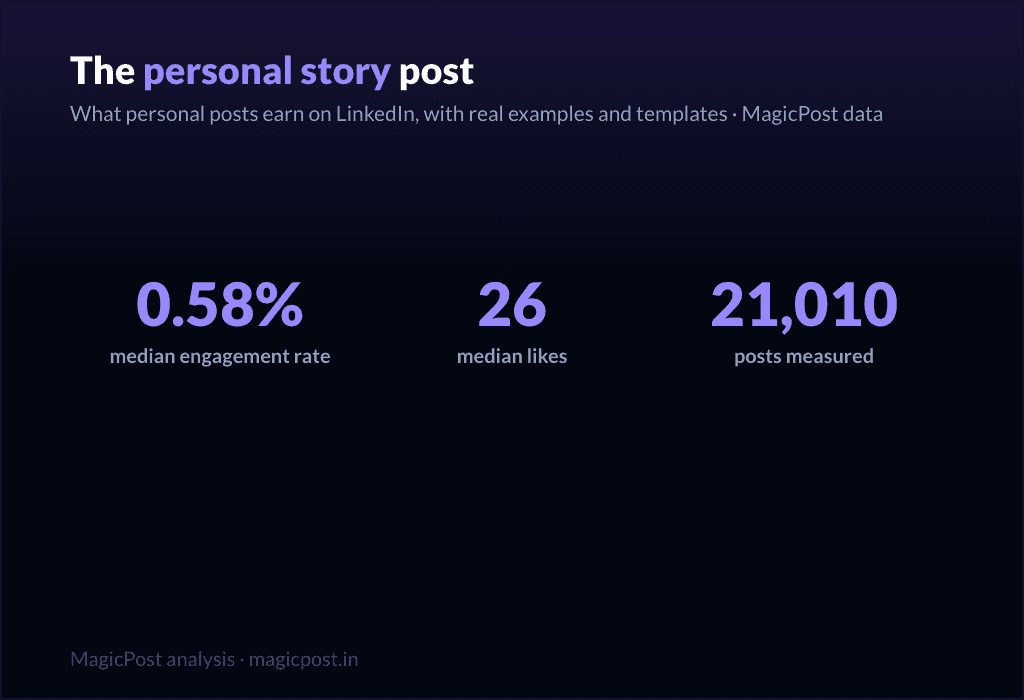
Personal reflection | 21,010 | 0.58% | 26 |
Best practices | 26,006 | 0.52% | 28 |
Tips / rules list | 9,520 | 0.49% | 57 |
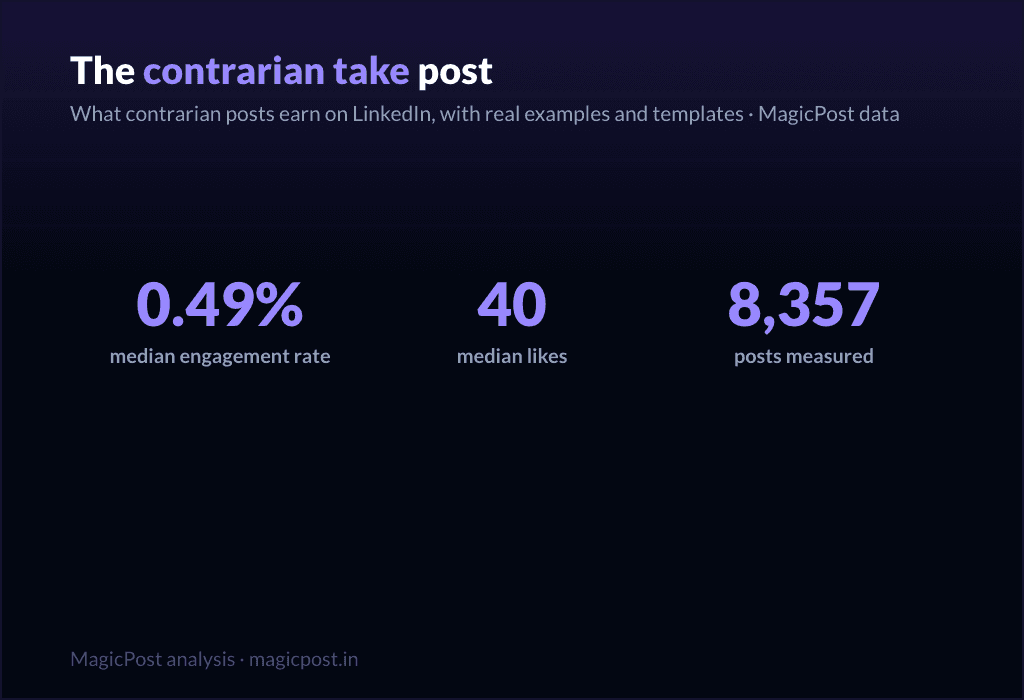
Contrarian take | 8,357 | 0.49% | 40 |
Quick tip | 3,684 | 0.46% | 29 |
Punchy advice | 142,301 | 0.44% | 28 |
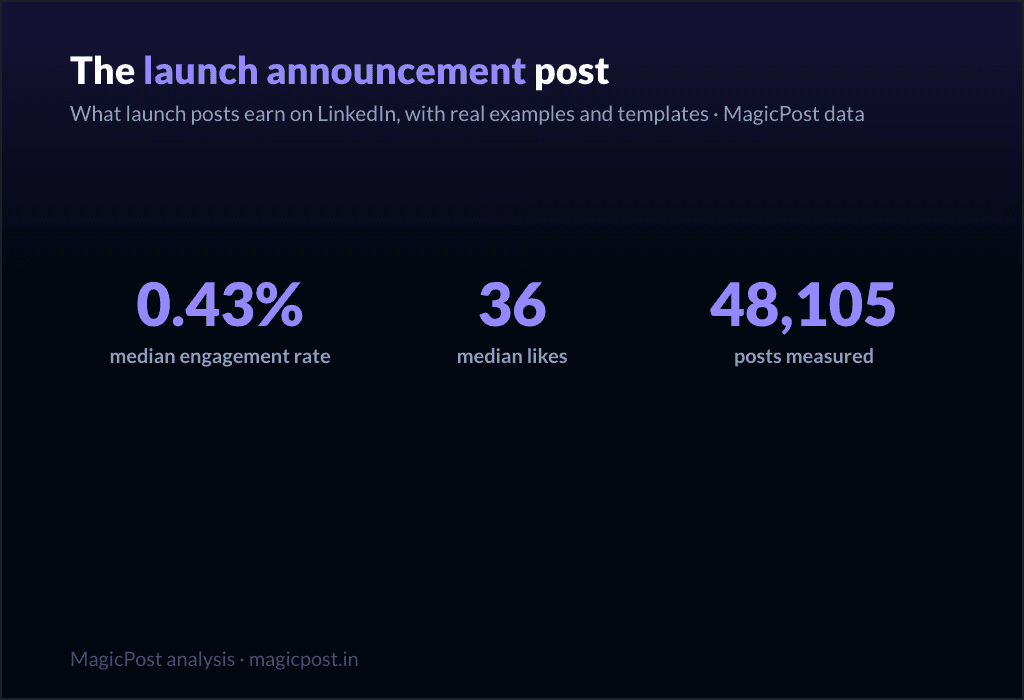
Launch announcement | 48,105 | 0.43% | 36 |
Useful resources | 8,331 | 0.42% | 51 |
Company saga | 3,379 | 0.42% | 35 |
Explainer / analysis | 83,180 | 0.40% | 21 |
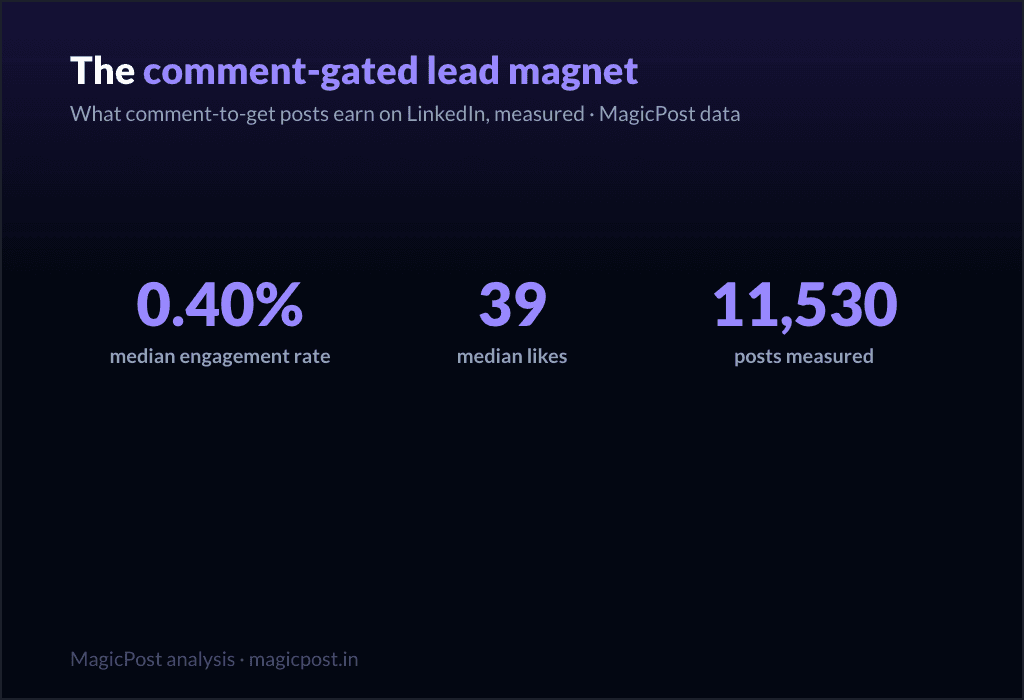
Comment-gated lead magnet | 11,530 | 0.40% | 39 |
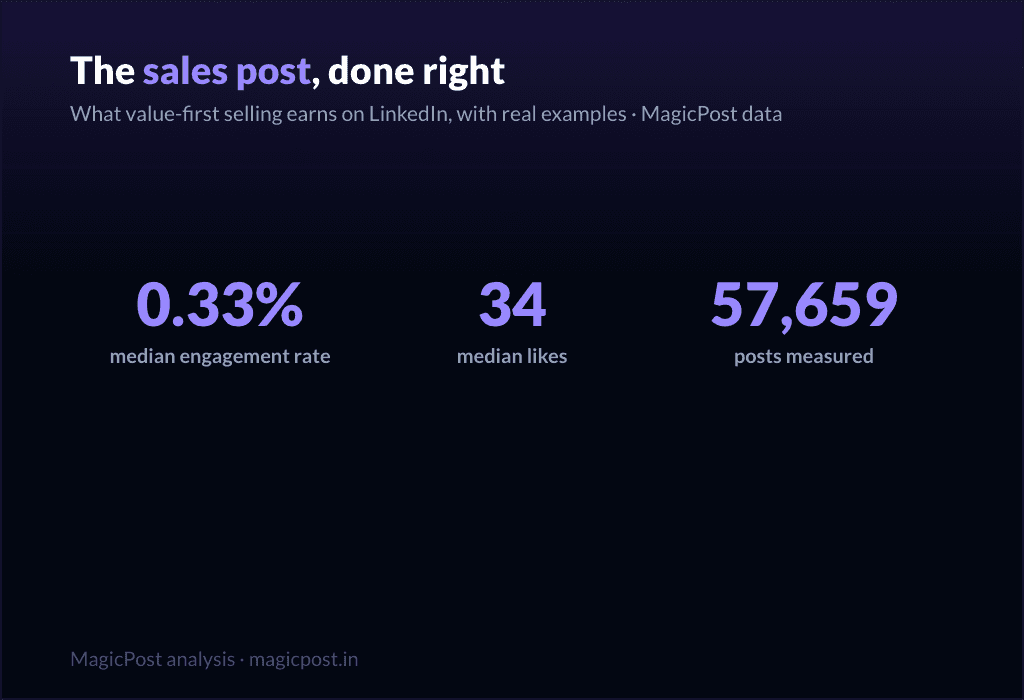
Value-first selling | 57,659 | 0.33% | 34 |
Webinar signup push | 51,864 | 0.31% | 32 |
Podcast / video share | 32,031 | 0.29% | 36 |
The overall median across all 1,141,932 posts is a 0.39% engagement rate. Draw a line there and the table splits cleanly: storytelling families above it, promotional families below. The deeper version of this study lives in the post-types engagement breakdown; the rest of this page turns the ranking into templates you can use.
Three things worth naming before the skeletons:
The biggest categories are not the best ones. Punchy advice (142,301 posts) and explainer / analysis (83,180 posts) are the two most-used families on LinkedIn, and both sit at or below the median (0.44% and 0.40%). The crowd writes what is easy, not what performs.
Comments tell a different story than likes. Tips / rules list earns a middling 0.49% ER but the highest median comments of any family (23). Some templates trade reach for conversation; we flag those.
Giving beats asking, every time. Not one promotional family clears the 0.39% median.
The 15 fill-in templates, in 3 performance tiers
Each template below is a skeleton: copy it, fill the brackets, ship it. Under each one you get the one situation it is for and its family's measured number. The tiers are sorted by that number, highest first.
Not sure which to reach for on a given day? What to post on LinkedIn is the decision guide, and if you want the raw spark instead of a skeleton, browse LinkedIn post ideas.
Tier 1: the giving templates (use these most)
These five families all clear the median comfortably. They share one mechanic: you hand the reader something (a win to celebrate with you, a struggle they recognize, a lesson they can steal) before you ask for anything. This is the tier you should live in.
1. The win announcement
Family: Celebrating a win. 1.21% median ER, 66 median likes, on 23,877 posts. The single best-performing template family in the entire dataset. (Announcing a new role? The dedicated guide: how to announce a new job on LinkedIn.)
[The milestone, stated plainly: "We just crossed [number]." / "Today I [achievement]."]
[One sentence on why it mattered, the version of you before this happened.]
[The unglamorous middle: what it actually took. Name the hard part.]
[Credit the people who got you here, by name.]
[A forward line: what this unlocks next.]
When to use it: any genuine milestone, personal or company. New role, funding, a number you hit, an anniversary, a graduation. Closely related skeletons live in the work anniversary post guide, the graduation post guide and, for the celebratory version of a departure, the last day post guide.
2. The challenge overcome
Family: Challenges overcome. 1.03% median ER, 51 median likes, on 16,823 posts. The second-best family, and the engine of most great LinkedIn stories.
[Open inside the problem, present tense: "[Number] months ago, [the thing that was broken]."]
[Raise the stakes: what it would have cost to fail.]
[The turn: the decision, insight, or person that changed it.]
[What you did, concretely. The steps, not the vibes.]
[Where it landed, with one number.]
[The transferable lesson, one line, for the reader facing the same wall.]
When to use it: whenever a result came from struggle and the struggle is the interesting part. This is the backbone of the personal story post, the format that does the most for you on the platform.
3. The hard moment
Family: Hard moment. 0.80% median ER, 47 median likes, on 3,234 posts. Less used than the others (only 3,234 posts), which is part of why it still earns. Honesty is uncrowded.
[Name the hard thing, without a bow on it: "[What happened]. It still stings."]
[Resist resolving it too fast. Stay in the moment one beat longer than is comfortable.]
[What you are learning from it, tentatively, not as a TED talk.]
[An open question to the room, inviting people who have been there.]
When to use it: a layoff, a failed launch, a loss, a setback you are still inside. Use it honestly or not at all; the family rewards real vulnerability, not performed vulnerability. For the job-loss version specifically, the open-to-work explainer covers how to frame it.
4. The lessons learned
Family: Lessons learned. 0.70% median ER, 32 median likes, on 24,803 posts. A heavily-used family (24,803 posts) that still clears the median: proof the format travels.
[The setup: "[Time period] doing [thing] taught me [number] things."]
[Lesson 1: the counterintuitive one first. Bold the takeaway, then one line of why.]
[Lesson 2.]
[Lesson 3. Keep each to two lines max; the list is the value.]
[Close on the one lesson you wish you had learned soonest.]
When to use it: end of a project, a year, a role, a chapter. Anything you can look back on. Full skeleton bank in the lessons learned post guide.
Fill these in your own voice, automatically. This is the exact job MagicPost's AI LinkedIn post generator was built for: you pick a template, drop in your raw situation, and it writes the post the way you would, with the right length and structure for the family, no blank-page stare. A skeleton gets you the shape; the generator handles the words.
5. The situation recap
Family: Situation recap. 0.68% median ER, 45 median likes, on 11,729 posts. A "here is where things stand" post: state of the project, the market, the journey.
[Frame the moment: "[Number] weeks into [thing], here is the honest status."]
[What is working, briefly. One or two wins.]
[What is not working, more honestly. This is the part people read for.]
[What you are changing because of it.]
[Where you expect to be by [date]. Invite people to check back.]
When to use it: building in public, a recurring update cadence, a midpoint reflection. The transparency is the engagement driver: people follow trajectories, not snapshots.
Tier 2: the teaching templates (your reliable middle)
These five sit around the median: dependable, useful, the everyday workhorses. They teach rather than confess, which caps their ceiling but makes them repeatable. Mix them into the giving tier so you are not always confessing.
6. The explainer
Family: Explainer / analysis. 0.40% median ER, 21 median likes, on 83,180 posts. The second-most-used family on LinkedIn and, not coincidentally, one of the lowest likes counts (21). Useful, crowded, hard to stand out in.
[The question, as your reader would phrase it: "Why does [thing] actually [happen]?"]
[The short answer, in one sentence, up top. Do not bury it.]
[The mechanism: walk through how it works in 3 to 4 steps.]
[The "so what": what the reader should do differently knowing this.]
When to use it: breaking down a concept, a trend, a how-it-works in your domain. Strong for authority, weak for raw engagement, so reserve it for when teaching is the point.
7. The tips list
Family: Tips / rules list. 0.49% median ER, 57 median likes, on 9,520 posts. Note the split: a middling ER but 57 median likes and the highest median comments of any family (23). This template trades efficiency for conversation. People argue with lists.
[The promise: "[Number] rules for [outcome], learned the hard way."]
[Rule 1, as an imperative. "Do X." Then one line of cost-of-ignoring-it.]
[Rules 2 through N, same shape, tight.]
[The bonus rule, slightly contrarian, to bait the comments.]
[Ask: "What would you add?" The list format earns its comments by inviting them.]
When to use it: when you have hard-won rules and want a discussion, not just applause. The comment count is the real prize here.
8. The quick tip
Family: Quick tip. 0.46% median ER, 29 median likes, on 3,684 posts. The smallest unit of value: one actionable thing, fast.
[The tip in the first line, no windup: "[Do this specific thing] to [get this result]."]
[Why it works, one sentence.]
[How to do it, two or three lines. Concrete enough to act on today.]
[Optional: the mistake it replaces.]
When to use it: between bigger posts, to stay present without a big lift. Cheap to produce, modest but reliable return.
9. The contrarian take
Family: Contrarian take. 0.49% median ER, 40 median likes, on 8,357 posts. Above-median engagement and the second-highest median comments outside the tips list (14): disagreement drives replies.
[The unpopular claim, stated flatly: "[Common belief] is wrong."]
[Acknowledge why people believe it. Be fair to the other side first.]
[Your evidence: the experience or data that changed your mind.]
[The reframe: what to believe instead, and what it changes.]
[Invite the pushback explicitly. The disagreement is the engine.]
When to use it: when you have a real, defensible counter-position, not a hot take for its own sake. Full playbook in the contrarian post guide. Use sparingly; an account that is contrarian about everything is just tiring.
10. The personal reflection
Family: Personal reflection. 0.58% median ER, 26 median likes, on 21,010 posts. Above the median on ER, lower on raw likes (26): it earns a high share of a smaller audience. Quiet, but it builds the relationship.
[A small, specific observation from your week: "[Tiny moment that made you think]."]
[Zoom out: what it made you realize about [work / people / yourself].]
[Hold the thought lightly. This is reflection, not a thesis.]
[An open-ended line that lets people sit with it too.]
When to use it: the in-between days, to stay human and not just useful, including the lighter seasonal beats covered in the holiday post guide. Pairs well with the giving tier as connective tissue.
Tier 3: the asking templates (use sparingly)
Here is the part most template pages hide. Every promotional family sits below the 0.39% median. These templates ask the reader for something (a click, a signup, a sale) and the feed charges you for it. They are necessary (you have to sell sometime) but they are a tax, not a treat. Earn the right with the tiers above, then spend it here, rarely.
11. The launch announcement
Family: Launch announcement. 0.43% median ER, 36 median likes, on 48,105 posts. The least-bad of the asking templates, slightly above median on ER but thin on comments (5). Still, do not lead your whole feed with launches.
[The news, but framed as a reader benefit, not a press release: "If you [reader problem], this is for you."]
[The problem it solves, in the reader's words.]
[What it is, in one clear line. Then one proof point.]
[The single next step. One CTA, not five.]
When to use it: an actual launch, used once or twice per launch, not as a daily drumbeat. Deep version in the product launch post guide.
12. The value-first sale
Family: Value-first selling. 0.33% median ER, 34 median likes, on 57,659 posts. Below the median (0.33%), which is the honest cost of selling, even when you wrap it in value.
[Lead with a free, genuinely useful insight. Give before you ask.]
[Make the insight complete on its own. It must stand without the pitch.]
[The soft bridge: "This is also exactly what [your offer] does for you."]
[A low-pressure invitation, not a hard close.]
When to use it: when you need to sell but want to protect the relationship. It is the gentlest asking template, and still below median, which tells you something. More patterns in the sales post examples and the wider promotion post examples.
13. The comment-gated lead magnet
Family: Comment-gated lead magnet. 0.40% median ER, 39 median likes, on 11,530 posts. Right at the median on ER, but look at the comments: 17 median comments, second only to the tips list. The "comment X and I will send it" mechanic manufactures comments by design.
[The valuable thing you are giving away: "[Resource] that [specific outcome]."]
[Proof it is worth wanting: one line on what is inside.]
[The gate: "Comment '[word]' and I will send it to you." Keep the word short.]
[A reason to act now, lightly.]
When to use it: when you have a real asset and want both distribution and a comment spike. Be aware the comments are partly mechanical, not pure enthusiasm. Full mechanics in the lead magnet post guide.
14. The webinar invite
Family: Webinar signup push. 0.31% median ER, 32 median likes, on 51,864 posts. One of the two lowest families in the whole table (0.31%). Event posts ask for a calendar commitment, and the feed knows it.
[The outcome of attending, first: "Leave knowing how to [specific result]."]
[Who it is for, in one line. Disqualify the wrong people on purpose.]
[The logistics, compressed: date, time, format. One line.]
[The single registration link. Make the action trivial.]
When to use it: a real event, posted no more than two or three times in the run-up, spaced out. Lead with the giving tier in between. Full template set in the webinar post guide.
15. The podcast / video share
Family: Podcast / video share. 0.29% median ER, 36 median likes, on 32,031 posts. The lowest-performing family in the entire dataset (0.29%). Sharing content you made elsewhere asks people to leave the feed, and they mostly do not.
[The single best idea from the episode, stated as its own standalone insight.]
[One more: a surprising quote or moment, paraphrased.]
[Make the post valuable even if nobody clicks. That is the whole trick.]
[Then, almost as an afterthought: "Full conversation in the comments / link."]
When to use it: when you genuinely want to drive listens or views, knowing it is the weakest template on this list. The fix is the same every time: make the post worth reading on its own, and treat the click as a bonus.
The pattern, in one line: give four times for every time you ask. The data is unambiguous, and so is the playbook. MagicPost handles the drafting, the calendar, and the post-performance numbers together, so you build your week from the giving tier and spend the asking tier only when you have earned it.
Where this data comes from
Everything on this page is MagicPost's own research. We classified 1,141,932 LinkedIn posts into the template family each one belongs to, then ranked the families by median engagement rate: likes plus comments divided by the author's follower count, expressed as a percentage. The overall median across the whole corpus is a 0.39% engagement rate, the line we use to separate "above median" from "below median" throughout. Each family also reports its median likes and its sample size (n), shown in the table and beside every template. We use medians, never averages, so viral outliers cannot move a row. Engagement-rate figures are aggregated and anonymized.
FAQ
What is the best LinkedIn post template?
By measured engagement on 1,141,932 posts, the best template family is the win announcement (celebrating a win): a 1.21% median engagement rate and 66 median likes, the highest of any family. More broadly, the top tier is what we call the "giving templates," the ones that hand the reader something before asking for anything: celebrating a win (1.21%), challenges overcome (1.03%, 51 median likes), the hard moment (0.80%, 47 median likes), lessons learned (0.70%, 32 median likes) and the situation recap (0.68%, 45 median likes). All five clear the 0.39% overall median comfortably. The worst templates are the promotional ones, all of which sit below that median.
How many LinkedIn post templates are there?
There are as many wordings as there are tools, but they collapse into a smaller number of real families. We measured 22 of them, from celebrating a win (1.21% median ER) down to podcast / video share (0.29%). The 15 fill-in skeletons on this page cover the families worth using, sorted into three performance tiers.
Do promotional post templates work on LinkedIn?
They work, but they cost you. Every promotional family sits below the 0.39% overall median: launch announcement (0.43% ER, the least-bad), value-first selling (0.33%, 34 median likes), comment-gated lead magnet (0.40%), webinar signup push (0.31%) and podcast / video share (0.29%, the lowest of all 22 families). Use them when you must, sparingly, and earn the right with the giving templates first.
Which LinkedIn template gets the most comments?
The tips / rules list, with 23 median comments, the highest of any family, despite a middling 0.49% engagement rate and 57 median likes. The comment-gated lead magnet is next at 17 median comments, though those are partly manufactured by the "comment to receive" mechanic. If conversation is your goal rather than likes, a rules list is the template to reach for.
Are storytelling templates really better than how-to templates?
Yes, clearly. Challenges overcome (1.03% ER), hard moment (0.80%) and lessons learned (0.70%) all beat the teaching families like explainer / analysis (0.40%, 21 median likes) and punchy advice (0.44%, 28 median likes), even though those teaching families are far more heavily used (explainer / analysis alone covers 83,180 posts). The crowd writes how-to; the data rewards story.
Where can I see real examples of these templates?
Beyond the skeletons here, LinkedIn post examples collects real posts for each family, and the family-specific guides linked throughout (the personal story post, lessons learned post, contrarian post and others) go deeper on each one with multiple worked examples.