Supergrow is the budget reference for voice-first AI writing on LinkedIn: interviews that pull real stories out of you, a "Content DNA" profile that keeps drafts sounding like you, and a Pro plan at $39/mo. That reputation is earned.
This review takes it seriously enough to test the rest of the product against it: the analytics its own users keep flagging, the team plan's friction in agency hands, the trial that pauses into nothing, and the account-safety question Supergrow finally answered on its pricing page.
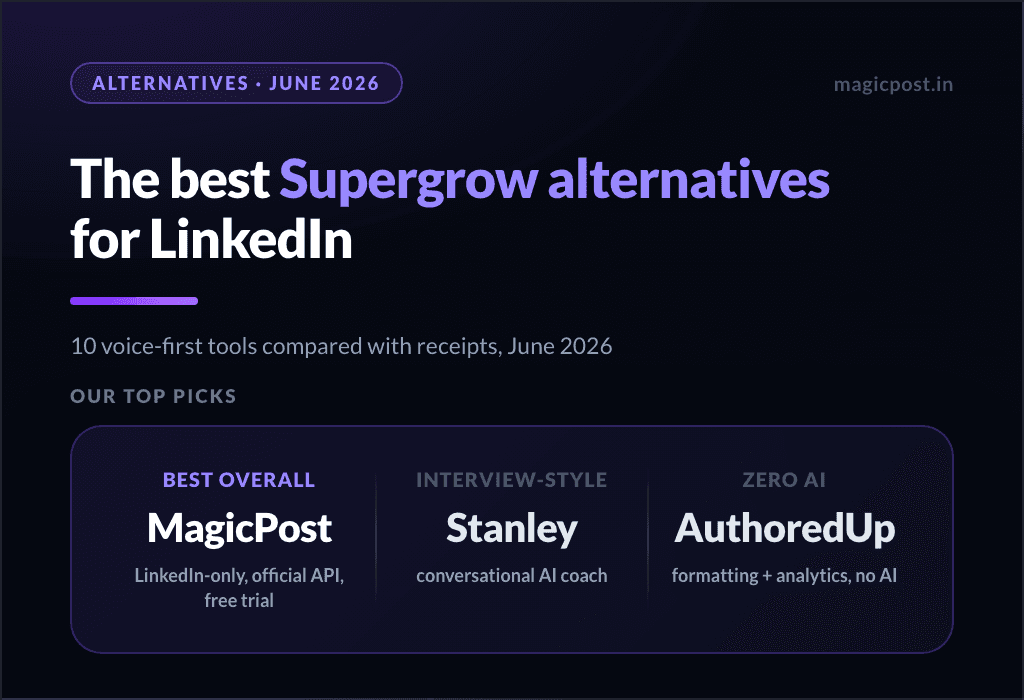
If a replacement shortlist is what you came for, it lives in our Supergrow alternatives guide; this page is the full verdict on the product itself.
What Is Supergrow?
Supergrow is an AI LinkedIn content platform for solo creators and small teams, built around one conviction: the way to make AI sound like you is to make it listen to you first.
Its two signature features are Postcast, interview sessions where the AI asks questions and turns your spoken answers into posts, and Content DNA, an evolving profile of your voice, stories and positioning.
Around that core sit voice-to-post dictation, content repurposing (YouTube, blogs and PDFs in, LinkedIn posts out), calendar and Kanban scheduling, a carousel maker on the Pro tier, and a Teams plan with approval workflows (for the team use case, see the best employee advocacy platforms compared).
📌 Supergrow is a small, fast-moving product, and it shows in both directions.
The writing is its mature, leading feature; several pieces around it (the carousel maker, the analytics) are still growing up, by its own reviewers' accounts, so judge it on the writing first and treat the rest as in-progress.
⚠️ Account safety: Supergrow's pricing FAQ now states it connects through LinkedIn's official API and follows the platform's terms. That is the right claim to make, and no enforcement incidents are on record against it.
It is still a vendor statement rather than a LinkedIn-verified-application status you can check, which is a tier below a verifiable receipt.
Supergrow Features
Each feature plays a distinct role, and the gap between the writing and everything around it is the story of the product.
Postcast Interviews and Content DNA
The interview model is Supergrow's best idea and the reason its voice quality leads the budget tier. A blank prompt makes you perform; an interview makes you talk, and the difference shows in the drafts.
Content DNA compounds it: the more you use the product, the more it knows what you sound like and which stories you have already told.
The proviso is the same as for every interview-based system: it rewards the user who shows up to be interviewed. If your workflow is generate twelve drafts while the coffee brews, the magic shrinks toward ordinary template output.
👍 This is where Supergrow earns its name. Most budget tools hand you a prompt box; the interview-plus-Content-DNA loop is a genuinely better way to get AI to write in your voice, and it is what its own users praise most.
Voice-to-Post and Repurposing
Speak an idea and get a post in your voice; feed it a YouTube link, a blog post or a PDF and get LinkedIn-ready drafts. The repurposing pipeline is broader than most rivals ship at this price.
On the Pro tier you can pipe content in programmatically via Supergrow's public API or its MCP integration with Claude and ChatGPT, a current touch most of the category has not matched.
Carousels and Infographics
A carousel maker and infographic generator are included with Pro. Two of Supergrow's own reviewers temper expectations here, one calling the design side immature and still in progress, another finding the visual creator limited. Treat the design tools as a convenience and the writing as the product.
Scheduling
Calendar, queue and Kanban scheduling with automatic first-comment publishing, enough to place Supergrow second in our best LinkedIn scheduling tools ranking. This is the part reviewers most often single out for simply working, which at this price is worth more than it sounds.
Supergrow Pricing
Supergrow dropped its $19 Starter plan, so Pro is now the entry point: two public tiers plus a custom Enterprise tier. Billed annually, Pro falls to $31/mo and Teams to $189/mo.
In 2025, Supergrow ran a Black Friday deal on top: up to 50% off yearly plans with the code BF50, and nothing off monthly billing. Our Supergrow Black Friday page tracks whether it comes back this year.
Plan | Price/mo | Includes |
Pro | $39 | Content DNA, unlimited interviews, repurposing, scheduling, carousels, MCP, profile analytics |
Teams | $199 | 5 accounts, approvals, org dashboard |
Enterprise | Custom | Beyond 5 accounts |
❓ There is no free tier. The 7-day trial covers any plan, and the after-trial behaviour is stated plainly: you pick a plan or the account pauses, with no surprise charges and no data loss.
Fair terms, worth naming because most of the category does worse, but pausing is not using.
Supergrow Pros and Cons
Pros | Cons |
✅ Best voice-capture model in the budget tier (interviews + Content DNA) | ❌ Analytics flagged repeatedly by its own users; G2 summary concedes it |
✅ Broad repurposing pipeline plus a public API and MCP on Pro | ❌ Carousel and visual tools still immature, per its reviewers |
✅ Scheduling reviewers describe as simply reliable | ❌ Approval friction for agencies: one approver, separate accounts per profile |
✅ Fair, clearly stated trial terms | ❌ No free tier; the account pauses after the trial |
✅ Now claims official-API publishing | ❌ The API line is a claim, with no verifiable-application status to check |
Who Is Supergrow For?
Supergrow fits a specific operator. Buy it if you:
Are a solo creator or small team that wants the best voice-trained writing under $40.
Will actually sit for the interviews, which is where the quality comes from.
Can live with surface-level analytics while that side matures.
It is probably not the right pick if:
You run an agency above five profiles, where its own users document approval and per-profile friction.
Analytics drive your renewals, since depth is its most repeated weakness.
Your safety bar is a verifiable application rather than a vendor sentence.
How Does MagicPost Compare to Supergrow?
Both are LinkedIn-only and voice-first, so the comparison is close on the writing and widens around it. The full Supergrow vs MagicPost comparison goes feature by feature.
Feature | Supergrow | MagicPost |
Voice-trained AI writing | ✅ Interviews + Content DNA | ✅ Trained on your account |
Humanizer backed by published research | ❌ | ✅ |
Repurposing (video, blog, PDF) | ✅ | ⚠️ Limited |
Scheduling via LinkedIn's official API | ⚠️ Vendor claim | ✅ Verified application |
Working @mentions in scheduled posts | ❌ Not documented | ✅ People and companies |
LinkedIn analytics with market benchmarks | ⚠️ Surface-level | ✅ |
Engagement workflows | ⚠️ Manual commenting (Engage) | ✅ Curated feeds, scheduled comments |
Lead detection + CRM | ❌ | ✅ AI scoring + integrations |
Entry price | $39/mo | $49/mo (AI $69/mo) |
Free trial | ✅ (no card) | ✅ (no card) |
Want the Whole Workflow, Not Just the Writing? There's a Fit
Supergrow's Pro plan is worth $39/mo. to a solo creator or small team who wants LinkedIn posts in their own voice and will sit for the interviews.
It is a poor fit for agencies beyond the 5 accounts of the Teams plan ($199/mo.), and for anyone whose renewals depend on analytics.
Supergrow deserves its reputation in one room of the house, the writing room, and its own customers are the most reliable guides to the others: analytics that lag the category, visual tools still growing up, an approval flow that strains at agency scale.
The pricing is honest and the trial terms are fair.
MagicPost is the premium version of the same conviction, AI trained on your account's voice, defended by a humanizer built on our published research.
The parts Supergrow's users keep asking for are already built: a LinkedIn analytics dashboard with market benchmarks, engagement workflows, and lead detection with CRM, all publishing through LinkedIn's official API as a verified application.
For teams, the same stack runs as an employee advocacy platform, one seat per member, each posting in their own voice.
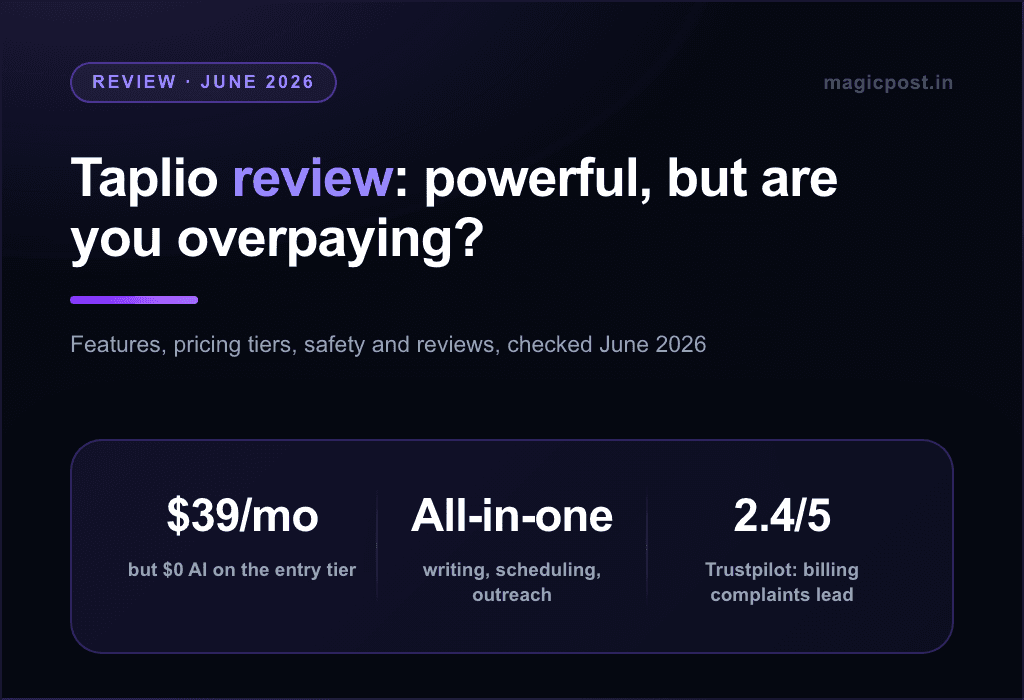
If voice-first writing under $40 is the whole job, Supergrow is the budget pick to beat. If the job includes measuring, engaging and converting what you publish, that is where the gap shows. If Taplio is the other name on your shortlist, Supergrow vs Taplio settles that pairing.
FAQ
Is Supergrow safe to use with LinkedIn?
Its pricing FAQ now states that it connects through LinkedIn's official API and follows the platform's terms. That is a vendor claim rather than a verified-application status you can check, but it is the right claim to make, and no enforcement incidents are on record against it.
How much does Supergrow cost?
Supergrow costs $39/mo on Pro (Content DNA, unlimited interviews, repurposing, scheduling, carousels, MCP, profile analytics) and $199/mo on Teams for 5 accounts, with Enterprise on quote beyond that.
Billed annually, Pro is $31/mo and Teams $189/mo. The $19 Starter plan no longer exists, and there is no free tier, only a 7-day trial.
What is Postcast?
Supergrow's interview mode: the AI asks you questions, you answer in your own words, and it drafts posts from your answers. Interviews are unlimited on every plan, starting with Pro. It is the feature that earns Supergrow's voice-quality reputation.
What happens after the free trial?
You are prompted to pick a plan; if you do not, your account pauses, with no surprise charges and no data loss. You can reactivate later, but you cannot keep using it free.
What do Supergrow's own users criticize?
Three themes recur on G2: analytics depth, the young visual tools, and team friction (one approver at a time, separate accounts per LinkedIn profile). The praise clusters on ease of use, voice quality and support.
Does Supergrow work for agencies?
It can, at the right size: Teams is $199/mo for 5 accounts with approvals and an org dashboard, and several of its reviewers are agencies. Above a handful of profiles, its own users describe approval and per-profile friction worth testing on a real client week first.
Supergrow vs MagicPost: which one?
Supergrow for interview-style voice capture at the lowest credible price. MagicPost for the complete LinkedIn-only workflow around the writing: research-backed humanizer, benchmarked analytics, engagement, and lead detection with CRM, on the official API as a verified application, from $49/mo (AI $69/mo) with a no-card trial.
Is Supergrow worth it?
Supergrow is worth it for solo creators and small teams who want AI that writes LinkedIn posts in their own voice: Pro costs $39/mo. and includes unlimited interviews, Content DNA, repurposing and scheduling.
It is a weaker buy for agencies beyond the 5 accounts of the Teams plan ($199/mo.) and for anyone who needs deep analytics, the weakness its G2 reviewers repeat most. The 7-day trial on every plan lets you test the interviews before paying.