Choosing the best LinkedIn growth tool isn’t easy. Supergrow and Taplio both target LinkedIn growth, but each takes a different approach.
Whether you’re a content creator in need of an AI-powered tool or a business that cares about analytics, lead generation, and steady growth, it’s useful to see what each tool does best.
This guide offers a clear side-by-side comparison of Supergrow and Taplio, looking at their features, strengths, and weaknesses.
We’ll also look at MagicPost and explain how it compares and why it might suit some users better.
Supergrow vs Taplio Overview
Feature | Supergrow | Taplio |
Price | $39/mo. Pro $199/mo. Teams | $39/mo. Starter $69/mo. Growth $199/mo. Pro |
Core focus / Strength | Content creation & scheduling: post generation, carousel creation, formatting, voice-matching AI, analytics. | Content creation & scheduling: post generation, carousel creation, formatting, voice-matching AI. + lead generation + relationship/CRM tools. |
AI Content / Style Tools | AI is trained to adapt to your authentic voice. | AI is good for overcoming writer's block, but often produces content that sounds generic and requires manual editing. |
Analytics & Insights | Limited, lags behind competitors like Taplio. | Deeper post and audience reporting than Supergrow. |
Lead Gen / Outreach / Networking | Not a focus (mainly content creation; lacks advanced lead-generation or CRM features). | Includes lead-generation database / outreach features + relationship-management tools (CRM-like). |
Best For / Ideal Users | Solo creators, small teams or busy professionals, who care about consistent content without heavy budget. | Teams, agencies, businesses or heavy LinkedIn users needing full-stack growth (content + outreach + tracking) and advanced analytics. |
Trade-offs / Limitations | Limited analytics & insight → hard to optimize strategy. No lead-gen, outreach, or CRM. | More expensive, may be overkill for small creators. Because it's “all-in-one”, it can feel heavy if you only need simple content posting. |
What is Supergrow

Supergrow is an AI tool for people who want to grow on LinkedIn, letting them create and schedule content in one place.
From $39/mo. on the Pro plan, you can create posts that match your style, turn your blogs, videos, or PDFs into LinkedIn posts or carousels, schedule their posting time, and manage content for yourself or your clients.
The scope is deliberately narrow: content creation, engagement, and analytics, kept simple.
Supergrow states it connects through LinkedIn’s official API, and it lets you manage multiple profiles without handing over credentials, which is helpful if you handle several clients at once.
Supergrow fits solo creators, consultants, and small teams who want easy, regular posting and content that stays on brand.
What Supergrow Does Better
Voice-matching and style mimicry
Supergrow can review your previous content and create new posts that match your writing style and tone, so your posts sound more like you.
Lower entry point for small users
Supergrow includes AI writing in its Pro plan at $39/mo., where Taplio's AI starts at $69/mo., and it is easier to use for individuals or small creators who do not need advanced CRM or lead generation features.
A complete content workflow: posts, carousels, repurposing, templates
You have access to a post generator, carousel creator, template library, and content repurposing tools in one place. This is helpful if your main goal is to create consistent, polished LinkedIn content instead of focusing on outreach.
Simpler UX and a lighter toolset
Since Supergrow focuses on content creation and scheduling instead of offering a full set of growth tools, it feels simpler and less overwhelming for users who want an easy experience instead of a complex dashboard.
In short: Supergrow is usually the better choice for writing and publishing high-quality posts in your own voice, keeping a regular posting schedule, and spending less.
👉 Read our full Supergrow review for more information about Supergrow’s content workflows, templates, and features.
What is Taplio
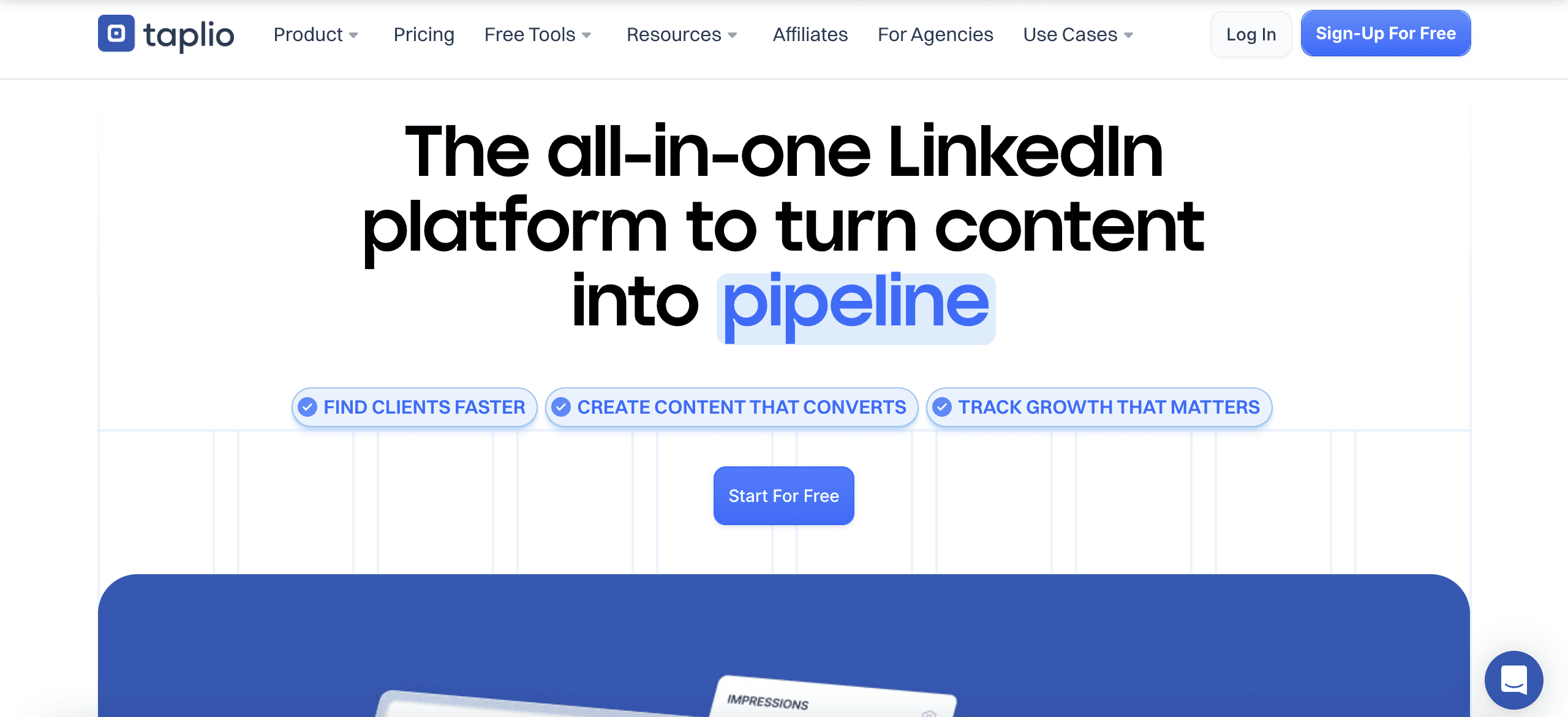
Taplio is also an AI tool designed to help users grow their brand and influence on LinkedIn.
Its main features include:
AI-powered content creation that connects with your audience.
Easy post scheduling for steady engagement.
Tools to grow your network.
Advanced analytics that offer more insights than LinkedIn’s standard metrics.
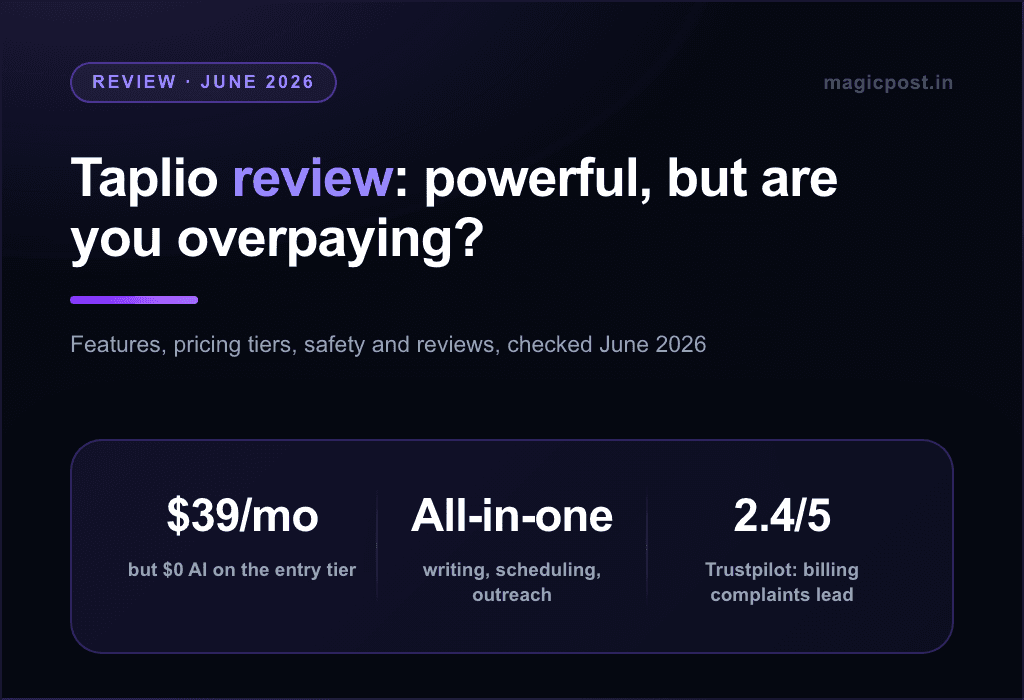
Taplio’s Starter plan ($39/mo.) ships without AI credits: AI writing starts on the Growth plan at $69/mo.
Personal brand, new leads, or thought leadership: Taplio helps you manage and grow your LinkedIn presence in just a few minutes each day.
Taplio offers a 7-day free trial. After signing in, you get full access to features like AI content creation, scheduling, engagement insights, and analytics. This lets you try out everything Taplio offers before deciding on a paid plan.
Also, the Chrome extension gives you instant LinkedIn stats, top content, profile insights, network trends, and industry highlights. You can use these features even without a Taplio subscription.
Taplio's own support documentation adds a caveat: LinkedIn treats the Taplio X extension as an automation tool that goes against its terms, and some users receive warnings. Basic posting and scheduling work without it.
What Taplio Does Better
Lead generation, CRM & outreach tools
Taplio does more than help with content. It includes a large lead database, contact lists, automated outreach like DMs and connection requests (on the Pro plan at $199/mo.), and tools for managing relationships. This is helpful if you use LinkedIn for business or prospecting, not just posting content.
Deeper analytics & performance tracking
Taplio gives you advanced analytics on how your posts perform, including engagement, follower growth, and profile growth. This helps you see what works and improve your strategy.
Engagement and networking features
Taplio also helps you manage interactions and follow up with people who engage with your content. This makes it easier to turn your posts into relationships or leads.
An all-in-one “growth stack” for LinkedIn
If you or your team use LinkedIn for the whole process, from content to engagement, outreach, and lead generation, Taplio brings content creation, scheduling, outreach, and analytics together in a single tool.
In short, Taplio is a better choice if you want more than just posting. It is useful for building connections, generating leads, tracking growth, and using LinkedIn as part of a larger business or marketing plan.
🤖 To explore Taplio’s AI features, analytics, and automation in more detail, check out our full Taplio review or the full list of Taplio alternatives.
Supergrow vs Taplio: Free Trials and Trade-offs
Both Taplio and Supergrow offer 7-day free trials so you can explore their main features.
Taplio’s trial comes with a 30-day refund policy on the first payment, giving users enough time to evaluate its full capabilities.
Supergrow’s trial provides access to the full platform features.
If you pick | What you get | What you give up |
Supergrow | ✅ A simpler tool, a lower cost, an easier content creation process | ❌ Advanced analytics, outreach and lead generation, detailed audience insights |
Taplio | ✅ A complete set of growth tools: content, outreach, analytics | ❌ A higher price, and features that feel like too much for simple content creation |
Why Choose MagicPost Over Supergrow or Taplio?

If you prioritize content creation tools, why not try MagicPost?
MagicPost helps you create LinkedIn posts in seconds using ready-made hooks, an idea generator, a carousel creator, templates, and a simple workflow. It also includes many of the same features as the other tools, plus a team mode if you are comparing employee advocacy software.
Pricing-wise, the Growth plan is $49/mo. and the Creator plan is $69/mo. The Creator plan gives you unlimited post creation, scheduling, and templates.
In comparison, Supergrow’s entry plan, Pro, is $39/mo. since its $19 Starter plan was dropped, and Taplio’s entry plan starts at $39/mo. The feature-by-feature Supergrow vs MagicPost comparison shows what the price gap buys.
For creators focused on posting regularly, MagicPost covers writing, scheduling, engagement and analytics in one workflow through the official LinkedIn API, which is why it leads our best LinkedIn scheduling tools ranking.
👉 Try MagicPost ✨
FAQ
Is Supergrow better than Taplio?
Supergrow is better than Taplio for writing LinkedIn posts in your own voice on a budget, and Taplio is better for lead generation, outreach and deeper analytics. Supergrow's AI comes with its Pro plan at $39/mo., while Taplio's AI writing starts on the Growth plan at $69/mo.
Which is cheaper, Supergrow or Taplio?
Supergrow is cheaper for AI writing: its Pro plan ($39/mo.) includes the AI, while Taplio's Starter ($39/mo.) has no AI credits and AI writing starts at $69/mo. on Growth. On the top tiers, Supergrow Teams costs $199/mo. for 5 accounts and Taplio Pro costs $199/mo. with unlimited AI and comment credits plus automated lead outreach.
Is Supergrow or Taplio safe for your LinkedIn account?
Supergrow states on its pricing page that it connects through LinkedIn's official API, a vendor claim rather than a status you can verify. Taplio's own support documentation says LinkedIn treats its Taplio X Chrome extension as an automation tool that goes against LinkedIn's terms, though basic posting and scheduling work without the extension.
What does Taplio have that Supergrow does not?
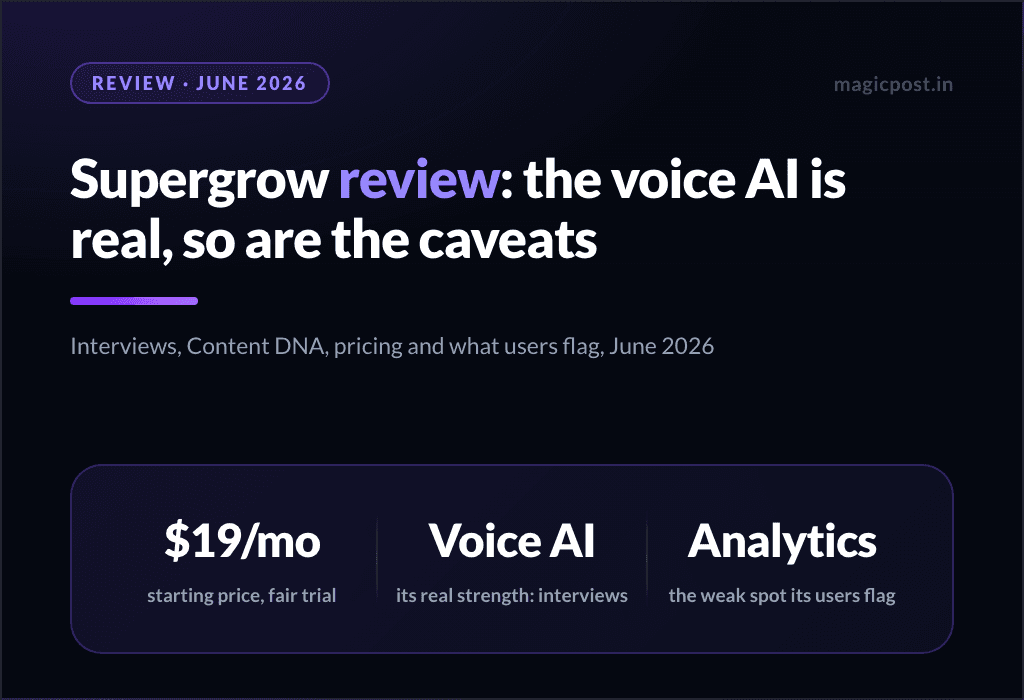
Taplio has automated lead outreach (auto-DMs and auto-connections on its Pro plan at $199/mo.), deeper post and audience analytics, and a Chrome extension that shows LinkedIn stats while you browse. Supergrow has no outreach automation, and its own G2 reviewers flag analytics as its weakest area.
Can I try Supergrow and Taplio for free?
Supergrow and Taplio both offer a 7-day free trial, and neither has a permanent free plan. Taplio's trial gives full Pro access and comes with a 30-day money-back guarantee; Supergrow's trial covers every plan, and the account pauses at the end if you do not pick one.