" height="26.80529977783203px" id="tymKb8bqC" width="128.00300311279295px"/><path d="M 0 2.417 L 0 0 L 12.909 0 L 12.909 2.417 Z" fill="rgb(126, 78, 253)" height="2.417099999999998px" id="aYr4em6zK" transform="translate(128.341 22.325)" width="12.908999999999992px"/></svg>)

"/><stop offset="1" stop-color="rgb(118, 37, 250)"/></linearGradient></defs><g d="M 19.242 21.22 L 19.362 6.204 L 19.272 6.204 L 13.757 21.22 L 10.161 21.22 L 4.796 6.204 L 4.706 6.204 L 4.825 21.22 L 0 21.22 L 0 0 L 7.283 0 L 12.109 13.607 L 12.229 13.607 L 16.844 0 L 24.247 0 L 24.247 21.22 Z M 26.421 26.113 L 26.421 23.445 L 41.407 23.445 L 41.407 26.113 Z" fill="transparent" height="26.112508199679183px" id="DvfaAIHYn" width="41.40731898311435px"><path d="M 19.242 21.22 L 19.362 6.204 L 19.272 6.204 L 13.757 21.22 L 10.161 21.22 L 4.796 6.204 L 4.706 6.204 L 4.825 21.22 L 0 21.22 L 0 0 L 7.283 0 L 12.109 13.607 L 12.229 13.607 L 16.844 0 L 24.247 0 L 24.247 21.22 Z" fill="rgb(46, 46, 46)" height="21.220180016149442px" id="pLsxRCobd" width="24.247352589074694px"/><path d="M 0 2.668 L 0 0 L 14.986 0 L 14.986 2.668 Z" fill="url(%23yD9d4I5GR-3279285344-linear-gradient)" height="2.6675085048549647px" id="yD9d4I5GR" transform="translate(26.421 23.445)" width="14.986002836263765px"/></g></svg>)

Florence Vallet
Product Expert
Everything in the Agency plan
Run your clients' LinkedIn from one workspace: manage their accounts, have them approve posts before anything goes live, and export their performance under your own brand.
The Agency plan starts at €98/month for 2 seats (€49 per seat), or €58/month for 2 seats billed yearly (€29 per seat, 40% off). Price is per seat, two seats is the minimum, and you choose how many.
Everything in the Creator plan is included, for every seat. See what is in each MagicPost plan if you are still comparing.
The full day-to-day workflow is covered in how to manage your clients on MagicPost.
The three things that matter
Your clients never log into MagicPost. They connect their LinkedIn through a secure link, in one click. No password is shared, no account is created for them.
Nothing publishes without their approval. With validation mode on, a post sits until the client has read it and said yes.
Administrators are free. Invite as many as your agency needs. They consume no seat.
Add your clients to your workspace
Invite them, or create their account for them. Each client gets a seat, with their own AI settings, their own post history and their own calendar.
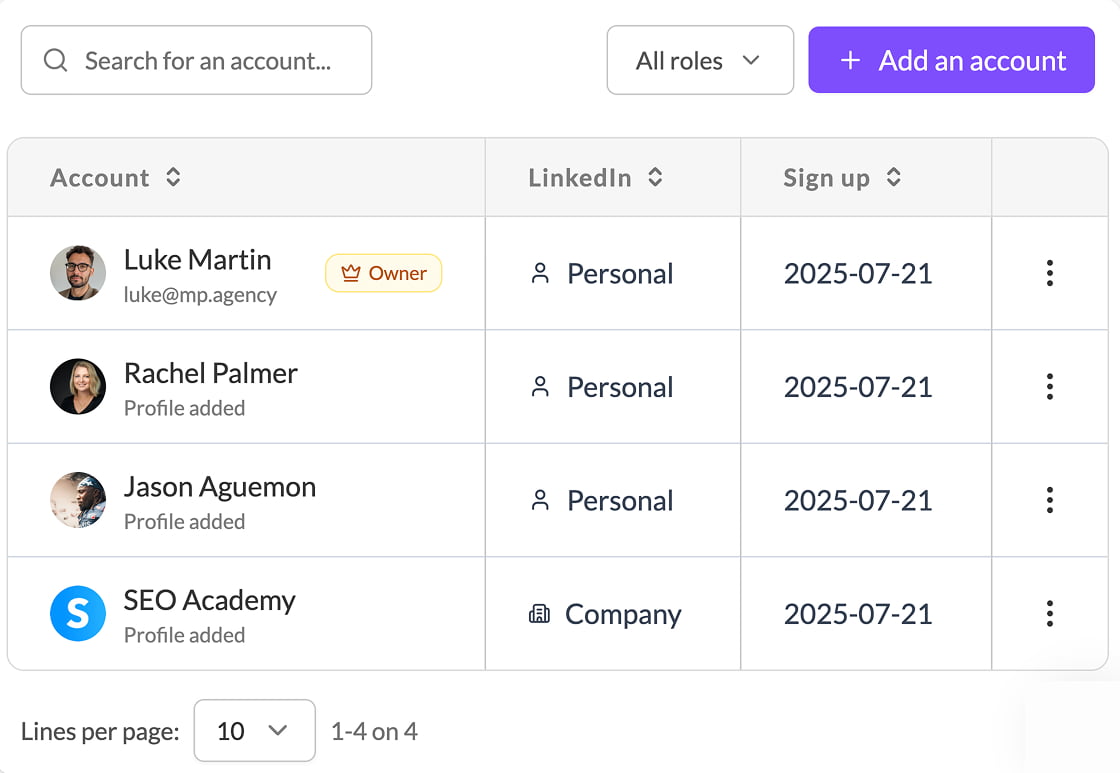
Watch it: How to manage several clients
Connect their LinkedIn securely
You send a link. Your client clicks it, authorises LinkedIn, and it is done. They never see a MagicPost login screen.
A seat connects one LinkedIn identity: a personal profile or a company page.
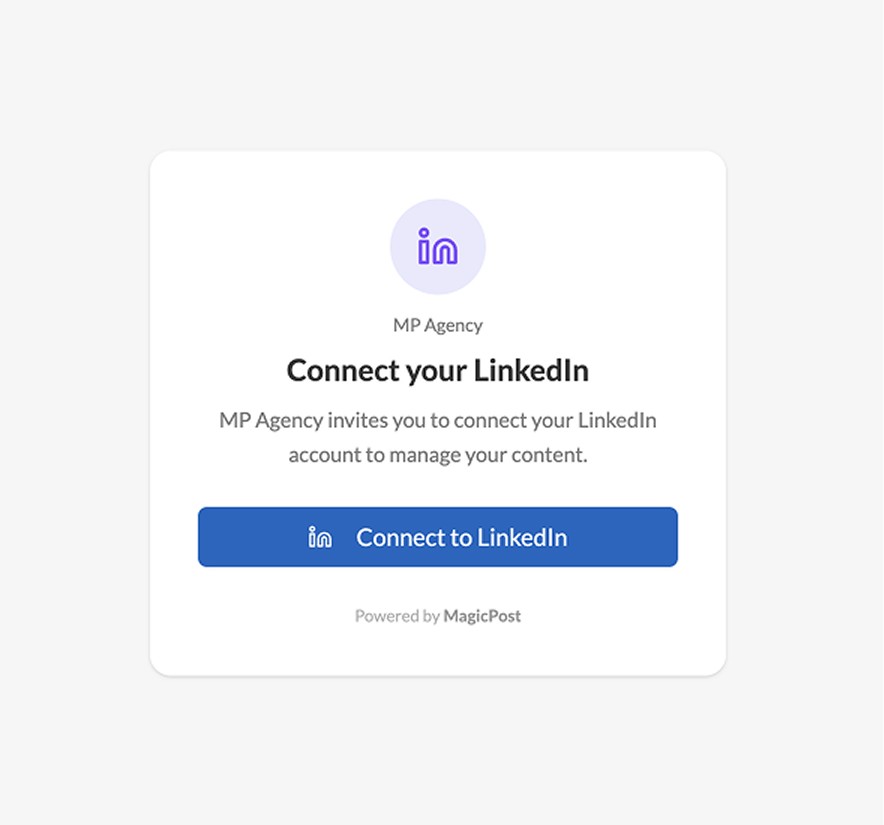
Watch it: Connecting your clients' LinkedIn accounts
Switch between clients in one click
From the account menu, jump from one client to the next. As an admin you drive their content, their calendar and their engagement without logging out of anything.
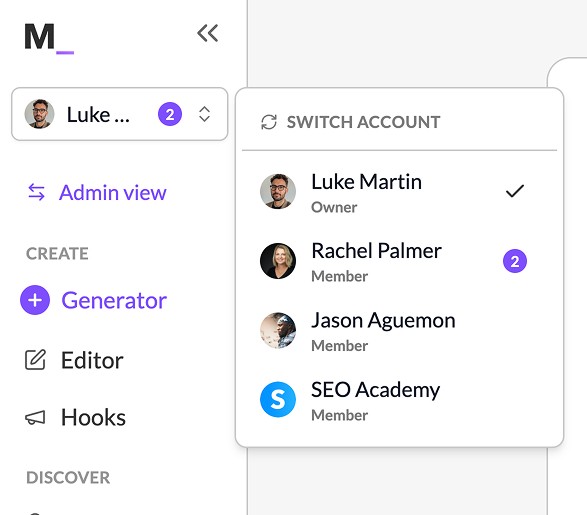
Share the calendar, or a single post
Send your client a link to their whole calendar, or to one post when you just want a quick answer. They open it in the browser: no account, no password.

Let your clients approve the content
Turn on validation mode and no post goes live until the client has approved it. You choose what they can do:
Validation: they see the calendar, comment on posts, and approve them for publication.
Edition: everything above, plus editing the post text directly.
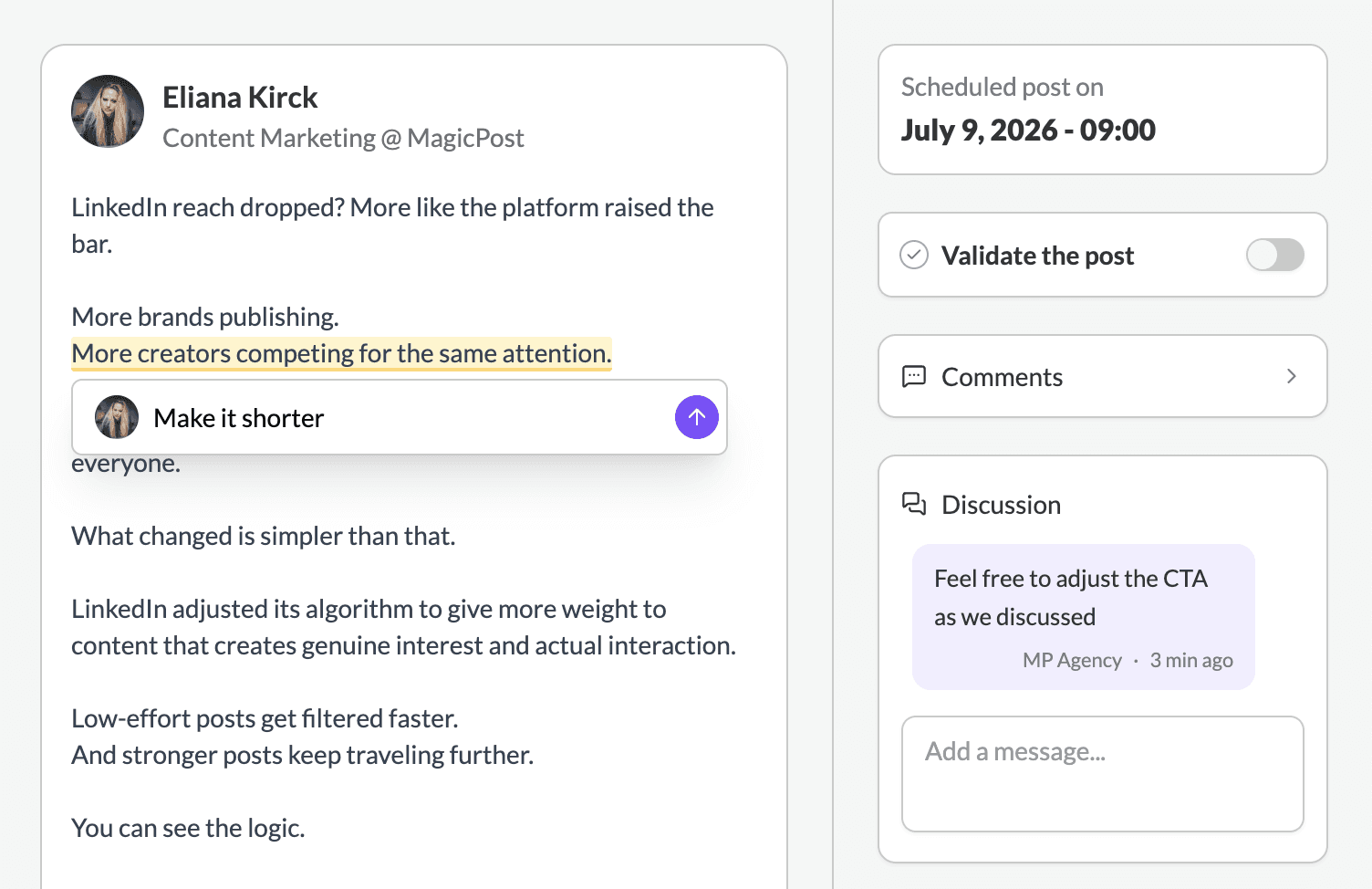
Watch it: Letting clients validate posts
Full guide: How to let clients validate posts before publishing.
Export white-label reports
One click turns a client's LinkedIn performance into a report carrying your logo and your colours. Pick the metrics, export, send.
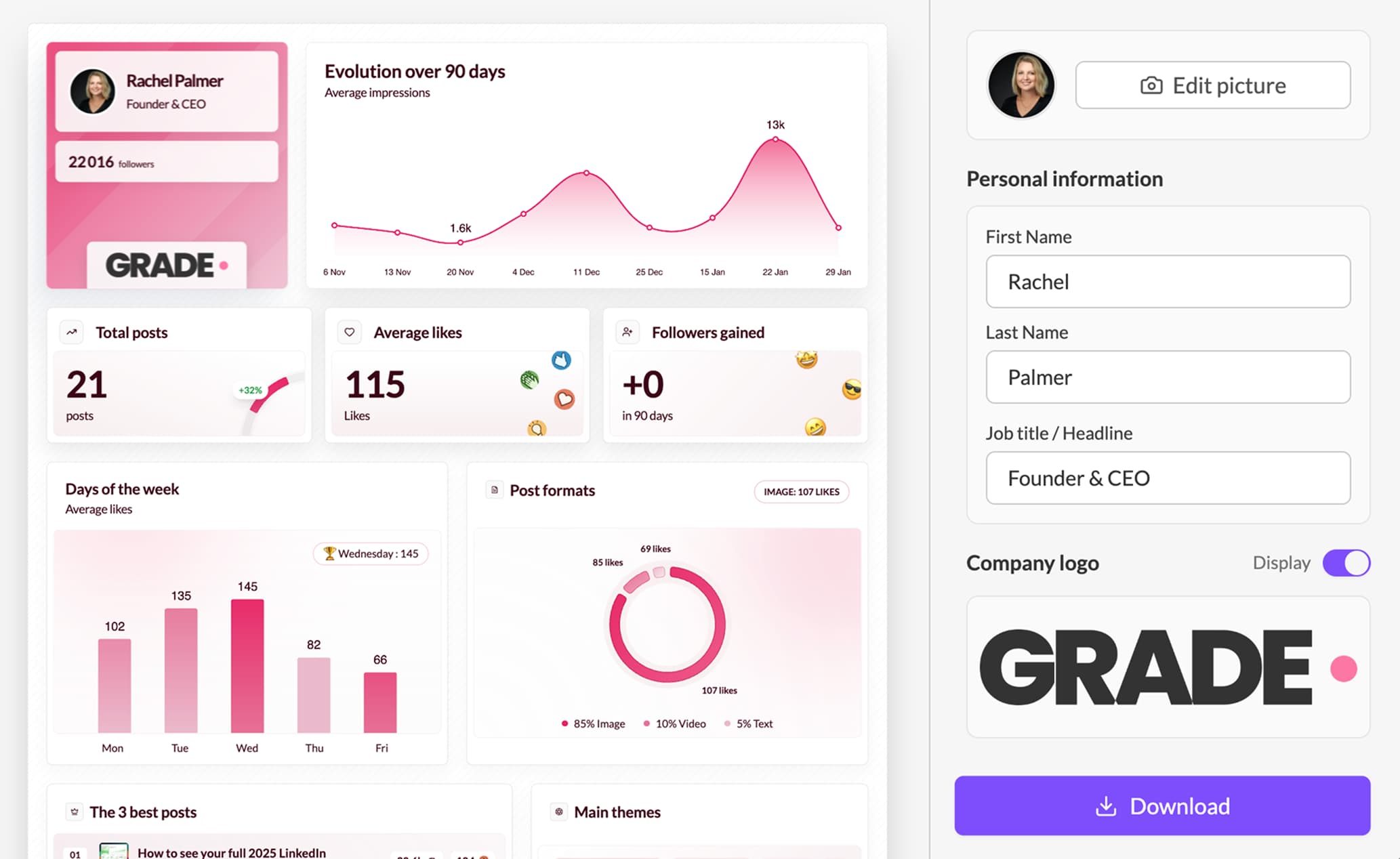
Watch it: Exporting your clients' analytics
Drive it all from your AI assistant
The Agency plan includes API and MCP access. Connect MagicPost to Claude or Perplexity and manage your clients in plain language: read their metrics, publish for them, or build your own dashboards without leaving the conversation. Managing multiple LinkedIn accounts from one AI assistant shows the workflow in practice.
See What is MCP, and what can I do with it?
FAQ
What is a seat?
One LinkedIn identity: a personal profile or a company page. Each seat has its own workspace. Administrators consume no seat.
Can I add seats later?
Yes, at any time from the billing page. You are billed per seat.
Does my client need to pay, or create an account?
No. They connect their LinkedIn through your link and, if you enable validation, approve posts from a shared link. Nothing on their side.
Can I remove a client?
Yes. Free the seat and their LinkedIn is disconnected from your workspace.
What is the difference with the Team plan?
Agency is built for publishing on behalf of clients: validation and white-label reports. Team is built for your own employees posting under their own names: a shared calendar and team metrics. Different problems.
Need help?
Book a 30-minute call and we will set your agency up: https://cal.com/magicpost-team/contact-sales-team
Aktualisiert