If you make content for LinkedIn, whether as a creator, founder, marketer, or in sales, you’ve probably seen lots of tools that promise more growth, engagement, and smoother workflows.
Two of the most popular options are AuthoredUp and Taplio. Both help you manage and grow your LinkedIn presence, but they work in different ways.
In this AuthoredUp vs Taplio guide, we’ll explain what each platform offers, how they differ, and whom each platform suits best. This should help you pick the right tool for your needs.
AuthoredUp vs Taplio Overview
For a broader view, here’s a side-by-side breakdown of AuthoredUp and Taplio. This grid combines reviews, key features, and pricing in one place, so you can quickly see how each tool compares and which one aligns best with your LinkedIn goals.
Platform | Start Price | Free Trial |
|---|---|---|
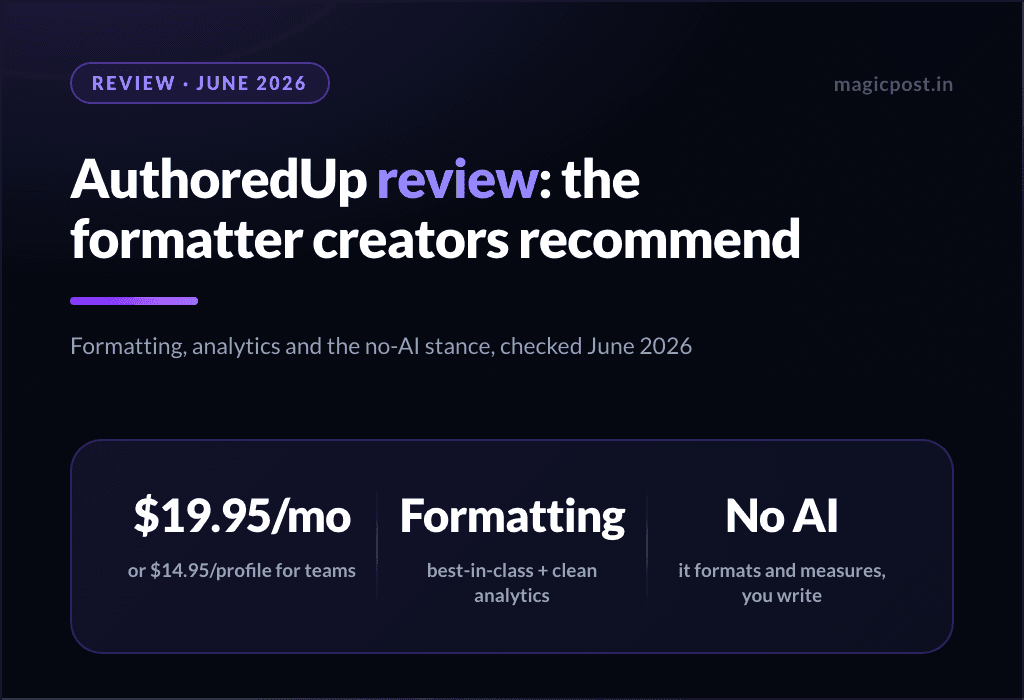
AuthoredUp | $19.95/month (Individual) | Free trial, no credit card required (authoredup.com) |
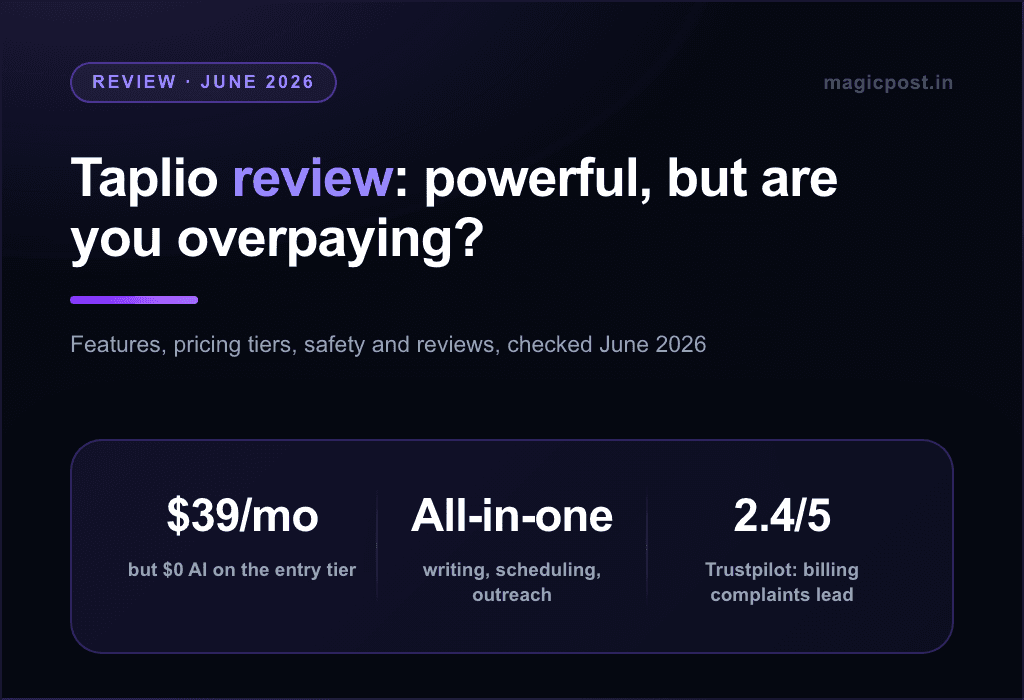
Taplio | $39/month and up | 7-day free trial (taplio.com) |
Category | AuthoredUp | Taplio |
|---|---|---|
Overall Positioning | LinkedIn content creation, formatting, scheduling & analytics tool | All-in-one LinkedIn growth, AI content, outreach & analytics platform |
Best For | Creators who write their own content and want better formatting, planning, and clarity | Creators, founders, and sales teams focused on growth, automation, and lead generation |
Content Creation | Manual writing with rich formatting (bold, bullets, emojis, previews) | AI-powered content generation, hooks, post expansion, tone control |
AI Writing | Limited / basic assistance | Advanced AI for full post generation and ideas |
Post Scheduling | Yes: manual scheduling with visual calendar | Yes: queue-based scheduling with timing optimization |
Content Calendar | Clean, simple calendar view | Smart queue + automated posting logic |
Analytics | Post-level analytics (impressions, engagement, reactions) | Advanced analytics (growth trends, profile views, followers, performance tracking) |
Engagement Tools | ❌ None | Automated engagement, mentions tracking |
Outreach / DMs | ❌ Not available | Personalized DM automation |
Lead Database | ❌ | ✅ Built-in lead discovery |
Templates & Hooks | 300+ hooks and post endings | Large viral post library + AI prompts |
Ease of Use | Very simple, creator-friendly | More complex, feature-rich |
Pros | Affordable, excellent formatting, intuitive editor, great for solopreneurs | Powerful AI, outreach automation, deep analytics, growth-focused |
Cons | No outreach, limited AI, no lead generation | Higher price, learning curve, can feel overwhelming |
Value for Money | Excellent for content-first creators | Strong for growth-driven professionals |
Your choice depends on how you use LinkedIn. AuthoredUp is a great fit for writing, formatting, and scheduling high-quality posts with a simple, affordable tool.
Taplio, on the other hand, is designed for users who want AI-powered content, outreach automation, and growth tools and who are willing to pay a higher price for these features.
What is AuthoredUp
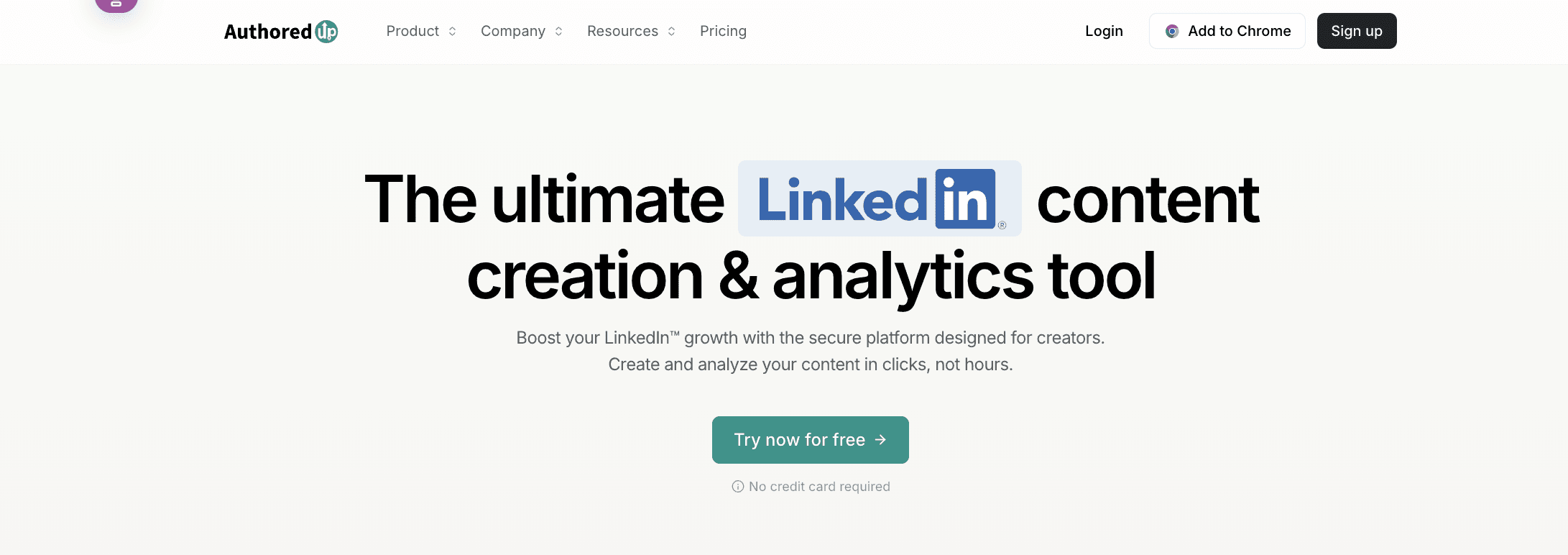
AuthoredUp is a LinkedIn tool for creating content and tracking analytics: writing, formatting, scheduling, and performance review in one place.
AuthoredUp has an editor that lets you create, format, and improve your LinkedIn posts. It lets you use bold and italic text, emojis, readability scores, and offers hooks and snippets to boost engagement. You can also save drafts to use later.
In addition to content creation, AuthoredUp provides detailed analytics to track impressions, engagement, and growth over time. You can review each post to identify patterns and trends in your content’s performance.
The platform has a calendar view where you can plan, review, and schedule your LinkedIn posts. This helps you manage your content easily and keep a steady posting schedule.
What AuthoredUp Does Better
AuthoredUp is built for creating and scheduling LinkedIn content. It helps you write and manage posts better by offering:
Rich formatting tools
You can use bold, italics, bullet points, numbered lists, emojis, and more in an editor that shows you exactly how your posts will look on LinkedIn. LinkedIn’s own editor doesn’t offer this preview.
Easy scheduling and calendar view
Plan and schedule your posts in advance using a visual calendar. You can organize weeks or even months of content without needing to switch tabs.
Content analytics
See clear analytics on impressions, reactions, comments, shares, and engagement rates. This helps you understand what’s working and what isn’t.
Hooks and templates
Built-in hooks and call-to-action templates help spark ideas and save time.
In short, AuthoredUp helps you write better LinkedIn posts and manage them efficiently, focusing on formatting, planning, and tracking how your posts perform.
🎯 For a more detailed analysis of AuthoredUp’s features, pricing, and use cases, read the full AuthoredUp review.
What is Taplio

Taplio is another AI tool made to help users grow their brand and influence on LinkedIn.
Its main features include:
AI-powered content creation that connects with your audience.
Easy post scheduling for steady engagement.
Tools to grow your network.
Advanced analytics that offer more insights than LinkedIn’s standard metrics.
Whether you want to build your personal brand, find new leads, or become a thought leader, Taplio helps you manage and grow your LinkedIn presence in just a few minutes a day.
The Chrome extension also gives you instant LinkedIn stats, top content, profile insights, network trends, and industry highlights. You can use these features even if you don’t have a Taplio subscription.
What Taplio Does Better
Lead generation, CRM & outreach tools
Taplio offers more than just content help. It has a large lead database, contact lists, automated outreach like DMs and follow-ups, and tools for managing relationships. This is useful if you use LinkedIn for business or prospecting, not just posting.
Deeper analytics & performance tracking
Taplio provides advanced analytics on your post performance, including engagement, follower growth, and profile growth. This helps you see what works and adjust your strategy.
Engagement and networking features
Taplio also helps you manage interactions and follow up with people who engage with your content. This makes it easier to turn your posts into connections or leads.
An all-in-one “growth stack” for LinkedIn
If you or your team want to use LinkedIn for everything from content to engagement, outreach, and lead generation, Taplio combines content creation, scheduling, outreach, and analytics in one tool.
Taplio is the better choice when you need more than posting. It’s helpful for building connections, generating leads, tracking growth, and using LinkedIn as part of a bigger business or marketing plan.
🤖 To explore Taplio’s AI features, analytics, and automation in more detail, check out our full Taplio review or the full list of Taplio alternatives.
AuthoredUp vs Taplio: Feature Breakdown
Let's recap everything we've seen so far:
Content Creation
AuthoredUp: Powerful formatting and post structure.
Taplio: Better AI content generation and idea creation.
Scheduling & Calendar
AuthoredUp: Visual calendar + manual scheduling.
Taplio: Automated queue + optimized timing suggestions.
Analytics
AuthoredUp: Engagement tracking and performance charts.
Taplio: Broader analytics, including growth trends and follower metrics.
Networking & Outreach
AuthoredUp: ❌
Taplio: Personalized DMs, lead database, and mentions tracking.
Pricing
AuthoredUp: $19.95/mo. for individuals, 14-day free trial.
Taplio: from $39/mo., 7-day free trial, scaling with features.
While it’s more expensive, Taplio justifies the price with advanced AI writing, networking tools, and deeper analytics.
In short, AuthoredUp is the more affordable choice for content-first users, whereas Taplio is better suited for those investing in growth and automation.
Why Choose MagicPost Over AuthoredUp or Taplio?

If you want content creation tools without the extra complexity of advanced analytics and outreach, consider trying MagicPost.
MagicPost lets you create LinkedIn posts quickly with ready-made hooks, an idea generator, a carousel creator, templates, and a simple workflow. It also offers many of the same features as the other tools, and tops our best LinkedIn scheduling tools ranking.
MagicPost is not the cheapest tool on this page, and it does not try to be.
The Growth plan costs $49/mo. ($29/mo. billed yearly). The Creator plan is $69/mo. ($39/mo. billed yearly) and includes unlimited post creation, scheduling, and templates.
For comparison, Supergrow’s entry plan and Taplio’s both start at $39/mo., below the MagicPost Growth plan.
What the higher price buys is a single workflow: writing in your own voice, publishing through LinkedIn’s official API as a verified application, and analytics benchmarked against the market rather than a raw impression counter.
For creators who post several times a week, that loop is what MagicPost is built around.
👉 Try MagicPost ✨