Content Creation

Yasmina Akni Ebourki
Last updated: 23 Oct 2024
Writing posts on LinkedIn is easy; we’ve all written generic posts before.
However, crafting content that truly stands out, captivates readers, and generates leads is a completely different challenge.
Creating impact through your writing isn't just about producing content—it's about developing your own unique writing style.
Let me explain why this is so important and how you can use AI to gradually improve your posts, making them even more impactful.
To stand out on LinkedIn, develop a unique writing style that reflects your personality. Focus on experimenting with different formats and showcasing your authentic voice. AI tools like MagicPost can help streamline the process by analyzing your past posts and generating content that aligns with your style.
How to Write More Personalized LinkedIn Posts?
Writing authentic posts has its own magic, but it requires time, dedication, and learning how to gradually create content that reflects who we are and what makes us unique.
One way to approach this is by writing more personal posts or adding your own unique touch to every word.
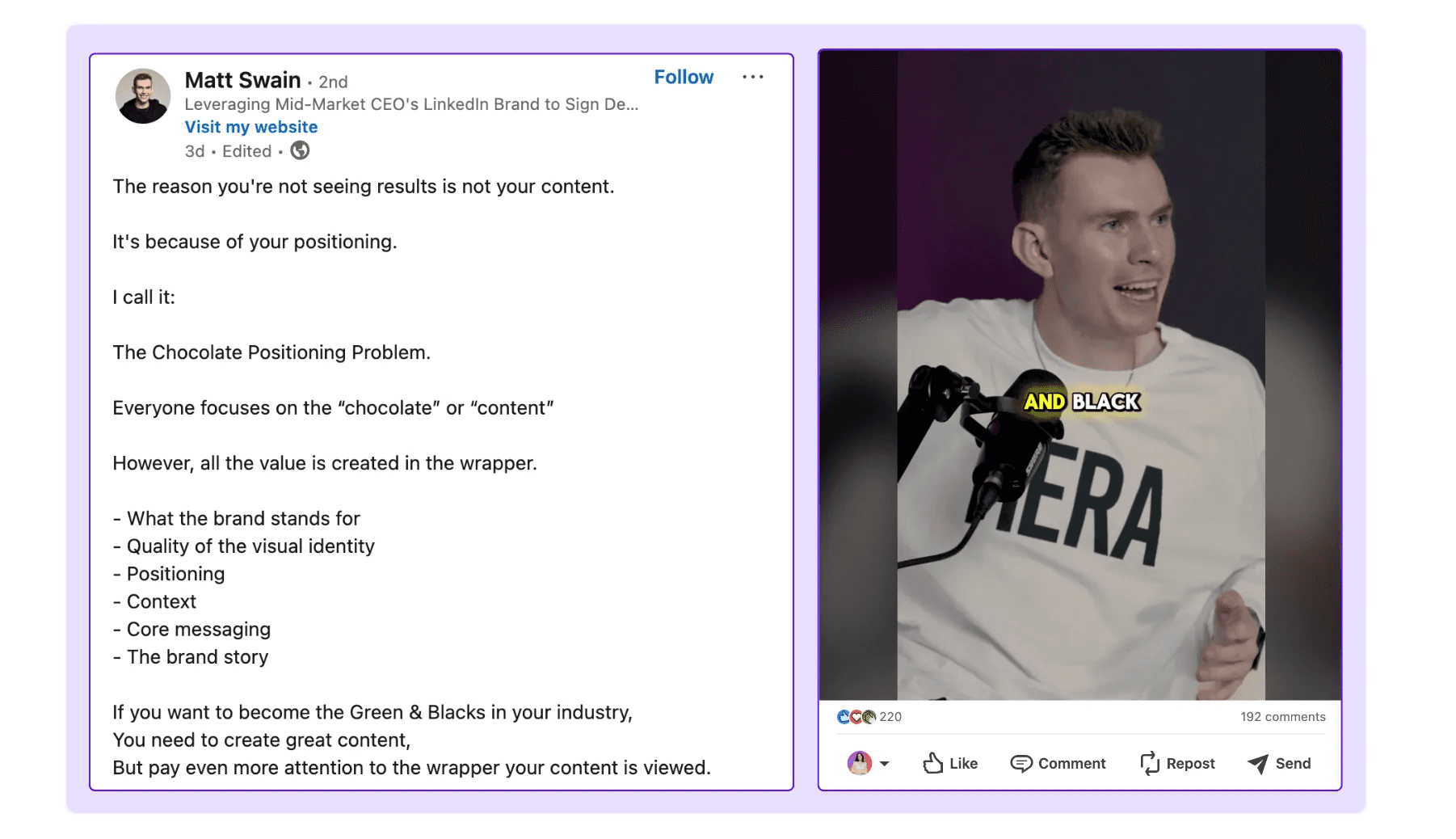
This could be through using a signature emoji, starting your post in a different way, or simply telling a compelling story—essentially mastering the art of storytelling that leaves your audience captivated.
And this can have a significant impact on the results your content achieves, whether you're just starting out or are already an established content creator.
The importance of creating your writing style on LinkedIn
Believe me, your personality can shine through with just a few words, even in a brief headline.
This works to your advantage because it's an opportunity to express your unique voice and perspective—something that no one else can replicate.
It’s what sets you apart from the crowd and makes your content stand out.
But why is this so important?
First, because there will always be competition, and second, because being authentically you is the key to differentiating yourself from everyone else.
Everyone on LinkedIn is trying to stand out, go viral, attract clients, and build their brand.
No matter what your ultimate goal or niche is, you’ll always face competition (unless you're in a completely untapped market). That’s why you need something that makes you truly unique.
And the best way to start is by being yourself.
This means infusing your personality into your content.
If you’re not sure where to begin, start experimenting with different styles and formats: short phrases, long sentences, bullet points, etc.
Ultimately, the goal is to find a style that feels natural to you—something that engages your audience and builds trust.
How Can I Find My Writing Style on LinkedIn?
But let’s get to the point—how can you start designing or defining your writing style?
As I mentioned earlier, there are countless ways to develop a writing style, but the ultimate goal is to find your own, the one that makes you unique.
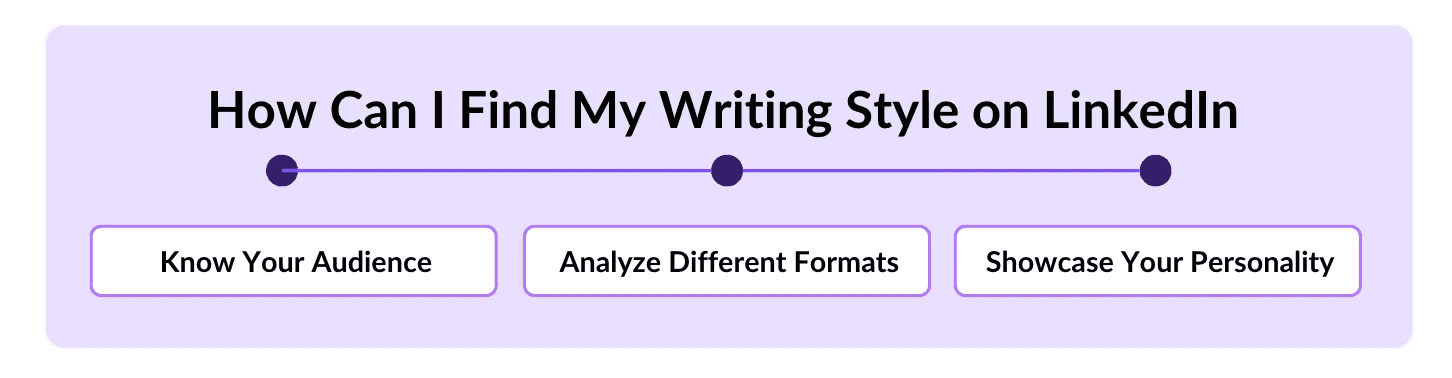
There are two ways to approach this:
Either you already have a clear idea because you're used to writing and know exactly how you want to project your message, or, if you're like me when I first started creating content for LinkedIn and had no idea where to begin, here are a few tips to help you get started:
Know Your Audience: Whether you're selling plush toys for children or running a multinational corporation, your tone of voice won't be the same, and the level of formality in your posts will differ.
Knowing your audience helps you tailor your writing to speak directly to them and address their specific problems.
Analyze Formats: On LinkedIn, you'll quickly recognize the most popular content creators. You can even find someone in your niche and see what has worked for them.
I’m not saying to copy them, but drawing inspiration is a broad concept you can use to your advantage.
Showcase Your Personality: You don’t need to research this—it's something you were born with, and it's what makes you unique.
Put it to use! If you’ve had any personal insights about your project, communicate them in your own way, not like others.
There are already 150,000 people trying to copy someone else’s style, so stand out by being yourself.
Analyze and Test different Writing Styles
If you're an expert or an experienced content creator, you already know what makes a post go viral.
But if you're just starting out, the key here is to experiment with different approaches and see what works best.
One of the most important elements to focus on is the hook, or headline—this is what 80% to 90% of readers will base their decision on whether to stop and read your post.
Your headline needs to be 10 times more captivating than the rest of your post.
Mastering the art of writing a powerful hook takes time, testing, and a lot of trial and error.
That’s why it’s one of the first things to focus on when developing your writing style—it will improve little by little.
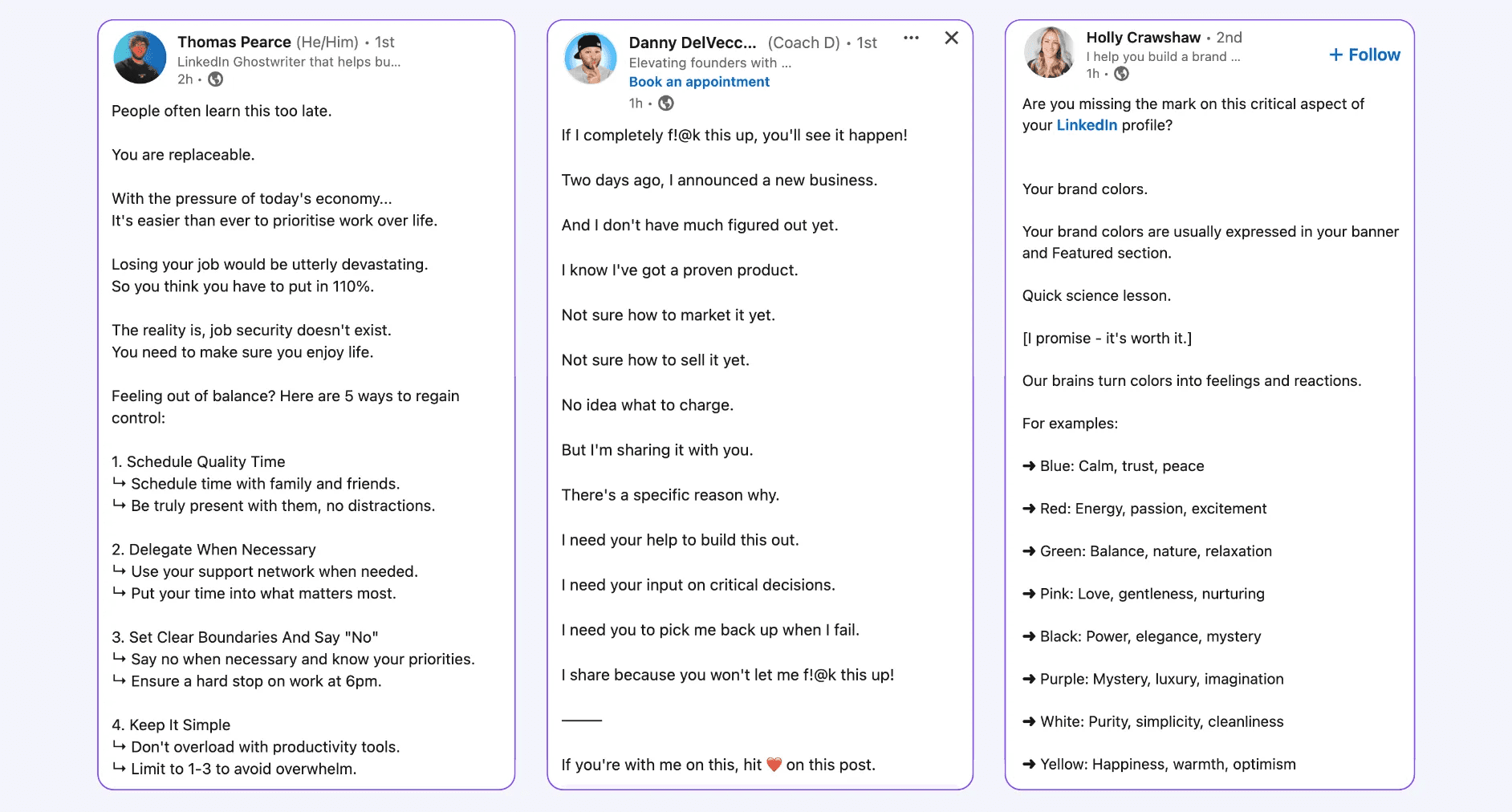
Once you’ve perfected that “stop-scroller” effect with your headline and understood its mechanics, the body of your text must respond to a need or trigger an emotional reaction.
Posts that connect the most with people are those that tap into an emotional chord—whether it’s surprise, sadness, fear, or another emotion.
Therefore, your opening paragraph should be captivating and live up to the expectation set by your hook.
Another aspect to consider is the length of your post.
How long does it need to be to address the issue you’re discussing?
This ultimately depends on your writing style, niche, and the message you want to convey.
How can AI Generators help you write your posts?
One effective way to speed up the content creation process is by using a LinkedIn AI generator.
More and more creators are using AI writing tools, and you should leverage them as well.
Today, there are numerous tools that can assist you in writing and streamlining your posts.
This allows you to concentrate on generating engagement, such as liking and commenting on other creators' posts. If you're facing difficulties with ideas, AI can also help you generate and draft them.
Now, you might be thinking, "AI for content creation sounds fantastic, but which tool best suits my writing style?"
Allow me to introduce you to a tool specifically designed for LinkedIn—MagicPost.
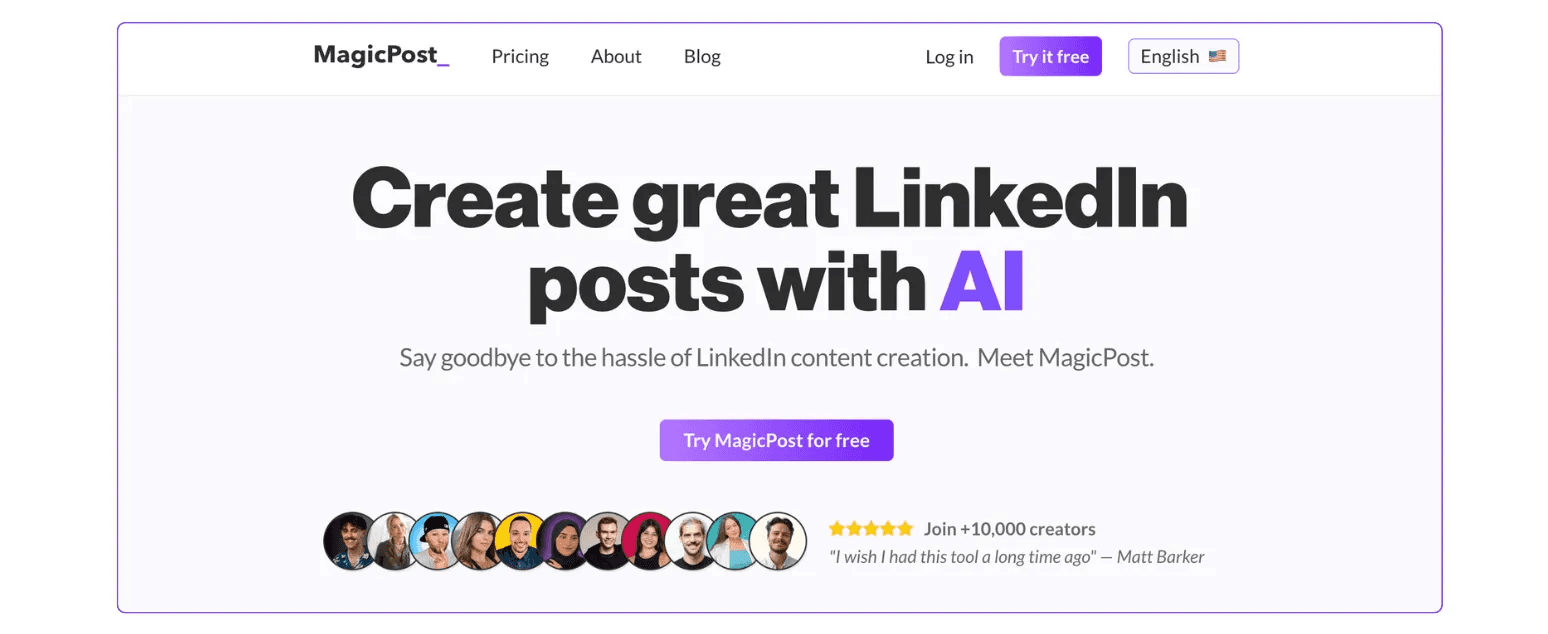
MagicPost is an AI tool tailored for LinkedIn that helps craft posts that resonate with your unique voice. What distinguishes MagicPost is that it doesn’t depend on generic LinkedIn templates.
Instead, it learns from your content by evaluating your previous posts, identifying what performed best and what didn’t, and generating posts based on that information.
The activation procedure is very straightforward.
Once you’ve established your MagicPost account, the tool will pose a few questions to gauge your experience level with writing LinkedIn posts.
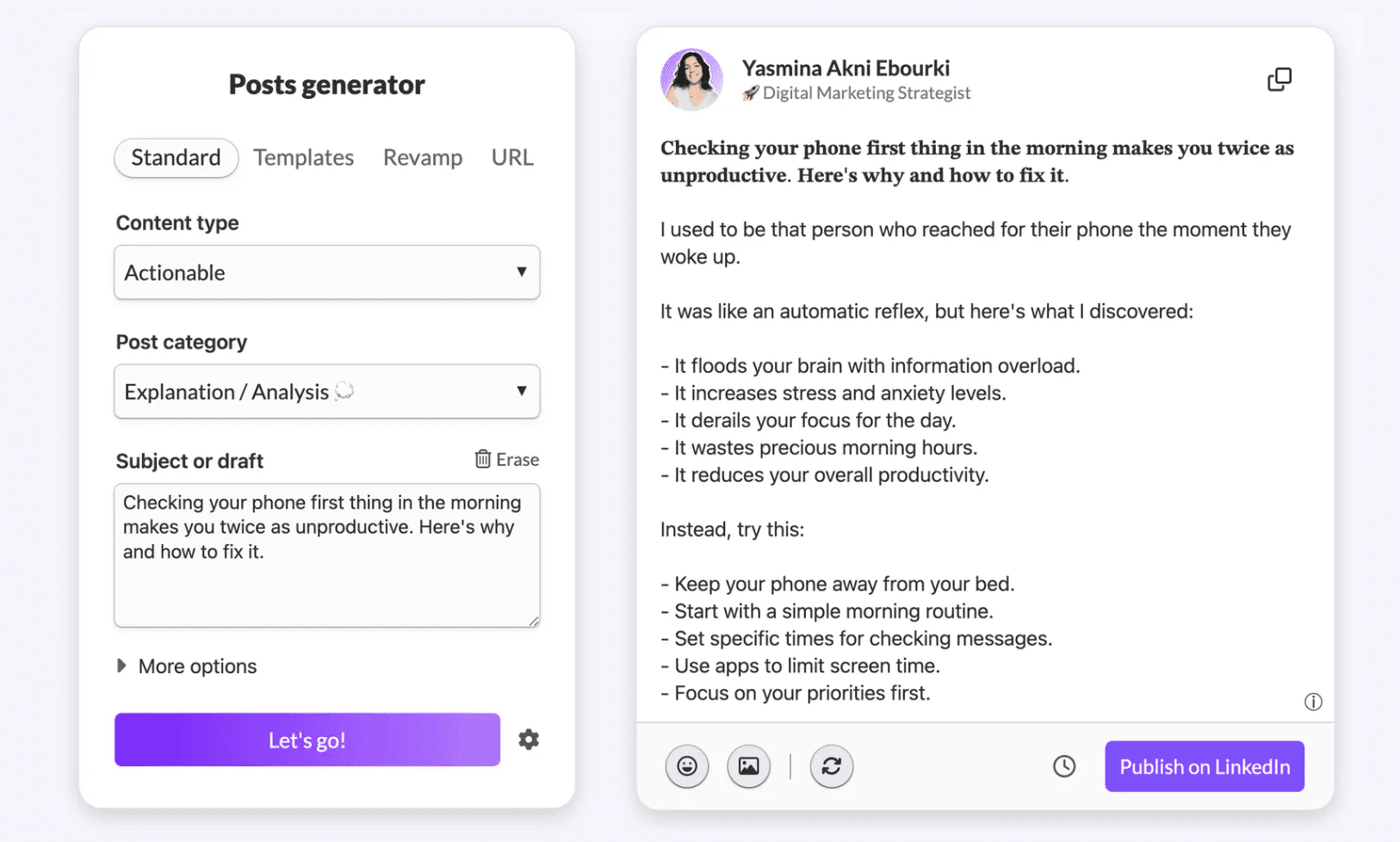
If you're just beginning and still figuring out your style or preferred format, the platform will recommend adopting formats from other content creators or utilizing its built-in generator that’s already optimized for LinkedIn posts.
On the other hand, if you already possess a clear grasp of your style, you can link your LinkedIn profile, and MagicPost will scrutinize your previous posts to learn your favored format—whether you opt for short or long sentences, bullet points, or specific topics.
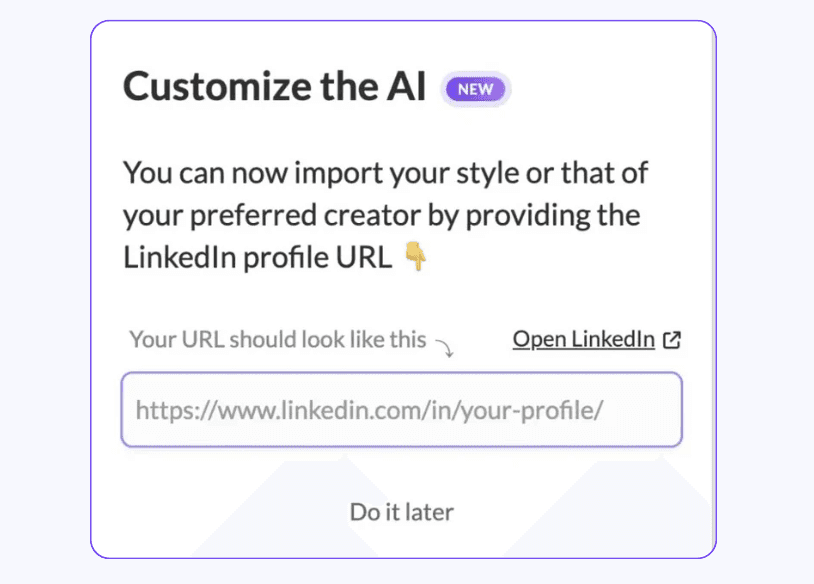
If you're just beginning and still exploring your style or format, the platform will propose using formats from other creators or leveraging its built-in generator, which is already optimized for LinkedIn.
If you already have a clear sense of your style, you can link your LinkedIn profile.
MagicPost will then analyze your past posts to comprehend your preferred format—whether you prefer short or long sentences, bullet points, or particular topics.
After finalizing the analysis, the AI will generate posts that align with your style.
The more you utilize it, the more it learns, assisting you in spending less time editing.
The generator also proposes adjustments for your post’s opening, creating a hook that captures interest and entices readers.
You’ll have the option to modify this hook up to three times or alter it yourself manually.
If you prefer to end posts with a signature, you can configure it in the settings section, and it will automatically be included in each post.
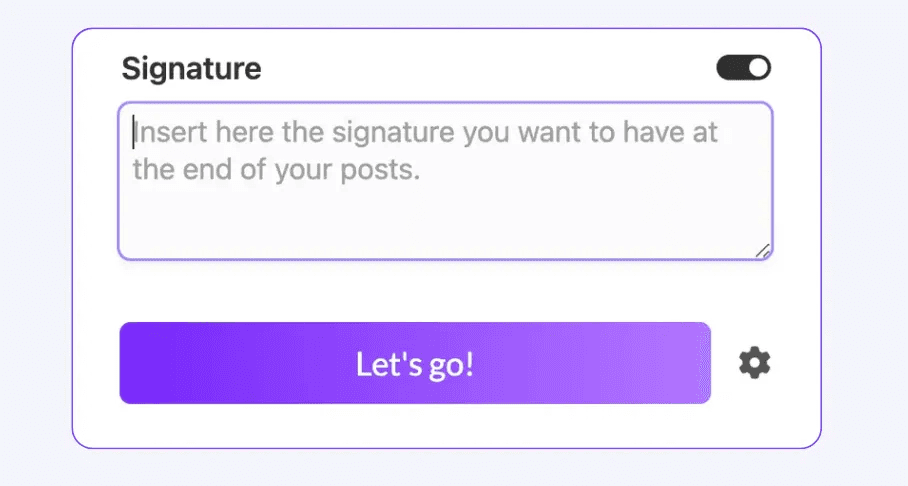
The platform also enables you to schedule posts and effortlessly add images, videos, or carousels, enhancing your content's impact and visual appeal.

How to Create a LinkedIn Content Calendar That Works
Learn how to create a LinkedIn content calendar to plan, schedule, and grow your professional presence with consistent, engaging posts.
Last update: 12 Dec 2025

Taplio vs Hypefury: Which LinkedIn Tool is Better?
Let's compare Taplio and Hypefury: find out which platform suits your content, workflow, and audience growth goals best.
Last update: 4 Dec 2025
Supergrow Vs Taplio: Which LinkedIn Tool is the Winner?
Compare Supergrow and Taplio in a clear side-by-side breakdown to find out which LinkedIn growth tool best fits your content, networking, and analytics requirements.
Last update: 3 Dec 2025
9 Best Contentdrips Alternatives
Discover why MagicPost is the smarter alternative to Contentdrips. Learn about others like AuthoredUp, Kleo, Buffer, Hootsuite, SocialSonic, and many more.
Last update: 1 Dec 2025
Contentdrips review: Features, pros, and cons
In this Contentdrips review, we will discuss the features, advantages, and disadvantages of this tool. We will also examine the pricing and how it compares to Magicpost.
Last update: 28 Nov 2025
Typegrow Review: Features, Pros and Cons
Typegrow review 2025: What are the features, advantages, and disadvantages? Check out this article to find out if it's right for you.
Last update: 26 Nov 2025

20 Best LinkedIn Hook Examples for More Engagement
Discover the best LinkedIn hooks to get more engagement on your post and a free tool that helps you write compelling hooks.
Last update: 26 Nov 2025