If you live in Claude or Cursor, your LinkedIn workflow does not have to live in a separate browser tab. MagicPost ships an MCP server that plugs your LinkedIn presence straight into the AI assistant you already use, so you write, schedule, measure, and run a whole team in plain English.
In one line: the MagicPost MCP turns Claude (Desktop, claude.ai) or Cursor into a full LinkedIn content cockpit for your organic presence, your own posts and your team's.
It is built for the whole loop, create, schedule, measure, and for agencies and teams, not a read-only viewer or a single-purpose script. This is not about LinkedIn Ads: no spend, no campaigns, just your content.
Below: the 17 tools, grouped by the job you are actually hiring them for, each with the exact prompt you would type and what comes back.
What can the MagicPost LinkedIn MCP do?
Job | Tools | What you ask Claude |
✍️ Create | `generate_post`, `add_writing_style_profile`, `find_writing_style_profile`, `list_my_writing_styles`, `search_inspiration_posts`, `create_or_update_post`, `get_post`, `list_my_posts` | "Draft three posts in my voice about X" |
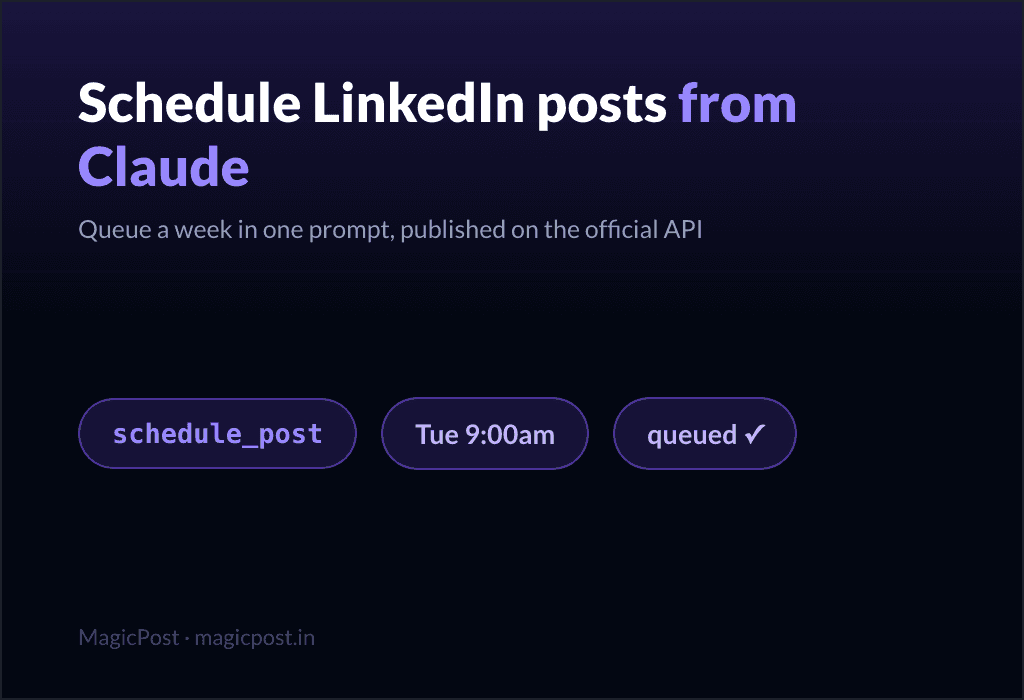
📅 Schedule | `schedule_post`, `publish_post_now`, `cancel_scheduled_post` | "Queue this for Tuesday at 9am" |
📊 Measure | `get_metrics_summary`, `refresh_my_posts` | "How did my last 30 days do?" |
👥 Team & agency | `get_org_metrics_summary`, `list_org_members`, `list_org_member_posts`, `schedule_member_post` | "Summarise each member, then schedule Sarah's post" |
Every action is scoped to your own connected account. Claude drafts, schedules, and reads your numbers; you stay in control of what actually goes live.
Create: how do you draft posts in your own voice from Claude?
You are a creator or marketer who already thinks out loud in Claude. You want drafts that sound like you, not like a generic AI.
First, teach the MCP your voice. Point it at a LinkedIn profile (yours, or a writer whose style you want), and it becomes a reusable style template.
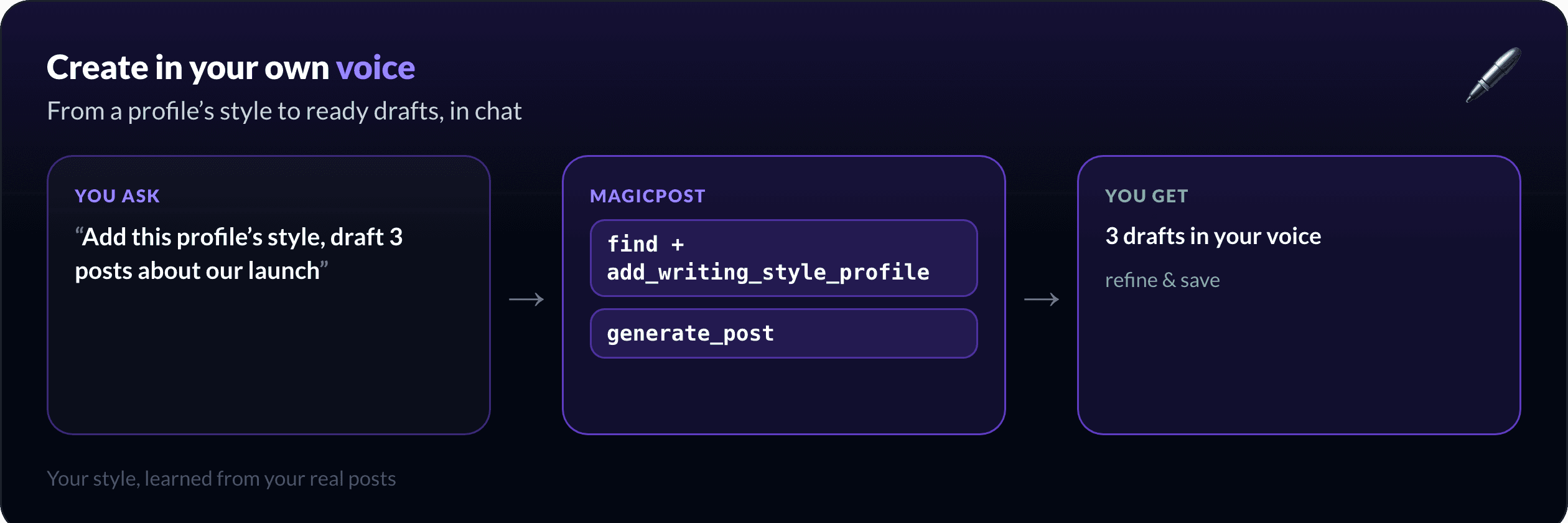
"Find the writing style of linkedin.com/in/my-handle, add it as my style, then draft 3 posts about our Q3 launch in that voice."
Claude calls `find_writing_style_profile`, attaches it with `add_writing_style_profile`, then `generate_post` returns three drafts in that voice. You refine them in chat and keep the keeper with `create_or_update_post`.
Stuck on the angle? Pull real proof of what works in your niche before you write:
"Show me top-performing posts about employee advocacy with at least 500 likes, sorted by top_likes."
`search_inspiration_posts` returns examples you can model, filtered by engagement and sorted how you want (recent, top_likes, top_comments).
Want the writing engine on its own? It is the same model behind the AI LinkedIn post generator: it learns your voice from your own account and drafts in it.
Schedule: can you actually schedule a LinkedIn post via MCP?
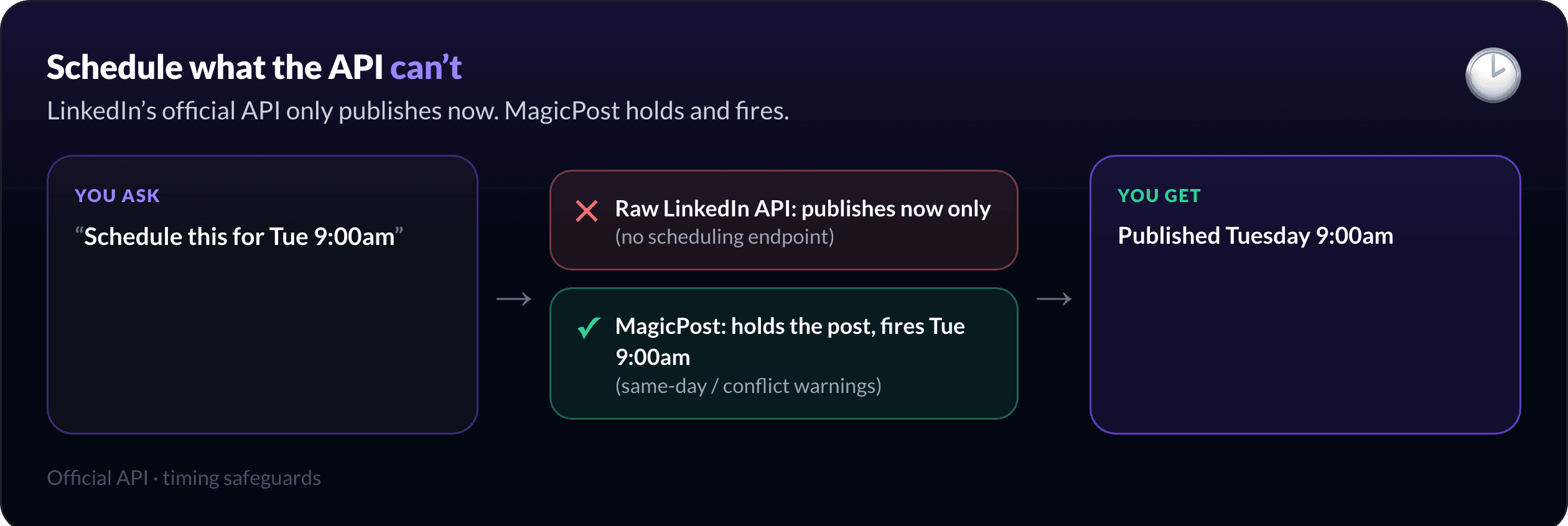
Most LinkedIn MCPs hit the same wall: LinkedIn's official API has no scheduling endpoint. It only publishes immediately. So a raw LinkedIn MCP that calls the API directly can only post right now, never on Tuesday at 9am.
MagicPost schedules for real because the post is held on MagicPost's side and fired at your slot, through the official API, with timing safeguards built in.
"Schedule this draft for Tuesday at 9:00 am."
`schedule_post` queues it and warns you in chat if the slot is same-day or already taken. Need it out now? `publish_post_now`. Changed your mind? `cancel_scheduled_post`. No browser, no native scheduler, no copy-paste.
The full walkthrough (queuing a week, handling time zones, why the API limitation matters) lives in the dedicated guide: Schedule LinkedIn posts from Claude.
Measure: how do you see what is working without opening a dashboard?
You do not want to leave the conversation to check a chart. Ask for the numbers where you are.
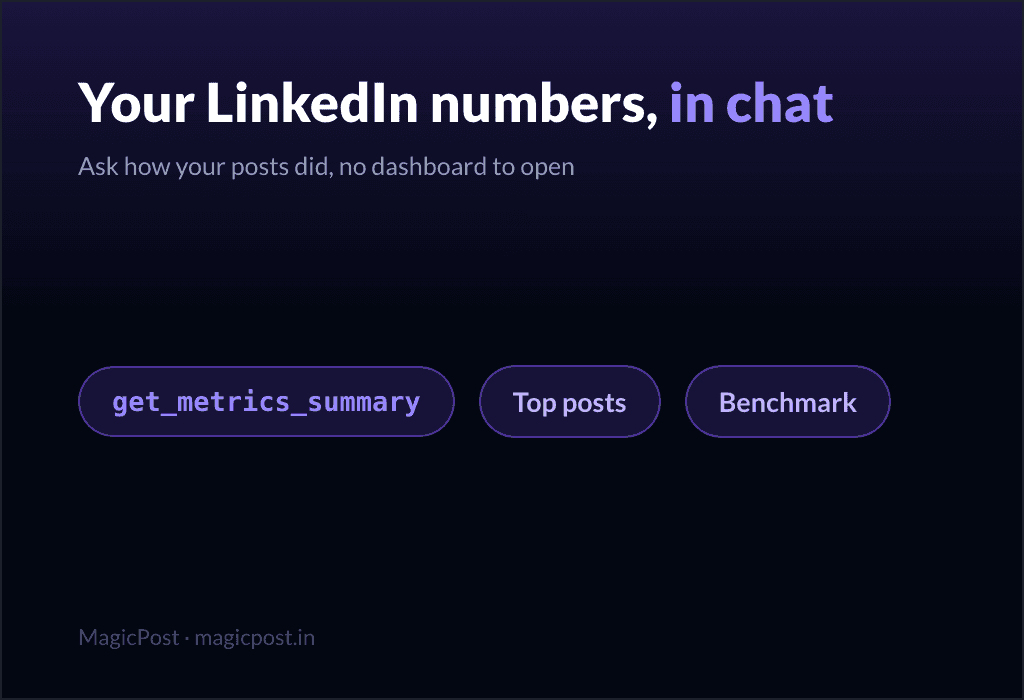
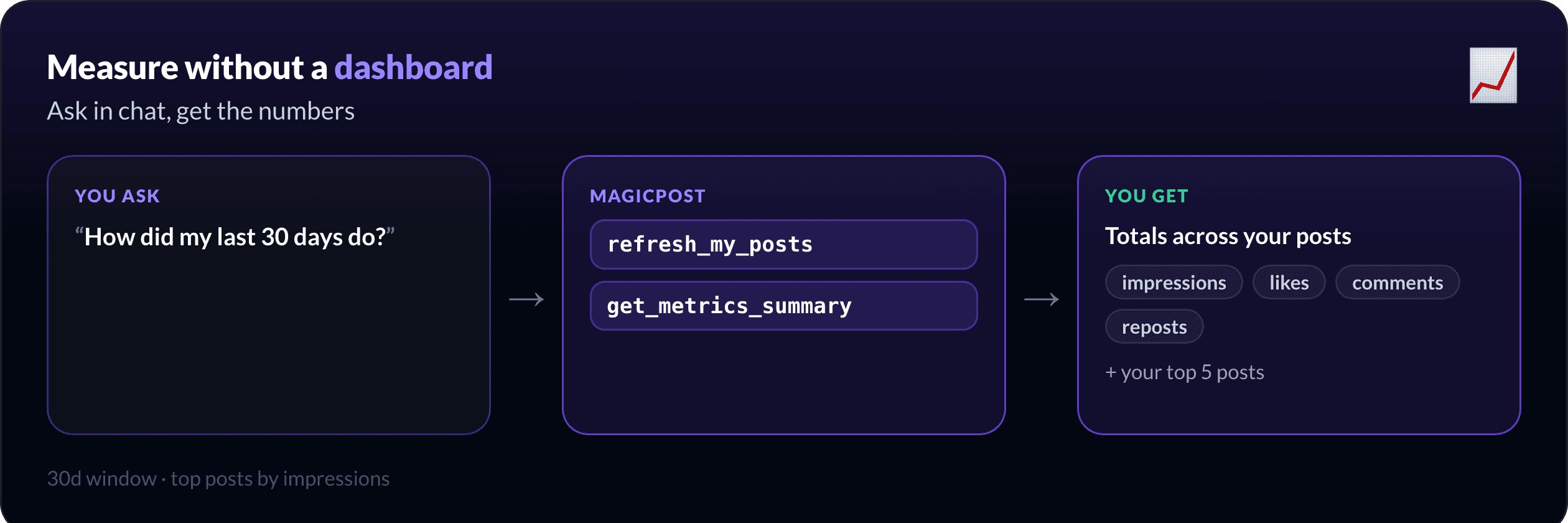
"Summarise how my LinkedIn did this quarter and pull my best posts."
`get_metrics_summary` returns your top-line totals (impressions, likes, comments, reposts) plus your best posts for the window you name (`30d`, and so on). If the data feels stale, refresh it first:
"Pull my latest LinkedIn numbers, then recap the quarter."
`refresh_my_posts` forces a fresh pull so the summary is current. That keeps the loop closed: the place you wrote and scheduled is the place you find out what landed.
Going deeper on analytics? The full guide on reading performance and benchmarks in chat is LinkedIn analytics in Claude, and the product view is LinkedIn analytics.
Team and agency: how do you run multiple LinkedIn accounts?
This is the part most individual-first tools skip. If you run an agency, ghostwrite for clients, or lead a content team, you manage many profiles, not one.
In chat, you ask across the whole team at once:
"Give me a one-line performance summary for each team member this month, then schedule Sarah's next post for Thursday at 8am."
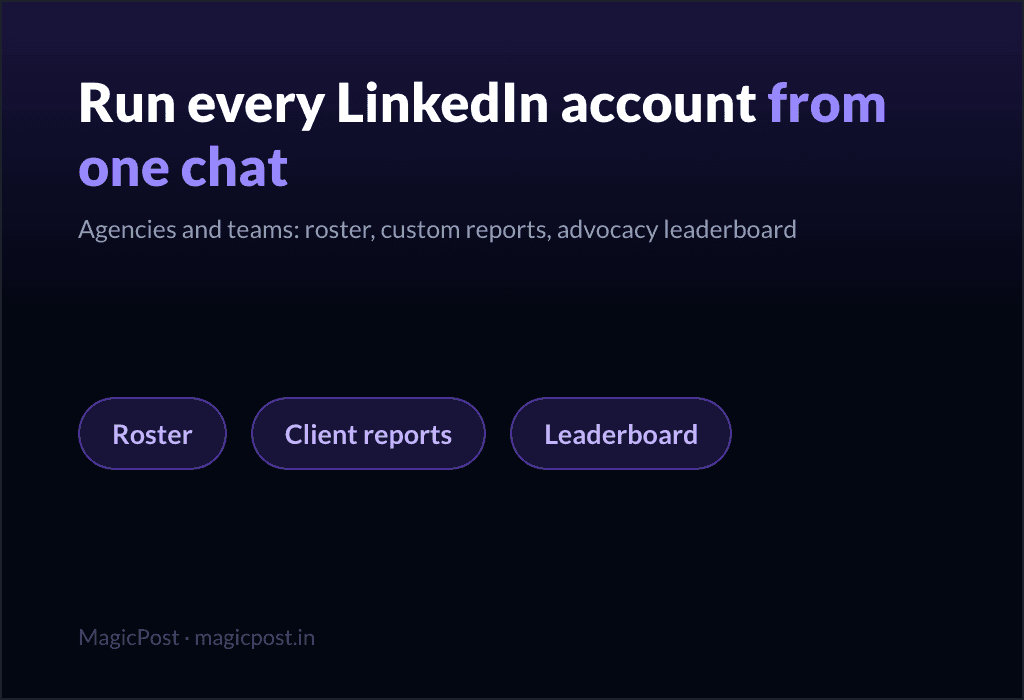
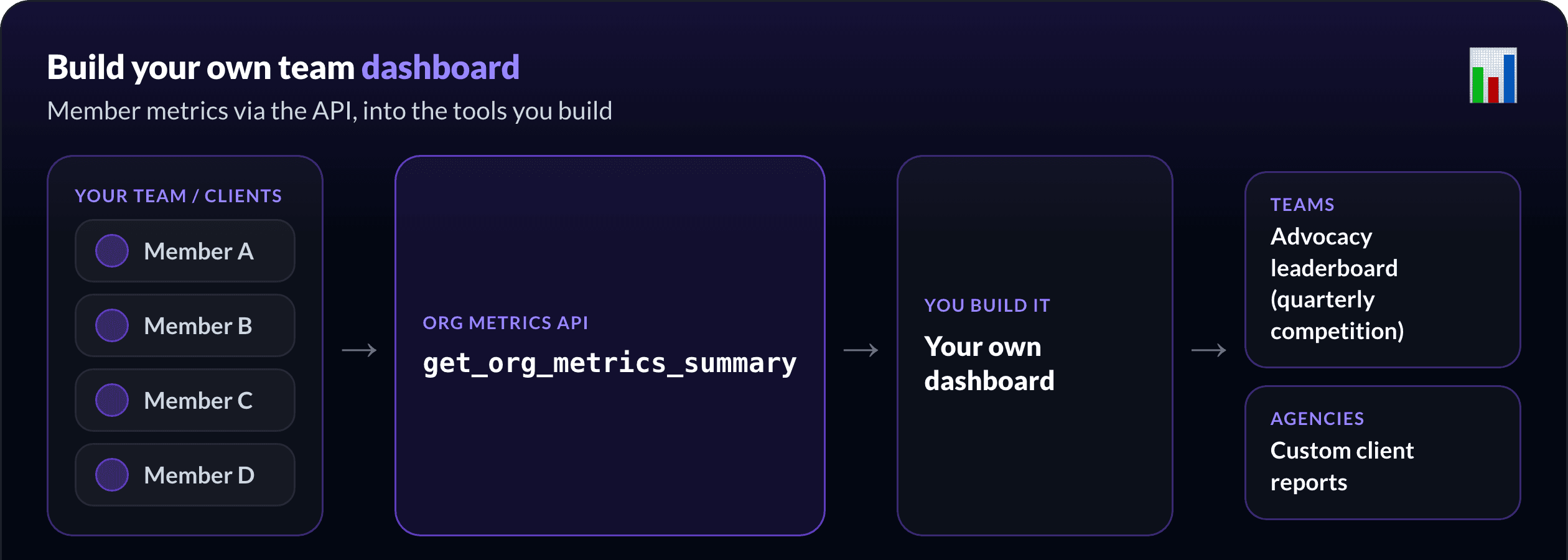
`get_org_metrics_summary` returns one compact summary per member (name, totals, top posts), or a detailed breakdown for an individual. `list_org_members` and `list_org_member_posts` give you the roster and the inventory, and `schedule_member_post` lets an admin queue a post on a member's behalf, all from one chat.
A use case agencies reach for: build your own dashboard. The same org metrics are on the REST API, so you are not boxed into one tool's screens. You pull the data into your own internal tools and report it your way. Two plays we see constantly:
Teams: run your employee advocacy program. Feed member activity into a live leaderboard and run a quarterly competition, the kind of game that actually keeps a team posting.
Agencies: custom reports, one source of truth. Build client reports on your own template, and centralise every client's activity in a single view instead of logging into each account.
That is the closed loop at team scale: in chat for the quick questions, on the API for the systems you build to keep.
Running LinkedIn for clients or a team? The full playbook (roster, per-account metrics, scheduling on someone's behalf, and an API to feed your own dashboard) is in managing multiple LinkedIn accounts via MCP. It is what MagicPost for agencies and teams were built around: client approval, multi-account management, and team visibility in one place.
How do you set up the LinkedIn MCP server?
The MCP works in any MCP client: Claude Desktop, claude.ai, Cursor and ChatGPT. Connect once and all 17 tools (create, schedule, measure, and the team tools) appear in your assistant at once: Claude Desktop connects with a MagicPost API key, ChatGPT through a MagicPost sign-in with no key to create. If you are weighing ChatGPT alone against MagicPost, see MagicPost vs ChatGPT. Prefer to build your own integration? The same actions are on the REST API at `api.magicpost.in/api/v1/*` with Bearer-token auth.
Everything stays scoped to your authenticated account, with no cross-account access. The full setup steps and tool reference are in the developer docs and the MCP tools list.
Run your whole LinkedIn workflow from chat. Connect MagicPost to your assistant and run the full loop: draft your next two weeks in your voice, schedule them, and check the numbers, without leaving Claude.
FAQ
What is the MagicPost LinkedIn MCP?
It is an MCP (Model Context Protocol) server that connects your MagicPost account to AI assistants like Claude and Cursor. It exposes 17 tools to write, schedule, publish, and analyse your organic LinkedIn content, plus team tools for agencies, all from a chat prompt.
Is this for LinkedIn Ads?
No. The MagicPost MCP is for your organic LinkedIn content, your own posts and your team's. It does not touch ad accounts, campaigns, or spend. If you need LinkedIn Ads reporting, this is not the tool.
Can you really schedule LinkedIn posts through MCP?
Yes. LinkedIn's official API only publishes immediately, so raw LinkedIn MCPs cannot schedule. MagicPost holds the post and publishes it at your chosen time through the official API, with same-day and slot-conflict warnings.
Which AI clients does it work with?
Any MCP-compatible client: Claude Desktop, claude.ai, Cursor and ChatGPT are the common ones. If you would rather script it, the same capabilities are available on the MagicPost REST API.
Can an agency manage multiple LinkedIn accounts with it?
Yes, and this is its differentiator. `list_org_members`, `get_org_metrics_summary`, `list_org_member_posts`, and `schedule_member_post` let an admin read team performance and schedule on members' behalf from one conversation.
What can Claude actually access?
Only your own connected MagicPost account, never anyone else's. Claude can draft, schedule, and read your metrics; publishing happens through MagicPost on the official API, and you decide what goes live.