


Every LinkedIn image your posts need.

Start from a model and write in it. Describe what you want and let the AI draw it. Or step into the picture yourself.

Free trialNo credit cardNo design tool

THREE WAYS TO AN IMAGE

You write it, the AI draws it, or you are in it.

Same place, same colors, same media library. What changes is how much of the image you draw yourself.

Try MagicPost

MagicPost is a LinkedIn verified partner

SET ONCE, WORN BY ALL

Your colors, already on the card.

The brand kit holds your colors, your title and body fonts, your headshot and your logo. Models come out wearing it, and the AI draws in those same colors. Your name can even be drawn inside the design, the way it would appear on a real poster.

Up to three saved styles. Switching one keeps your text as it is.

INSIDE THE VISUAL GENERATOR

From your subject to a LinkedIn image you can post.

Start from a model and type

Families of cards, from lists and tables to data, diagrams, short posts and quotes. Everything printed on one is yours to overwrite. Move to another card of the same shape and your text follows as it is. Change shape and MagicPost redraws your content into the new card, without losing the one you left.

Open the gallery

Or describe it and let the AI draw

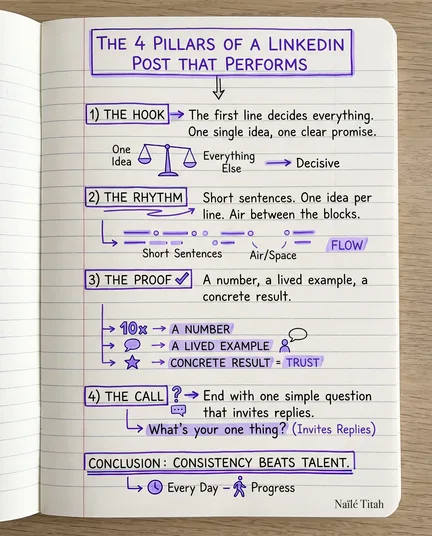
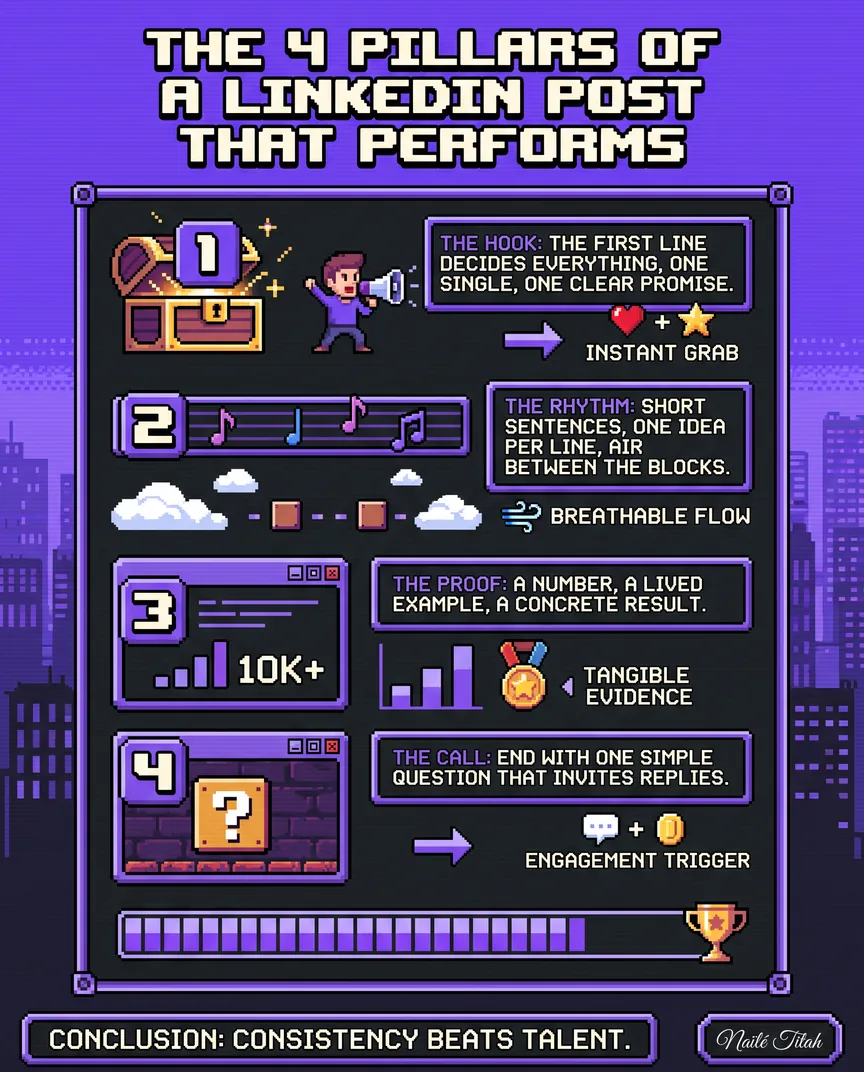
Pick what the card has to show, then how it should be drawn: hand drawn ink, moulded 3D, risograph print, plain poster type, pixels. The two choices are independent, so the same checklist can come back as a sketch or as a poster. To change it, write the change in one line.

Generate your first visual

Or put yourself in the picture

Save three to six photos of yourself, once. Then pick a scene, or describe the place, the outfit and the mood, and add a sentence to be drawn inside the image. MagicPost can also read the post you are drafting and propose photo ideas for it.

Generate your first photoStart with the LinkedIn post generator →

Take the JPEG, or post it from here

Every image comes out at the size the LinkedIn feed expects. Take it as a JPEG, or attach it to the post you are writing and schedule the two together, through the official LinkedIn API. Your media library keeps a copy either way.

Publish your first visualSchedule LinkedIn posts from here →
Try MagicPost

MagicPost is a LinkedIn verified partner

NOT A SINGLE IMAGE?

A deck of slides is a different page.

Carousels have their own builder, two free tools cover the one-off, and a profile picture follows other rules.

FREQUENTLY ASKED QUESTIONS

Before your first LinkedIn image.

Can MagicPost generate images for LinkedIn posts?

MagicPost generates images for LinkedIn posts in three ways. Fill in a customizable model and write the text yourself. Or describe what the image should show and let the AI produce the whole card. Or generate a photo of yourself, from a few real ones you saved. All three come out sized for the LinkedIn feed.

Can I edit the text on the image?

On a MagicPost model, every title, number and caption is its own field: click it and type. An image the AI drew has none, because it was drawn in one pass. You ask for the change in one sentence instead, and MagicPost draws it again, keeping every version with the sentence that produced it.

What is an AI mockup?

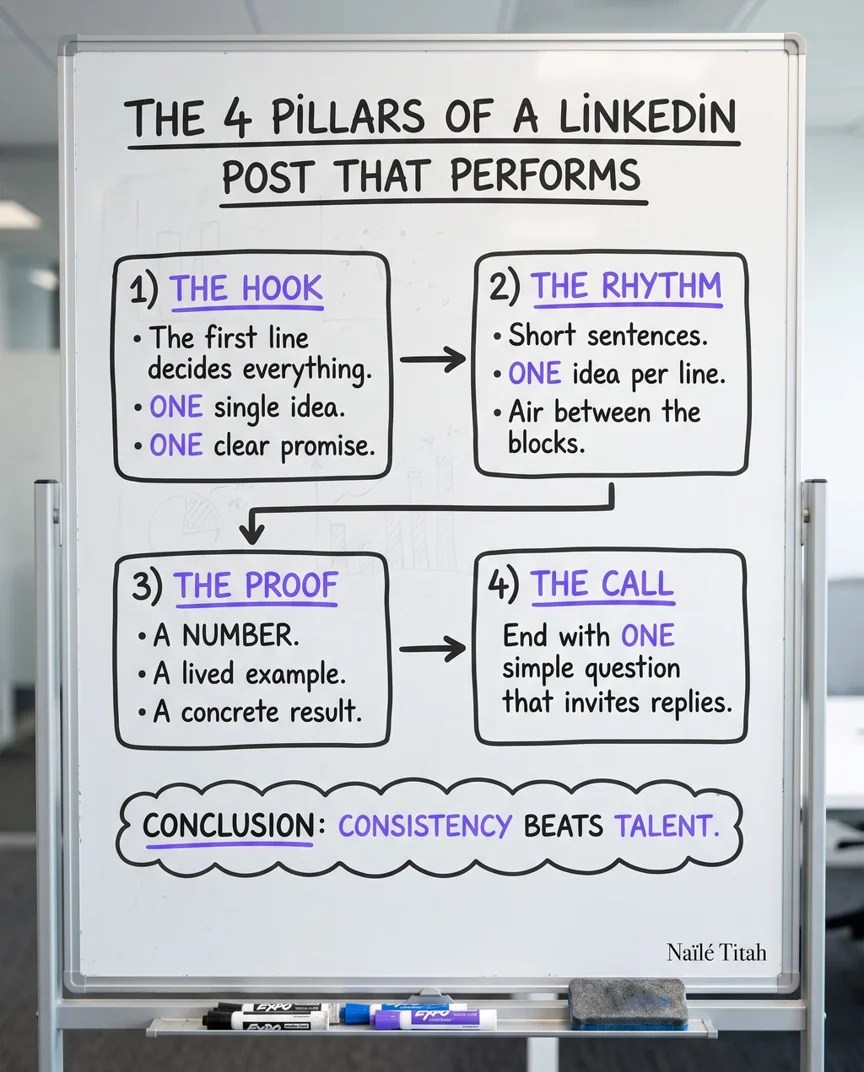
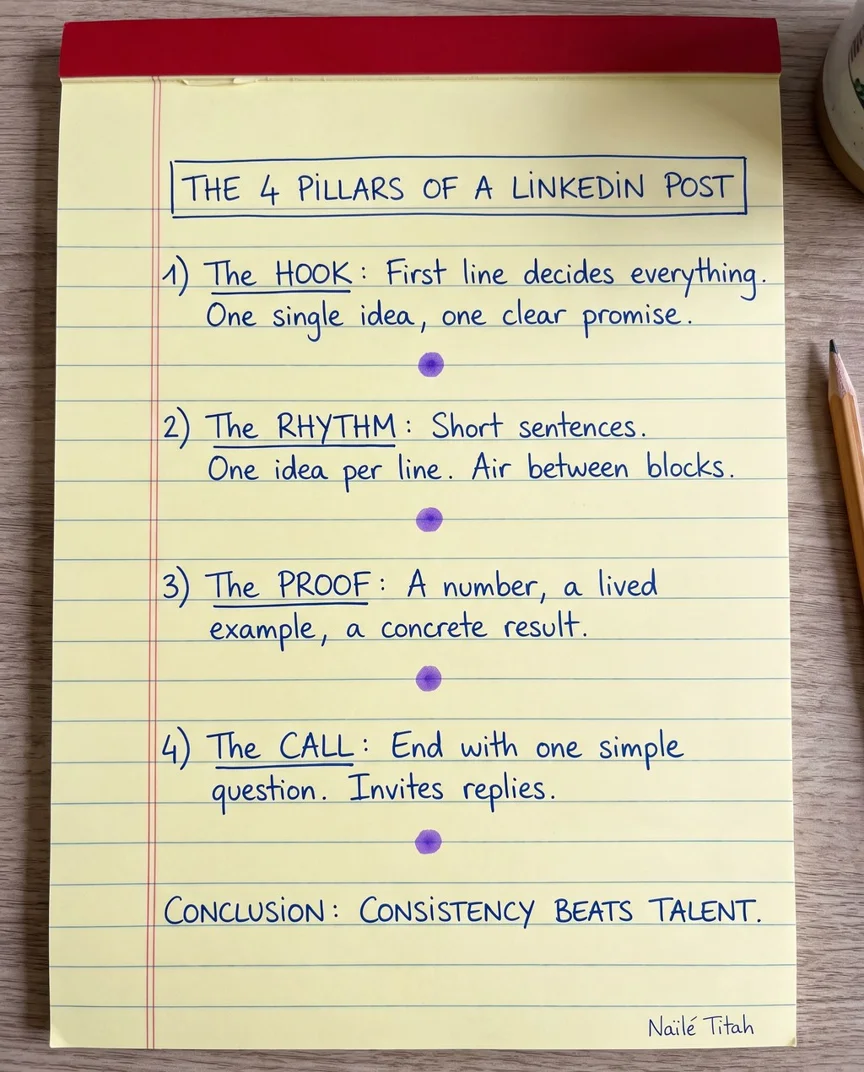
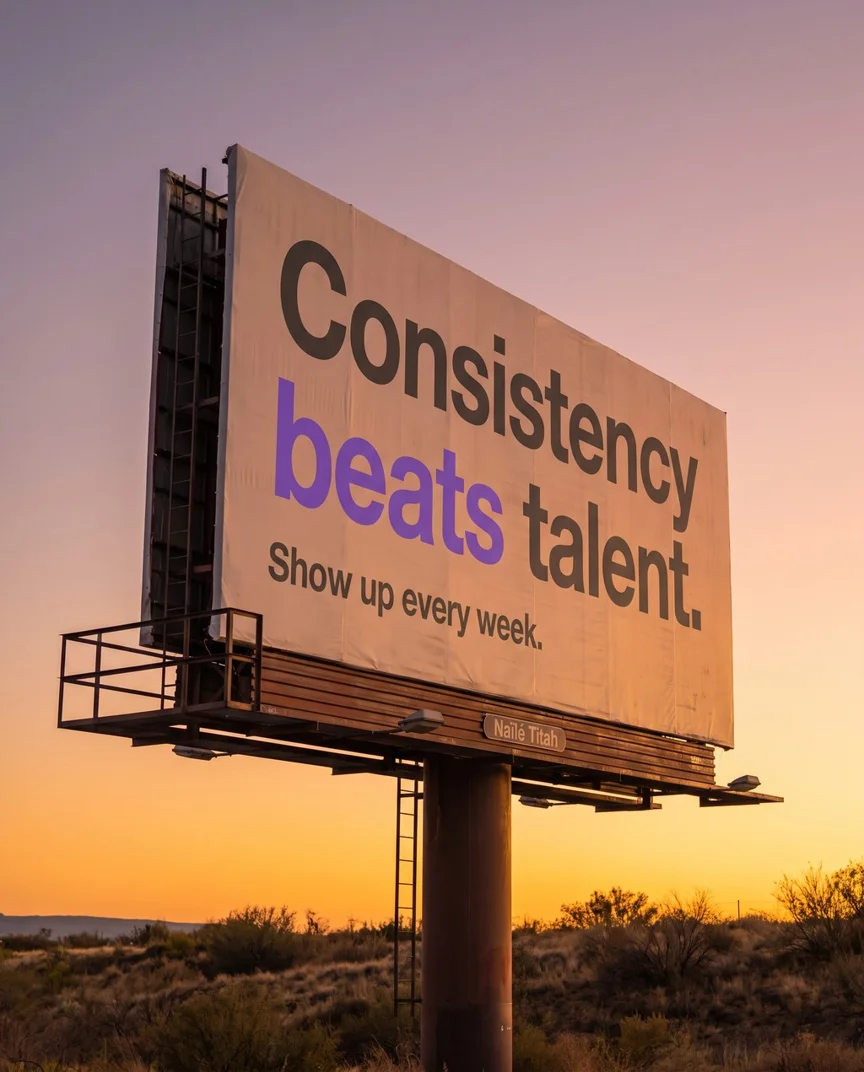
An AI mockup is a photograph of a real object carrying your content, generated like any AI visual. Your checklist appears handwritten in a spiral notebook, your steps on a whiteboard. Your quote goes on a billboard by the road, or on the page of an open magazine. Layouts and objects are two separate families, each object with its own scenes.

Can I generate photos of myself?

MagicPost generates photos of you from a base you save once: three to six clear photos of yourself, from different angles. Every generation starts there. You pick the scene, from a café table to a stage or a studio backdrop, then the render, which is a separate choice. A sentence of up to eighty characters can be drawn inside the picture.

Can the images use my own colors?

Images made in MagicPost wear your own colors through the brand kit. A model comes out in those colors, and so does an AI visual, unless you pick three others for that image. Your name and title can be drawn inside the design, or left off. What it cannot impose on a generated image is a font: the render draws its own lettering.

Which plan includes visuals and AI photos?

Visuals and AI photos are included in MagicPost from the Creator plan and above, during an active free trial, and with an organization seat. The Analytics plan does not cover them. How many you can generate depends on your plan, and the Help Center article keeps that number up to date. The trial is free and takes no credit card.

YOUR NEXT POST

Give it a subject, get an image.

Try MagicPost for free

Free trial, no credit card, no design tool to learn.