Posting for a client is only half the job. The other half is engagement: the comments and reactions that put your client in front of the exact people who can hire them. A great post with no engagement around it just sits there.
For an agency, the value is not "engage more." It is engaging with the right people for each client, especially their prospects, and doing it from each client's profile without losing your day to it. That is what this guide covers, plus how to show the client the work afterwards.
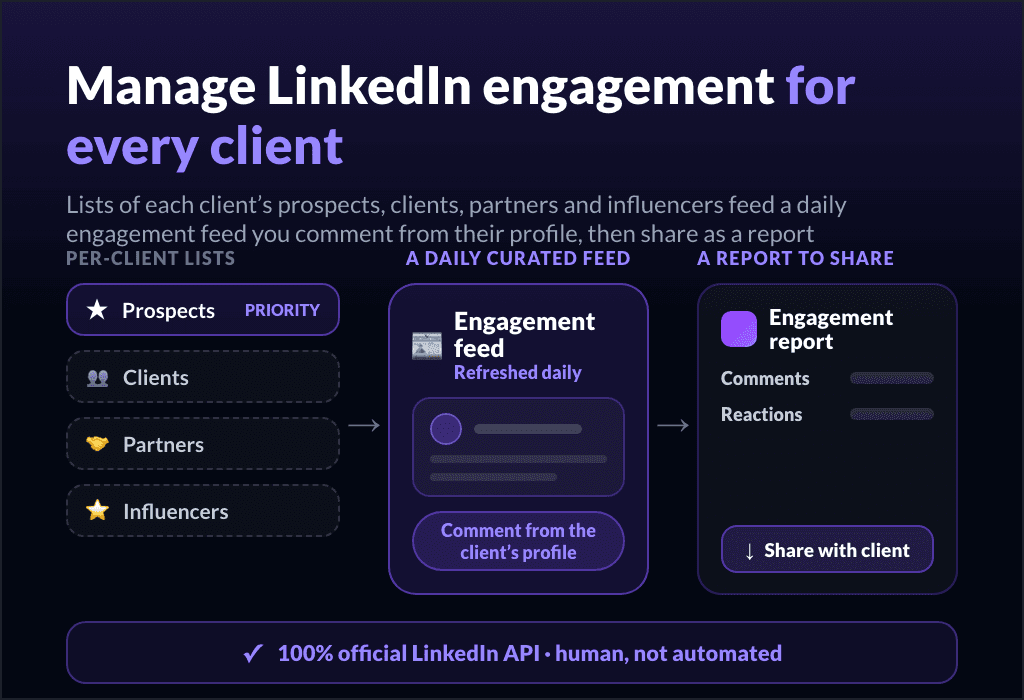
Short answer: to run LinkedIn engagement for clients, build a curated list of each client's key people (their prospects first, then clients, partners, collaborators, peers, and the influencers in their space), pull their latest posts into a feed that refreshes every day, and comment from the client's profile fast (a GIF or media in one click, or a saved comment reused in one click).
Keep it human and consistent with a daily objective, do it through the official LinkedIn API, and download an engagement report to share with the client.
Who should your clients actually engage with?
Random engagement grows nothing. What works is putting each client in front of the people who move their business, and that list is specific to them.
Build it by category, the same way you would brief any account:
Prospects (the priority). The "dream clients" you want to notice your client. Engaging on their posts is how your client gets on their radar before any pitch.
Clients and customers. Staying visible to people who already pay keeps the relationship warm.
Partners and collaborators. The people your client does business with, who amplify each other.
Peers in the same field. Engaging with people in the client's industry builds standing inside the conversation that matters.
Industry influencers. The big accounts where a sharp comment puts your client in front of a large, relevant audience.
You can create as many lists as you need, and keeping each list tight (around 49 profiles) is deliberate: a focused list is quality over noise, so the feed stays about the people who count.
A curated feed that refreshes every day
The reason engagement gets dropped is the LinkedIn timeline. You open it to engage and lose twenty minutes to noise that has nothing to do with the client.
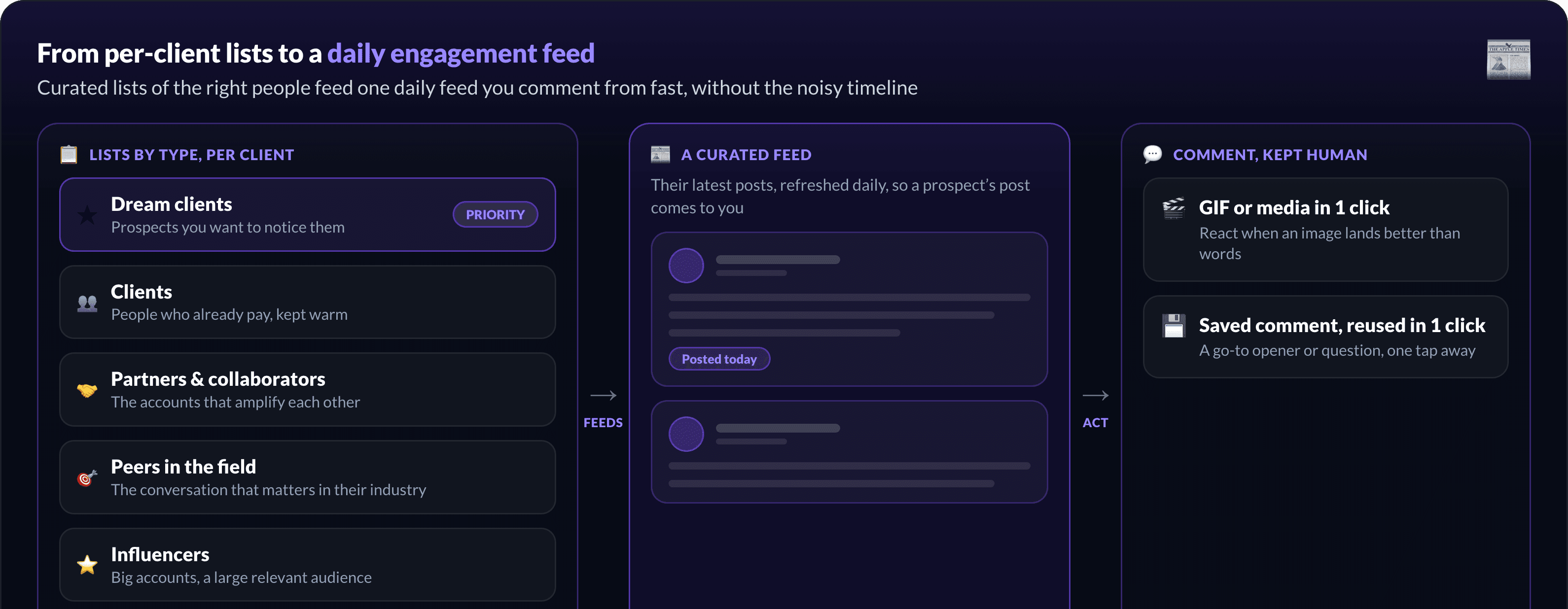
A curated engagement feed flips that. Instead of scrolling, you get the latest posts from the exact profiles on each client's lists, refreshed automatically every day. You never miss the moment a prospect posts, because their post comes to you. The work becomes "open the feed, engage with the people who matter, done," not "go hunting."
Comment fast, but keep it human
Speed and quality usually pull against each other in engagement. The trick is to make the genuine version faster, not to fake it.
From the curated feed you can like and comment in place, and add a GIF or media in one click when a reaction lands better than words. You can also save your best comments and reuse them in one click, so a strong opener or a go-to question is one tap away instead of retyped every time.
What MagicPost deliberately does not do is auto-comment with AI. LinkedIn penalizes that, and generic bot comments damage the client's reputation more than they help, so the final action is always a human one. The tooling makes intentional engagement fast; it does not replace it.
Set engagement objectives and build the habit
Consistency is what compounds, and consistency is a habit problem, not a motivation one.
Set a daily or weekly objective for each client (something like a few likes and a couple of comments a day) and track it. Most people clear a steady-growth target in around five minutes once the feed is curated, because there is no searching involved. Small and daily beats a big batch once a week, for the algorithm and the relationships both.
Run it per client, safely
For an agency, all of this has to work across a roster, from each client's own profile, every day. That is exactly where account safety matters most.
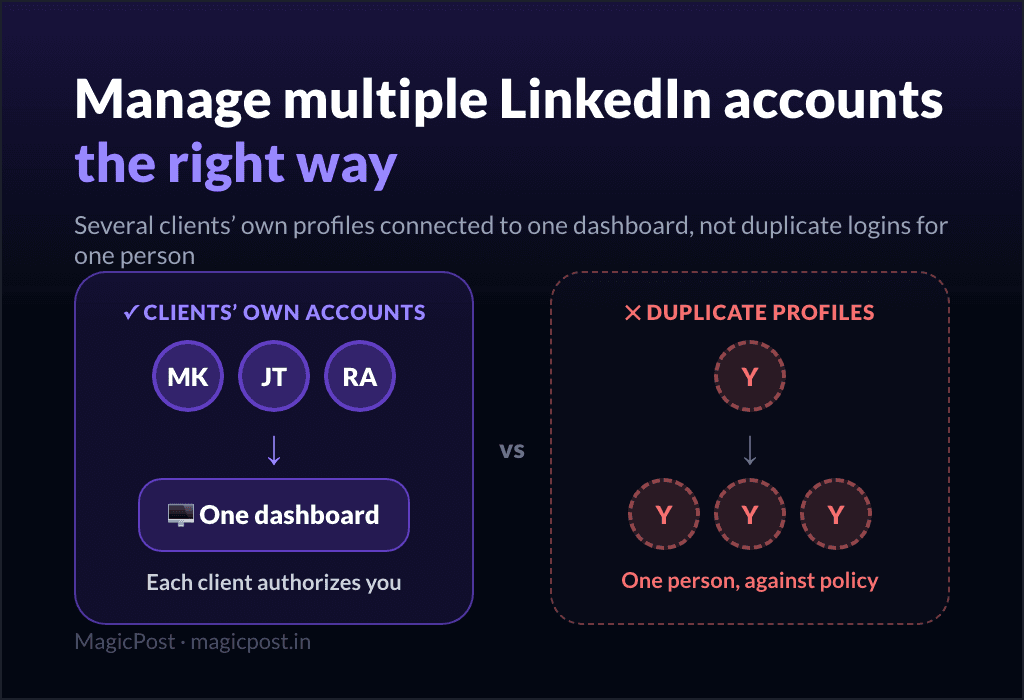
MagicPost is a LinkedIn-verified partner and operates through LinkedIn's official developer program with authenticated API connections. You engage from each client's profile because they authorized the connection, not because you logged in as them, with no browser extension and no shared password. It is the same safe model that lets you manage multiple LinkedIn accounts across the roster, applied to the daily engagement routine.
Whether engagement is even built in is one of the things that separates the agency-grade LinkedIn tools from solo writing apps, and it is part of what decides whether you can scale a ghostwriting roster at all.
Show the client the work: downloadable engagement reports
Engagement is the part of the retainer clients never see. They read their posts and the monthly numbers, but the comments you left from their profile are invisible unless you make them visible.
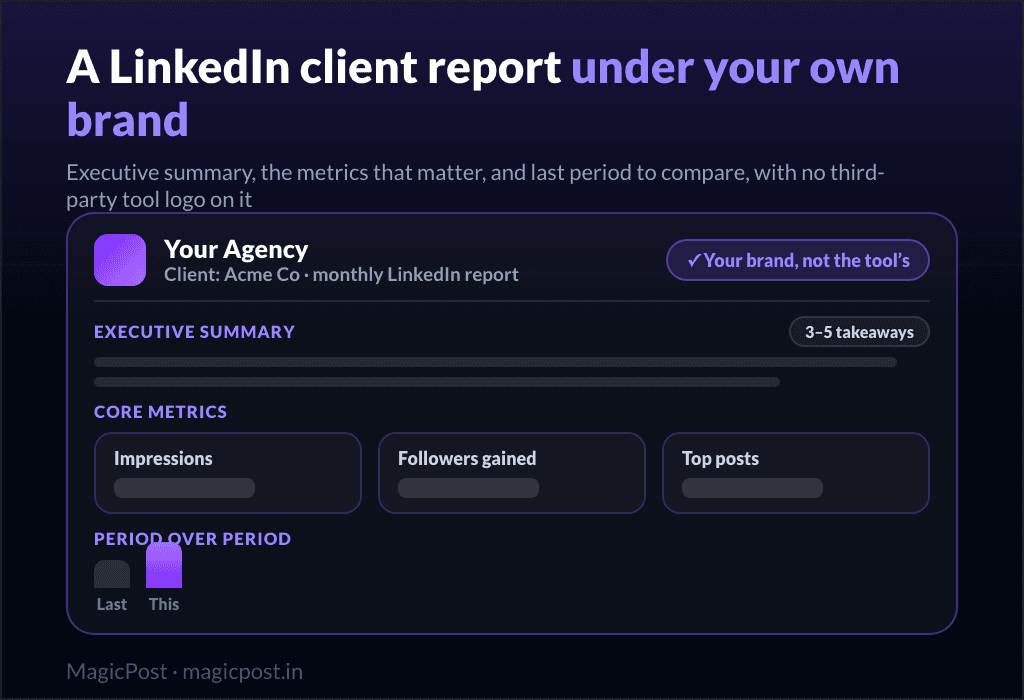
So make them a deliverable. Download an engagement report and share it with the client, under your brand, alongside their post performance. Now "we also engaged with your prospects this month" is something they can see, not something they take on faith.
Which file to download, and how to check it before sending, is in how to export LinkedIn analytics.
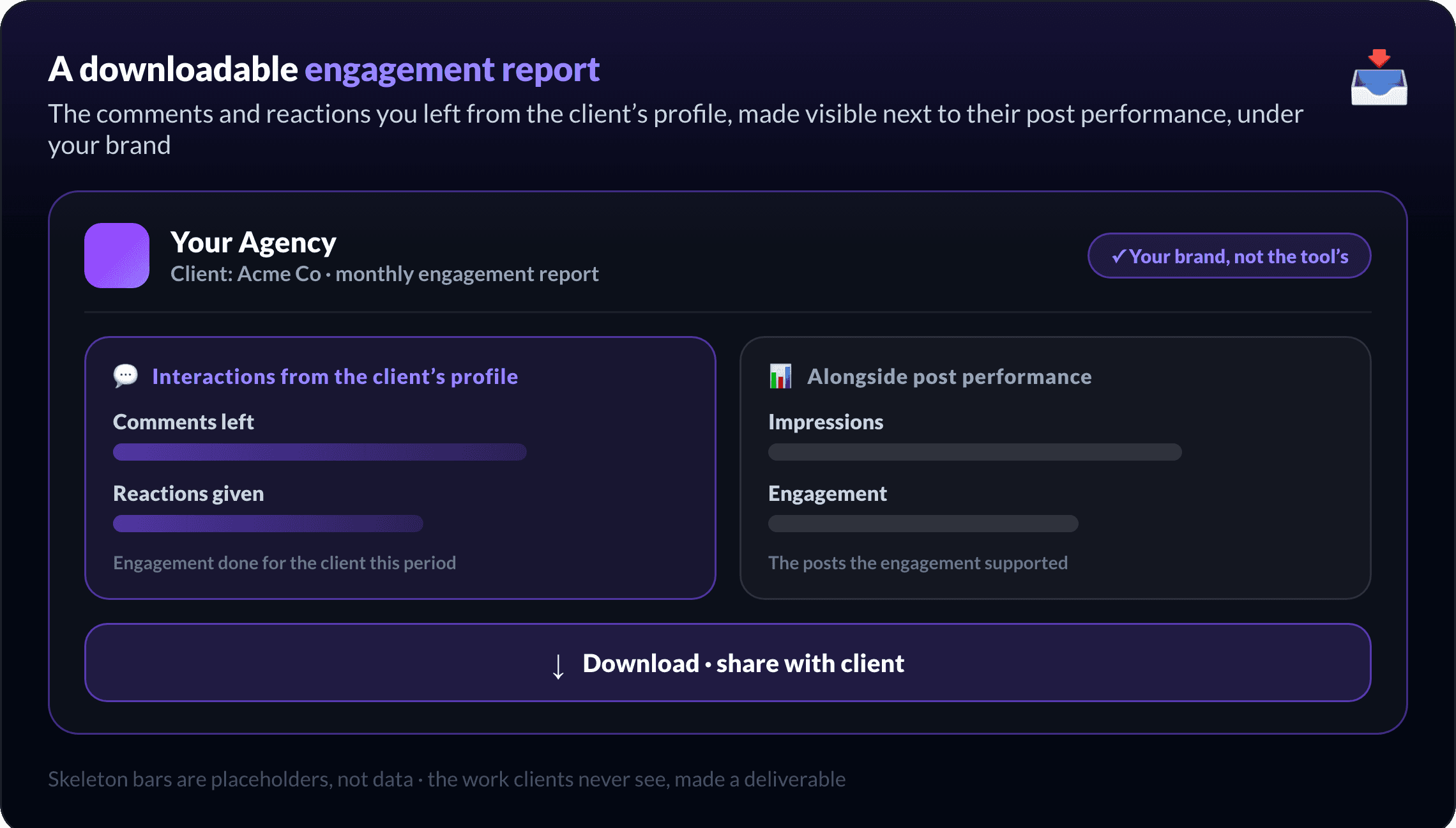
It is the same principle as white-label reporting for posts: every kind of work you do for a client should show up in what you hand them.
How does MagicPost handle client engagement?
Engagement should be fast, focused, human, and visible, not a noisy tab you forget to open.
MagicPost gives each client a curated engagement feed built from your lists of their prospects, clients, partners, and influencers, refreshed daily, where you comment and react from the client's profile (GIFs and saved comments included) through the official LinkedIn API. Because it lives in the same place you draft, schedule, and report, the engagement you do shows up in the client's report instead of disappearing.
This is how Nicole Ramirez runs engagement for the clients who want it as part of their package: curated lists, real comments, no logging in and out. For the feature itself, see the LinkedIn engagement feed.
FAQ
Who should you engage with on behalf of a client?
The people specific to that client's growth: their prospects above all (the accounts you want to notice them), then existing clients, partners and collaborators, peers in their field, and the influencers in their space. Build a separate list per category and keep each one focused.
Is engaging for clients automation?
No. The safe, effective approach is intentional human engagement: a curated feed and one-click tools (GIFs, saved comments) make it fast, but a person decides and acts every time. MagicPost deliberately does not offer AI auto-commenting, because LinkedIn penalizes it and it harms the client's reputation.
How long does daily engagement take per client?
Once the feed is curated, a steady objective of a few likes and a couple of comments takes about five minutes, because there is no scrolling through a noisy timeline to find the right posts.
Can you comment with a GIF or media?
Yes. You can react and comment with a GIF or media in one click straight from the feed, and save your best comments to reuse them in one click later.
How do you show clients the engagement you did?
Download an engagement report and share it under your brand, so the interactions made from the client's profile are visible alongside their post performance, instead of being invisible work.