Reporting is the part of agency work clients actually see. They do not watch you draft posts or schedule them. They open the monthly report, and that document is where they decide whether the retainer is worth it.
Which is why doing it by hand hurts twice. You lose an afternoon screenshotting LinkedIn analytics and rebuilding a deck, and the result still has someone else's logo on it. A white-label LinkedIn report fixes both.
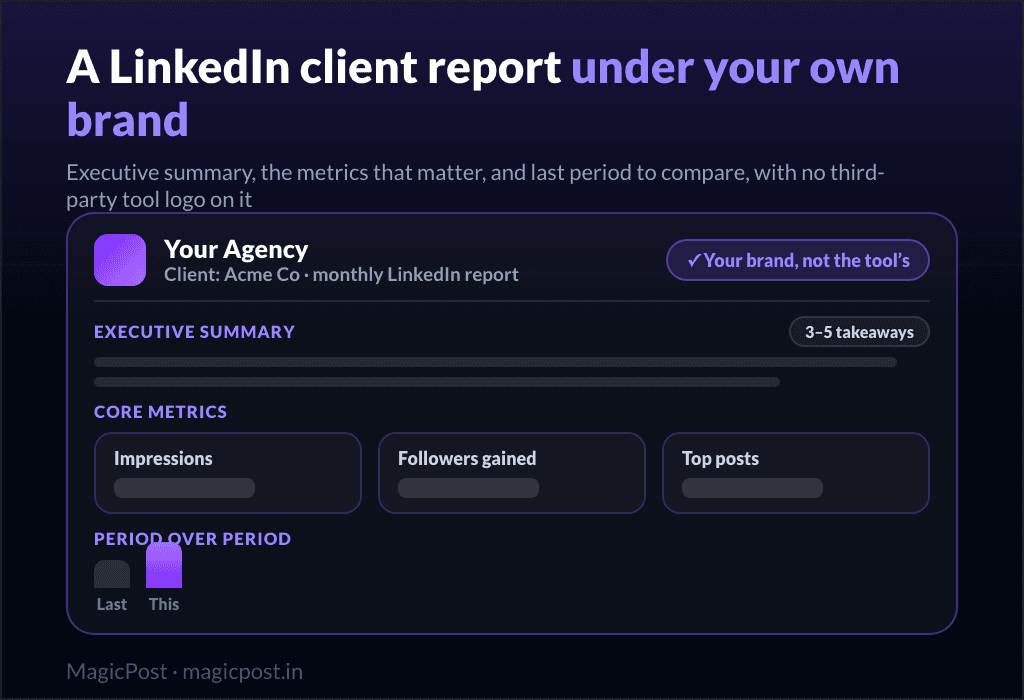
Short answer: a white-label LinkedIn report shows each client their results under your brand, not the tool's. Keep it to a short summary plus the few metrics that matter (impressions, followers gained, top posts), compared to last period. Build it from the data your tool already holds instead of screenshots, and a monthly report takes minutes.
What is a white-label LinkedIn report?
It is a client report that carries your branding instead of the software's. Your logo, your colours, your name on the cover, and no mention of the tool that produced the underlying data. To the client, it is your agency's reporting.
That matters for two reasons. It keeps the client experience consistent, so nothing breaks the impression that the work is yours end to end. And it protects the relationship: a client who only ever sees your brand has no third-party tool to wonder whether they could just buy themselves.
The point of the report is not to dump every metric. It is to show, quickly, that the work is paying off.
What to include in a LinkedIn client report
A good report is short and reads top to bottom in a minute. Most of the value is in the summary; the metrics back it up.
Section | What it covers |
Executive summary | 3 to 5 plain-language takeaways: what happened this period and what it means |
Core metrics | Impressions, engagement, and followers gained, the numbers tied to the client's goal |
Top posts | The best-performing posts of the period, with why they worked |
Period over period | This month against last, so growth is visible at a glance |
What is next | One or two lines on the plan for next period |
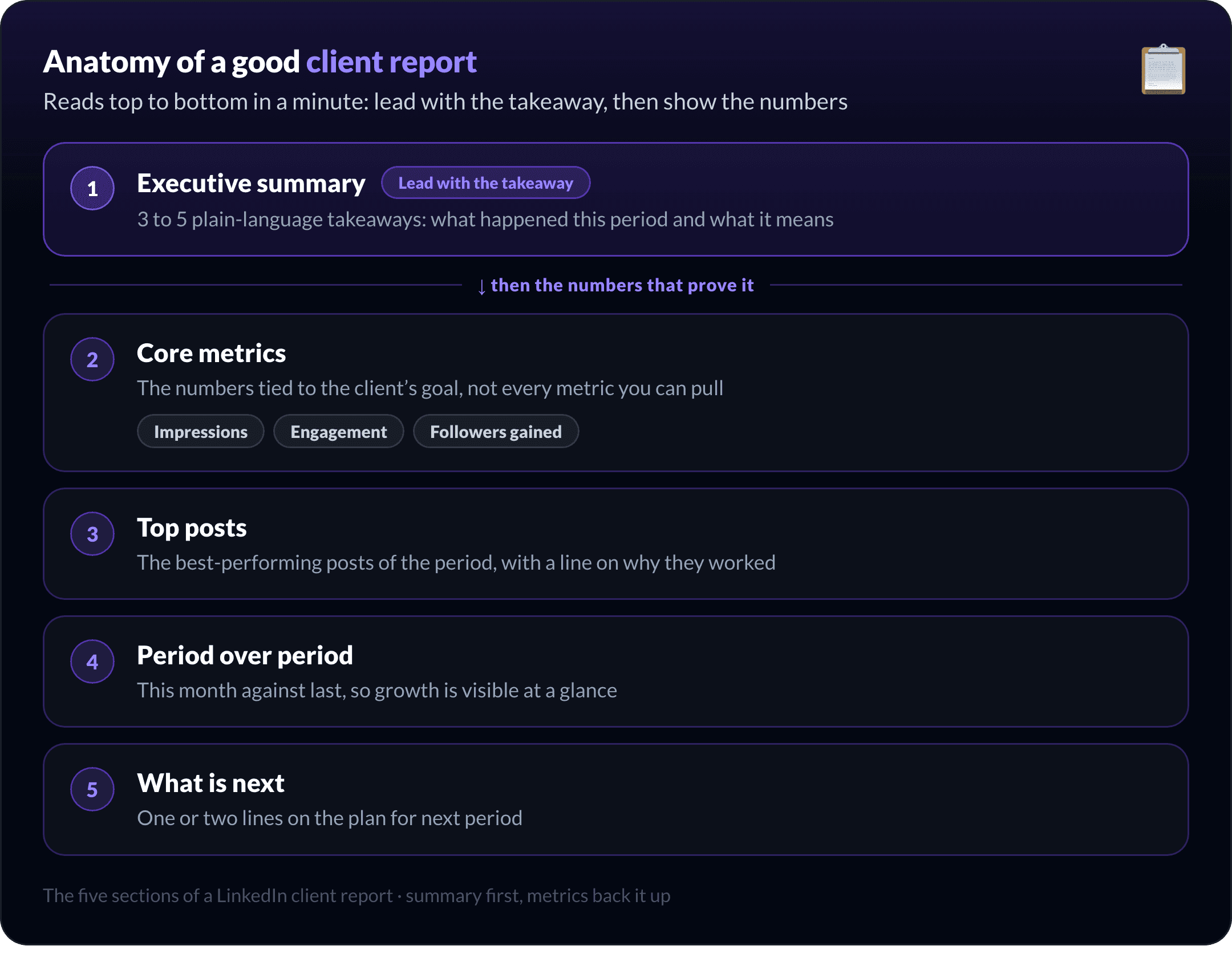
Resist the urge to add more. A report with forty metrics hides the three that matter and makes the client work to find the story. Lead with the takeaway, then show the numbers that prove it.
How to build a white-label LinkedIn report, step by step
The goal is to go from data to a sent report without screenshots or manual deck-building.
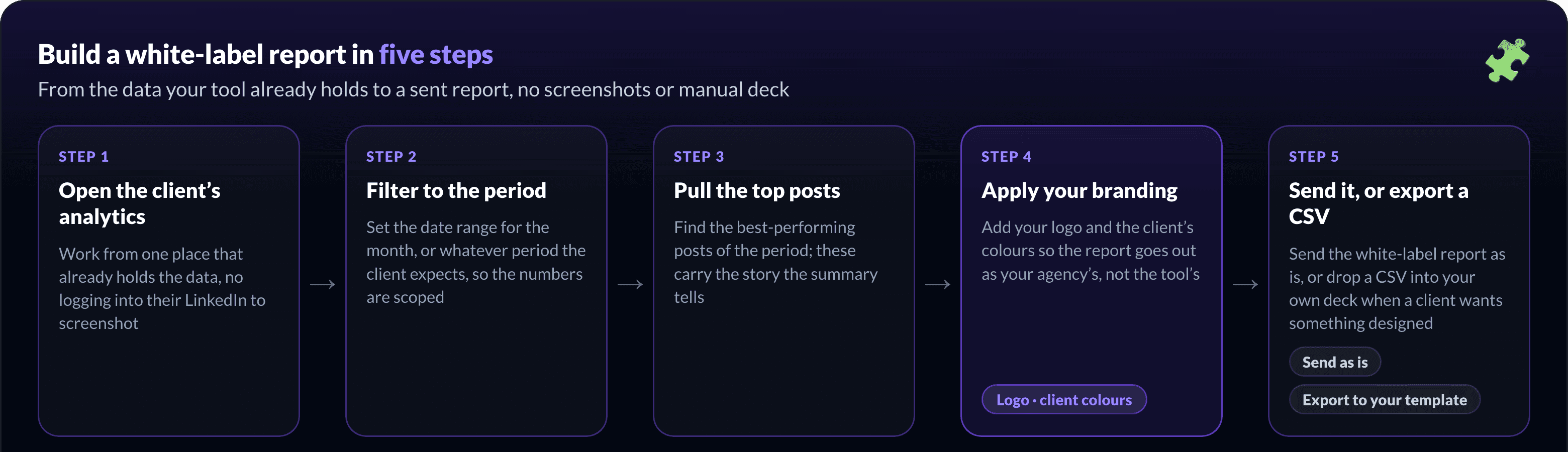
Open the client's analytics. Work from one place that already has the client's data, instead of logging into their LinkedIn to screenshot it.
Filter to the reporting period. Set the date range for the month (or the period the client expects) so the numbers are scoped correctly.
Pull the top posts. Find the best-performing posts of the period; these carry the story the summary tells.
Apply your branding. Add your logo and the client's colours so the report goes out as your agency's, not the tool's.
Send it, or export and finish in your template. Send the white-label report as is, or export a CSV and drop it into your own deck (a Canva or Slides template) when a client wants something more designed. Which file to pick is covered in how to export LinkedIn analytics.
For the metric definitions themselves, the help center covers analyzing LinkedIn metrics.
Stop screenshotting LinkedIn analytics by hand
The manual version of this is the quiet time sink in agency work. You log into each client's account, screenshot the analytics tab, paste it into a deck, and retype the numbers into a summary. Across ten clients that is most of a day, every month.
It is also fragile. Hand-built reports drift in format from client to client, numbers get mistyped, and the whole thing has to be redone from scratch next month. Pulling the report from data the tool already holds removes the busywork and the errors at once.
Reporting across multiple clients
For one client, manual reporting is annoying. For a roster, it is a bottleneck, and one of the reasons ghostwriters stall when they try to scale a LinkedIn ghostwriting business.
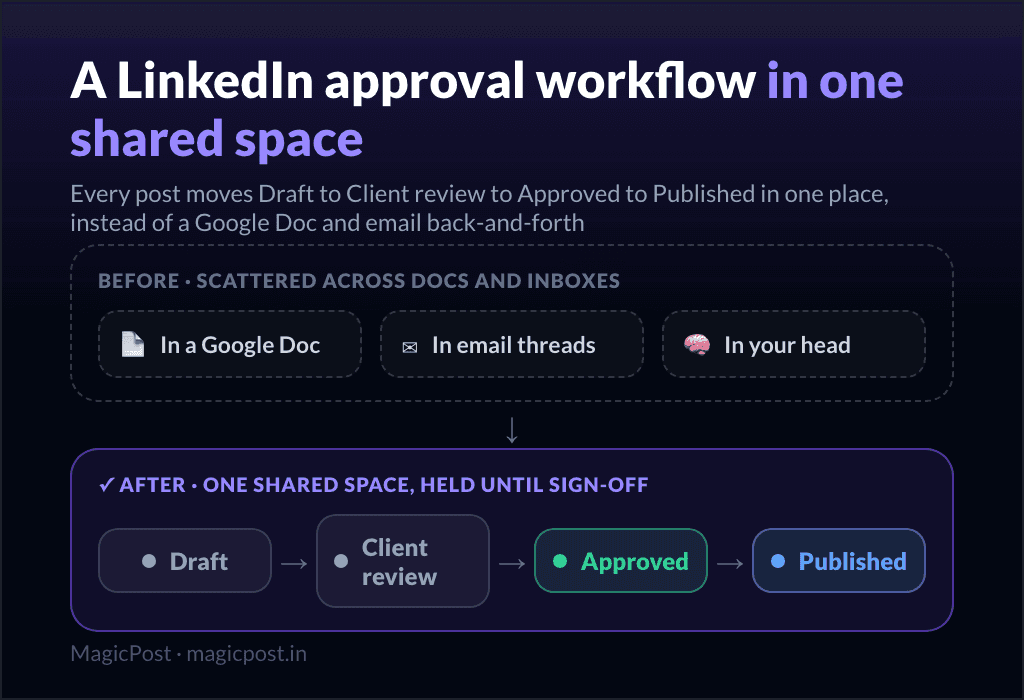
The fix is the same as the rest of the workflow: each client in their own space, with their own analytics, so a report is a filter and a send, not a rebuild. That is what a LinkedIn analytics tool with white-label reports gives you.
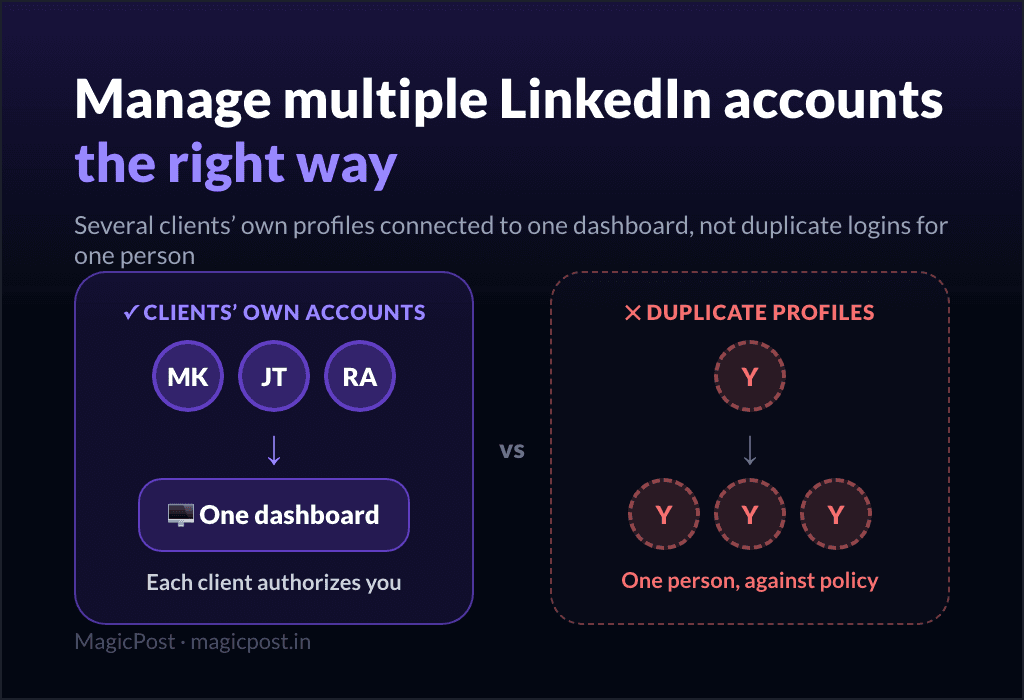
It is the same per-client isolation that lets you manage multiple LinkedIn accounts without mixing data up, and when you are comparing tools, white-label reporting is one of the things the agency-grade options handle that solo tools do not.
This is exactly the step that freed up time in Nicole Ramirez's workflow: she stopped asking clients to screenshot their stats and now pulls each report in minutes.
Comparing one client to another is a separate skill, and LinkedIn analytics for agencies covers the periods and audience sizes to hold constant before drawing a conclusion.
How does MagicPost do white-label client reporting?
Reporting should be the easy part of the retainer, not the thing you dread at month end.
MagicPost keeps each client's performance in their own space, so you filter by date range, find the top posts, and pull the report without ever logging into the client's LinkedIn. You add your branding or the client's colours, then send the white-label report as is or export a CSV into your own template.
Because it sits in the same place you draft, schedule, and run client approval, reporting is one more step in the workflow rather than a separate tool to wrangle. That is what turns the monthly report from an afternoon into a few minutes.
FAQ
What is a white-label LinkedIn report?
A client report that carries your agency's branding (logo, colours, name) instead of the software provider's, with no reference to the tool that generated the data. The client experiences it as your reporting.
What metrics should a LinkedIn client report include?
The few tied to the client's goal: impressions, engagement, and followers gained, plus the top-performing posts and a period-over-period comparison. Lead with a short plain-language summary, then show the numbers that back it up. More metrics is not better.
How often should you send client reports?
Monthly is the standard cadence for LinkedIn, with a short summary every month and a deeper review each quarter. Agree the cadence during onboarding so the client knows when to expect it.
Can clients tell which tool generated the report?
Not with white-label reporting. The report goes out under your brand, so there is no third-party logo or tool name on it. That is the whole point of white-labelling.