You spend an hour crafting the perfect LinkedIn post. You hit publish, close the tab, and wait for the notifications to roll in. A few hours later and… three likes and zero comments.
If this sounds familiar, you’re experiencing the most common frustration on the platform: the engagement flatline.
Most creators assume their content isn’t good enough. In reality, they just misunderstand the mechanics of the platform. LinkedIn is no longer a digital resume or a corporate broadcasting channel. It’s a highly engineered, conversation-first ecosystem.
Here’s exactly what LinkedIn engagement is, how the algorithm measures it today, and the data-backed pillars you need to systematically increase your reach without burning out.
What Is LinkedIn Engagement?
LinkedIn engagement means all the likes, comments, shares, and clicks your posts get. It shows if people truly connect with your content or if it’s just blending into the feed.
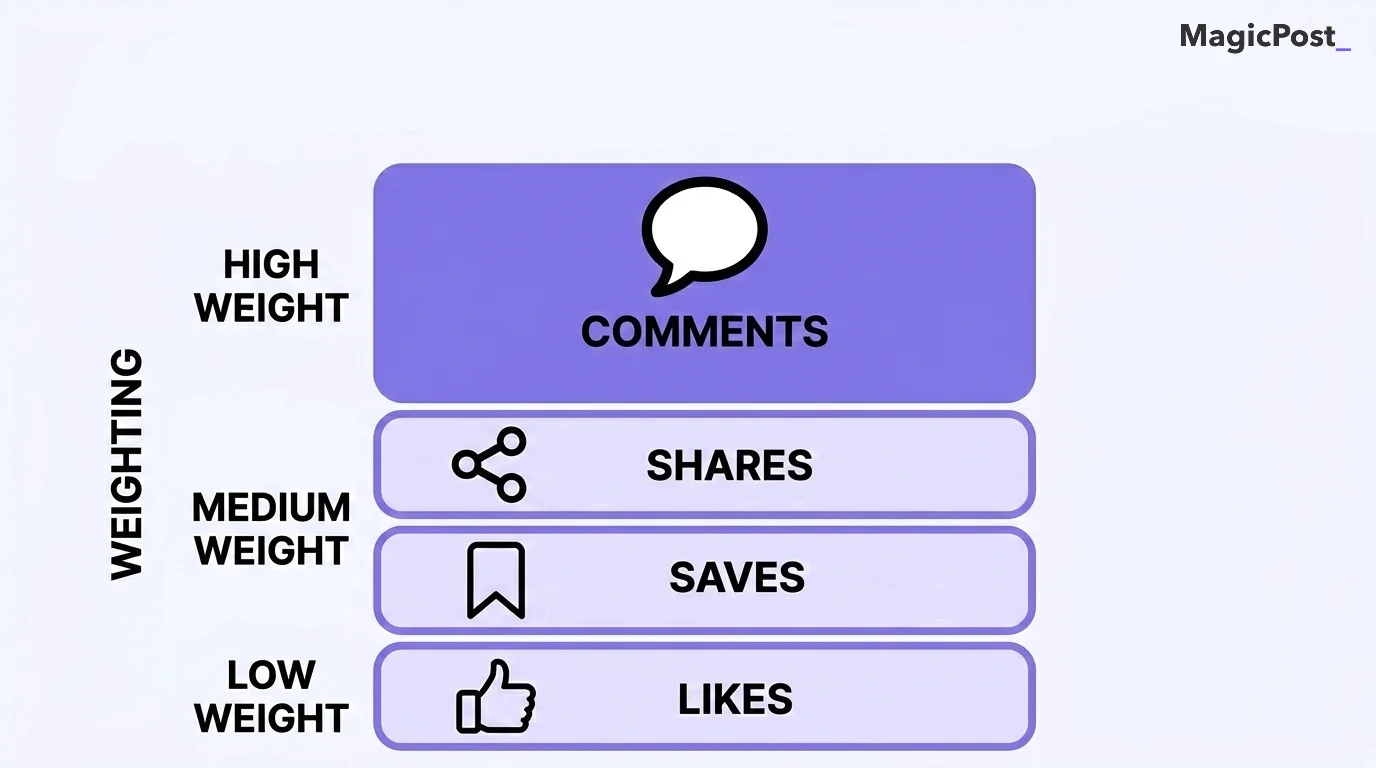
While most people focus exclusively on likes, true engagement is much deeper. LinkedIn’s algorithm weighs different actions differently. Here’s what actually counts:
Interaction Type | Algorithm Weight | Why It Matters |
|---|---|---|
Comments | 🔴 High | Thoughtful comments (10+ words) show your post sparked real discussion. |
Reposts/Shares | 🔴 High | Signals your content was valuable enough for someone to amplify their own network. |
Saves | 🟠 Medium | Indicates high-value, educational content worth revisiting later. |
Clicks | 🟠 Medium | Includes “See more,” profile views, or document carousel clicks. It shows curiosity and deeper interest. |
Likes/Reactions | 🟢 Low | Quick, easy interaction. The least valuable to the algorithm. |
Engagement matters because it’s the engine of visibility. Without meaningful engagement, the algorithm won’t distribute your post beyond a tiny fraction of your immediate network.
What Does Good LinkedIn Engagement Look Like?
You can’t improve what you don’t measure. Judging your posts based on raw likes is a recipe for frustration because impressions fluctuate. Instead, you need to look at your engagement rate.
According to Socialinsider’s recent benchmarks, the average LinkedIn engagement rate by impressions sits around 3.85%, after seeing a massive 44% year-over-year jump as more users flock to the platform.
Here’s what good looks like for personal profiles:
Metric | Average | Good | Exceptional |
|---|---|---|---|
Engagement Rate (by impressions) | ~3.85% | 5% to 6% | 7%+ |
Comments Per Post | 1 to 4 | 10 to 15 | 25+ |
Profile Visit Spike | Baseline | 2x normal | 5x+ normal |
Don’t do the math manually. Use MagicPost’s free LinkedIn Engagement Rate Calculator to instantly see where your content stands against the baseline.
How Does the LinkedIn Algorithm Measure Engagement Today?
The algorithm has shifted dramatically. What worked two years ago will get your posts buried today.
If you want to grow, you need to understand the main algorithmic principles.
Engagement Velocity and the First Hour
Engagement velocity is how fast your post receives interactions immediately after publishing. LinkedIn is widely said to use the first 60 to 90 minutes to test your content on a small sample of your followers.
→ A fast start gets a post seen sooner, but a quiet first hour doesn’t cap its reach. In our 2026 study of the LinkedIn algorithm, a typical post had 8% of its final views after one hour and 72% after three days. Posts pushed by early comments from a pod had 31% more views at one hour and finished no higher.
Conversations Over Broadcasting
LinkedIn explicitly rewards posts that facilitate professional discussions. A post that asks a compelling question and generates 20 thoughtful comments will consistently outreach a polished corporate graphic with 100 silent likes.
→ You’re rewarded for being a conversation starter, not just a publisher.
Narrowcasting
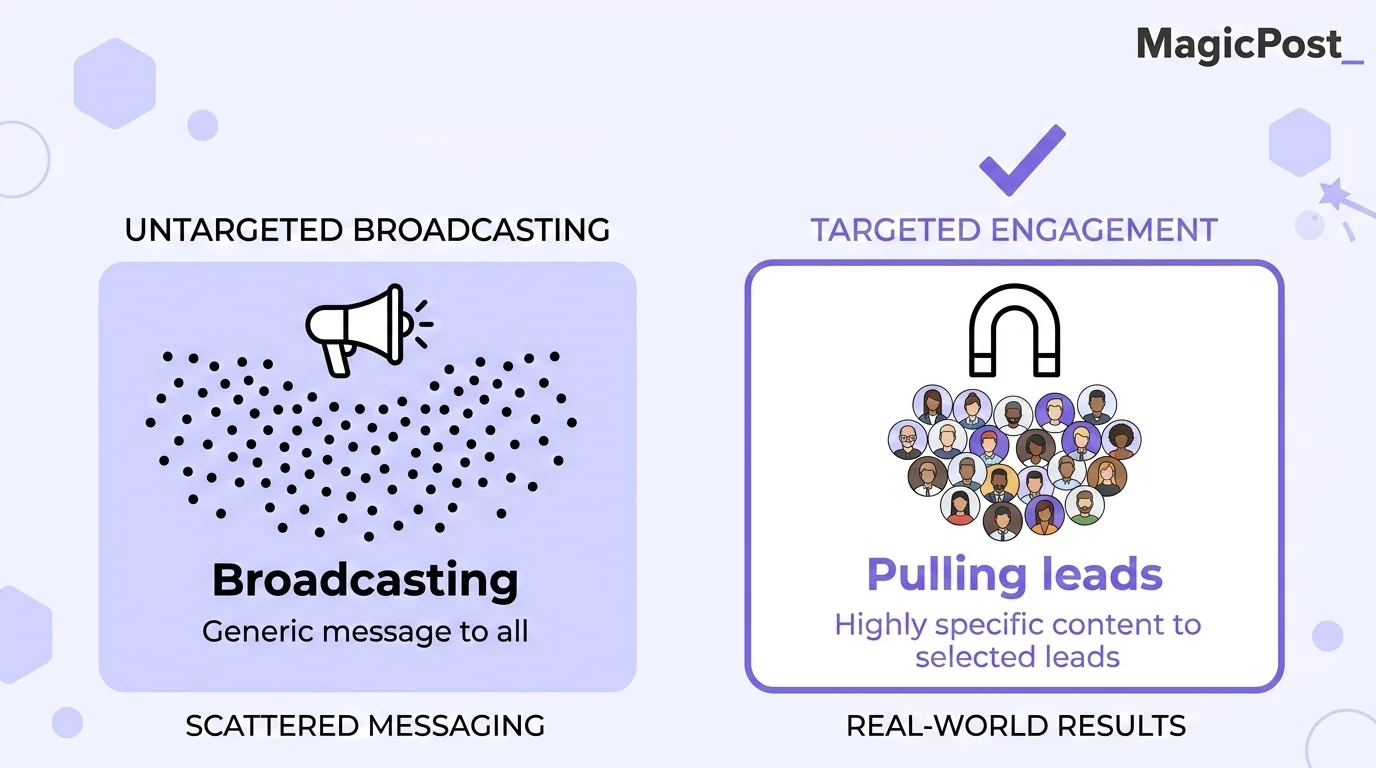
Trying to speak to everyone means you connect with no one. LinkedIn’s algorithm now heavily favors “narrowcasting,” i.e., creating highly specific content for a defined niche.
According to Chris Cozzolino, who analyzed engagement across 50+ LinkedIn accounts, narrowcast posts generated 3.2× more comments and 4.7× more inbound leads compared to broad, generic content.
Why Is Your LinkedIn Engagement Suddenly Dropping?
If your numbers have fallen off a cliff recently, it usually comes down to three common tactical mistakes that creators make without realizing it.
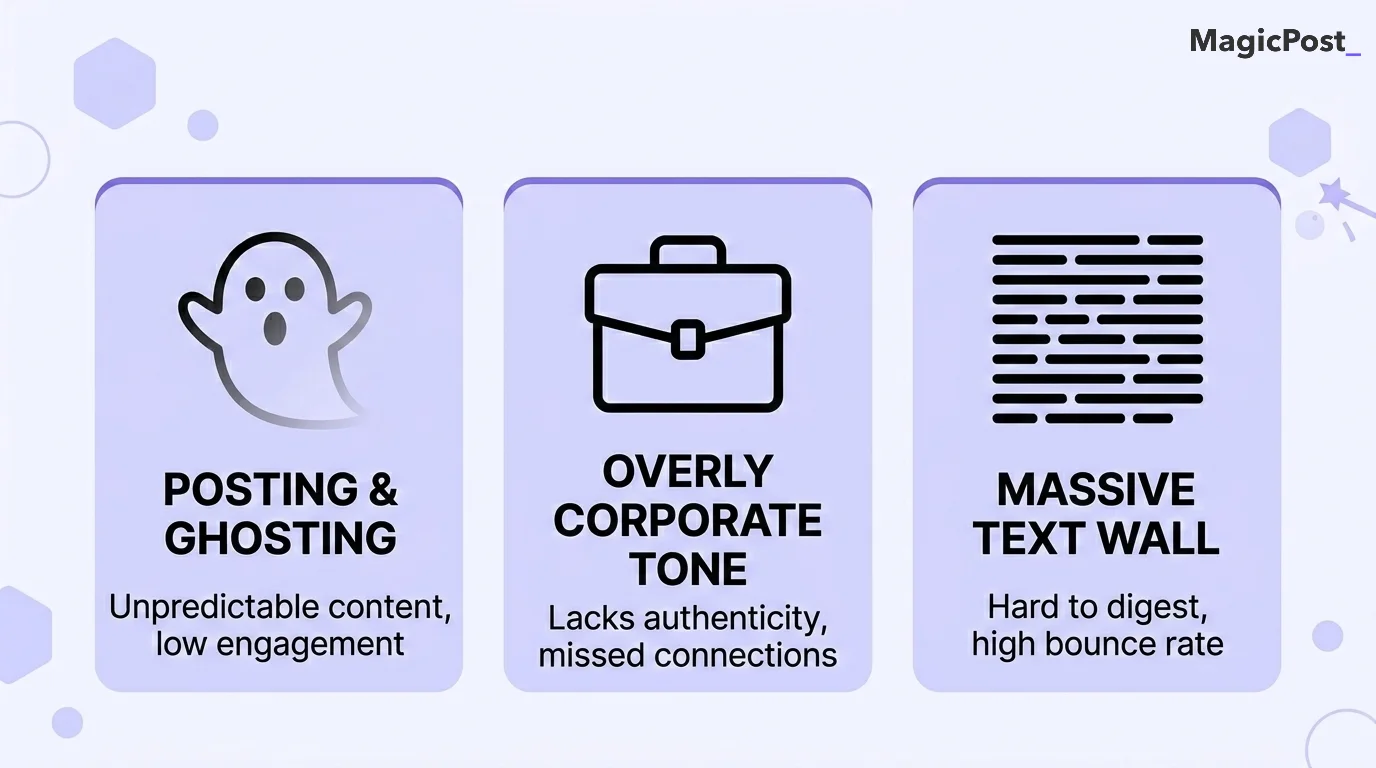
Pay attention that you’re not doing the following:
You’re “posting and ghosting.” If you drop a post and immediately log off, early commenters get no reply and the discussion stops there. Reply when you can: in our 2026 data, replying within the hour made no measurable difference to final reach, so a reply later in the day still keeps the conversation going.
You’re overly corporate. The platform has changed. HubSpot’s social team saw an 84% surge in LinkedIn reach simply by shifting to a more casual, authentic, and sometimes slightly unpolished style.
Your text is a massive block. Mobile users make up a huge portion of LinkedIn traffic. If your post isn’t formatted with line breaks and scannable elements, people will scroll past it.
Need help breaking up your text? Use the LinkedIn Text Formatter to add bolding, italics, and clean structure to your drafts before you publish.
The 4 Pillars of a High-Engagement Strategy
Building a highly engaged audience isn’t about going viral once. It’s about applying a consistent framework to every post you publish.
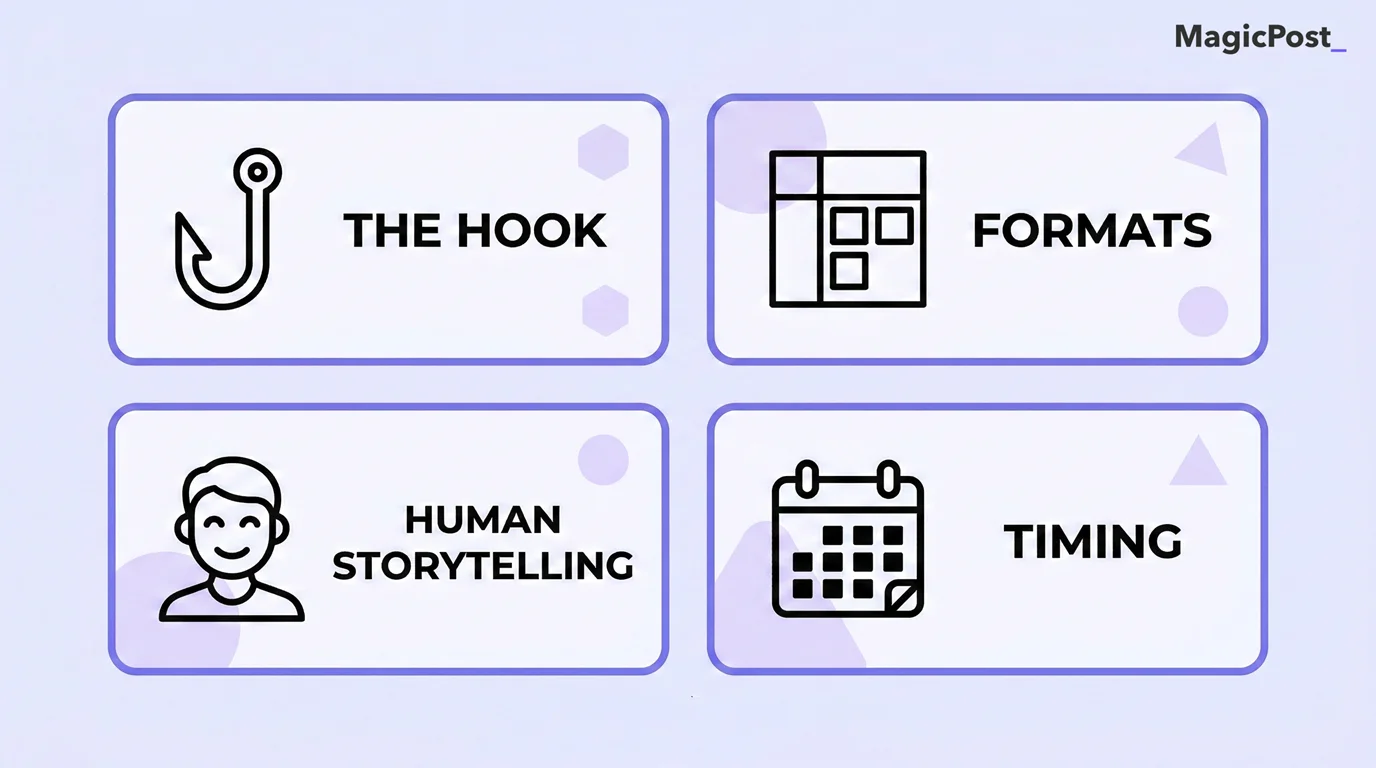
Here’s what you need to focus on.
1. Hook Strength
The hook is the opening part of content that wins those few first seconds of attention. A strong hook is essential for keeping audiences engaged without resorting to clickbait. If your first line doesn’t force a user to click “See more,” the rest of your post doesn’t matter.
→ Stop opening with “I’m thrilled to announce…” Start with a contrarian take, a surprising data point, or a deeply relatable frustration.
Need hook ideas? Read our post covering the Best LinkedIn Hook Examples and use MagicPost’s LinkedIn Hook Generator to write opening lines that capture attention in the first three seconds of the feed.
2. Content Formats
Text-only posts are safe, but rich media drives the algorithm. You need to rate formats to keep your audience engaged.
Polls: Socialinsider data reveals that polls generate the highest impression rates on the platform because they require zero friction to engage with. Our own data has cooled on them: since mid-May 2026, polls drew 22% fewer impressions than the same creator’s average photo post.
Images: LinkedIn reports that posts with images get roughly 2x more engagement of text-only posts.
Carousels: Document carousels consistently outperform standard posts for “dwell time,” which is a massive algorithmic signal.
Save time by brainstorming with the LinkedIn Poll Idea Generator to spark instant conversations with your niche.
3. Human-Centric Storytelling
People buy from people, and they engage with people. Edelman research shows that 74% of people trust their peers over CEOs. Furthermore, LinkedIn’s own creative trends show that posts featuring real, human faces get +36% more clicks, +25% more comments, and +74% more trust-based reactions.
→ Share your failures, your behind-the-scenes processes, and your “shower thoughts.” Authenticity scales much faster than corporate press releases.
4. Timing and Consistency
You can’t build trust by showing up randomly. LinkedIn’s data shows that pages and creators who post at least weekly see roughly 2x the engagement of those who post sporadically.
The posting hour mostly changes how fast a post starts. In our 2026 data, views at one hour ranged from 21% below to 11% above the author’s usual depending on the slot, while final reach moved by 2% at most. Align your publishing schedule with your audience’s active hours so you’re around when comments come in.
For a deep dive into timing, read our complete guide on the Best Time to Post on LinkedIn.
Manual Engagement vs. MagicPost: What Are the Differences?
You can execute this entire engagement strategy manually. But consistency collapses the moment you get busy. MagicPost's LinkedIn engagement tool turns engagement from a manual chore into a routine you can keep.
To see how it compares with extensions, pods and automation, read our ranking of the best LinkedIn engagement tools.
Process | Manual Way | MagicPost |
|---|---|---|
Ideation | ❌ Staring at a blank screen for 30 minutes. | ✅ AI generates dozens of niche-specific ideas instantly. |
Hook Writing | ❌ Guessing what will make people click “See more.” | ✅ Uses the AI Hook Generator based on viral data. |
Formatting | ❌ Copy-pasting from weird bold text websites. | ✅ Built-in Text Formatter for native bolding and styling. |
Publishing | ❌ Setting phone alarms to post at 8:30 a.m. | ✅ Automated native scheduling for peak audience hours. |
Tracking | ❌ Exporting messy spreadsheets from LinkedIn. | ✅ Clean, built-in analytics dashboard to track what works. |
Build a Consistent Engagement Engine with MagicPost
Chasing engagement without a system leads to burnout. The creators who win on LinkedIn aren’t the ones who work the hardest; they’re the ones who use the best leverage.
MagicPost connects your content ideas directly to the tools that help you write, format, and publish them at exactly the right time, and MagicPost's engagement feed keeps the commenting side on the same schedule. Stop leaving your reach to chance and start treating your content like a predictable engine.
Try MagicPost for free; no credit card is required. Start your free trial and go from low reach to a highly engaged audience today.
FAQ
What Is a Good Engagement Rate on LinkedIn?
A good engagement rate (calculated by interactions divided by impressions) typically sits between 5% and 6%. The platform average is roughly 3.85%. If you’re hitting 7% or higher, your content is exceptionally well-targeted and highly resonant with your audience.
How Do You Calculate Your LinkedIn Engagement Rate?
(Reactions + Comments + Shares + Clicks) ÷ Total Impressions × 100 is the standard formula.
To save time, you can use automated tools like MagicPost's LinkedIn Engagement Rate Calculator to do the math instantly.
Do Outbound Links Hurt LinkedIn Engagement?
Yes, they cost reach in our data. Since mid-May 2026, compared with the same creator's posts without links, a link card to an outside site drew 19% fewer impressions, a URL typed in the text 21% fewer, and a “link in the comments” line 16% fewer (more in LinkedIn algorithm changes in 2026).
Moving the link to the comments doesn't avoid the cost. If the click isn't essential, write a standalone, value-driven post and softly direct people to your profile's featured section.
Does Editing a Post Lower Your Engagement?
Editing your post immediately after publishing (especially within the first 10-15 minutes) can stall your initial reach, as the algorithm has to re-evaluate the content. It’s better to use tools like a LinkedIn Post Previewer to catch typos and formatting errors before you hit publish.
How Often Should You Post to Keep Engagement High?
Research shows the sweet spot is 3 to 5 times per week. Posting more than once in a 24-hour window will actually cannibalize your own reach, as the algorithm will stop showing your first post to make room for your second one. Quality and consistency matter far more than pure volume.