Contea is a LinkedIn content platform built for ghostwriters and agencies. Registered as contea OÜ in Estonia and founded by two working LinkedIn copywriters, it targets the people who write LinkedIn posts on other people's behalf, not solo creators writing in their own voice.
The platform calls itself "The Operating System for LinkedIn Ghostwriters & Agencies": one workspace for tasks, posts and client data, AI that learns each client's voice, async client input, and automated client reports.
It is new and still early-stage, but purpose-built for a workflow most general tools treat as an afterthought.
This Contea review covers what it does, where the pricing question stands, and where its target audience stops overlapping with tools like MagicPost.
What Is Contea?
Contea is a centralized ghostwriting OS. The idea is to put everything a ghostwriting business runs on (client tasks, drafts, voice data, and feedback and reporting) in one place so a writer can scale past the point where spreadsheets, Google Docs and DMs break down.
It is not built around helping one person write better posts for themselves. The product is designed for an agency or solo ghostwriter managing several clients' LinkedIn presence at once, with the client as a collaborator rather than a login.
The company is bootstrapped, founded by Sven Daniel Fraede and Nico Westermann, two LinkedIn ghostwriters who met on a copywriters' call in late 2022 and built Contea after ChatGPT upended their own workflow.
That origin shows in the product: the features map to the actual pain of running a ghostwriting roster.
📌 Contea is genuinely early-stage. Its own site reports 470+ beta users and 86+ ghostwriters and agencies. The product is functional and well-aimed, but the roadmap and long-term stability are less certain than with established tools.
⚠️ Publishing method: Contea advertises one-click LinkedIn publishing but does not document the mechanism on its pages: there is no statement of whether it uses LinkedIn's official API, a browser extension, or stored credentials. This is a documentation gap, not a safety verdict; agencies should ask Contea to confirm the method in writing before connecting client accounts.
Contea Features
Contea covers the ghostwriting workflow end to end, and each piece maps to a step a ghostwriter actually does.
AI Content Creation
Contea's AI text engine drafts LinkedIn posts and, per its own claim, saves up to 84% of writing time compared with a ChatGPT-based process.
The angle that matters for agencies is voice: Contea builds a "client avatar" that learns how each client speaks and writes, so drafts come back in the client's voice rather than one house style.
Post ideas are fed by daily, exclusive industry news, so there is always a starting point per client.
The AI is built for production speed across many clients rather than deep individual-voice tooling for one creator. It does not publish research behind its writing, so there is no public evidence on how its output performs against the LinkedIn algorithm.
Async Client Input and the Client Avatar
The feature ghostwriters notice first is async client input. Instead of booking a content interview every week, clients feed in material on their own time (including by voice) "alongside content interviews, or when there's no time for calls".
Contea can also extract content from a client's podcast or existing material, turning long-form the client already produced into post drafts. For a ghostwriter, that solves the hardest part of the job: getting the client's actual stories out of the client.
Client Dashboard and Calendar
A client dashboard shows all of a client's posts, open to-dos and the content calendar in one view. It is an operational view: a writer running several rosters can see what is due, what is waiting on the client, and what is scheduled, without switching tools.
Client Feedback Process
Draft content moves through a structured feedback loop rather than email threads. Contea claims this cuts fulfillment time by 51% by keeping comments, revisions and approvals in one place.
This is the collaboration layer agencies came for: the client reviews and signs off inside the workflow, and the writer is not chasing approvals across channels.
👍 This is where Contea is differentiated. Most tools treat client collaboration as an afterthought. Contea treats the ghostwriter-client loop as the product. For similar workflows, see our LinkedIn tools for ghostwriters.
Scheduling and Publishing
Contea schedules posts and publishes to LinkedIn "with one click". As noted above, the underlying mechanism is not documented, and @mentions or tagging in scheduled posts are not listed as a feature.
Analytics and Client Reports
Contea reports performance and generates client reports automatically, so an agency can "show up as a data-driven agency and prove results with minimal effort." Its own benchmark figure on-site is 2,133 average views per post.
The reporting is built to package results for the client. It does not document LinkedIn market benchmarks (how a client's post performs against the median for their audience), which is the question most clients actually ask.
Contea Pricing
Contea does not publish pricing on its own site. The site shows a login but no price points, and the product reads as invite or beta (it counts "470+ beta users"). Plans are quoted on request.
❓ Third-party listings show placeholder figures for Contea, but those are not confirmed on Contea's own pages, so we do not state a number. If you are evaluating Contea, ask directly for the current per-user or per-client price, the contract length, and what the entry plan includes, before comparing it to public-priced tools.
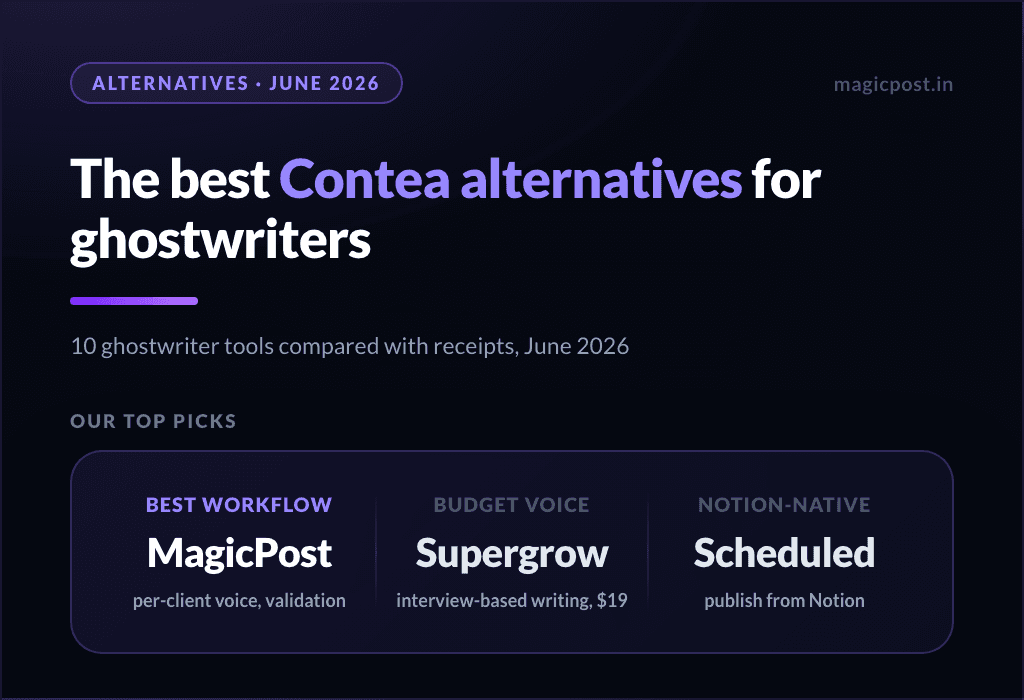
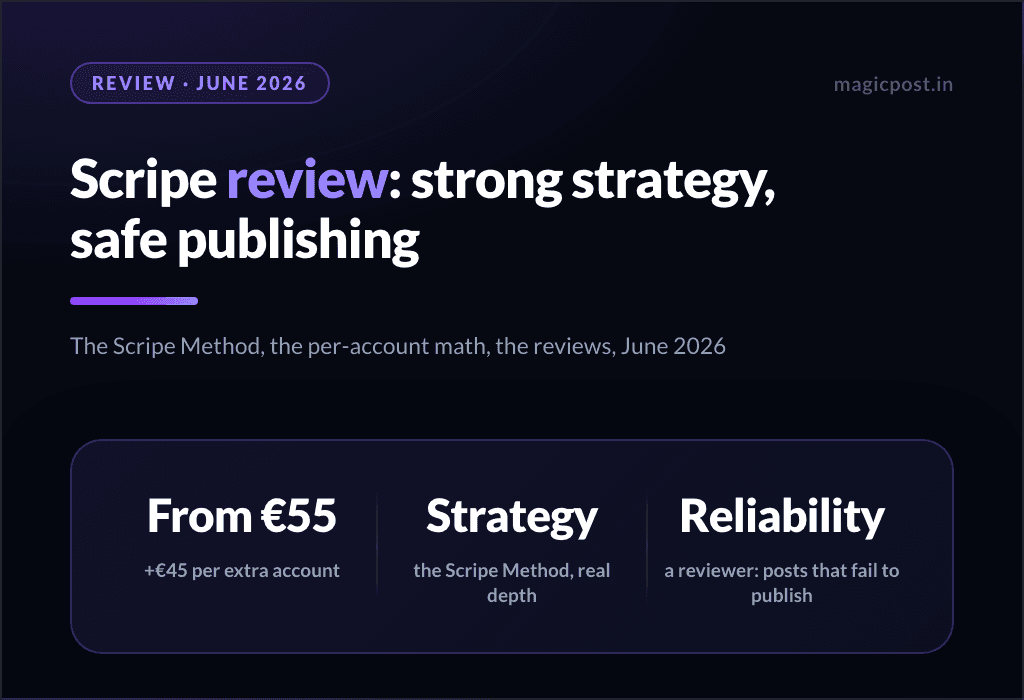
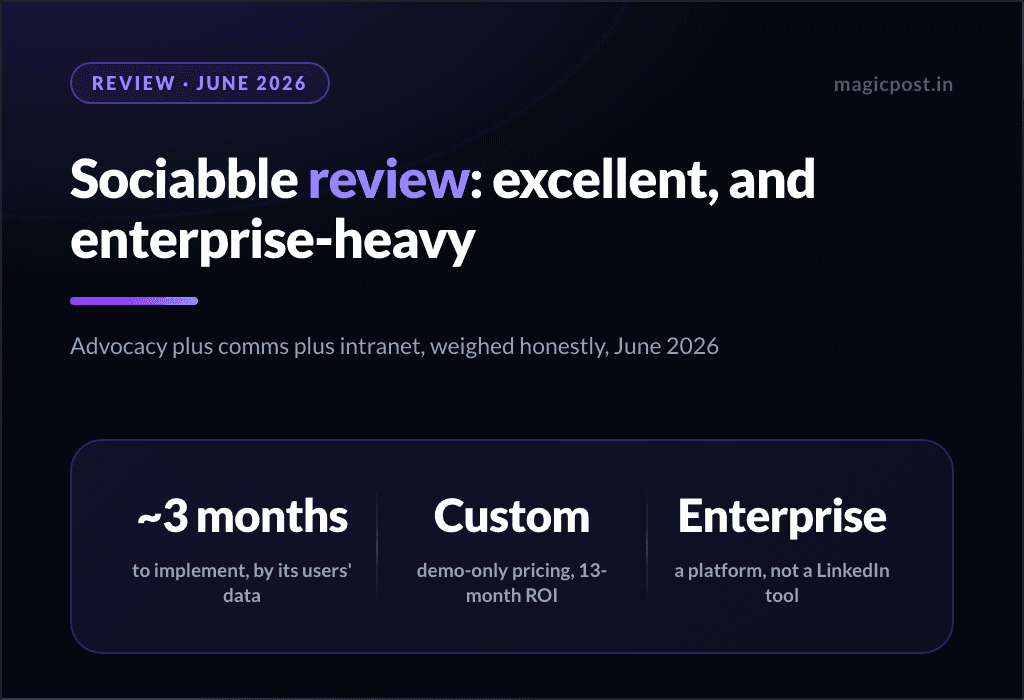
For context, the tools Contea competes with do publish:
Contea Pros and Cons
For an early-stage, ghostwriter-built product, Contea does a lot right, but there are gaps worth weighing.
Pros | Cons |
|---|---|
✅ Purpose-built for the ghostwriter-client workflow, by working ghostwriters | ❌ No public pricing on its own site; plans quoted on request |
✅ Per-client voice ("client avatar") rather than one house style | ❌ Publishing mechanism not documented (no API/extension statement) |
✅ Async client input, including voice, so clients contribute without calls | ❌ No documented free trial; access reads as invite or beta |
✅ Content extraction from podcasts and existing material | ❌ @mentions/tagging in scheduled posts not documented |
✅ Structured client feedback loop and one-view client dashboard | ❌ No published research behind the AI; no LinkedIn benchmarks |
✅ Automated client reports | ❌ Early-stage, bootstrapped; roadmap and stability less certain |
✅ EU-based (Estonia) |
Who Is Contea For?
Contea is built for a specific operator. It fits if you ghostwrite LinkedIn content for multiple clients and your bottleneck is operations: gathering client input, keeping each client's voice, running approvals, and reporting, all without the spreadsheet-and-DM sprawl.
The async input, per-client avatar and feedback loop are things most tools in this category simply do not have. It works well for:
Solo ghostwriters scaling past a handful of clients who need one workspace instead of stitched-together docs.
LinkedIn agencies that want a client-collaboration layer (async input, approvals, reports) built for the job.
Writers whose clients won't sit for weekly calls but will record a voice note or have a podcast to mine.
Teams comfortable adopting an early-stage tool in exchange for a workflow tailored to ghostwriting.
It is probably not right if:
You write LinkedIn content for your own brand; the client-collaboration features are overhead for solo use.
You need the publishing method and account-safety posture documented and verified before connecting client accounts.
You want a published price or research-backed proof that the AI's output performs.
How Does MagicPost Compare to Contea?
Both target the ghostwriter and agency workflow, and both train AI on each client's voice. The difference is how much is public and how deep the LinkedIn-specific layer goes.
Feature | Contea | MagicPost |
|---|---|---|
AI content generation | ✅ | ✅ |
Per-client voice learning | ✅ Client avatar | ✅ Style import per client |
Humanizer backed by published research | ❌ | ✅ |
Async / voice client input | ✅ | ⚠️ Via interviews and account import |
Content extraction from podcasts | ✅ | ❌ |
Client approval workflows | ✅ Feedback loop | ✅ Validation |
Scheduling to LinkedIn | ✅ Method not documented | ✅ Official LinkedIn API |
Working @mentions in scheduled posts | ❌ Not documented | ✅ People and companies |
LinkedIn market benchmarks | ❌ | ✅ |
Lead detection + CRM | ❌ | ✅ |
White-label client reports | ✅ | ✅ Agency |
Public pricing | ❌ Quoted on request | ✅ |
Free trial | ⚠️ Not documented | ✅ No-card trial |
Want the Ghostwriting Workflow With Everything in Writing? There's a Fit
Contea is built for the ghostwriter-client loop, and it does that one job thoughtfully. MagicPost is built for creators, teams and agencies that want the full LinkedIn content workflow with every claim public.
That includes per-client AI writing with a research-backed humanizer and scheduling on the official API with working mentions. On top of that sit lead detection, analytics that benchmark each client against the market, and agency features like client validation and white-label reporting.
If you want a ghostwriting-only collaboration OS and are comfortable with an early-stage tool, Contea may fit. If you want a complete, documented system to write, manage, schedule and prove LinkedIn results per client, MagicPost is the better fit.
FAQ
Is Contea safe for LinkedIn?
Contea advertises one-click LinkedIn publishing but does not document the mechanism on its pages, so we cannot confirm whether it uses the official API, an extension or stored credentials. That is a documentation gap rather than a safety verdict.
Before connecting client accounts, ask Contea to confirm in writing that it publishes through LinkedIn's official API with no extensions or shared passwords.
Where is Contea based?
Contea is registered as contea OÜ in Estonia. It was founded by Sven Daniel Fraede and Nico Westermann, two LinkedIn ghostwriters, and appears to be bootstrapped (no funding round is on public record).
Is Contea good for solo creators?
Not really. Contea is built for ghostwriters and agencies writing on behalf of clients, so the async client input, per-client avatar and approval features are overhead if you only write for your own brand.
Dedicated creator tools like MagicPost cover the solo workflow too, with public plans (from $49/mo, AI from $69/mo) and a no-card trial.
Does Contea have a free trial?
Contea does not document a free trial on its pages; the product reads as invite or beta and counts "470+ beta users". Ask Contea directly about trial access when you request pricing.
How much does Contea cost?
Contea does not publish prices on its own site; plans are quoted on request. Third-party listings show placeholder figures that are not confirmed on Contea's pages, so we do not state a number. Request the current per-user or per-client price directly before comparing it to public-priced tools.
How does Contea compare to MagicPost?
Both train AI on each client's voice and run a client-approval workflow. Contea is a ghostwriting-only OS with strong async-input and podcast-extraction features, but pricing is quoted on request and the publishing method is undocumented.
MagicPost covers the same per-client workflow with everything public (pricing, a 4.7/91 Trustpilot, help-center receipts), plus a research-backed humanizer, working @mentions on the official API, LinkedIn benchmarks and lead detection. See our full MagicPost review for the complete breakdown.