"Is LinkedIn ghostwriting allowed?" is the question every founder asks before hiring one, and every ghostwriter gets asked in the first call. The short version: yes, and LinkedIn's own rules say where the limit sits.
LinkedIn never mentions ghostwriting in its User Agreement. What it does regulate is who controls your account, whether the profile is a real person, and whether software is acting on your behalf without permission.
Those three rules decide whether a ghostwriting setup is fine or a problem. This article quotes them, then shows the setup that stays inside them. It is a plain reading of public policy pages, not legal advice.
Is LinkedIn ghostwriting allowed under LinkedIn's rules?
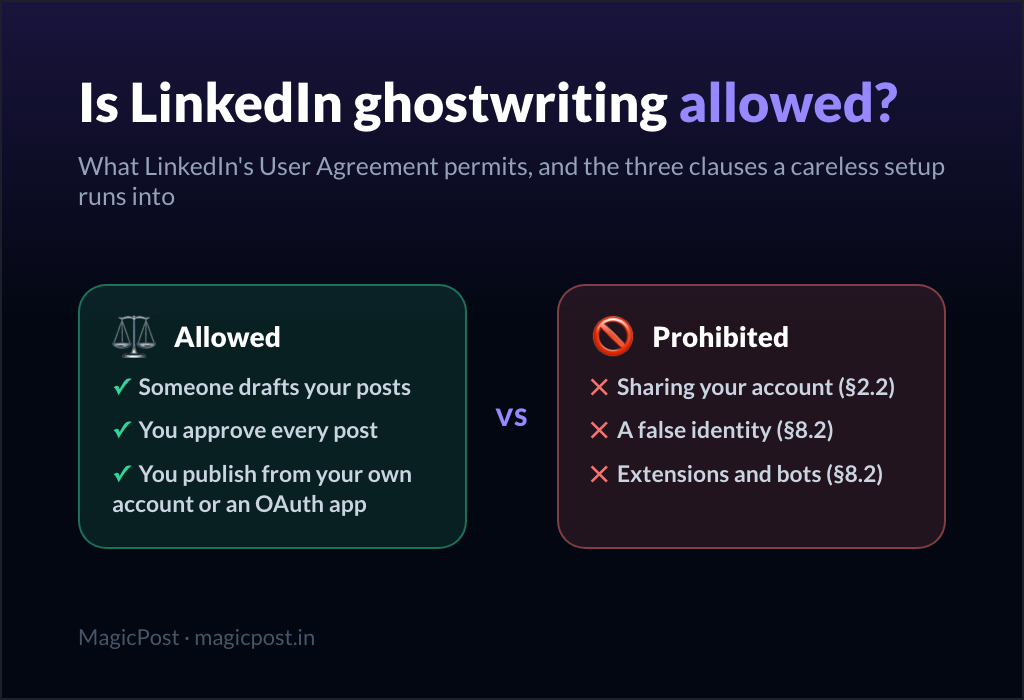
LinkedIn ghostwriting is allowed under LinkedIn's rules as long as the account stays yours, the profile is you, and the posts reach LinkedIn through your own session or an application you authorized.
The User Agreement contains no clause about who drafts a post. A speechwriter does not break any rule when a CEO reads their words; a LinkedIn ghostwriter does not break any rule when a founder publishes theirs.
What the agreement does contain is a list of account obligations and a list of "Don'ts". Three of them touch ghostwriting directly, and every one of them turns on how the ghostwriter gets the post onto LinkedIn.
What LinkedIn's rules prohibit in a ghostwriting arrangement
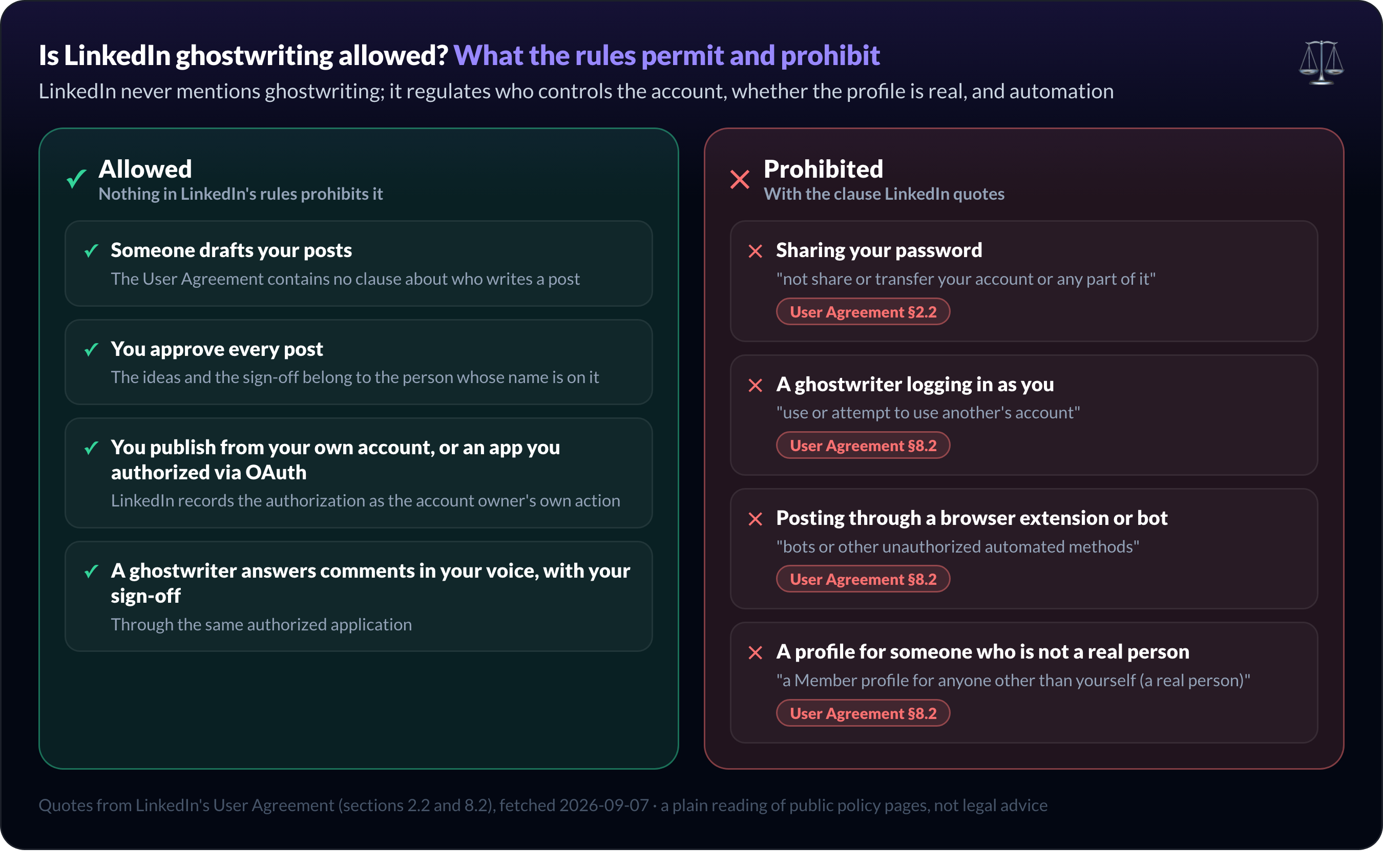
LinkedIn's User Agreement prohibits three things that a careless ghostwriting arrangement can run into: sharing the account, using another person's account, and automating activity with unauthorized tools.
1. Sharing or transferring your account. Section 2.2 ("Your Account") asks every member to "protect against wrongful access to your account (e.g., use a strong password and keep it confidential)" and to "not share or transfer your account or any part of it".
The same section adds: "You are responsible for anything that happens through your account unless you close it or report misuse." The responsibility sits with the owner, whoever was at the keyboard.
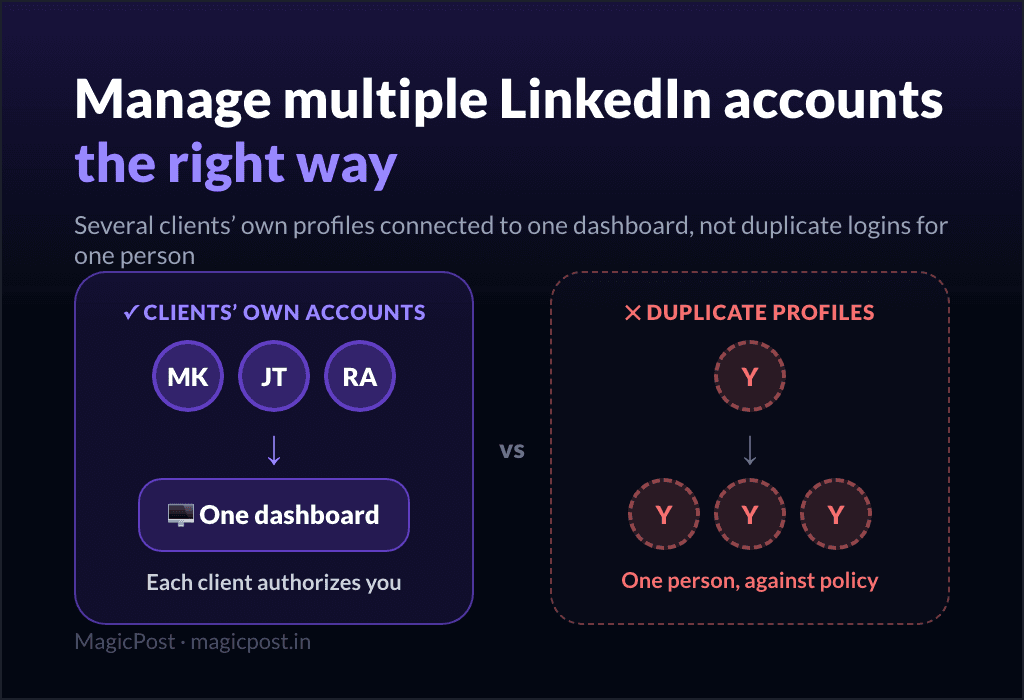
2. Using someone else's account. Section 8.2 ("Don'ts") opens with a ban on creating "a false identity on LinkedIn", on creating "a Member profile for anyone other than yourself (a real person)", and on any attempt to "use or attempt to use another's account".
The Professional Community Policies repeat it in plainer words: "do not share your LinkedIn account with anyone else."
3. Unauthorized automation. Section 8.2 also bans "bots or other unauthorized automated methods to access the Services, add or download contacts, send or redirect messages, create, comment on, like, share, or re-share posts", which is the clause that catches auto-commenting tools; how agencies handle engagement for clients without automation is the compliant version of that work.
A separate help page, Prohibited software and extensions, spells out the consequence: "Any member who uses tools for such purposes is in violation of the User Agreement. This means that they risk having their accounts restricted or shut down."
None of those sentences says "you must write your own posts". All three say "you must stay in control of your account".
Ghostwriting vs sharing your LinkedIn account
Ghostwriting and sharing your LinkedIn account are different acts under LinkedIn's rules: the first is a writing service, the second is a breach of section 2.2 of the User Agreement.
The confusion comes from how many ghostwriters operate. The client sends the password "to make it easier", the ghostwriter logs in, posts, and answers comments. Every step of that is the account being used by someone other than its owner.
The three ways a ghostwriter can get a post onto a client's LinkedIn sit at very different points on the risk scale.
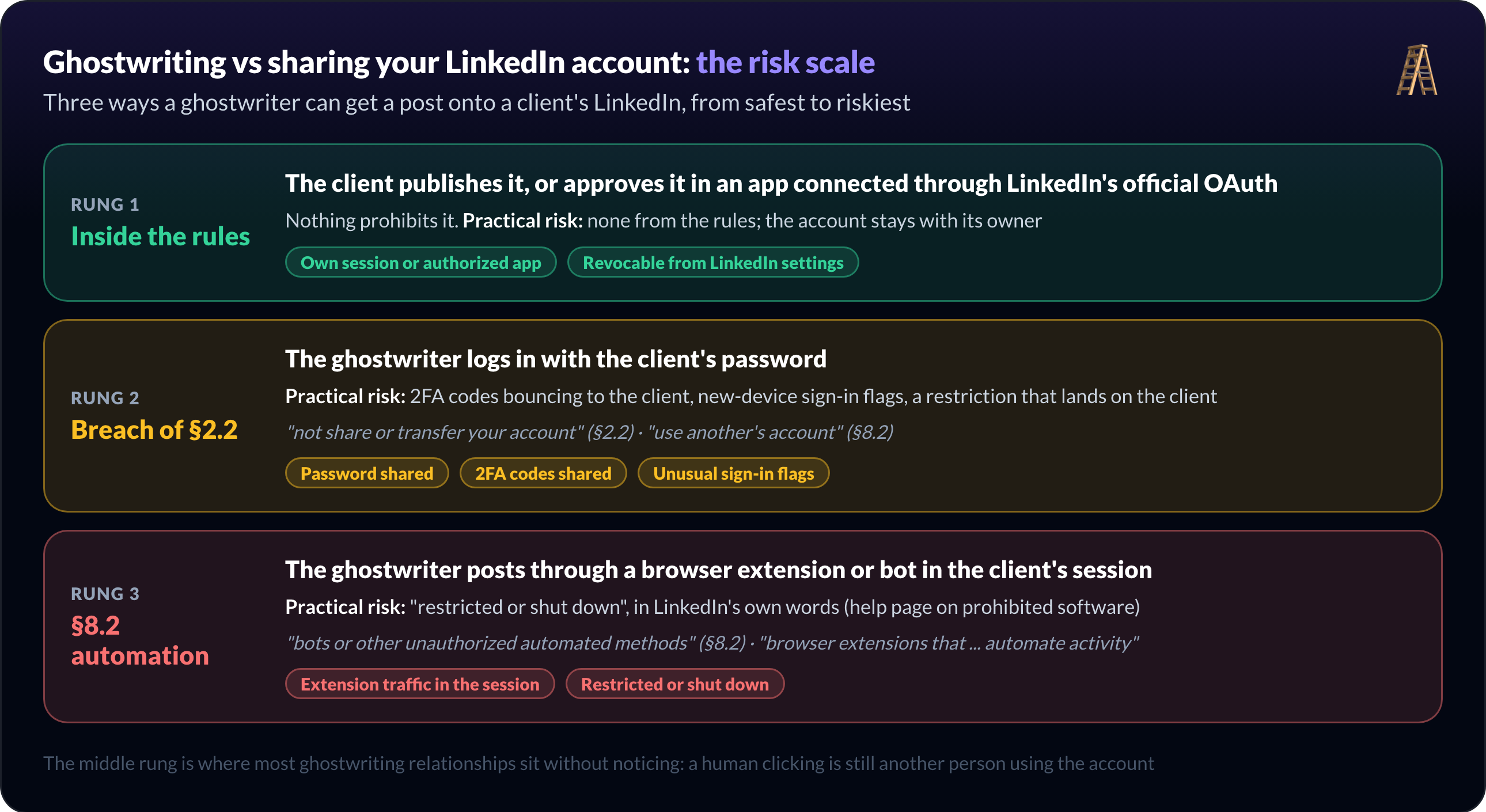
How the post gets published | What LinkedIn's rules say | Practical risk |
The client publishes it, or approves it in an app connected through LinkedIn's official OAuth | Nothing prohibits it | None from the rules; the account stays with its owner |
The ghostwriter logs in with the client's password | Against §2.2 ("not share or transfer your account") and §8.2 ("use another's account") | 2FA codes bouncing to the client, new-device sign-in flags, a restriction that lands on the client |
The ghostwriter posts through a browser extension or automation tool | Against §8.2 ("unauthorized automated methods"); the help page names "browser plug-ins, or browser extensions that ... automate activity" | "Restricted or shut down", in LinkedIn's own words |
The middle row is the one most ghostwriting relationships sit in without noticing. It looks harmless because a human is doing the clicking. Under the agreement, the human is using another's account, and the client, not the ghostwriter, is the one who agreed not to allow that.
The bottom row is where the LinkedIn automation tools built on extensions live. Whether the extension writes, schedules, or auto-comments makes no difference to the clause; the question of whether Taplio is safe is a worked example.
How ghostwriters access a client's LinkedIn safely
Ghostwriters access a client's LinkedIn safely through delegated access: the client authorizes an application through LinkedIn's official OAuth, the ghostwriter works inside that application, and the client can revoke the access at any time.
The mechanism matters because it changes who holds what. The client never hands over a password, the ghostwriter never sees a 2FA code, and LinkedIn records the authorization as the account owner's own action. Nothing is "shared" in the section 2.2 sense.
One distinction decides which route applies. A personal profile has no delegated roles: LinkedIn offers no native way to let another member post on a profile, so the only compliant delegation is an application the owner authorized through OAuth.
A company Page is different. LinkedIn's Page admin roles (Super admin, Content admin, Analyst) are granted to the admin's own member account; the Content admin role "gives permission to create and manage Page content, including posts", so a ghostwriter can publish on a Page from their own login with no credential shared.
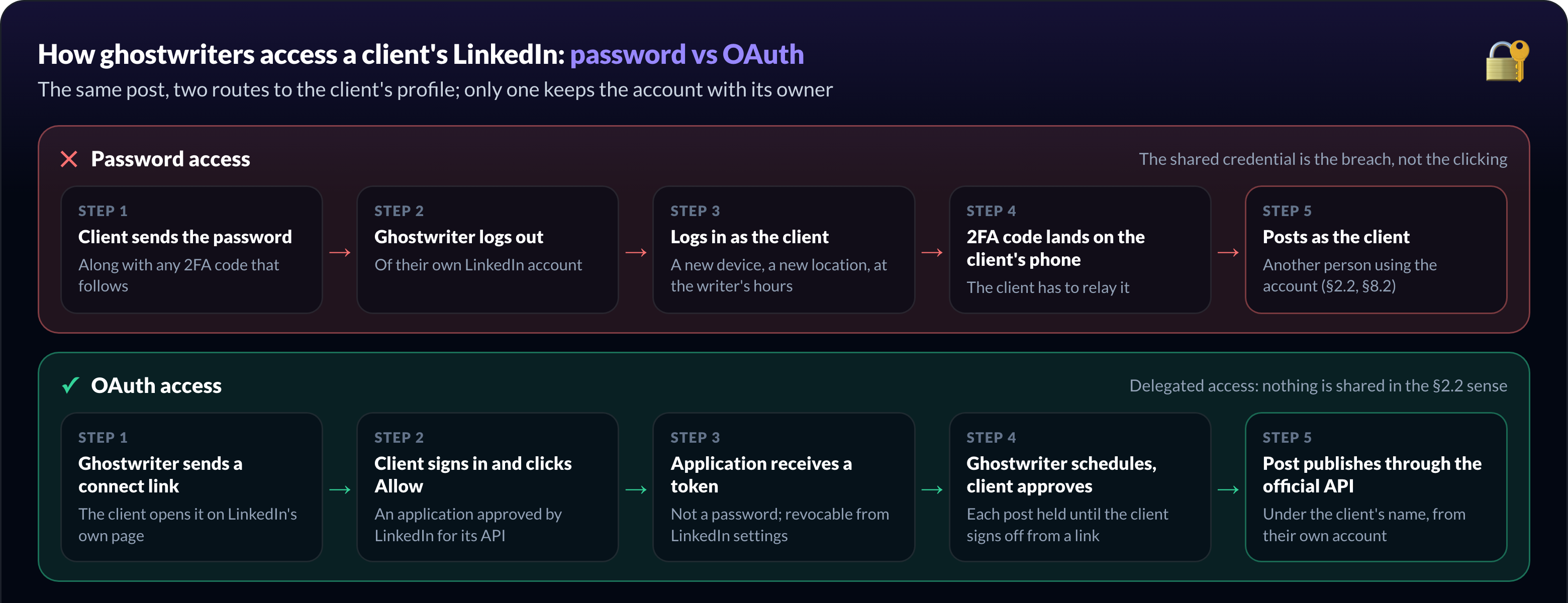
The workflow looks like this in practice:
The ghostwriter sends a connect link. The client opens it and signs in on LinkedIn's own page, not on the ghostwriter's.
LinkedIn asks the client to allow the application. The application has to be approved by LinkedIn for its API; a browser extension does not go through this step.
The application receives a token, not a password. The ghostwriter can schedule and publish through the official API from their own dashboard.
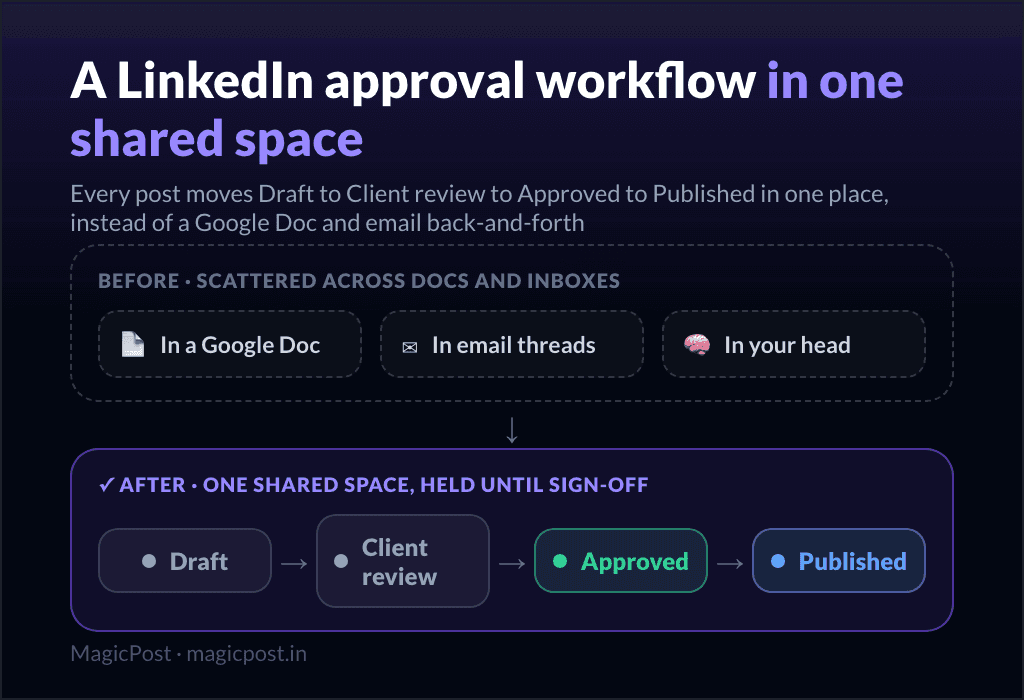
The client approves before anything publishes. A content approval workflow holds each post until the client signs off from a link.
The client can revoke the access. From LinkedIn's settings, in one click, without changing a password.
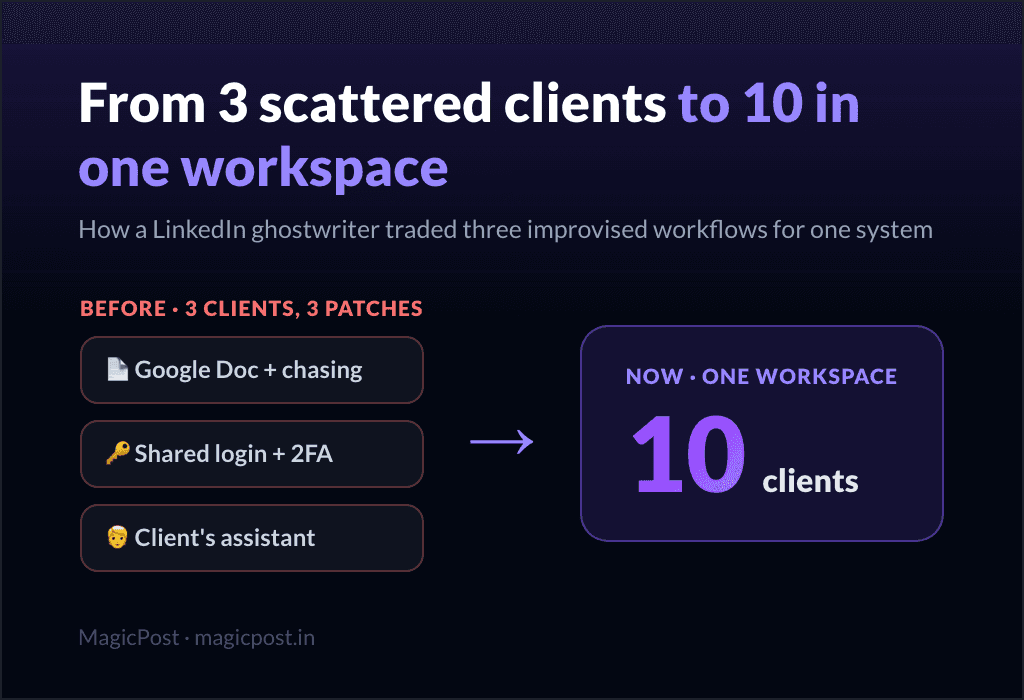
Nicole Ramirez, who ghostwrites for executives and founders, ran the password version with one of her first clients: logging out of her own LinkedIn, logging into the client's, waiting for 2FA codes on the client's phone.
Her case study covers the move to the connect-link model above. What disappeared was not the clicking but the shared credential.
Connect client accounts without a password. MagicPost's safe LinkedIn connection runs through LinkedIn's official OAuth as an approved application: the client authorizes it themselves, no extension is installed, and access is revocable from LinkedIn.
The same delegation model is what makes it possible to manage multiple LinkedIn accounts as an agency without holding a single client password.
What happens if a LinkedIn ghostwriting setup breaks the rules?
Breaking LinkedIn's rules on account sharing or automation exposes the client's account, not the ghostwriter's, to restriction.
LinkedIn does not publish an enforcement grid, so nobody can say "a shared password gets you X days". The public pages give the direction: users of prohibited tools "risk having their accounts restricted or shut down", and the owner is "responsible for anything that happens through your account".
The signals LinkedIn reacts to are the ones a shared login produces: sign-ins from new devices and locations, activity at hours the owner never posts, extension traffic in the session. What a LinkedIn account restriction looks like, and how to recover, is covered separately.
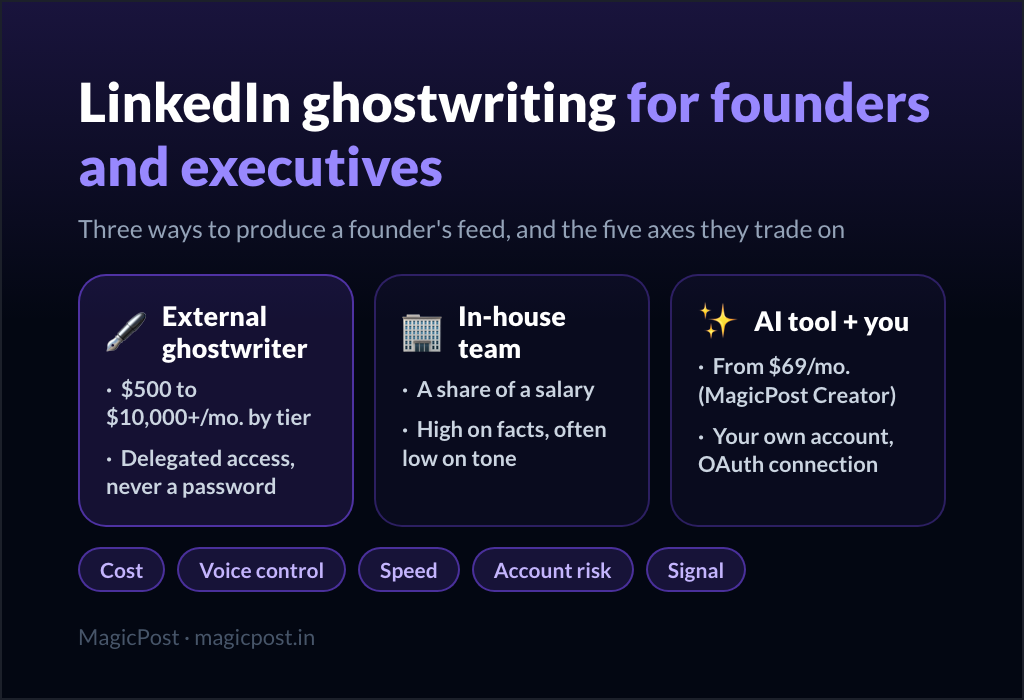
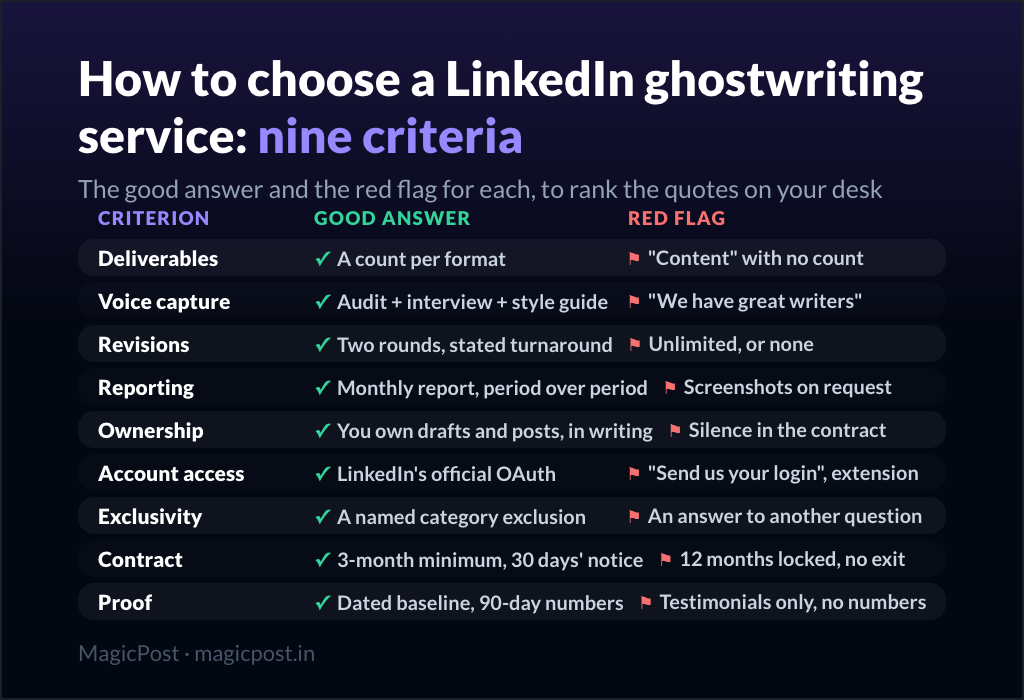
For a founder, the cost is asymmetric. The ghostwriter loses a client; the founder loses the profile their pipeline runs on. That is why the founder's guide to LinkedIn ghostwriting puts account access on the same level as voice and cost when choosing a provider.
How MagicPost keeps LinkedIn ghostwriting inside the rules
MagicPost keeps LinkedIn ghostwriting inside LinkedIn's rules by publishing through the official LinkedIn API as an approved application, with the client authorizing the connection and approving each post.
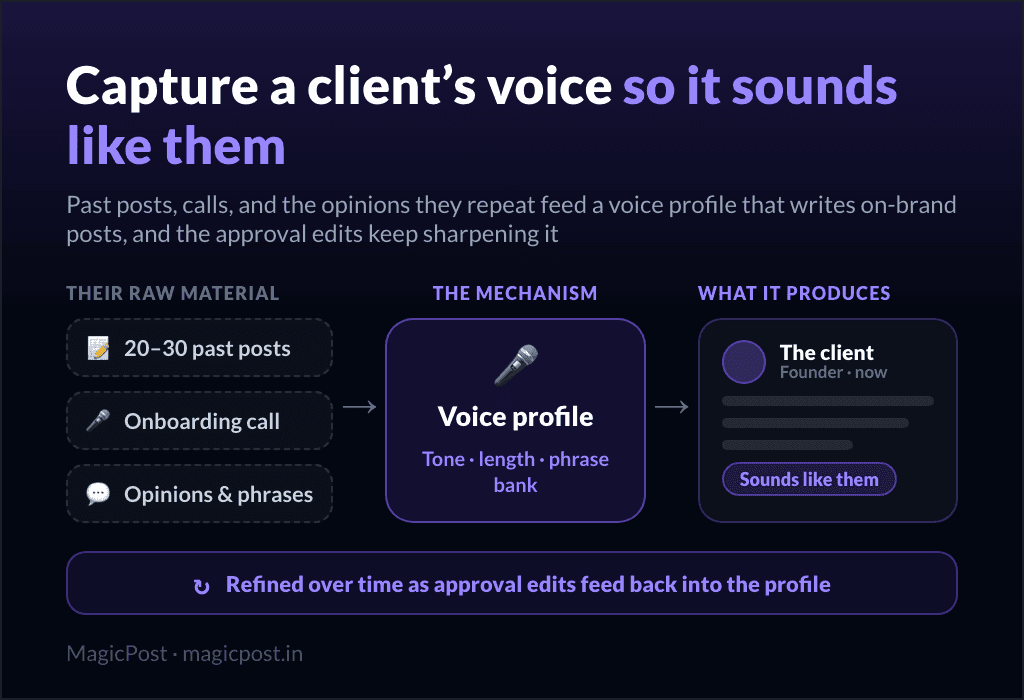
Each client authorizes the connection themselves through OAuth and can revoke it from LinkedIn's settings at any time: no password, no 2FA code and no browser extension at any step. The ghostwriter or agency works from one workspace, with a voice profile and an approval link per client.
The best LinkedIn tools for ghostwriters compares how other tools handle the same question.
See how MagicPost connects client accounts for agencies and ghostwriters →
FAQ
Can someone else post on my LinkedIn for me?
Yes, someone else can post on your LinkedIn for you, provided they do it through an application you authorized with LinkedIn's official OAuth, or you publish the post yourself. What the User Agreement prohibits is sharing your account, so handing over your password is the part that breaks the rules, and the first thing to check when choosing a LinkedIn ghostwriting service.
Is it against LinkedIn's rules to share my password with my ghostwriter?
Yes, sharing your password with your ghostwriter is against LinkedIn's User Agreement. Section 2.2 asks members to "keep it confidential" and to "not share or transfer your account or any part of it", and section 8.2 prohibits any attempt to "use another's account". Delegated access through OAuth avoids the problem.
Is LinkedIn ghostwriting ethical?
LinkedIn ghostwriting is ethical when the ideas and the approval belong to the person whose name is on the post, the same standard applied to speechwriting and op-eds. The ghostwriter supplies structure and consistency. It becomes a problem when the client never reads what goes out under their name.
Can LinkedIn detect ghostwriting?
LinkedIn does not detect ghostwriting, because nothing in the text reveals who typed it. What LinkedIn does detect is account behavior: sign-ins from unfamiliar devices, extension traffic, and automated activity, which are the by-products of password sharing and automation tools rather than of ghostwriting itself.
Can my ghostwriter use a Chrome extension to post for me?
No, a ghostwriter should not use a browser extension to post for you. LinkedIn's help page on prohibited software names "browser extensions that scrape, modify the appearance of, or automate activity on LinkedIn's website" and says their users "risk having their accounts restricted or shut down".
An application approved for LinkedIn's API is the compliant alternative.
Do I have to disclose that my LinkedIn posts are ghostwritten?
No, LinkedIn's User Agreement and Professional Community Policies do not require disclosing that a post was ghostwritten. The rules require that the profile is a real person and that claims about yourself are accurate, so a ghostwritten post stating your genuine views under your own name is inside them.