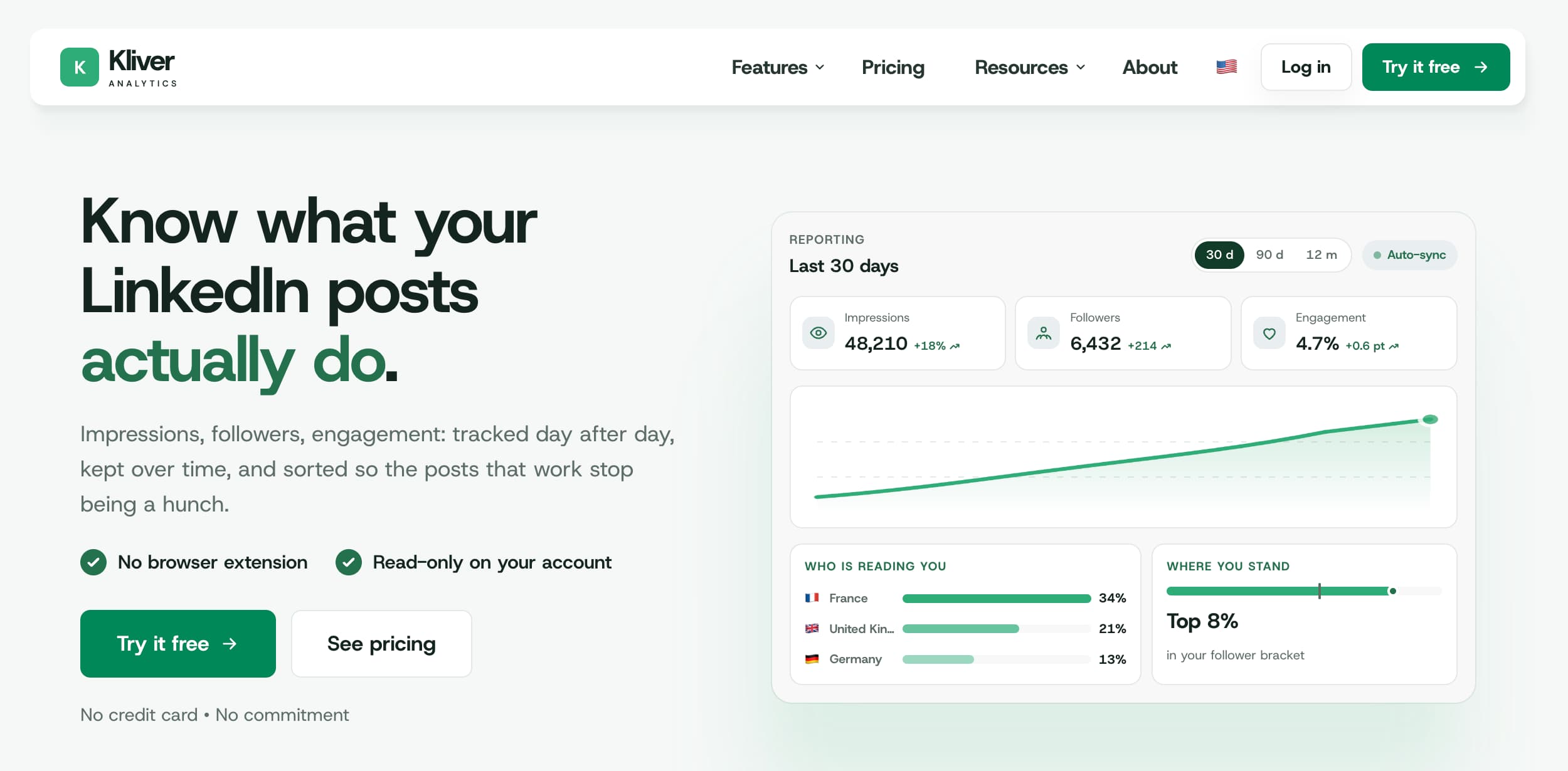
Kliver Analytics measures LinkedIn and does nothing else. That is a real product decision, not a gap, and it is also why people go looking for something else: the moment you need to write, schedule or engage, a measurement tool has run out of scope.
This guide covers the eight alternatives worth considering in 2026, what each one trades away, and the free option most people forget to check first.
The alternatives at a glance
Kliver does one job. These eight are where people go when that job stops being enough.
Tool | Best for | Price/mo | Writes and schedules | LinkedIn connection |
The same analytics inside a full platform | $49 (AI $69) | Yes | Official API, verified partner | |
AuthoredUp | Formatting alongside analytics | $19.95 | Editor only | Chrome extension |
Taplio | An all-in-one | $39 to $199 | Yes | Extension for parts of it |
Metricool | Multi-network dashboards | Free to $67 | Yes | Official APIs, LinkedIn paid only |
Buffer | A free starting point | Free to $5 | Yes | Official API |
SocialSonic | Budget LinkedIn depth | $20 to $200 | Yes | LinkedIn-only |
Supergrow | Writing, not charts | $39 to $199 | Yes | Claims official API |
LinkedIn native | Free, within its limits | Free | Yes | It is LinkedIn |
Why people look for a Kliver alternative
Kliver Analytics is deliberately narrow. It reads one LinkedIn account through the official API, keeps the history, scores each post against your own median and places you in a percentile of your follower bracket. It is read-only and there is no browser extension anywhere in it.
Almost everyone who leaves does it for one of three reasons.
You also need to write and schedule. Kliver never publishes anything, so a second tool is required, and two subscriptions for one LinkedIn account is the most common trigger.
You want more than LinkedIn. Kliver covers one network and has no plan to cover others.
You want history you never synced. Kliver keeps what it reads from your first sync onward; a tool built on an extension can scrape further back, at a risk Kliver does not take.
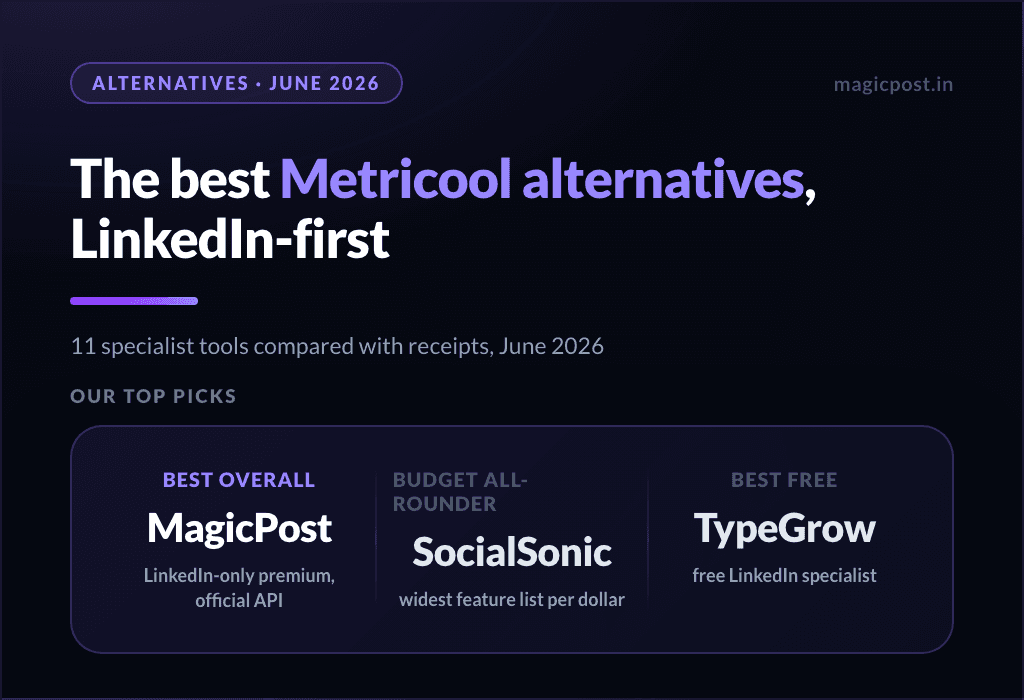
Kliver and MagicPost are built by the same company, the one that publishes this blog. MagicPost is first below because it is the only entry that keeps Kliver’s analytics and adds the rest, which is a real argument and an interested one at the same time. The seven others are here so the page is usable if you disagree.
1. MagicPost: Best if you also need to write and schedule
MagicPost is the platform Kliver was carved out of. Same LinkedIn analytics, plus everything Kliver refuses to do.
You get the metrics, the audience breakdown and the market benchmarks that Kliver sells on its own, and around them an AI writer trained on your voice, a scheduler, engagement lists, lead detection, white-label client reports and an MCP server. The LinkedIn connection is the official API as a verified partner, so the safety argument that makes Kliver worth buying applies here unchanged. If you were about to pay for Kliver plus a writing tool, this is one subscription instead of two.
Key features
The analytics Kliver sells, inside a platform that also publishes.
AI post and idea generation trained on your own writing.
Scheduling, engagement lists and lead detection.
Client workspaces, approval and white-label reports for agencies.
Pros | Cons |
✅ One subscription instead of two | ❌ More product than a pure measurement need requires |
✅ Official API, LinkedIn-verified partner | ❌ Costs more than analytics alone |
✅ Agency workspaces and client approval | ❌ LinkedIn-only, like Kliver |
Plan | Price/mo | Includes |
Growth | $49 | Metrics, benchmarks, scheduling, engagement, leads |
Creator | $69 | Everything, including AI writing and scheduled comments |
Full breakdown: MagicPost review.
2. AuthoredUp: Best for formatting alongside analytics
AuthoredUp is the closest thing to Kliver in scope, with one structural difference: it runs as a Chrome extension.
It reads per-post analytics, offers multi-device previews, readability scoring and a library of hook templates, at $19.95 a month. It also pulls post history from before you installed it, which Kliver cannot do. The trade is the connection: an extension sits inside your LinkedIn session, which is the category of tool LinkedIn has been restricting, and it is what ended Shield Analytics in 2026.
Key features
Per-post analytics with history from before install.
Post editor with multi-device previews.
Readability scoring, 150+ hooks and 100+ CTA references.
CSV export and scheduling up to three months out.
Pros | Cons |
✅ History from before you installed it | ❌ Chrome extension, so account risk by definition |
✅ A genuine writing and formatting editor | ❌ No AI generation |
✅ Cheaper than most all-in-ones | ❌ No market benchmark to compare against |
Plan | Price/mo | Includes |
Individual | $19.95 | 1 profile, analytics, editor, scheduling |
Business | $14.95/profile | 3+ profiles, team analytics |
Full breakdown: AuthoredUp alternatives.
3. Taplio: Best for an all-in-one
Taplio bundles AI writing, scheduling, a lead database and analytics in one place.
It is the broadest tool in the LinkedIn category and priced accordingly, from $39 to $199 a month. The analytics are a component rather than the point, so they are shallower than Kliver’s: no percentile benchmark, no per-format median for your follower bracket. Parts of the product run through a Chrome extension, which its own support documentation describes as an automation tool under LinkedIn’s terms.
Key features
AI post generation and a content calendar.
A searchable lead and creator database.
Engagement and outreach workflows.
Analytics as one module among many.
Pros | Cons |
✅ The widest feature set in the category | ❌ Entry tier ships without AI credits |
✅ Strong content inspiration library | ❌ Extension-based for part of the product |
✅ One tool for writing and outreach | ❌ Analytics thinner than a specialist tool |
Plan | Price/mo | Includes |
Starter | $39 | Scheduling, limited AI |
Growth | $69 | 250 AI credits and lead database |
Pro | $199 | Team seats and outreach |
Full breakdown: Taplio alternatives.
4. Metricool: Best for multi-network dashboards
If the reason you are leaving Kliver is that LinkedIn is not your only network, Metricool is the straightforward swap.
It manages and measures nine networks from one dashboard, with the strongest analytics culture among the budget generalists. The catch is written on its own pricing page: the free plan covers every network it supports except LinkedIn and X. LinkedIn is the network it charges for first, and the one it covers least deeply. You get breadth and lose the LinkedIn benchmark entirely.
Key features
Nine networks in one dashboard.
Scheduling, inbox and reporting across all of them.
Competitor tracking on several networks.
Brand-based pricing that scales to agencies.
Pros | Cons |
✅ Genuine multi-network coverage | ❌ Free plan excludes LinkedIn by name |
✅ Good support record | ❌ No LinkedIn market benchmark |
✅ Reporting built for client work | ❌ Cross-network depth, not LinkedIn depth |
Plan | Price/mo | Includes |
Free | $0 | Every network except LinkedIn and X |
Starter | $25 | LinkedIn included, 5 brands |
Advanced | $67 | More brands and team seats |
Full breakdown: Metricool alternatives.
5. Buffer: Best for a free starting point
Buffer is the cheapest way to stop paying for analytics entirely, as long as you accept how shallow the reporting is.
The free plan includes LinkedIn with a queue ceiling, and paid plans start at $5 per channel. It connects through the official API and it schedules well. What it does not do is tell you whether a number is good: there is no benchmark, no percentile, no per-format comparison for your follower size. It answers what happened, never whether it went well.
Key features
Free tier that includes LinkedIn.
Clean scheduling queue across networks.
Official API connection.
Simple engagement reporting.
Pros | Cons |
✅ A real free tier | ❌ Reporting stops at the surface |
✅ Official API, no extension | ❌ No LinkedIn benchmark of any kind |
✅ Cheap per channel as you grow | ❌ Built for scheduling, not for analysis |
Plan | Price/mo | Includes |
Free | $0 | 3 channels, limited queue |
Essentials | $5/channel | Full scheduling and basic analytics |
Full breakdown: Buffer alternatives.
6. SocialSonic: Best for budget LinkedIn depth
SocialSonic covers more LinkedIn ground than its price suggests, analytics included.
It is LinkedIn-only like Kliver, but it also writes and schedules, from around $20 a month up to $200 for team tiers. The analytics are broader than Buffer’s and narrower than Kliver’s: you get your numbers and trends, without the percentile ranking that tells you where those numbers sit for someone your size.
Key features
LinkedIn-only feature set at a budget price.
AI writing and scheduling included.
Analytics and trend reporting.
Team tiers without an enterprise contract.
Pros | Cons |
✅ Wide feature set for the price | ❌ No market benchmark |
✅ LinkedIn-only focus | ❌ Less depth per feature than specialists |
✅ Team plans that stay affordable | ❌ Younger product with a thinner review record |
Plan | Price/mo | Includes |
Starter | $20 | One profile, AI and scheduling |
Team | $200 | Multiple profiles and collaboration |
Full breakdown: SocialSonic alternatives.
7. Supergrow: Best when the bottleneck is writing
If you are leaving Kliver because reading the numbers was never the hard part, Supergrow answers the other half.
Where Kliver reads, Supergrow writes: voice training on your past posts, AI interviews, voice-to-post, repurposing, and calendar or queue scheduling, at $39 a month with a team plan at $199. Its analytics are the most repeated criticism in its own public reviews, so treat this as a swap of one strength for another rather than an upgrade.
Key features
Voice training on your existing posts.
AI interviews that turn talking into drafts.
Repurposing from video, blogs and PDFs.
Calendar, queue and Kanban scheduling.
Pros | Cons |
✅ A writing system, not a prompt box | ❌ Analytics flagged by its own reviewers |
✅ Real scheduling with a team plan | ❌ Official API claimed by the vendor, not verified |
✅ Affordable entry tier | ❌ No free tier |
Plan | Price/mo | Includes |
Pro | $39 | Full writing suite and carousels |
Teams | $199 | 5 accounts and approvals |
Full breakdown: Supergrow alternatives.
8. LinkedIn native analytics: Best for free, within its limits
Before paying anyone, check what LinkedIn already hands you for nothing.
Your own dashboard reports impressions, members reached, engagement rate, reaction breakdowns, profile views, search appearances and follower demographics by job title, industry and location. What it does not do is keep any of it: the window is rolling, roughly twelve months, and once a period falls out you cannot get it back. There is also no comparison of any kind, so a number never comes with a verdict.
Key features
Per-post impressions, reach and engagement rate.
Follower demographics by title, industry and location.
Profile views and search appearances.
Free for every LinkedIn member.
Pros | Cons |
✅ Free and already switched on | ❌ Rolling window, history is lost |
✅ First-party data with no intermediary | ❌ No benchmark and no comparison |
✅ Nothing to install and nothing to connect | ❌ No export beyond manual screenshots |
Plan | Price/mo | Includes |
Free account | $0 | Post and audience analytics, rolling window |
Premium | From $29 | Longer profile-view history, no extra post data |
Full breakdown: the LinkedIn analytics guide.
How to choose the best Kliver Analytics alternative for LinkedIn
Do you publish from the tool, or only read it? If you publish elsewhere and only want the numbers, Kliver already fits and none of these is an upgrade. If you publish from the tool, you want a platform, not an analytics product.
How does it connect to LinkedIn? An official API connection and a Chrome extension are not the same purchase. Shield had 10,000 customers and a good product, and the extension is what ended it. Ask the question before the feature list.
Do you need a number, or a verdict? Most tools tell you your impressions. Very few tell you whether that figure is good for an account your size. If the second one is what you are paying for, the list of candidates gets short quickly.
Leaving Kliver for the Half It Never Had
Kliver is a good measurement tool and a deliberately incomplete one. People outgrow it when they need the writing, the scheduling and the engagement it was never going to add.
MagicPost is the one entry on this list that keeps Kliver’s analytics and its official-API connection, and puts an AI writer, a scheduler, engagement lists, lead detection and white-label client reports around them. Same company, same data, one subscription. If you only ever wanted the numbers, stay on Kliver. If you want the writing and the scheduling too, MagicPost is the swap that does not cost you the analytics.
FAQ
What is the best Kliver alternative?
It depends on what Kliver was missing. If you also need to write and schedule, MagicPost keeps the same analytics and adds the platform around them. If you need more than LinkedIn, Metricool. If you want post formatting, AuthoredUp, with the extension caveat.
Is there a free alternative to Kliver?
LinkedIn’s own analytics are free and cover more than people assume: impressions, reach, engagement rate, follower demographics. The limits are that the window rolls at about twelve months and nothing is ever compared to anything, so nothing tells you whether a figure is good.
Why does Kliver not publish posts?
By design. The LinkedIn connection is read-only, which means nothing can be published from your account, by Kliver or by anyone who gains access to it. Publishing would require write access and a different risk profile.
Can I use Kliver and a writing tool together?
Yes, and plenty of people do. It is worth pricing it against a single platform first: two subscriptions on one LinkedIn account often costs more than one tool that covers both halves.
Does any alternative keep history from before I signed up?
AuthoredUp does, because its Chrome extension can read further back. That extra history is the upside of the extension model; account risk is the downside, and it is the same model that ended Shield Analytics.
Is Kliver the same product as MagicPost?
No. They are built by the same company and read the same kind of LinkedIn data, but MagicPost is a full content platform with these analytics inside it, while Kliver is the measurement side sold on its own.